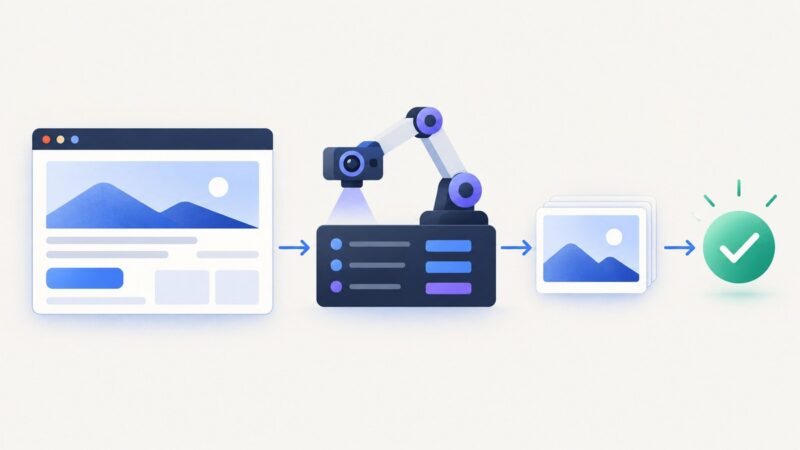
How to Print a Webpage Without Images Using CSS and Browser Print Settings
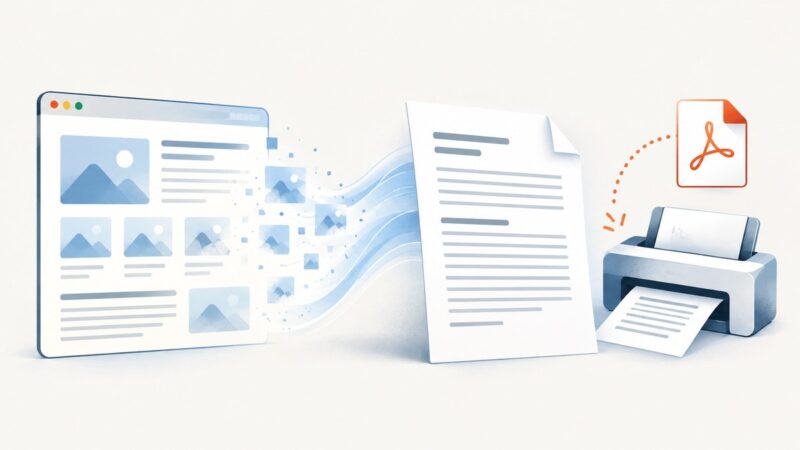
Remove webpage images for cleaner paper or PDF output with print CSS, Firefox and Edge settings, troubleshooting, and an API option.
Remove webpage images for cleaner paper or PDF output with print CSS, Firefox and Edge settings, troubleshooting, and an API option.
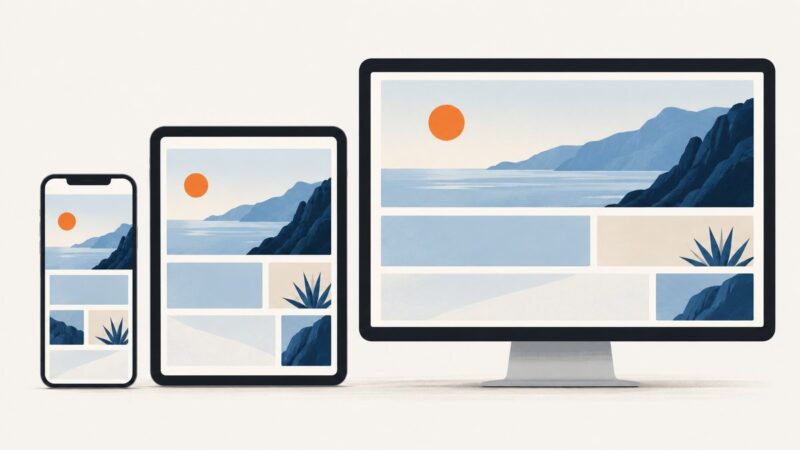
Build a website that adapts to phones, tablets, desktops, zoom and larger text with flexible layouts, content-led breakpoints and a repeatable test process.
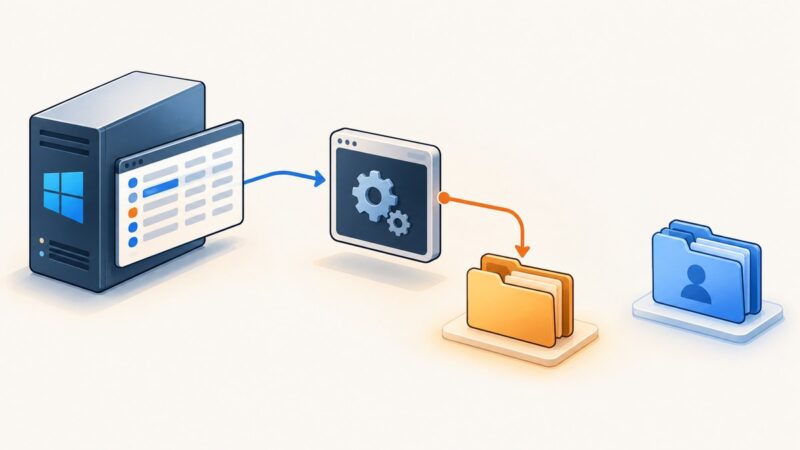
Set Puppeteer’s temporary directory for a PM2-managed Windows app with PUPPETEER_TMP_DIR, then apply it safely and distinguish temp files from Chrome profiles.
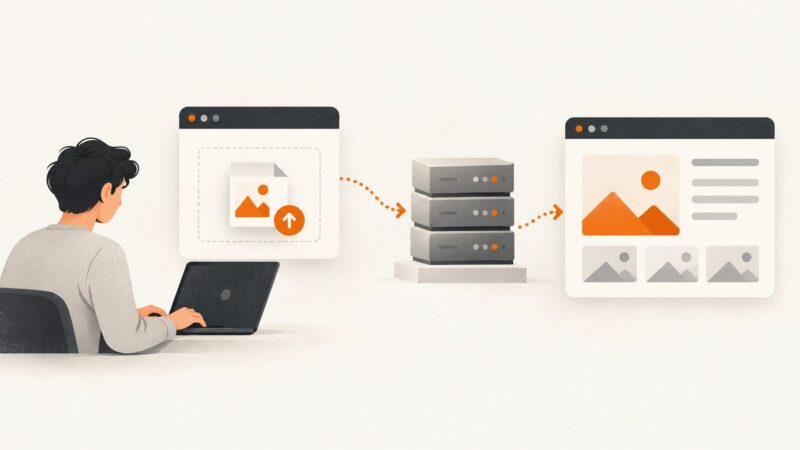
Learn how to upload a JPEG through a CMS or custom form, validate it securely, troubleshoot failures, and automate image workflows.
Diagnose Puppeteer launch failures on Ubuntu 16.04 EC2 by reading Chromium stderr, checking libraries, sandboxing, paths, and display settings.
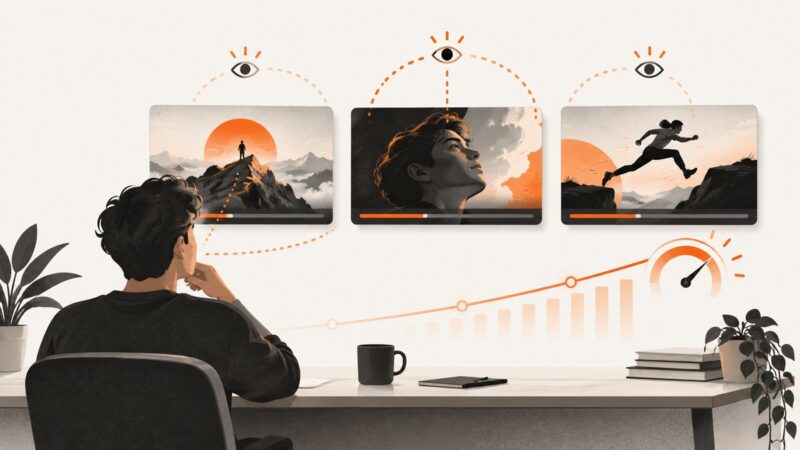
Use YouTube Studio to test up to three thumbnails, read watch-time results correctly, and avoid the mistakes that make experiments inconclusive.
If website images won’t load on your iPad, first check whether the problem affects one site or several. Then work through network, VPN, Safari and site-specific checks.
Capture reliable browser screenshots in Vitest with Playwright, diagnose failures, and choose between artifacts and visual regression baselines.
Learn how to upload custom thumbnails for YouTube videos and Shorts, meet image limits, fix errors, and prepare better preview images.
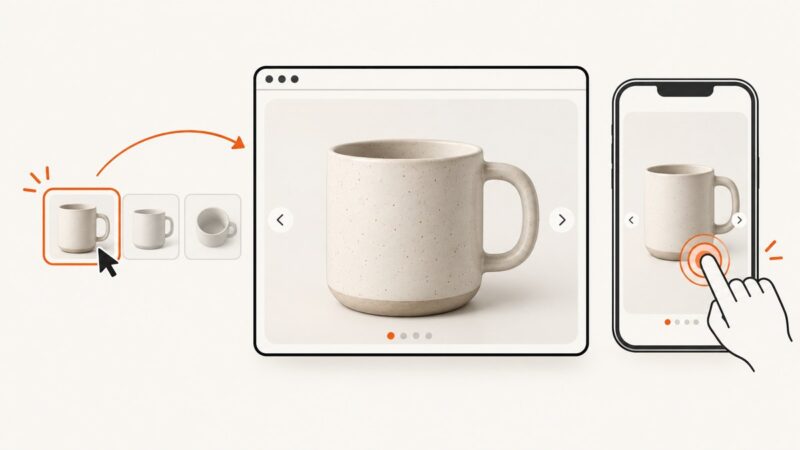
Build an accessible website image zoom effect with responsive CSS, keyboard support, touch controls, lightboxes, testing guidance, and a ScreenshotNeo shortcut.
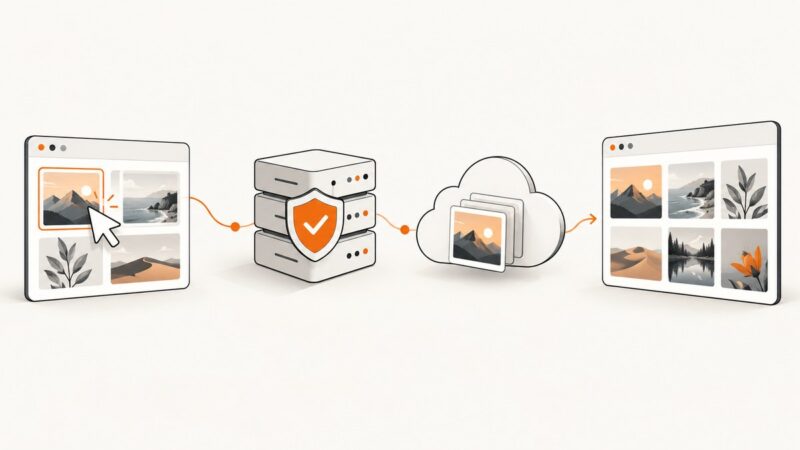
Build a reusable image upload page with a working form, preview and progress feedback, plus a secure backend and storage plan.
Capture a sharp still from a YouTube video at the moment you need. Compare an in-player extension, a local-video tool, and a simple screen capture.
Add whitespace to a Playwright screenshot with CSS before capture or Sharp after capture. Includes runnable code, sizing, formats, and fixes for common issues.
Diagnose Puppeteer and Chrome mismatches separately from slow PDF rendering and Firebase deadlines, then check the deployed runtime, browser, and function resources.
Learn how to validate Playwright screenshots with stable baselines, masks, thresholds, diffs, CI practices, and practical fixes for flaky visual tests.
Learn what Chrome and Firefox can remove before printing, how to save a clean PDF, and what to try when inline images remain.
Block image requests in Chrome DevTools or Playwright with reliable rules, verification steps, service-worker caveats, and runnable code.
Choose CSS or device pixels in Playwright, understand DPR, align assertions, and avoid unexpectedly large or mismatched screenshot files.