How to Use Browser Tools MCP with Trae
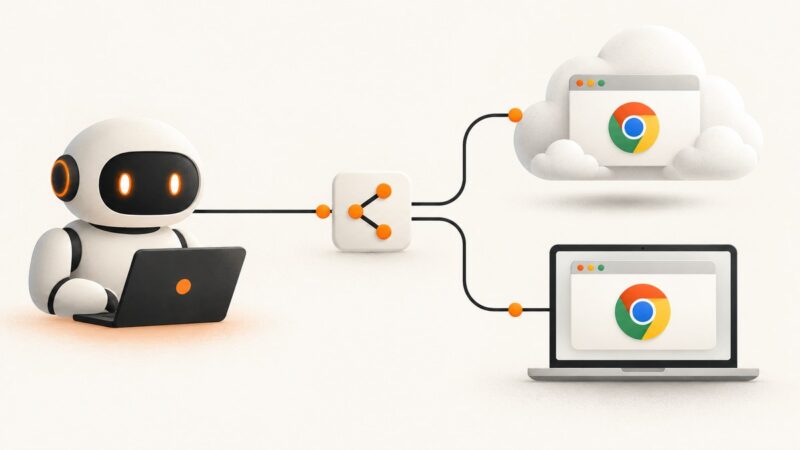
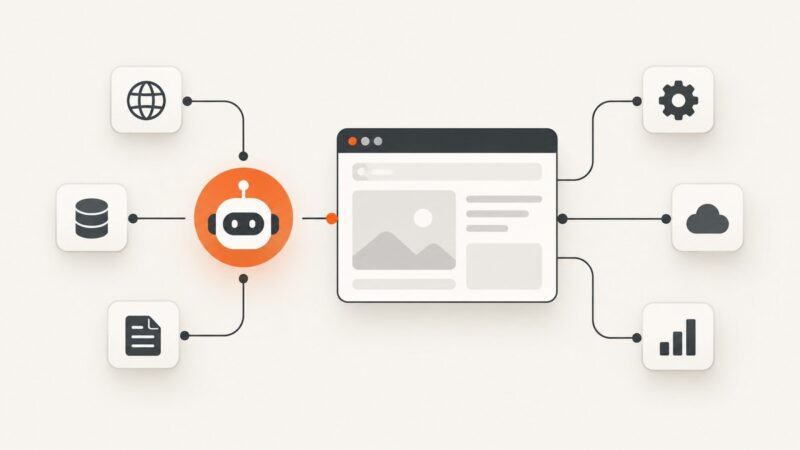
Set up Trae’s built-in browser, external Chrome, or Playwright MCP, then troubleshoot permissions, profiles, and safe browser automation.
Set up Trae’s built-in browser, external Chrome, or Playwright MCP, then troubleshoot permissions, profiles, and safe browser automation.
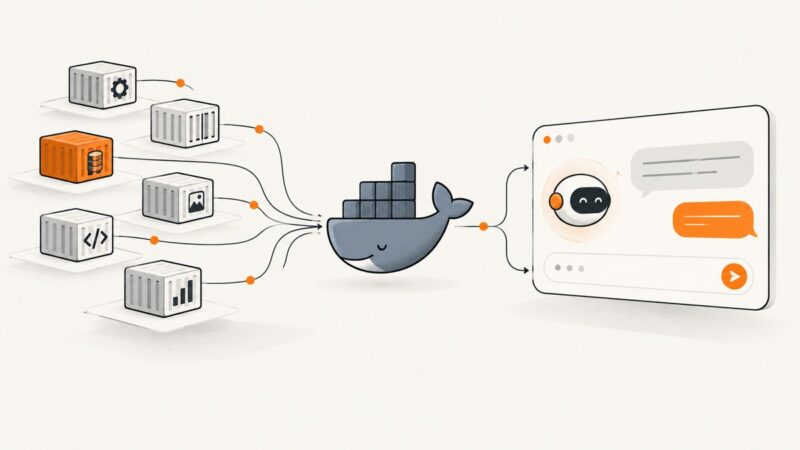
Connect Docker MCP Toolkit to Claude Desktop or Claude Code with profiles, CLI commands, manual JSON, verification steps, and fixes for common errors.
Find trustworthy MCP servers for Cursor, compare local and remote options, install them safely, and troubleshoot common connection problems.
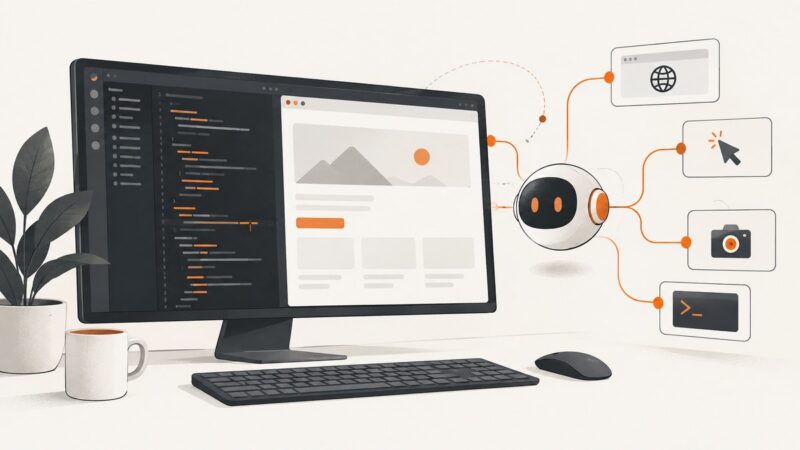
Use VS Code’s built-in browser tools with agents, add external MCP servers when needed, and test web apps through repeatable browser workflows.
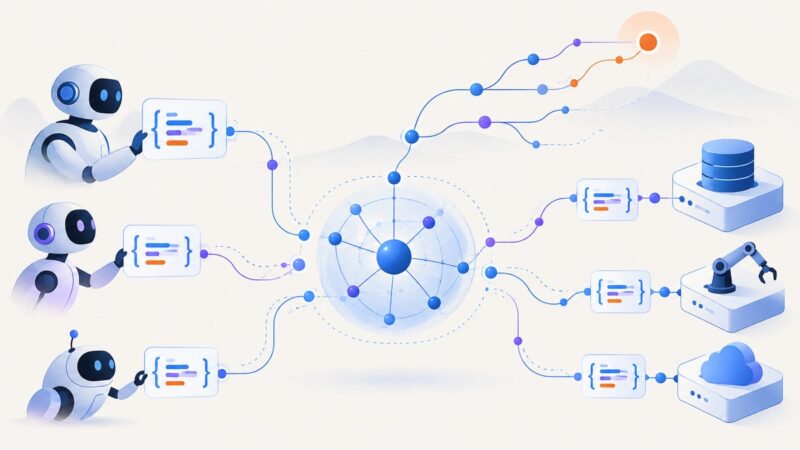
MCP is active, but compatibility and deployment changed. Learn what the 2026-07-28 release means for servers, clients, state, and security.
Connect Codex to Browser Use with hosted MCP, local stdio, or the documented CLI skill workflow—and choose the right browser runtime.
Connect an MCP client to Stack Overflow, authenticate safely, use its tools, handle limits, and troubleshoot common setup problems.
Connect Cursor to local or remote MCP servers, configure authentication, approve tools, and troubleshoot missing integrations with this complete guide.
Connect a web-capable MCP server to Claude Code, verify its tools, choose the right scope, and fix common connection problems.
Set up Chrome DevTools MCP in Codex, connect Chrome sessions safely, use browser debugging tools, and understand configuration, limits, and fixes.
Set up Chrome DevTools MCP, connect it to a fresh or existing Chrome session, and troubleshoot the browser access choices that matter.
Install, configure, inspect, and safely invoke Agent-Browser plugins by capability, with runnable commands, troubleshooting, and a ScreenshotNeo alternative.
Connect Agent360 Browser MCP to Claude Code with the Chrome extension, verify it, fix connection errors, and use it safely.
Connect an AI assistant to Playwright MCP, choose the right browser session, run tasks safely, and capture clean screenshots with ScreenshotNeo.
Learn the two Agent-Browser products, install each one, automate the CLI from Python, use the hosted SDK, and capture reliable screenshots.
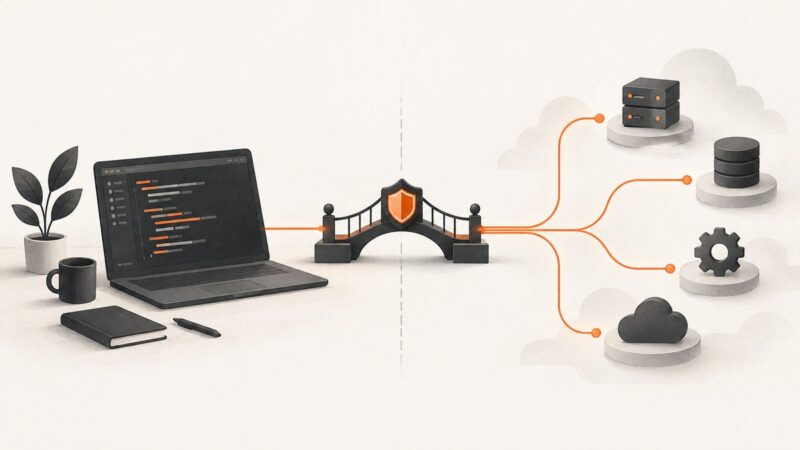
Learn how MCP hosts, clients, and servers fit together, then build, connect, secure, test, and deploy an MCP server for AI agents.
A practical guide to choosing and safely using AI coding assistants for planning, coding, testing, browser debugging, and deployment.
MCP is open source, but each server has its own license, deployment model, dependencies, and security terms. Learn how to evaluate one safely.