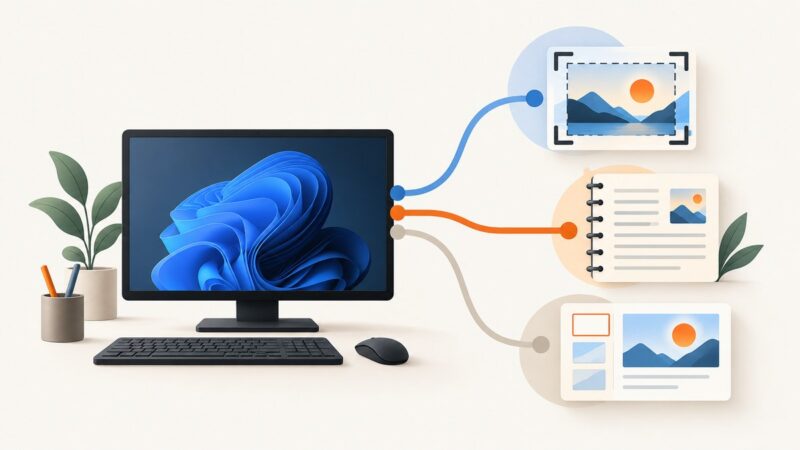
The Best Microsoft Apps for Taking Screenshots
For most Windows 11 users, Snipping Tool is the best screenshot app. Choose OneNote or a Microsoft 365 app when where the image needs to go matters more.
Taking screenshots on Windows, Mac, iPhone, Android and in the browser.
For most Windows 11 users, Snipping Tool is the best screenshot app. Choose OneNote or a Microsoft 365 app when where the image needs to go matters more.
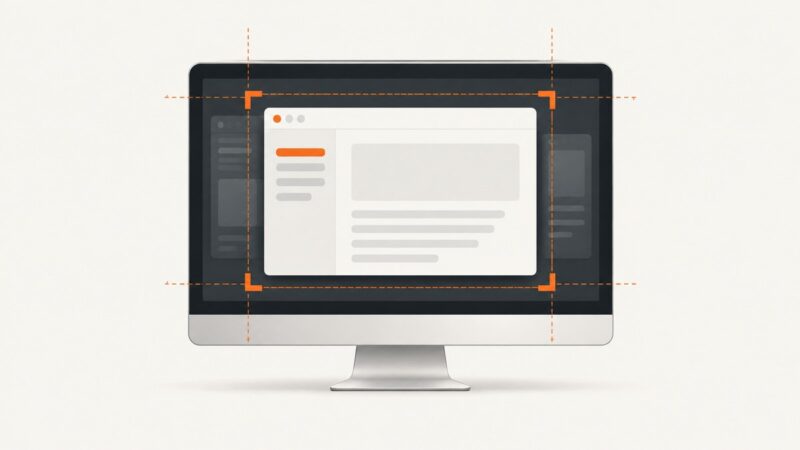
Capture just the active window with Alt+Print Screen, or select a window in Snipping Tool. Learn how to paste, edit, save, and troubleshoot the result.
Compare Snipping Tool, Mac Screenshot, and paid capture apps, then learn reliable workflows for screenshots, recording, annotation, and automation.
Screenshots have no verified invention date. Learn what early displays, GUIs, digital images, and surviving evidence can—and cannot—prove.
A practical guide to Windows, Mac, browser and API screenshot tools, with capture choices, troubleshooting and runnable ScreenshotNeo examples.
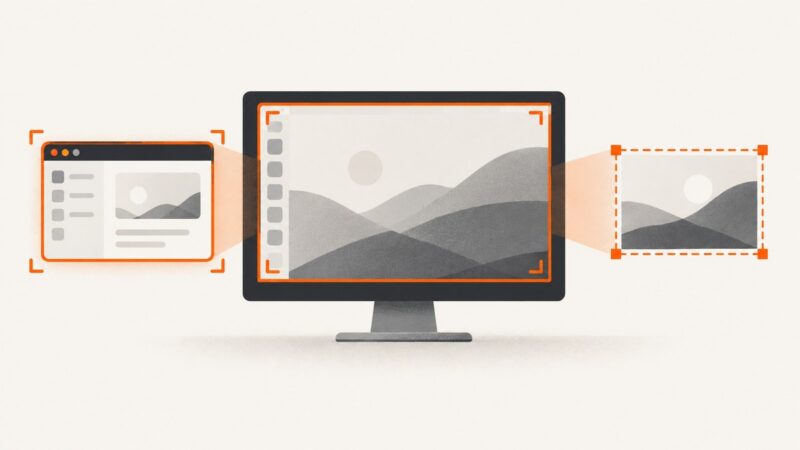
Capture exactly one monitor on Windows, Mac, Chromebook, or GNOME Linux with region selection, troubleshooting, and automation options.
Capture every monitor, one display, a window, or a selected region on Windows, macOS, and Ubuntu, then save and troubleshoot the result.
Capture both displays in one image on Windows or macOS, choose exact bounds, and troubleshoot split or extra-wide screenshots.
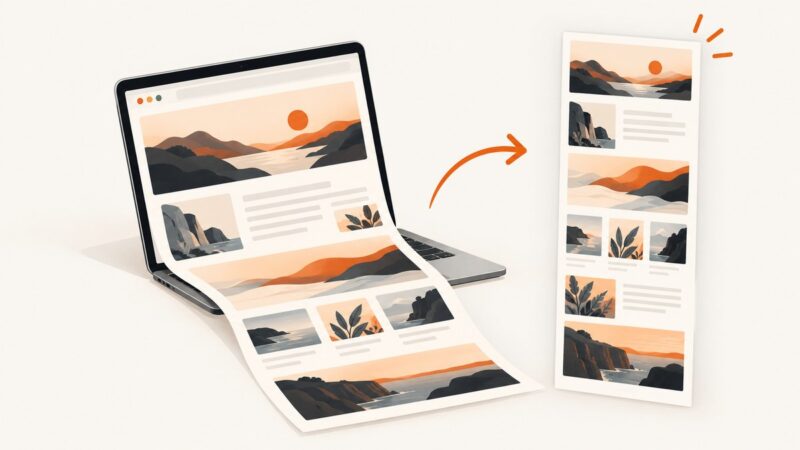
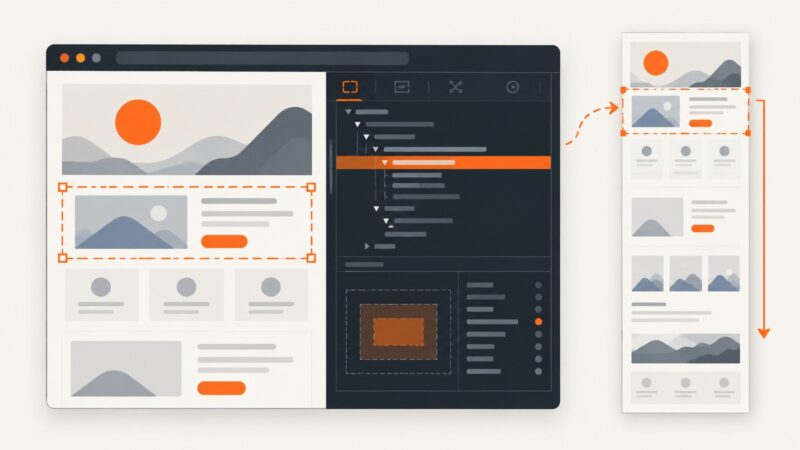
Capture an entire webpage beyond the viewport in Edge, Firefox, or Chrome, troubleshoot difficult pages, and automate clean screenshots with ScreenshotNeo.
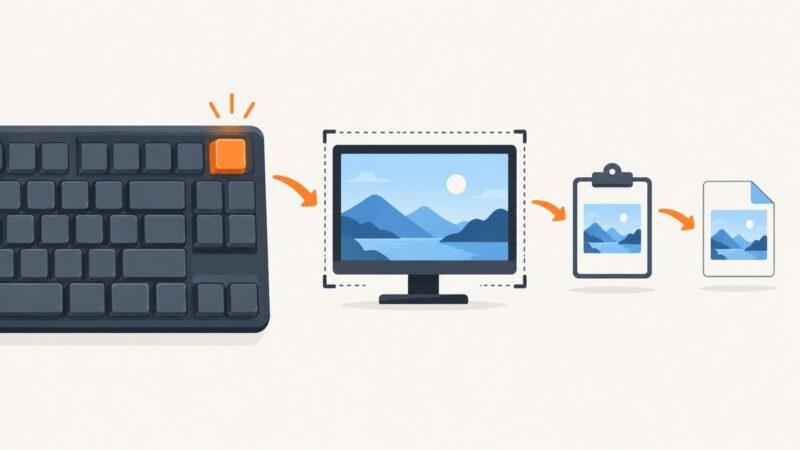
Learn every Print Screen shortcut in Windows, where captures go, how to save or edit them, and what to do when PrtScn does not work.
Compare Safari screenshot extensions, capture full pages, fix access problems, and automate reliable webpage screenshots with ScreenshotNeo.
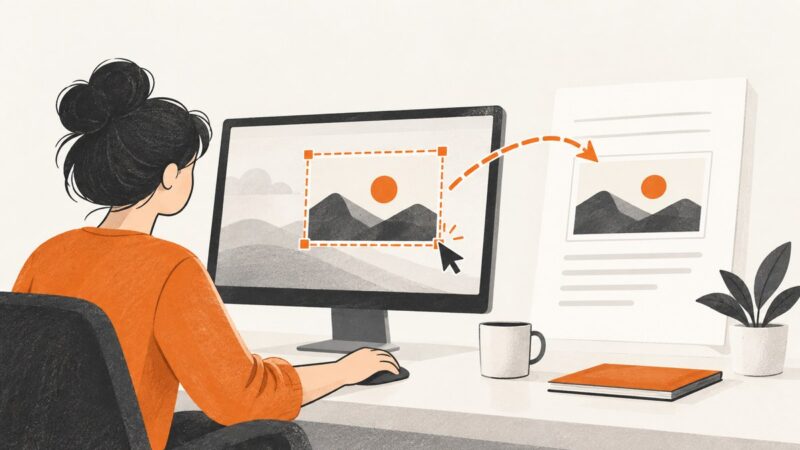
Use Windows+Shift+S on Windows or Control+Shift+Command+4 on Mac to capture a selected area and paste it into another app.
Capture an entire webpage on Windows with Edge, Firefox, Snipping Tool, ShareX, PicPick, or ScreenshotNeo, plus fixes for common problems.
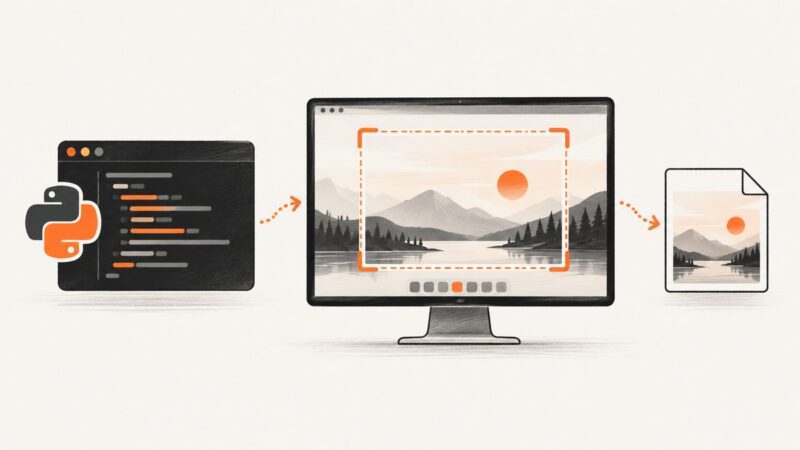
Capture one application window with PyAutoGUI by finding its screen bounds, then saving a screenshot of that region. Includes Windows, macOS, Linux, and troubleshooting guidance.
Learn every Chrome screenshot shortcut and DevTools method for viewport, full-page, area, and element captures, plus an automated API option.
Capture your whole monitor, a window, or a selected area on Windows, macOS, and GNOME Linux, then save or copy the image.
Capture full screens or precise regions with PyAutoGUI, save PNG files, fix Linux dependencies, and automate reliable screenshot workflows.
Capture only the page in your current browser tab with Firefox, Edge, Chrome extensions, or a screenshot API.