How to Capture a Full Web Page in Windows 10
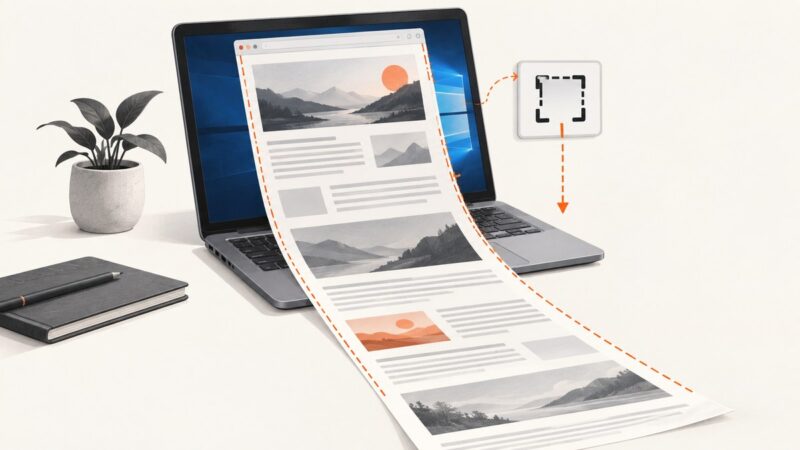
Capture an entire scrolling webpage in Windows 10 with Edge Screenshot, compare alternatives, fix common issues, and automate captures with ScreenshotNeo.
Taking screenshots on Windows, Mac, iPhone, Android and in the browser.
Capture an entire scrolling webpage in Windows 10 with Edge Screenshot, compare alternatives, fix common issues, and automate captures with ScreenshotNeo.
Find the right full-page screenshot shortcut for Edge, Firefox, Chrome and iPhone Safari, plus reliable automation options.
Capture an entire webpage in Chrome, save it as PNG or PDF, fix common problems, and automate reliable screenshots with ScreenshotNeo.
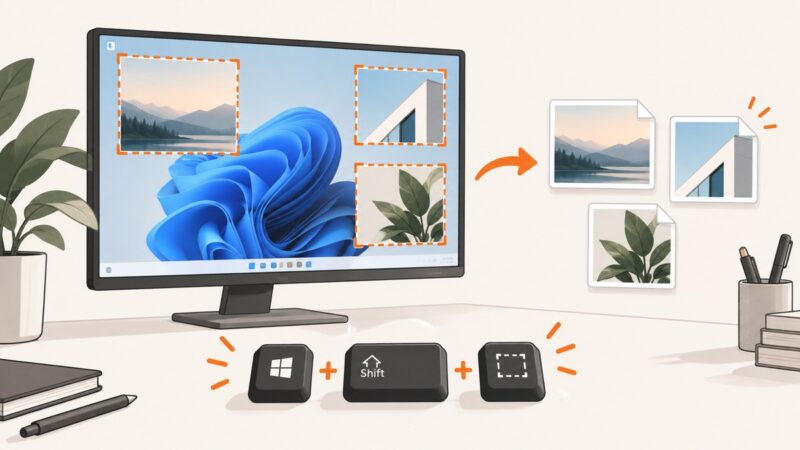
Use Windows screenshot shortcuts to capture a region, window, full screen, or video, then edit, save, and troubleshoot the result.
Capture your screen on Windows, Mac, iPhone, Android, or Chromebook, find the saved image, and print it with the right settings.
Capture an entire webpage on a MacBook with browser tools, Safari options, and an API workflow for reliable full-page screenshots.
Compare Edge’s built-in screenshot, extensions, and a developer API for full-page captures, annotation, recording, privacy, and automation.
Learn every MacBook screenshot shortcut, how to save or copy captures, fix common problems, and automate website screenshots with ScreenshotNeo.
Use built-in shortcuts on Windows, Mac, or Chromebook to capture your screen without a Print Screen key.
Capture an email on Windows or Mac with built-in screenshot tools. Choose the right area, save or paste the image, and check it for private details.
Capture a single monitor on Windows 11 with Snipping Tool, save or copy it, fix common multi-display problems, and automate clean captures with ScreenshotNeo.
Capture a whole webpage in Vivaldi on desktop or Android, choose an output format, and troubleshoot long or incomplete captures.
Use Windows+Shift+S to select an area on one monitor, or choose Window to capture a single app. Learn where screenshots go and how to fix common snipping issues.
Record your full desktop from Chrome with Loom or Screencastify, capture audio and webcam correctly, fix common problems, and know when a desktop app is required.
Use Snipping Tool to capture and save several regions or windows in Windows 10. Learn the shortcuts, where screenshots go, and how to fix common capture problems.
Capture a region, window, or full screen on Windows with the right shortcut. Learn where screenshots go, how to save and annotate them, and how to capture menus.
Learn the fastest way to capture a selected area on Windows, Mac, Chromebook and iPhone, plus browser, troubleshooting and automation options.
Capture a visible area, browser window, or an entire scrolling webpage with Edge, Firefox, macOS shortcuts, or one API request.