How to Fix Puppeteer PDFs with Blank Pages When Using Chart.js
Diagnose blank Chart.js canvases separately from blank PDF pages. Wait for chart readiness, then check Puppeteer’s print layout and PDF options.
Blog
How to take clean screenshots, turn HTML into images and PDFs, run headless browsers, and give AI agents eyes. Written by the team that builds ScreenshotNeo.
Diagnose blank Chart.js canvases separately from blank PDF pages. Wait for chart readiness, then check Puppeteer’s print layout and PDF options.
Learn reliable ways to render HTML as JPG, JPEG, PNG, or WebP with Playwright, Puppeteer, html2canvas, wkhtmltoimage, and ScreenshotNeo.
Use your browser’s Print preview to save a webpage as a PDF, check missing images and background artwork, and choose an image capture when layout matters most.
Choose hero image sizes, crops, formats, and loading strategies that stay readable, fast, accessible, and stable on every screen.
Puppeteer can emulate a device viewport, but it does not add a decorative bezel. Capture the page, then composite the screenshot into a frame.
Capture a landing page as an image, PDF, or archive with browser steps, automation options, troubleshooting, and ScreenshotNeo code.
Render HTML in VS Code with Playwright, save reliable PNGs, troubleshoot missing assets, and skip browser setup with ScreenshotNeo.
Capture an entire webpage beyond the visible browser window, choose an image or PDF, and learn practical workflows for Edge, Firefox, and automated captures.
Learn how to save any rendered HTML page as a JPG using browser tools, Puppeteer, html2canvas, or ScreenshotNeo—with fixes for common failures.
Convert rendered HTML to PDF with Chrome Headless or Puppeteer. For JPG, capture the page as PNG, then convert the image format.
Find the pending Puppeteer promise, fix intercepted requests and navigation races, and choose a wait condition that matches your page.
Save a webpage from Chrome on Android as a PDF using the built-in print menu. Follow the steps, find the file, and troubleshoot common snags.
Capture the live HTML after JavaScript renders with Playwright or Selenium. Learn when to wait, how to handle frames and shadow DOM, and how to save a portable archive.
Save a rendered webpage as a PNG with Firefox, Playwright, cURL, Python, Node.js, and ScreenshotNeo—with full-page, element, and troubleshooting guidance.
Save a visible or full Safari webpage on iPhone, understand Mac’s limits, export PDFs correctly, and automate clean captures with ScreenshotNeo.
Diagnose Puppeteer navigation timeouts, eliminate click races, choose the right wait condition, and make browser automation reliable.
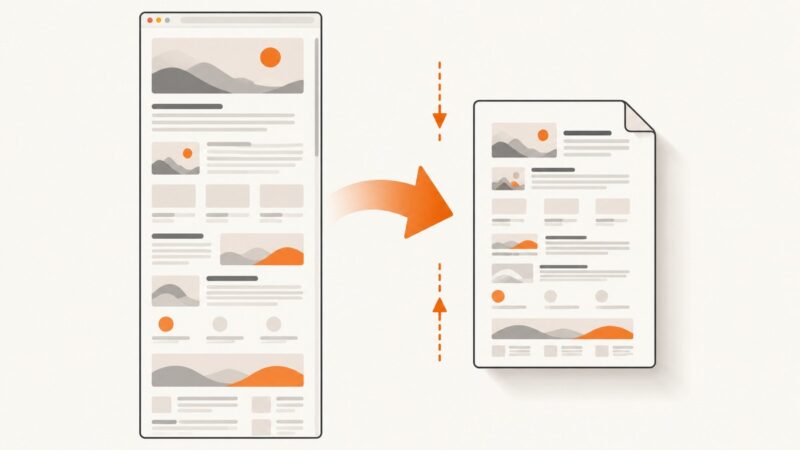
Learn how to fit a webpage onto one readable PDF page using print preview, browser settings, CSS, automation, and ScreenshotNeo.
Type punctuation, Unicode, modifiers and named keys reliably in Puppeteer with runnable JavaScript examples, debugging steps and production guidance.