How to Capture a Screenshot of an Email on a Computer
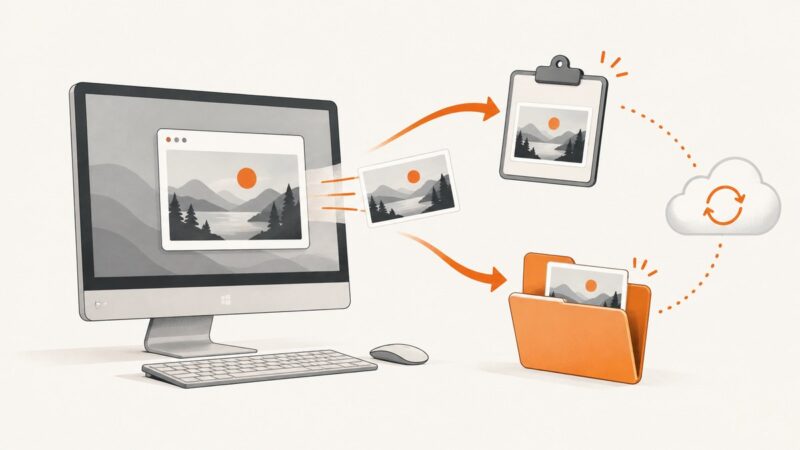
Capture an email on Windows or Mac with built-in screenshot tools. Choose the right area, save or paste the image, and check it for private details.
Blog
How to take clean screenshots, turn HTML into images and PDFs, run headless browsers, and give AI agents eyes. Written by the team that builds ScreenshotNeo.
Capture an email on Windows or Mac with built-in screenshot tools. Choose the right area, save or paste the image, and check it for private details.
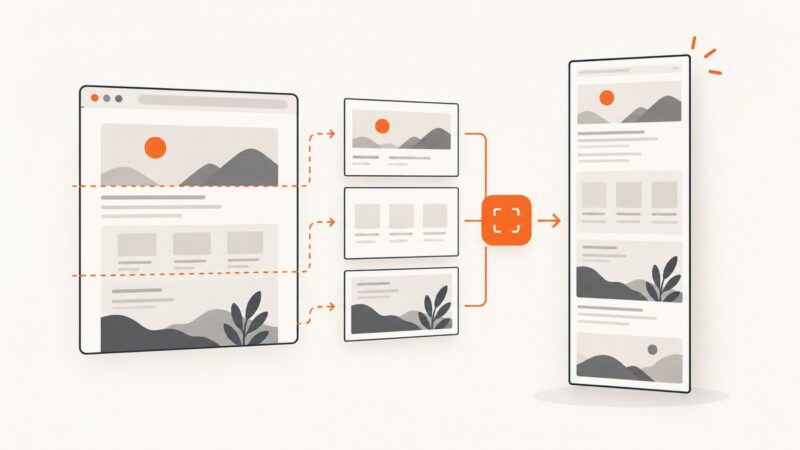
Fix headful Puppeteer full-page screenshot flicker, viewport changes, and layout shifts with the right options and diagnostics.
Resize first, compress second, and verify the result with free tools. This guide covers Squoosh, WebP, AVIF, responsive images, ImageMagick, and testing.
Learn the reliable way to save a complete Google Doc, why image capture can fail, and how to turn a Doc into a clean screenshot or PDF.
A Windows screenshot may be copied to the clipboard without becoming a file. Find it, check Snipping Tool’s save folder, and troubleshoot OneDrive sync.
Learn how screenshot OCR works, which tools preserve layout, and how to extract text privately with Google Vision, Azure, or local workflows.
Save a page to the Wayback Machine with Save Page Now, verify the archived result, and learn what a one-time capture does—and doesn’t—preserve.
Use matchMedia() to detect a dark color preference in JavaScript, respond to changes, and choose when CSS alone is enough.
Fix Puppeteer's Missing X server or $DISPLAY error with headless Chromium, a real display, or Xvfb—plus Docker troubleshooting and reliable alternatives.
A blank CAPTCHA can come from your browser, an extension, a blocked provider script, or the site’s integration. Use this checklist to find the failing layer and fix it.
Learn to automate HTML login forms, JavaScript dialogs, and HTTP authentication challenges with Puppeteer, with selectors, waits, errors, and secure patterns.
Explore website image maker examples for editing photos, creating graphics, converting formats and placing assets in designs, plus practical tips for web-ready images.
Learn how to mirror a website for offline browsing with Wget or HTTrack, preserve assets and links, scope the crawl, and handle common failures.
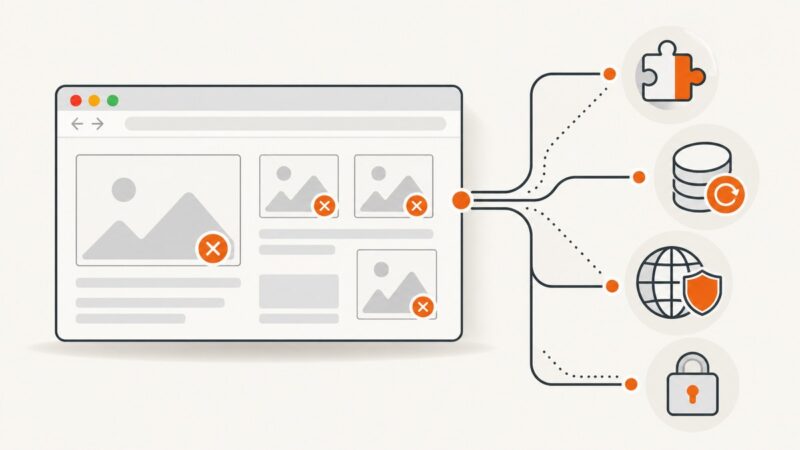
Find out why images fail in Chrome, isolate the cause, and fix browser, network, security, and website configuration problems step by step.
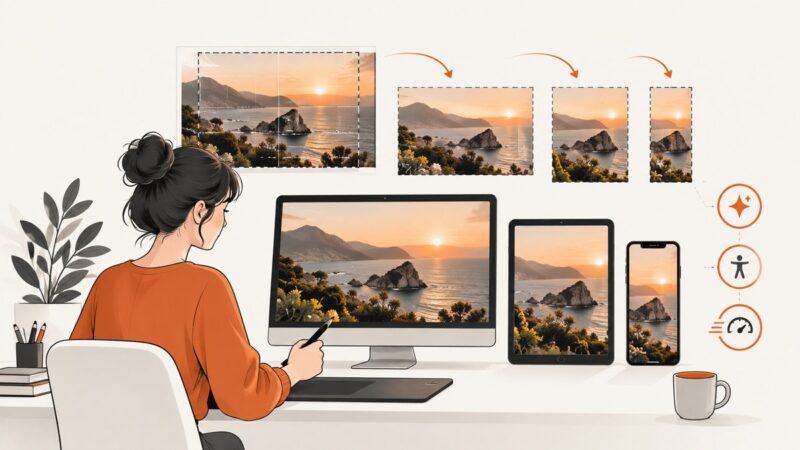
Make website images that stay sharp, accessible, responsive, and fast. Choose formats, write useful alt text, and build a repeatable export and QA workflow.
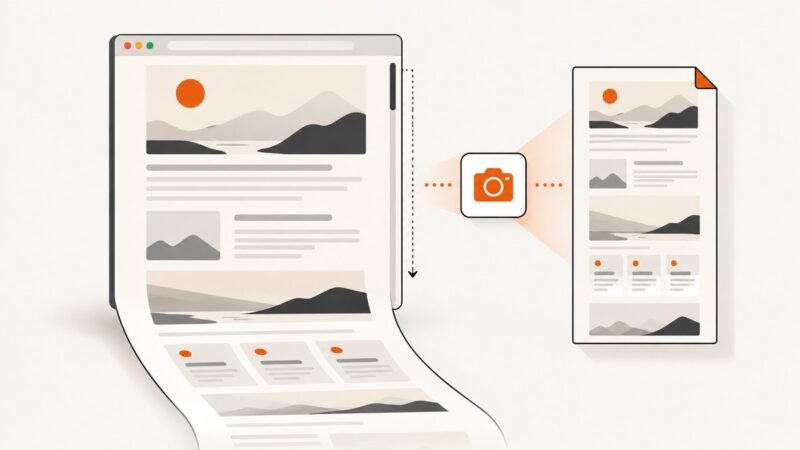
Save a full webpage as a PNG with Firefox, use an online URL capture service, or capture a page from code. Choose the method that fits your page and privacy needs.
Save a visible area or full webpage as PNG or JPEG with built-in browser tools, extensions, or an automated ScreenshotNeo API.
Convert one PDF page to PNG, JPG, or another image format with Python, Poppler, or Acrobat. Choose DPI, crop pages, troubleshoot errors, and automate conversion.