How to Use the Official Playwright MCP Server
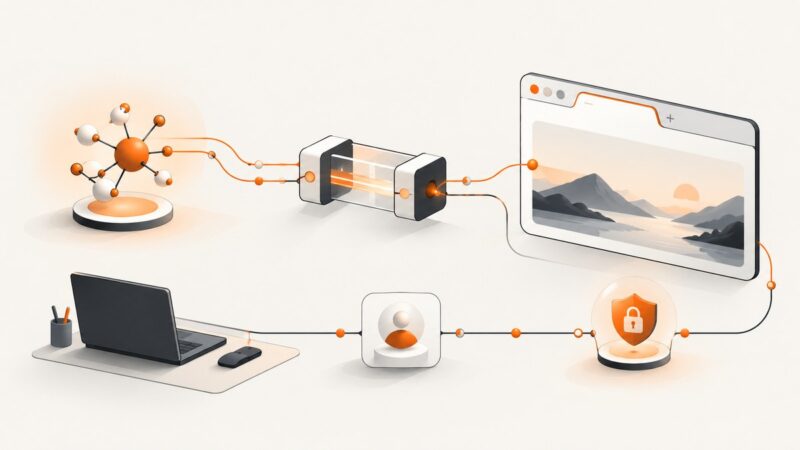
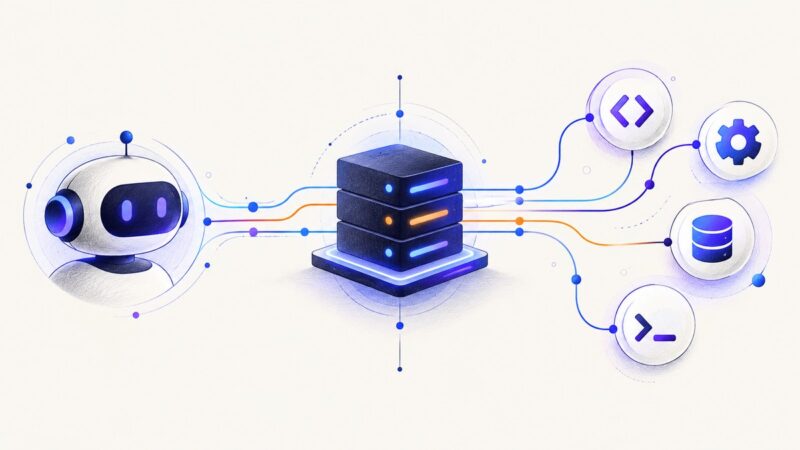
Connect Microsoft’s Playwright MCP server to an MCP client, choose a browser mode, and make a first browser interaction safely.
Connect Microsoft’s Playwright MCP server to an MCP client, choose a browser mode, and make a first browser interaction safely.
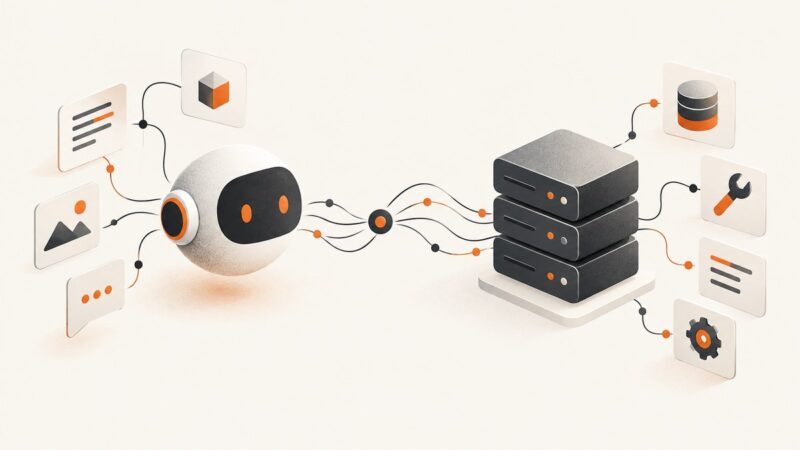
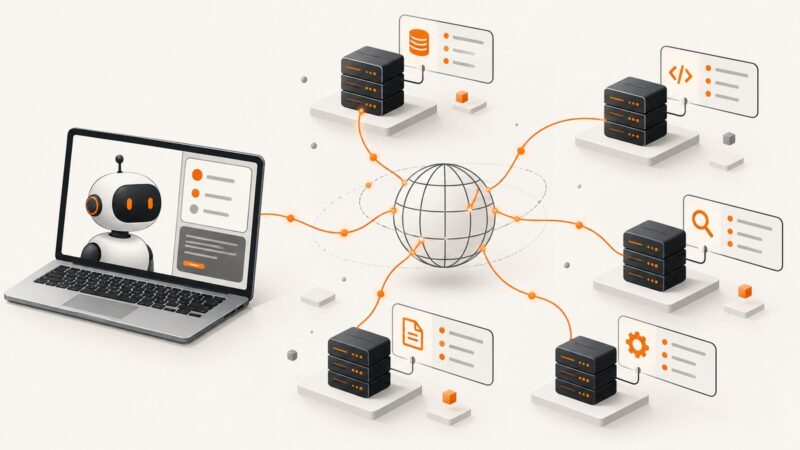
MCP stands for Model Context Protocol. Learn what an MCP server does, how it connects AI clients to tools and data, and when to use one.
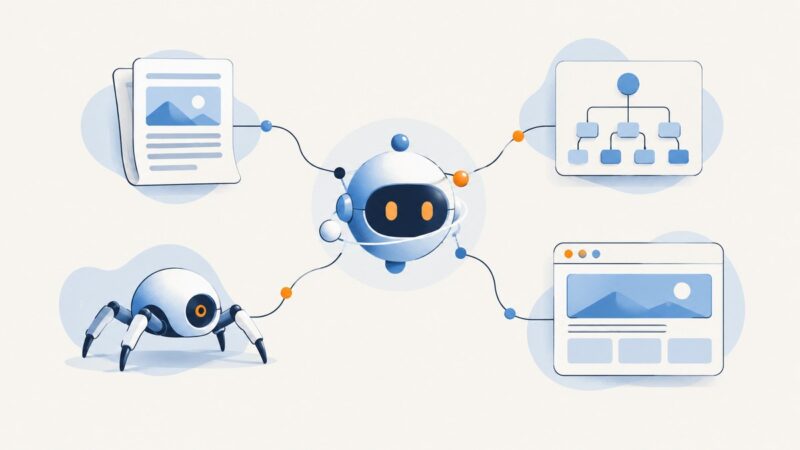
Learn how Playwright MCP snapshots expose a page’s accessibility tree, how to use refs safely, search large trees, and add screenshots when visuals matter.
Connect an MCP client to your existing Chrome or Edge tabs, reuse logged-in sessions, select profiles, and troubleshoot extension mode.
Choose an MCP server by the job: extract a page, crawl a site, run a purpose-built scraper, or control a browser. Here’s how to compare the leading options.
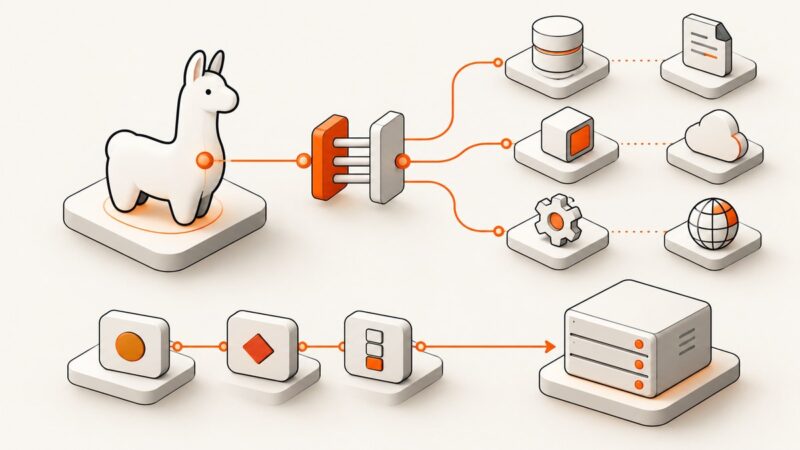
Connect an MCP server to a LlamaIndex agent, filter its tools, handle OAuth, or expose a LlamaIndex Workflow as an MCP server.
Compare the community Google Places MCP server with Google’s hosted Maps documentation MCP, then configure credentials, transports, tools, and troubleshooting.
A practical guide to runtime, tools, memory, security, observability, deployment, and cost controls for reliable production AI agents.
Compare web search and grounding tools from OpenAI, Anthropic, and Google, with runnable API examples, citation handling, and an evaluation checklist.
Find free ways to test MCP clients remotely, compare Inspector, Playground, Registry and Postman, and troubleshoot transports, auth and protocol versions.
A practical Gumloop review covering its agent builder, integrations, permissions, use cases, governance, limitations, and who should consider it.
Build a working MCP server in TypeScript with the official SDK, validated tools, stdio transport, remote HTTP options, troubleshooting, and deployment guidance.
Build an always-available support agent around bounded workflows, approved knowledge, controlled browser access, and context-preserving human handoff.
Build a CrewAI scraper for one page, selected elements, or a bounded crawl. Choose the right tool, handle dynamic content, and validate results.
Understand stealth Chromium, browser detection, Playwright choices, managed services, and safer ways to capture pages for scraping and AI agents.
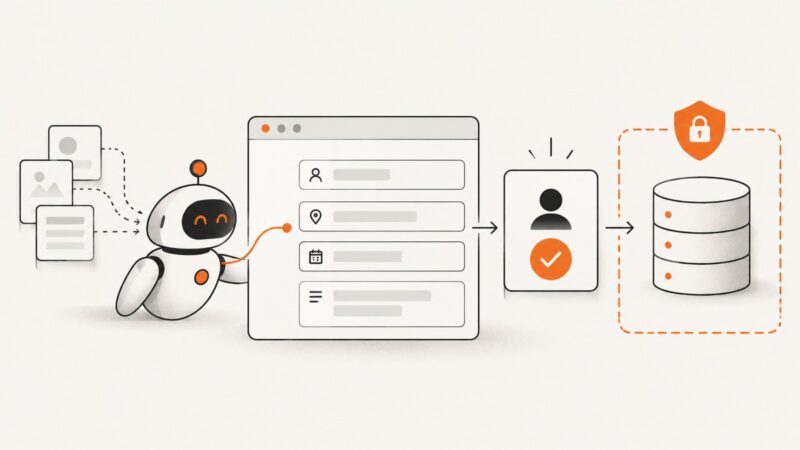
Learn how AI form filling works, when to use autofill or browser agents, and how to automate forms safely with runnable code and controls.
Connect an MCP screenshot server to an AI agent, choose snapshots or pixels, and add reliable hosted captures with runnable examples.
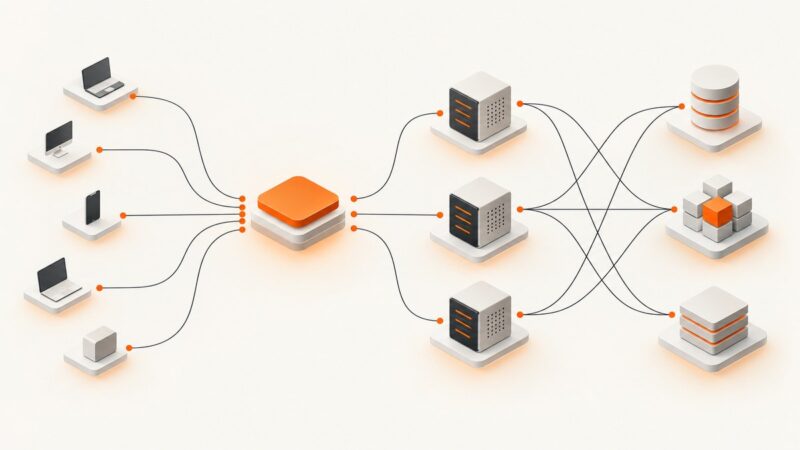
Plan an MCP deployment for 25,000 actors with explicit identity, state, security, rate limits, and workload-specific load testing.