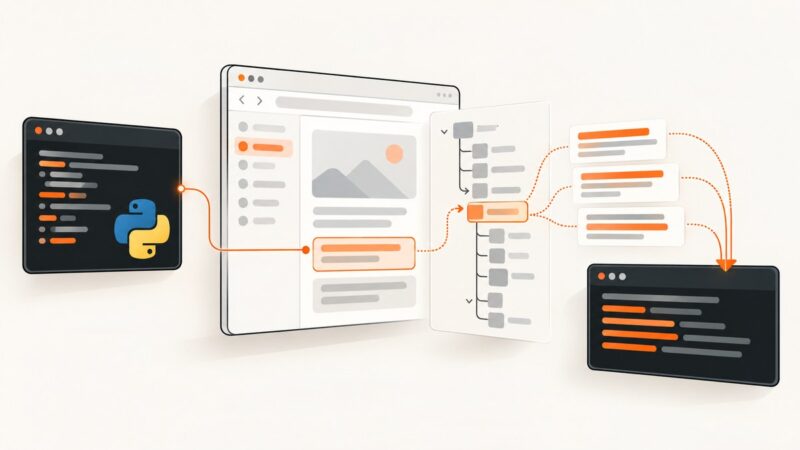
How to Capture Browser Content with Python and PyWin32
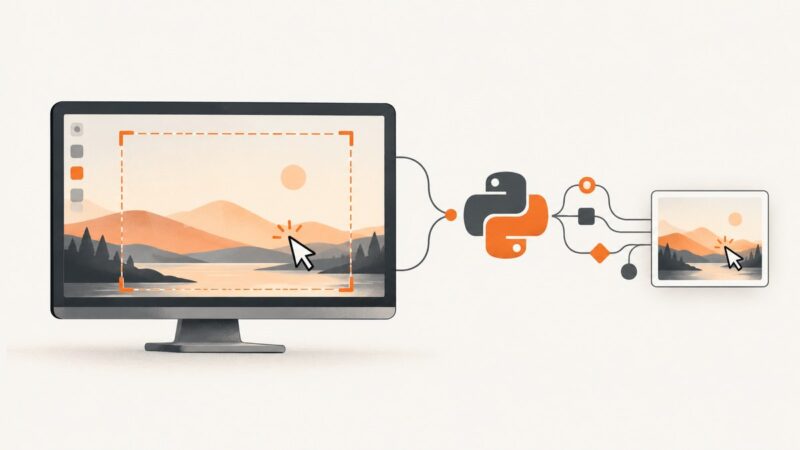
Use Windows UI Automation with Python and PyWin32 to read browser-visible content, inspect tabs, handle failures, and know when to use an API.
Taking screenshots on Windows, Mac, iPhone, Android and in the browser.
Use Windows UI Automation with Python and PyWin32 to read browser-visible content, inspect tabs, handle failures, and know when to use an API.
Capture screenshots on a headless Windows PC using a virtual display, HDMI EDID emulator, RDP, or ScreenshotNeo—and fix black or blank results.
Capture full screens or regions with PyQt5 on macOS Big Sur, handle Retina coordinates, grant permissions, and save reliable image files.
Capture the mouse cursor in Python with MSS on GNU/Linux, or composite it yourself when your platform or library omits pointer support.
Fix blank or missing VirtualBox monitor screenshots in Pillow by checking display geometry, X11 support, Guest Additions, and fallback tools.
Capture only a WinForms browser view: why DrawToBitmap fails, the supported WebView2 approach, timing rules, printing limits, and an API alternative.
WebBrowser.DrawToBitmap is unsupported. Learn what that means, how to capture the visible control safely, and when to move to WebView2 or ScreenshotNeo.
Chrome Apps are deprecated. Learn the supported extension and web capture paths, convert a MediaStream to an image, and use ScreenshotNeo when you need an API.
Choose the right Chrome capture API, crop the exact area, and upload it safely with runnable extension and web app examples.
Selenium can capture page pixels and browser state, but not the address bar or tab strip. Learn the exact C# approach and reliable alternatives.
Learn which WebBrowser API to use on Windows, Android, or Apple platforms, with runnable code, limits, troubleshooting, and a hosted API option.
Capture an entire webpage beyond the visible viewport in Edge, Firefox, and Chrome, with DevTools, automation, troubleshooting, and an API option.
Capture one Chrome element accurately at 100%, 125%, 150% or 200% zoom, including elements taller than the viewport.
Capture a visible website region on Mac, understand Automator’s limits, and choose the right workflow for repeatable screenshots.
Connect Selenium to a CEF app through ChromeDriver, wait for the right state, and save reliable viewport or element screenshots.
A black Java Robot screenshot usually means a display, permission, coordinate, or scaling problem. Diagnose each cause with runnable fixes.
Headless Chrome cannot capture its native address bar. Learn when to use headed capture, page mockups, or an API instead.
Cypress captures your app or runner viewport, but not the operating-system taskbar. Learn which mode to use and when an OS capture is required.