Why Python ImageGrab Cannot Capture the Whole Screen and How to Fix It
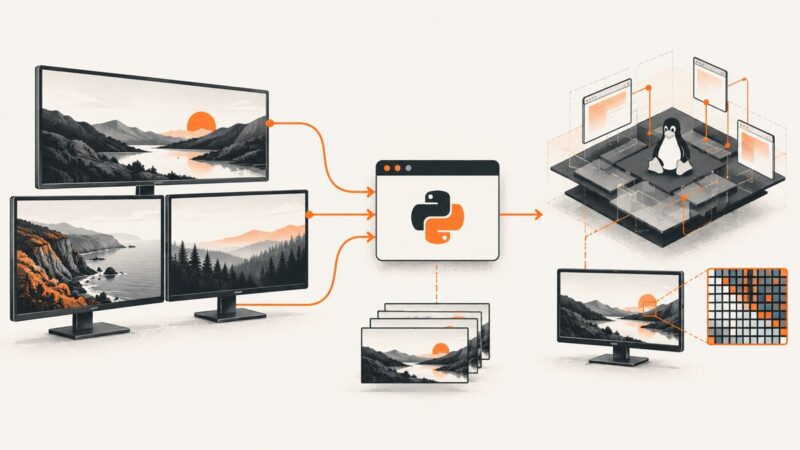
ImageGrab usually captures the full display, but monitors, Retina scaling, permissions and Linux display support can change what “whole screen” means.
Taking screenshots on Windows, Mac, iPhone, Android and in the browser.
ImageGrab usually captures the full display, but monitors, Retina scaling, permissions and Linux display support can change what “whole screen” means.
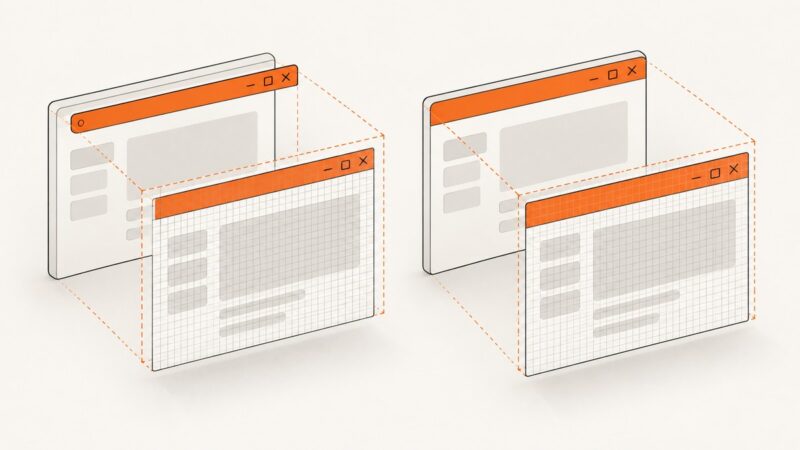
Diagnose black or misplaced title bars in Win32 BitBlt captures by checking DC origins, rectangles, DPI, custom frames, layering, and PrintWindow.
Render a WPF visual to PNG bytes in C#, choose the right encoder, handle DPI and layout, and distinguish app images from taskbar thumbnails.
Use Graphics.CopyFromScreen for a simple Windows screenshot, or Windows.Graphics.Capture for user-selected windows and frame processing.
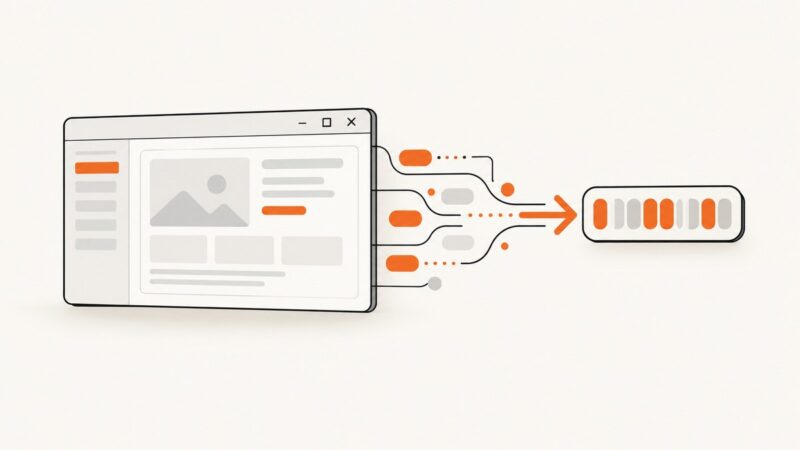
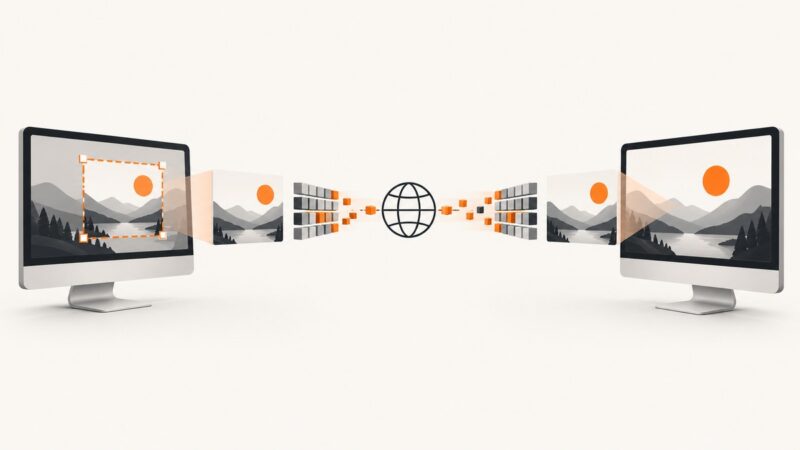
Capture a Windows screen region, encode it, frame it with a length prefix, and send it safely over TCP in C#.
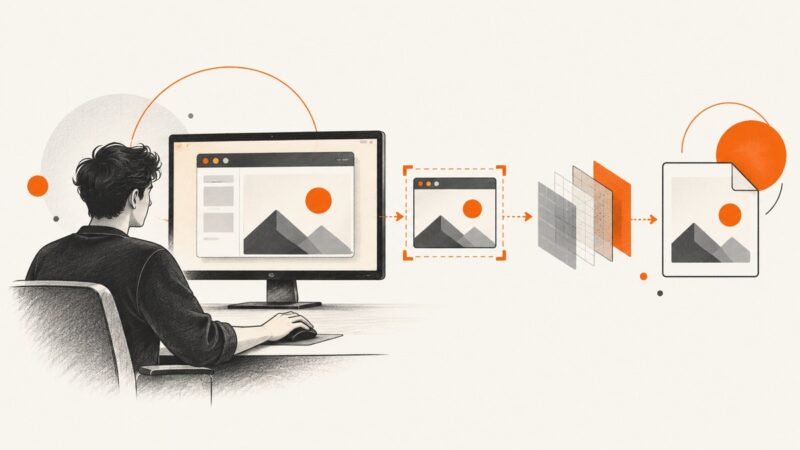
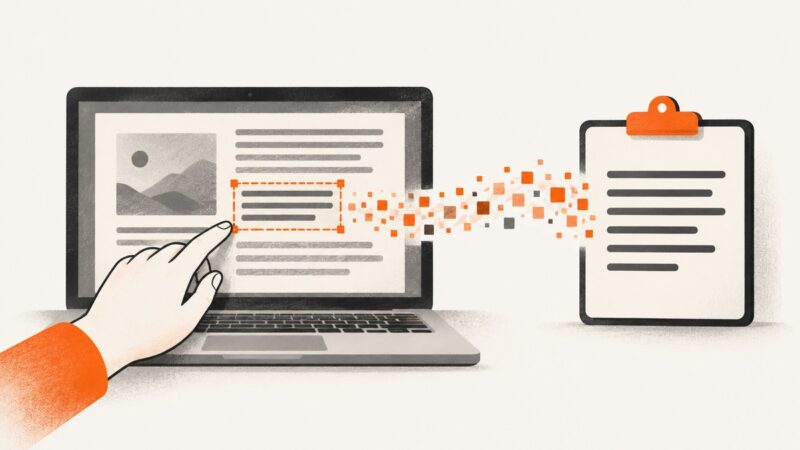
Capture only the part of your screen you need, then copy text from it with Windows, Mac, iPhone, Android, or OCR tools.
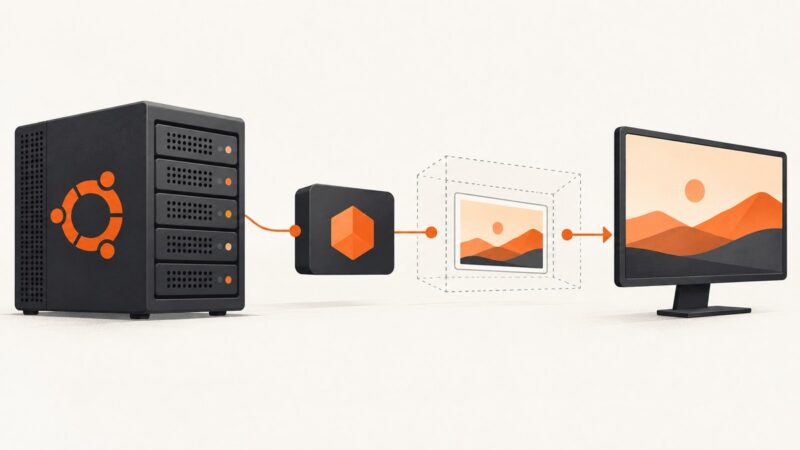
Use npm desktop-screenshot on Ubuntu Server with scrot, X11 or Xvfb, plus fixes for display errors and a hosted API alternative.
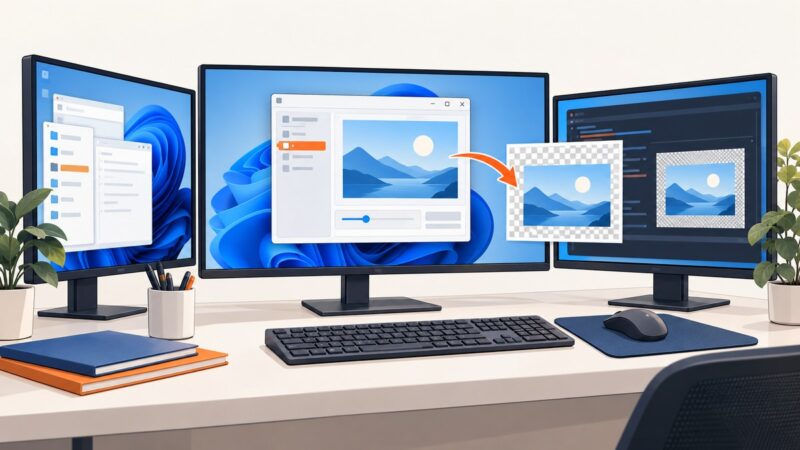
Capture the Windows desktop or a wxPython window with ScreenDC, MemoryDC, and SaveFile, including multi-monitor, DPI, errors, and a ScreenshotNeo option.
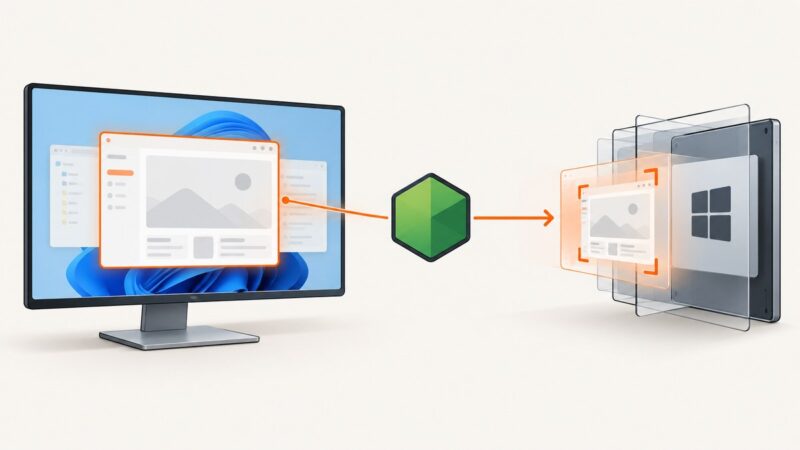
Capture one Windows app window from Node.js using HWND, Windows Graphics Capture, native helpers, and interactive alternatives.
Find macOS screenshots from Python with pathlib, verify the default Desktop location, and handle custom destinations, clipboard captures, and file formats.
Use Quartz to find a Chrome window by title and capture it with Python, or build a modern ScreenCaptureKit helper for reliable macOS capture.
Capture a Selenium browser image, load it into Tkinter, keep it visible, and handle sizing, errors, threading, and in-memory workflows.
Capture one window quickly on Windows, macOS, or GNOME with the right shortcut, then troubleshoot common screenshot problems.
Capture a Linux VM desktop with Python using MSS, Pillow, or PyAutoGUI, then troubleshoot X11, Wayland, headless sessions, and black screenshots.
Capture a rectangular screen region with MSS, convert it to OpenCV’s BGR format, and process it in Python with practical fixes for coordinates and monitors.
Capture inactive and covered windows in Python with Windows PrintWindow, desktop geometry workflows, and platform-specific guidance for macOS and Linux.
Fix PyAutoGUI region captures by checking tuple order, PyScreeze versions, OS backends, and whether the returned image or saved file is wrong.
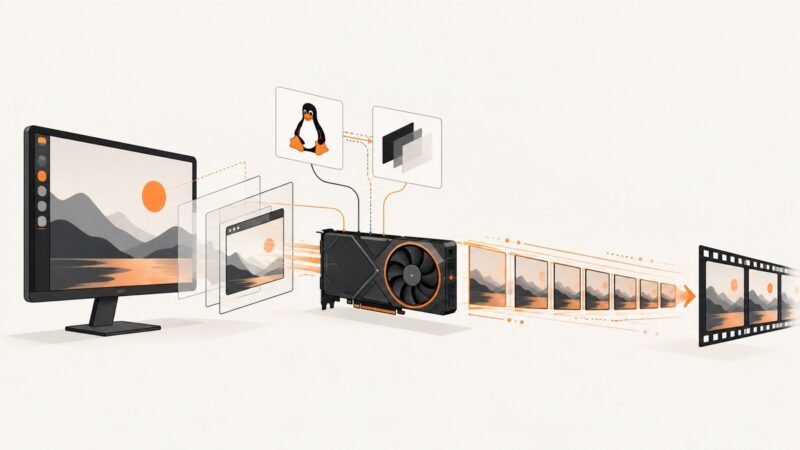
Capture 60 or 120 FPS screenshots on Linux with FFmpeg, OBS, X11, Wayland, and practical tuning for reliable frame timing.