How to Capture the Windows Taskbar in a Selenium Screenshot with Java
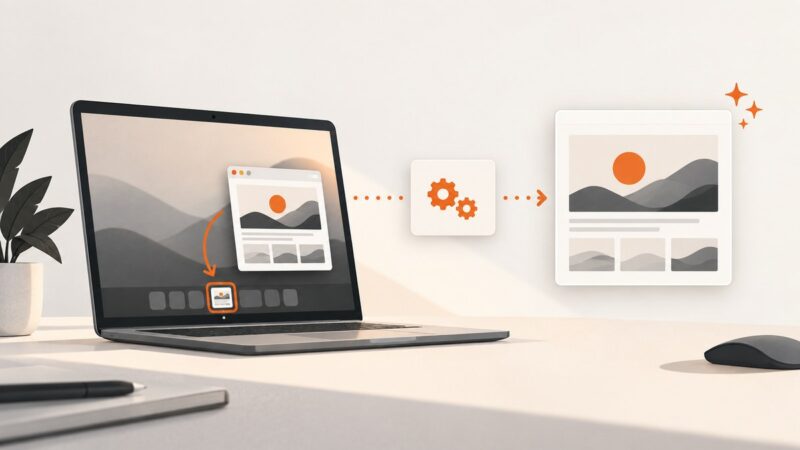
Selenium captures the browser, not the Windows taskbar. Use Java AWT Robot to capture desktop pixels, then combine the images if needed.
Taking screenshots on Windows, Mac, iPhone, Android and in the browser.
Selenium captures the browser, not the Windows taskbar. Use Java AWT Robot to capture desktop pixels, then combine the images if needed.
Capture Selenium browser screenshots in unattended Jenkins Windows jobs, diagnose session 0 problems, and store reliable build artifacts without a human login.
Use getDisplayMedia() to let users choose a window, capture one video frame, turn it into PNG, and download it safely from a button click.
Fix black Java Robot screenshots by checking permissions, graphical sessions, screen coordinates, multi-monitor layouts, and HiDPI scaling.
Use ScreenCaptureKit and SCScreenshotManager to capture a display, window, or app in Swift, handle permission, and save the resulting image.
Learn how to capture a tab, window, or screen in Chrome with getDisplayMedia(), configure privacy controls, record the stream, and handle failures.
Learn when to capture page content or a browser window, with Playwright, Selenium, and Windows methods for minimized and occluded browsers.
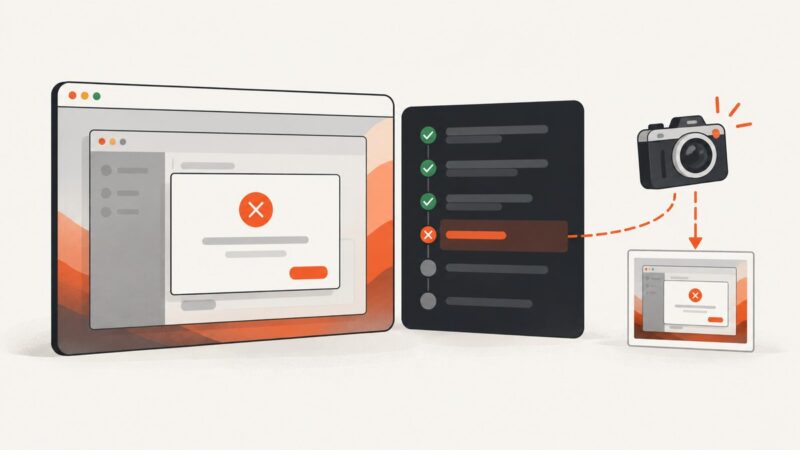
Yes. Configure Playwright Test to capture Electron screenshots only after failures, or attach custom images with a fixture when you need more control.
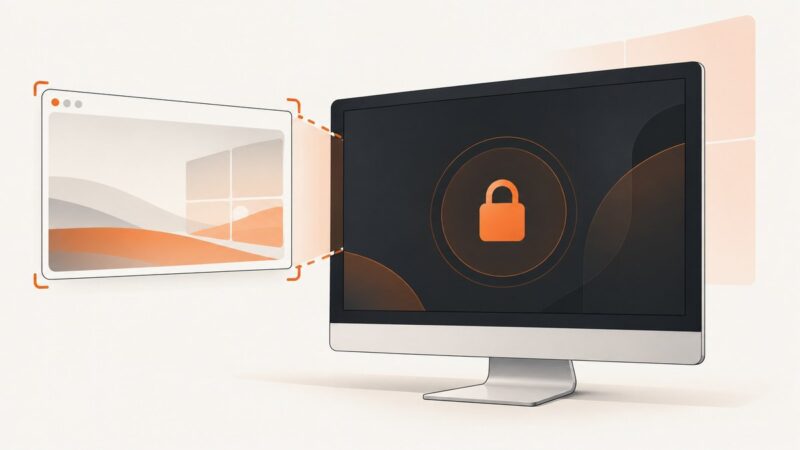
Usually no: Windows and macOS protect the desktop after locking. Learn what works, what fails, and how to capture the screen safely.
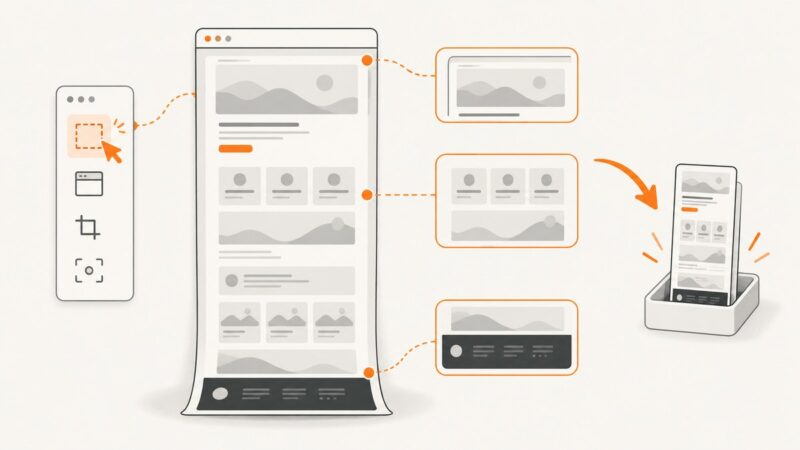
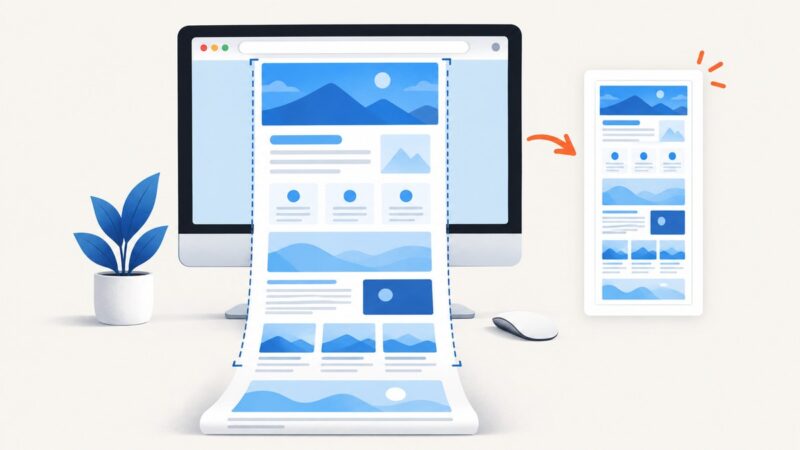
Choose a full-page screenshot extension by browser compatibility, permissions, output and long-page behavior. Then capture, inspect and troubleshoot the result.
Screenshots not working in Windows? Find the failing step—shortcut, clipboard, file save, or OneDrive—and fix it with this diagnostic guide.
Capture a single display or window as a CGImage in Swift with ScreenCaptureKit, handle permissions and errors, and choose the right API.
Capture the logged-in desktop from Node.js with screenshot-desktop, choose a display, and handle Electron, permissions, Linux dependencies, and headless environments.
Capture monitors or screen regions with Python MSS, save PNGs, process pixels, fix platform errors, and automate reliable desktop screenshots.
Capture a full webpage in Edge, or use ShareX for a scrollable Windows app. Learn the steps, limitations, fixes, and a browser-free API option.
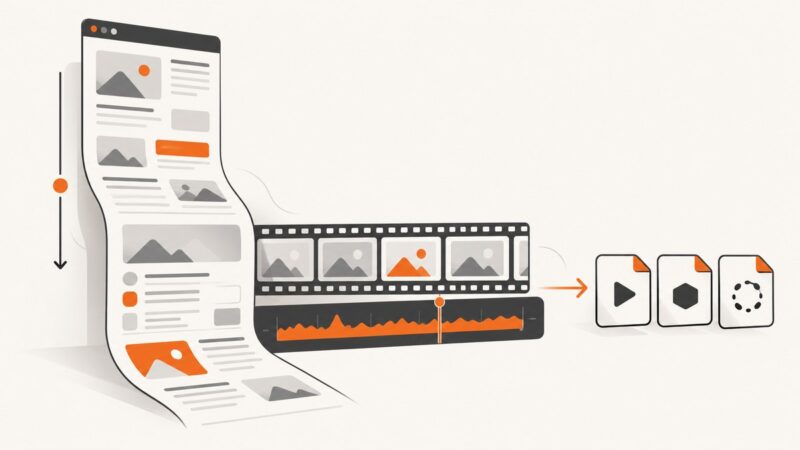
Record a page as it scrolls, stitch a full-page capture, and export the result as MP4, WebM, or GIF with the right workflow.
Capture a full webpage in Chrome with DevTools, save it as an image or PDF, fix common failures, and automate screenshots with ScreenshotNeo.
Learn how browser web capture works with getDisplayMedia(), permissions, recording, WebRTC, privacy controls, and production troubleshooting.