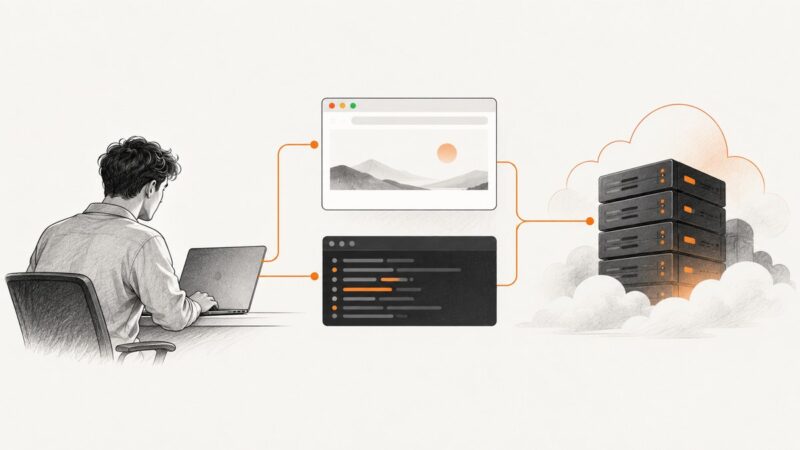
How to Fix Puppeteer Chrome Errors When Deploying to Render
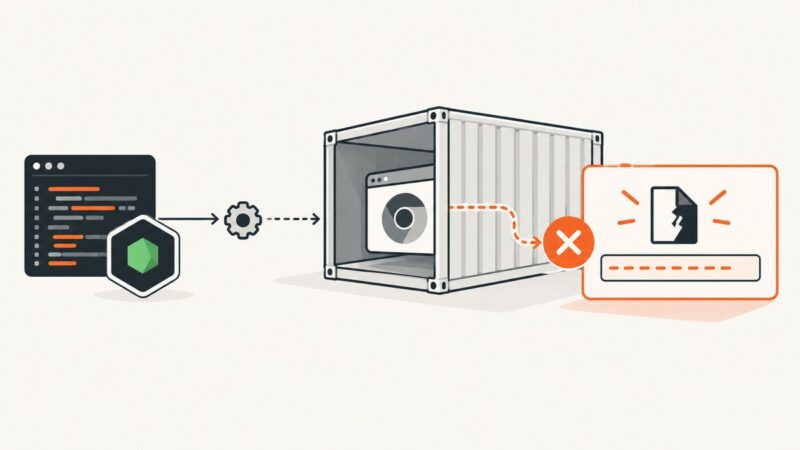
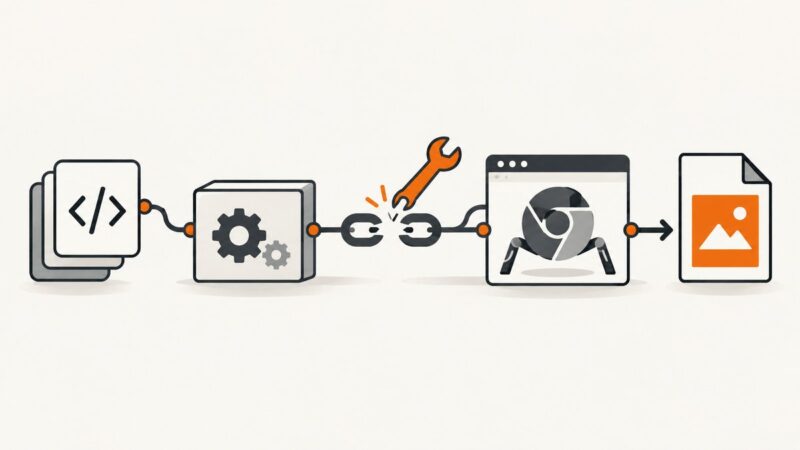
Puppeteer works locally but cannot find or launch Chrome on Render? Trace the build and runtime logs, then install a compatible browser and verify its path, libraries and permissions.
Puppeteer works locally but cannot find or launch Chrome on Render? Trace the build and runtime logs, then install a compatible browser and verify its path, libraries and permissions.
Capture a screenshot on Windows, Mac, iPhone, or Android, then export it as JPEG. Learn when to keep PNG or HEIF and how to avoid a fake file conversion.
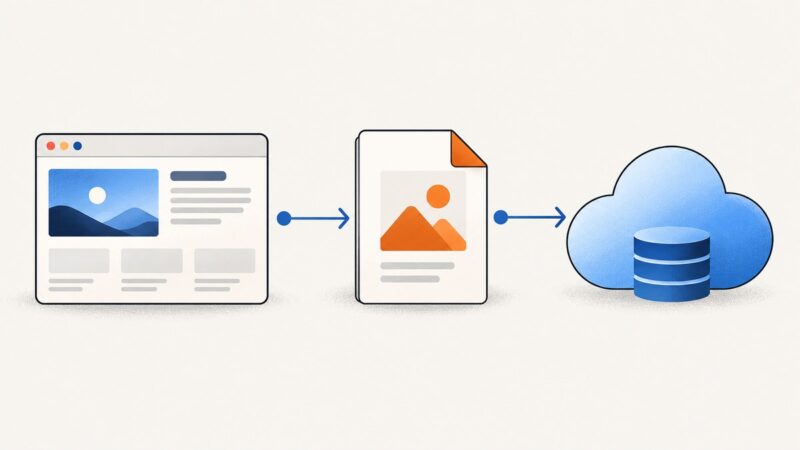
Fetch an existing PDF or print a rendered page with Puppeteer, then upload its bytes to Google Drive without writing a local file.
Learn the right way to capture screens, video frames, artboards, pages, and PDFs in Photoshop, Premiere Pro, Illustrator, InDesign, Acrobat, and FrameMaker.
Fix Puppeteer’s Chrome ENOENT error by checking the executable path, browser download, cache, runtime user, and Linux dependencies.
Turn on iPhone Dark Mode, use Safari Reader or Smart Invert, and learn why some websites stay white.
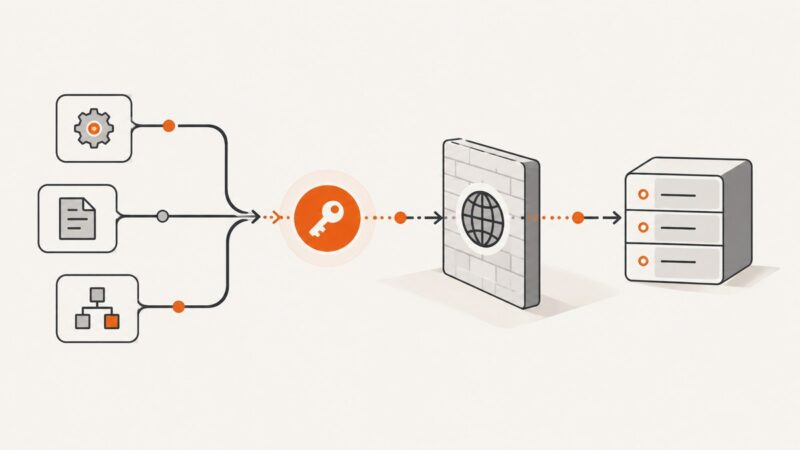
Fix n8n MCP authentication failures by identifying the endpoint, checking OAuth or bearer-token setup, verifying workflow access, and tracing proxy issues.
Fix Puppeteer PDF failures caused by missing regeneratorRuntime with CommonJS, ESM, Babel, TypeScript, page.evaluate(), and deployment guidance.
Build a small JSON API in Go with runnable code, standard-library routing, error handling, and practical next steps for production.
Save a webpage as a PDF from Microsoft Edge on Windows or Mac. Follow the print preview settings, fix common problems, and learn when a cleaner capture workflow may help.
Learn how to convert HTML to PDF with Node.js using Puppeteer or Playwright, control CSS and page layout, troubleshoot failures, and deploy reliably.
Display PDFs in React with iframe, object, or React-PDF, including worker setup, CORS, large files, troubleshooting, and a no-browser API option.
Render PDFs in React with React-PDF or pdfjs-dist, configure a version-matched worker, and fix common asset and rendering errors.
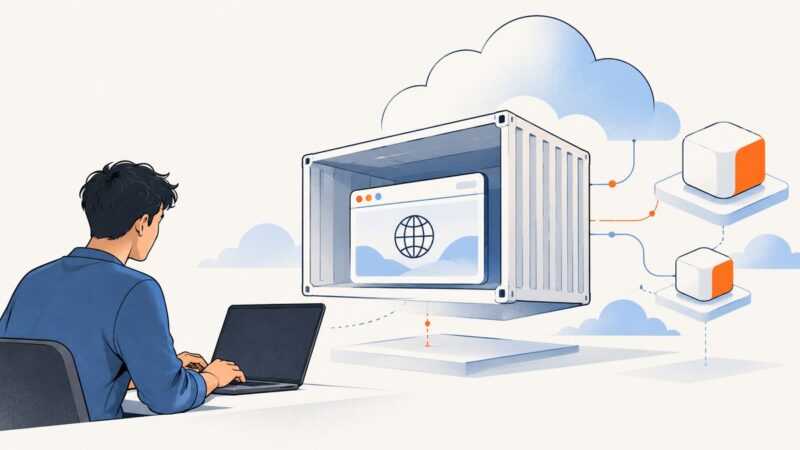
Build a Lambda container image that runs Puppeteer with a compatible Chromium binary, then test it locally and troubleshoot common deployment failures.
Convert an HTML page or its images to JPG online. Learn the browser workflow, code options, missing-image fixes, and an API shortcut.
Learn how to count pages in a Puppeteer PDF by parsing the finished bytes, with pdf-lib, PDF.js, print options, troubleshooting, and production tips.
Capture the PDF a website downloads with Puppeteer by waiting for the right response, validating it, handling redirects, and saving the bytes safely.
Capture client-side Blob downloads in Puppeteer by extracting bytes in the page, instrumenting object URLs, or letting Chrome save the file.