How to Fix White or Gray Screenshots in Puppeteer
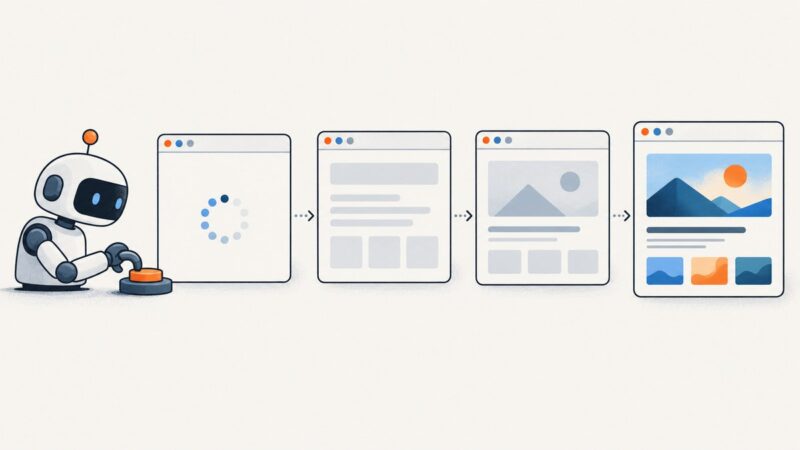
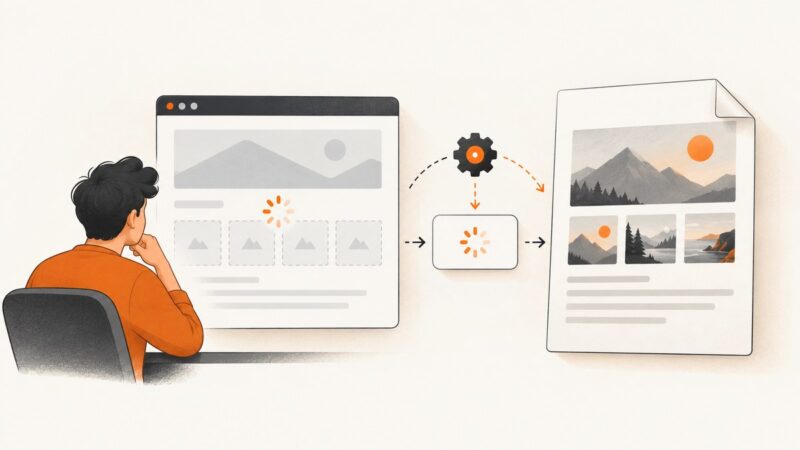
A blank Puppeteer screenshot usually means the page was not ready or the capture settings are wrong. Follow this sequence to isolate navigation, rendering, viewport, scale, and clipping problems.
A blank Puppeteer screenshot usually means the page was not ready or the capture settings are wrong. Follow this sequence to isolate navigation, rendering, viewport, scale, and clipping problems.
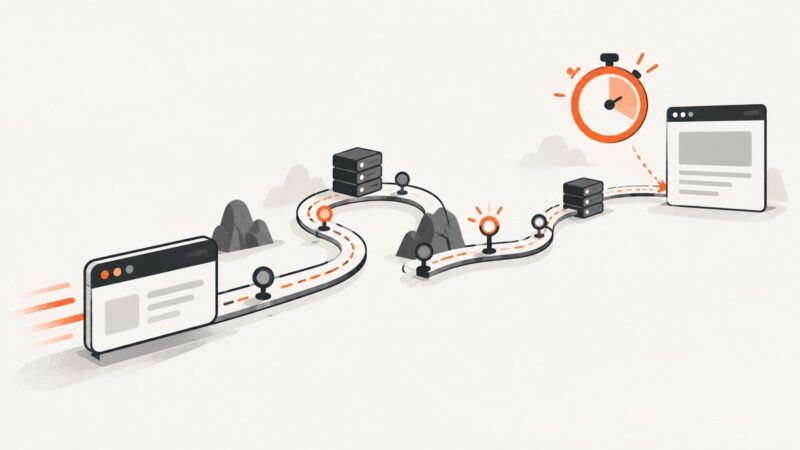
Find whether browser startup, navigation, or page readiness is slowing Puppeteer on AWS, then improve the right stage without breaking results.
Use Puppeteer Sharp waits and GetContentAsync to extract HTML after JavaScript renders, with reliable selectors, timeouts, debugging, and production patterns.
Use Puppeteer to wait for JavaScript-rendered data, extract values reliably, and handle empty results, timeouts, lists, and dynamic pages.
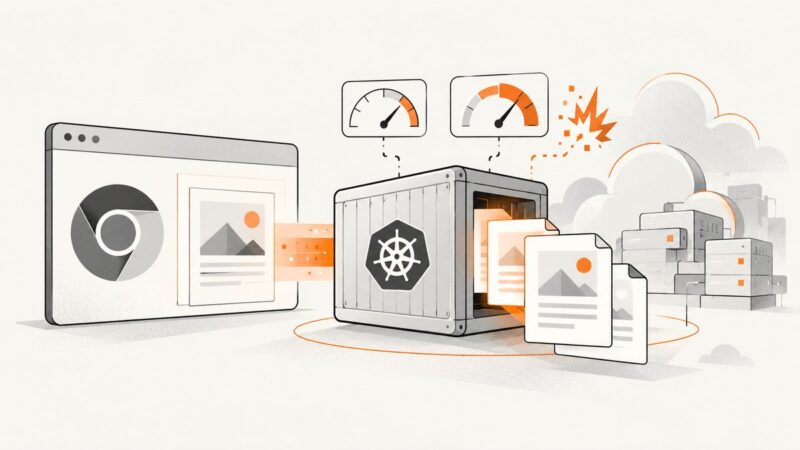
Diagnose OOMKilled, SIGKILL, Chromium, sandbox, and concurrency failures in Puppeteer PDF jobs running on AKS.
Use HTTrack or GNU Wget to save a website for offline browsing. Learn how to scope a mirror, handle missing assets, and understand what may not work offline.
Learn how to find, normalize, and stream every accessible image from one webpage with Python, plus handle lazy loading, duplicates, errors, and JavaScript.
Fix Puppeteer navigation timeouts by finding the operation that stalled, choosing the right readiness condition, and setting a bounded timeout.
Use Promise.all to wait for navigation safely, then wait for the destination state your application actually needs.
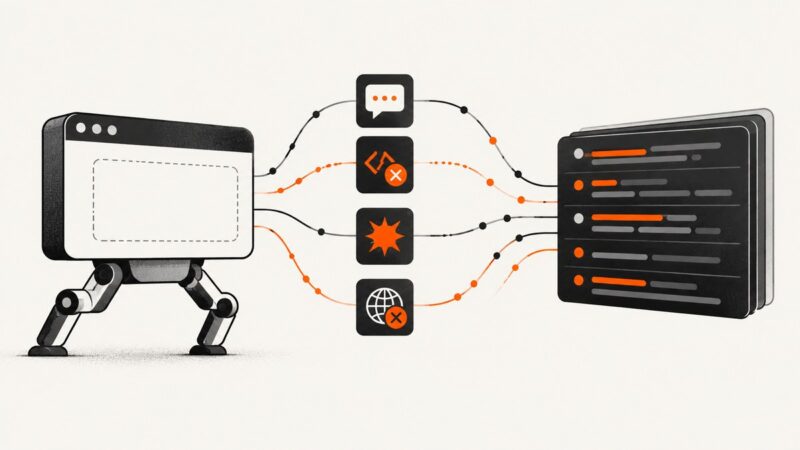
Capture console output, uncaught exceptions, crashes, failed requests, and HTTP errors in Puppeteer with structured, reliable Node.js logging.
Wait for the signal that proves your Puppeteer page is ready: a Promise, app condition, DOM element, navigation, or genuinely idle network.
Images can vanish from Puppeteer PDFs even when the page looks complete. Diagnose loading, paths, lazy images, canvas timing, and print settings.
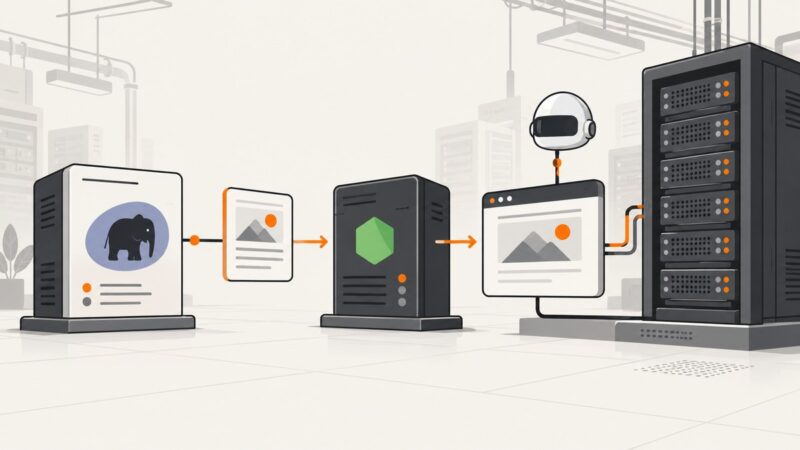
Run Puppeteer from PHP by passing a bounded job to Node.js. Set up cPanel, Chrome and process handling, then fix the common deployment failures.
Use Puppeteer’s evaluateOnNewDocument hook to change a new document before its scripts execute, with patterns for frames, dynamic nodes, testing, and screenshots.
Capture an entire long tweet on iPhone, Android, desktop, or with an API while keeping text readable and context intact.
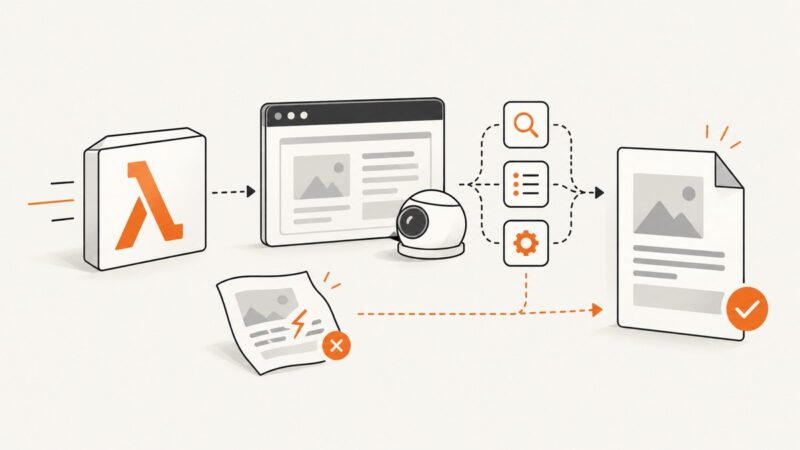
Diagnose Puppeteer’s Page.printToPDF failure in Lambda by isolating content, assets, browser versions, memory, timeout and /tmp pressure.
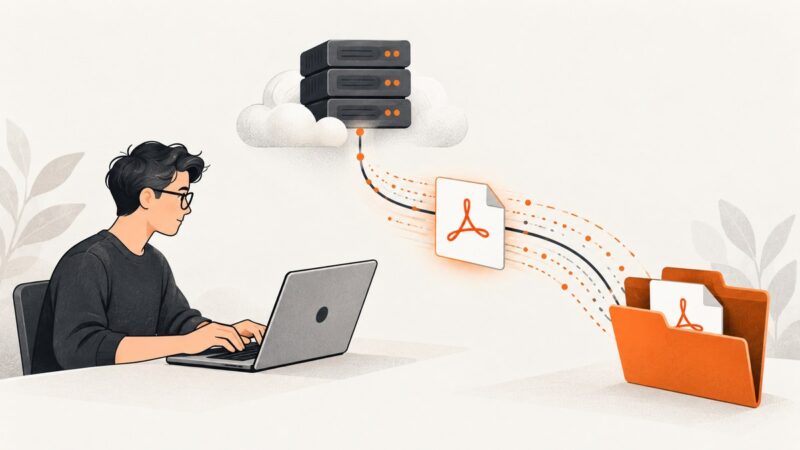
Download PDFs from URLs with Python using urllib or Requests. Learn to stream large files, handle errors and redirects, and check that the response is really a PDF.
Diagnose whether Azure or Chromium produced the 403, then fix access rules, browser dependencies, sandboxing, or move to a container.