How to Fix Cloudflare Blocking Access to Your Website
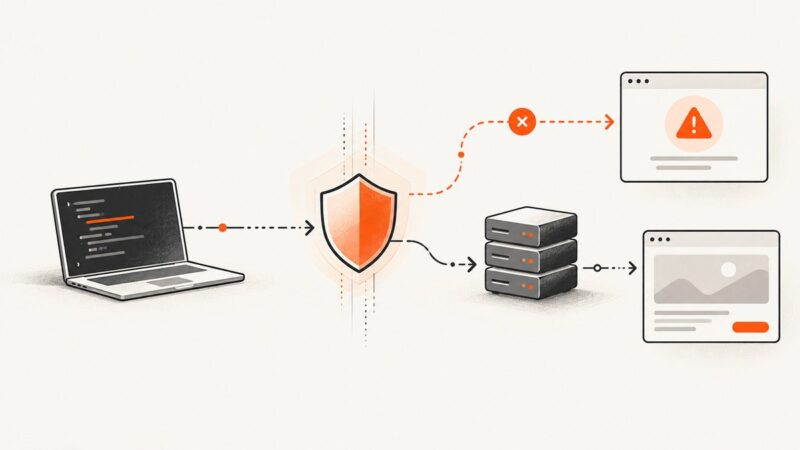
Identify whether Cloudflare or your origin blocked the request, then use the Ray ID, Security Events, and the matching rule to fix access safely.
Identify whether Cloudflare or your origin blocked the request, then use the Ray ID, Security Events, and the matching rule to fix access safely.
Diagnose intermittent Puppeteer $eval failures by separating missing selectors, missing page data, and navigation timing races.
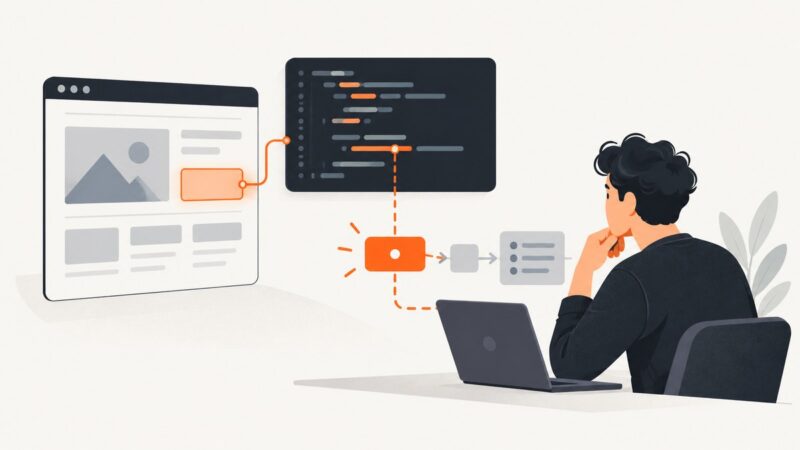
Change styles inside an open Shadow DOM with Puppeteer. See deep selectors, inline overrides, injected stylesheets, runnable examples, and fixes for common failures.
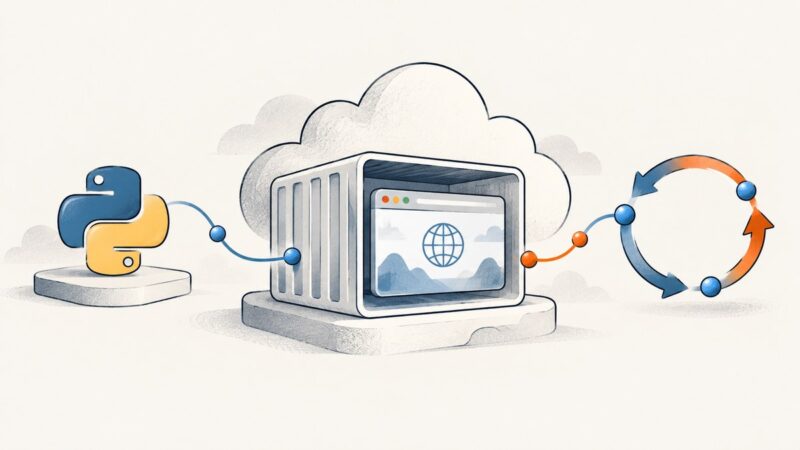
Package Pyppeteer and Chromium for AWS Lambda, run its async browser work safely, and handle lifecycle, compatibility, deployment, and common failures.
A null from Puppeteer navigation waits can be expected. Learn what the return value means, how to avoid click races, and how to diagnose missing page changes.
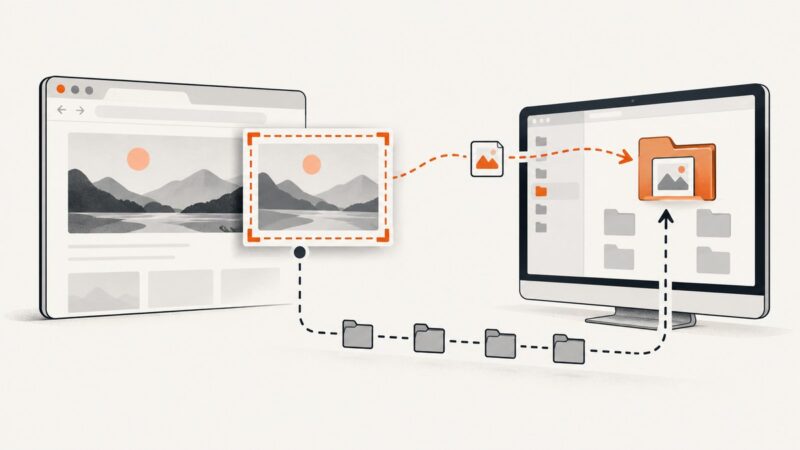
Puppeteer does not save screenshots automatically. Set a relative or absolute path, or use the returned image bytes directly.
Insert a screenshot into Google Docs from your computer, phone, Drive, a URL, or clipboard, then adjust how it sits beside your text.
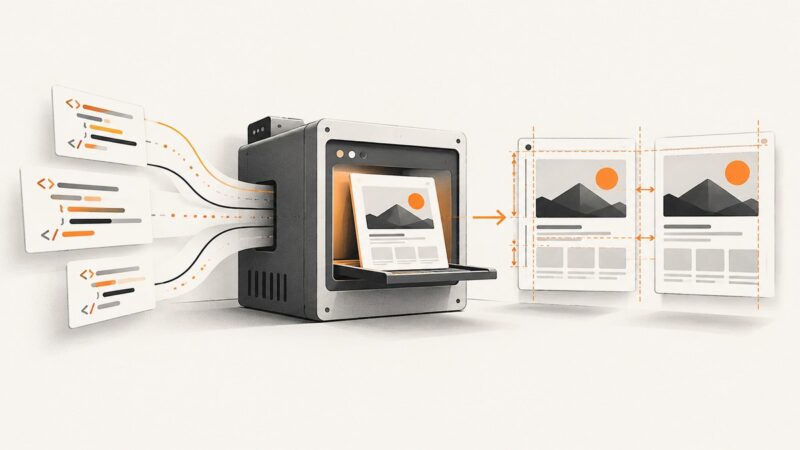
Fix differences between injected HTML in Chrome and Laravel Browsershot by checking assets, readiness, viewport, media mode, and browser diagnostics.
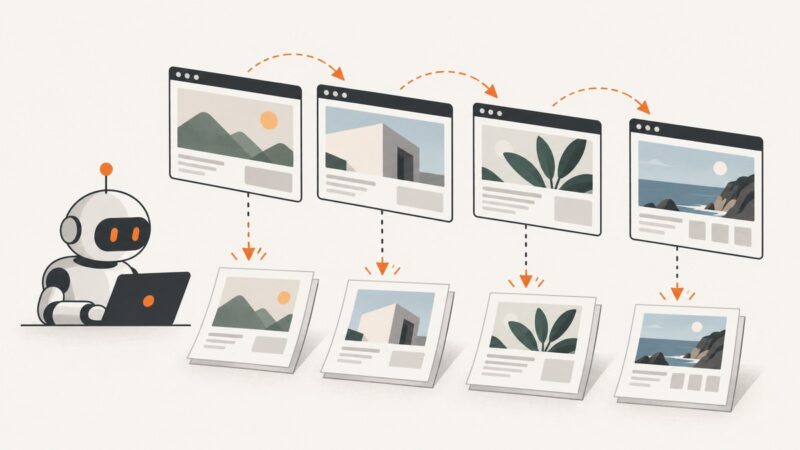
Loop over URLs in PhantomJS, save one screenshot per site, and control viewport, output format, timing, and failures.
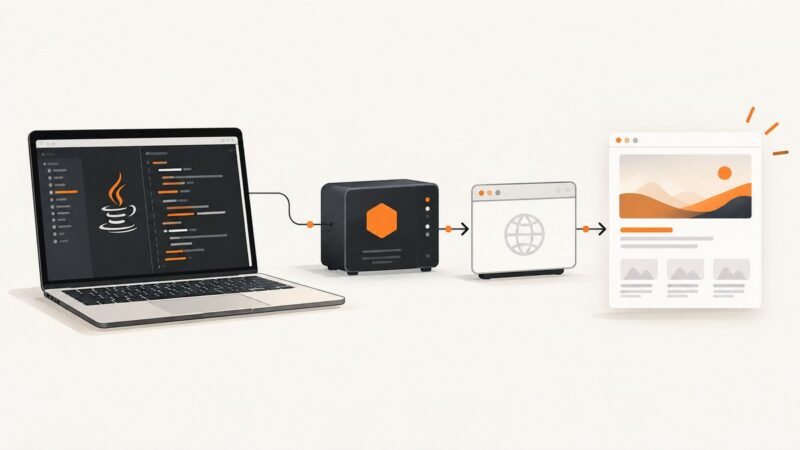
Run Puppeteer against a JHipster monolith with reliable waits, authentication, and a Docker or CI setup that can find Chrome.
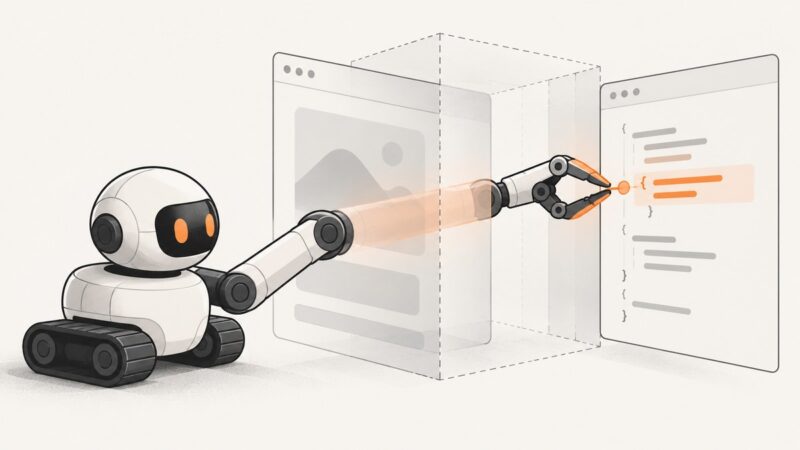
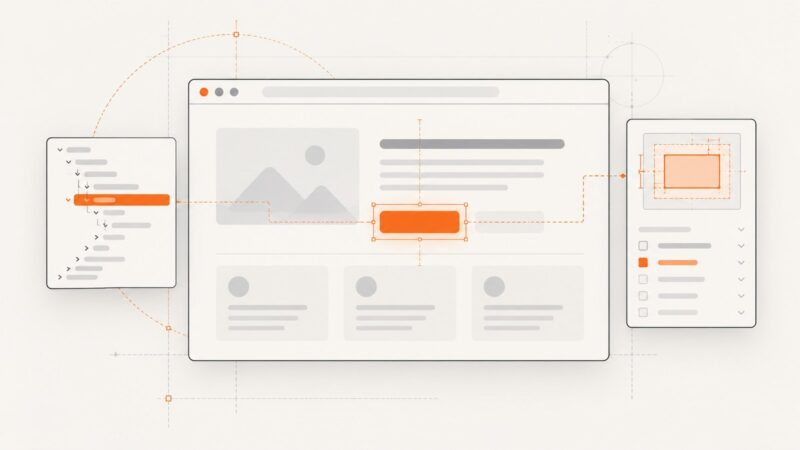
Use Puppeteer’s boundingBox() to read an element’s rectangle, draw an overlay, clip screenshots, and handle hidden, moving, or missing elements safely.
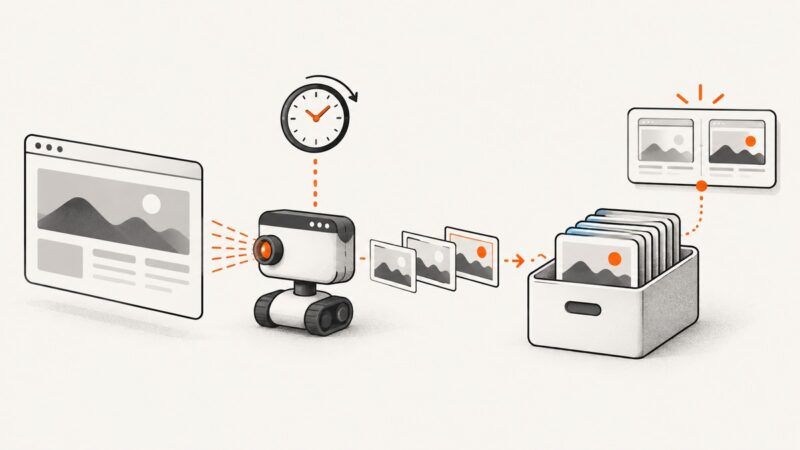
Schedule recurring website screenshots with cron, GitHub Actions, or a managed service. Learn how to keep captures consistent, store history, and handle failures.
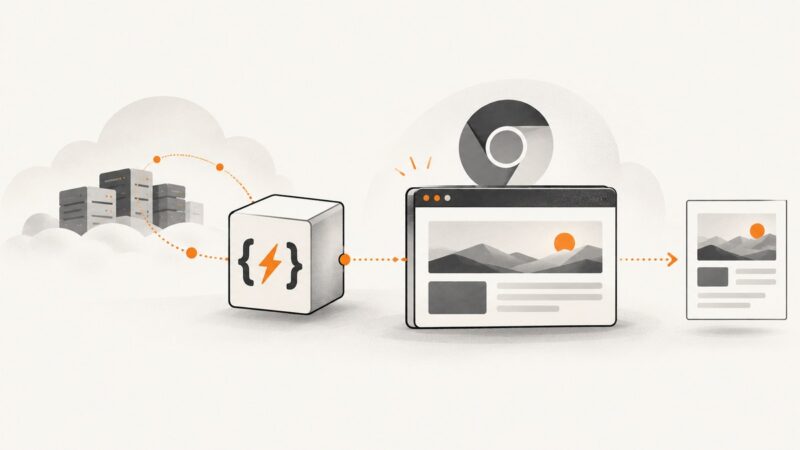
Deploy Puppeteer with a compatible Chromium browser on Firebase Functions, avoid missing executable errors, and choose the right packaging strategy.
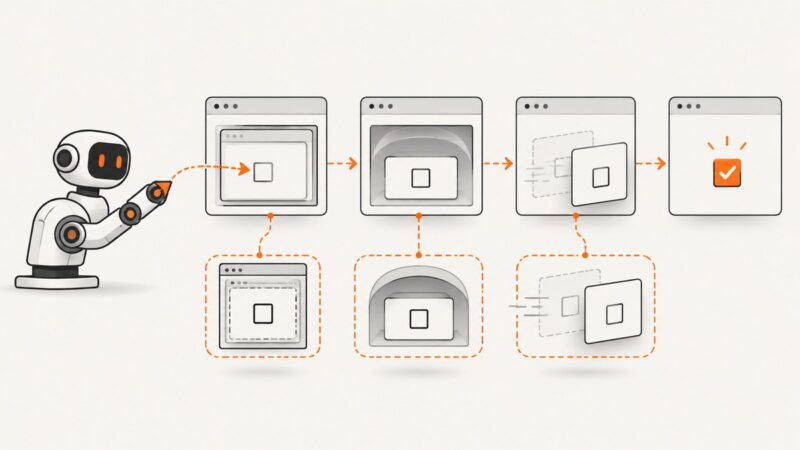
A complete guide to reliable Puppeteer checkbox interactions: locators, fill(), frames, Shadow DOM, navigation, debugging, and failure fixes.
Learn how to capture reliable webpage screenshots on Windows Server with headless Playwright, Edge, full-page options, troubleshooting, and ScreenshotNeo.
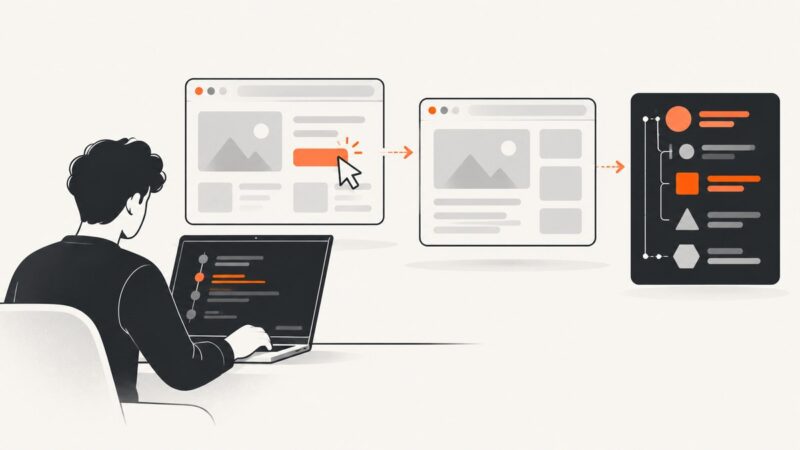
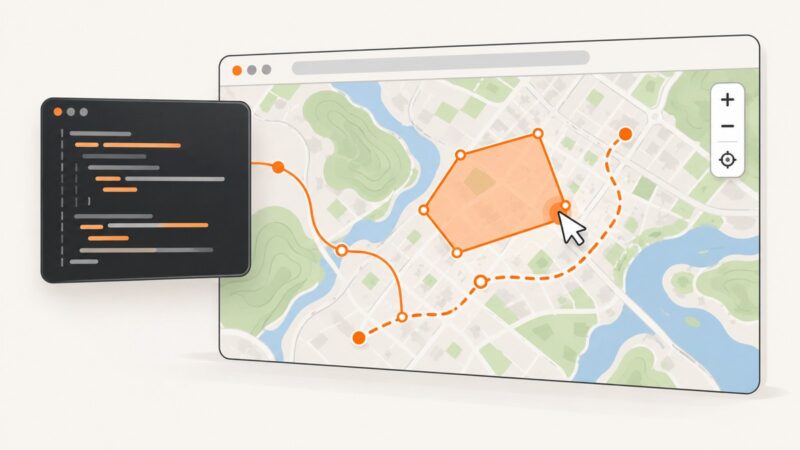
Learn how to click DOM controls, map overlays, and canvas features with Puppeteer, with runnable code, debugging steps, and ScreenshotNeo capture options.
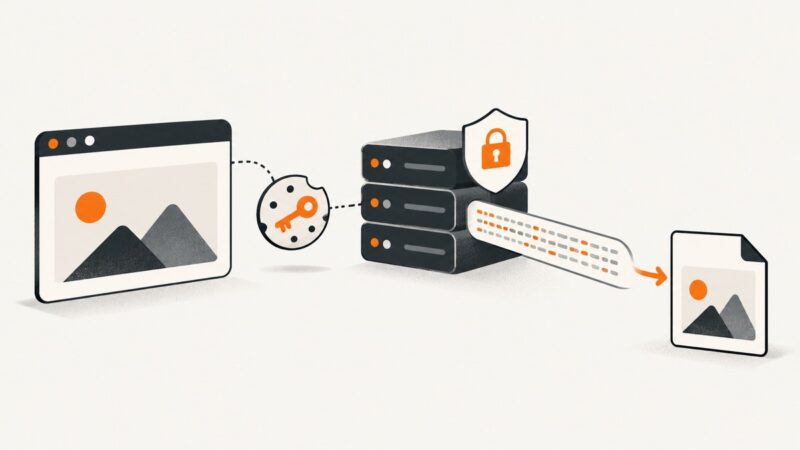
Download an image URL with query parameters using Puppeteer, authenticate the browser request, validate the response, and save the original bytes safely.
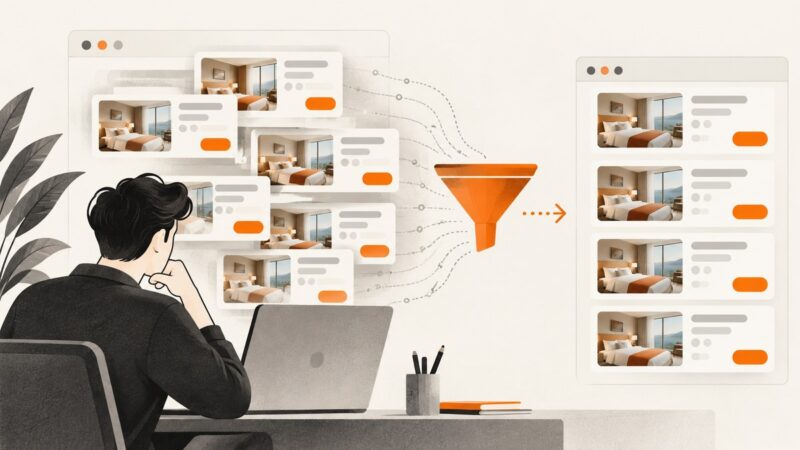
Stop Puppeteer from collecting duplicate hotel rates by stabilizing search context, extracting complete result cards, and deduplicating semantic offers.