How to Perform Page Actions Before Taking a Puppeteer Screenshot
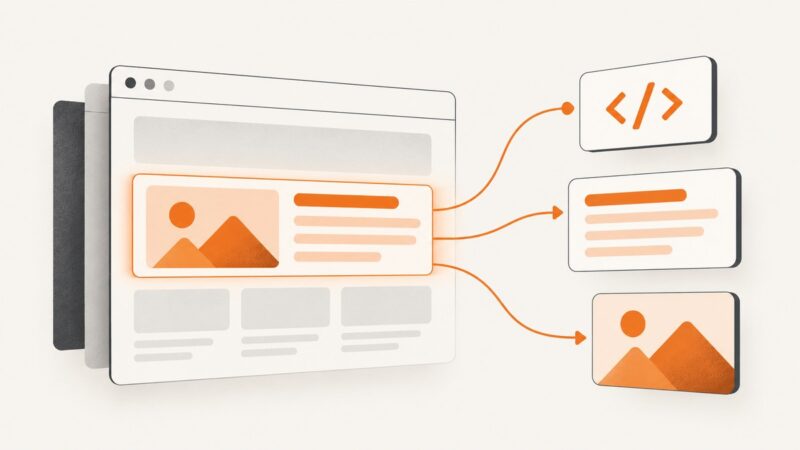
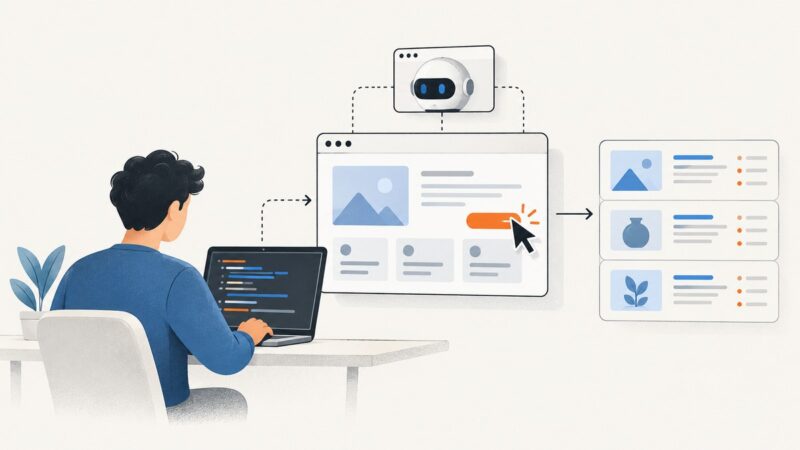
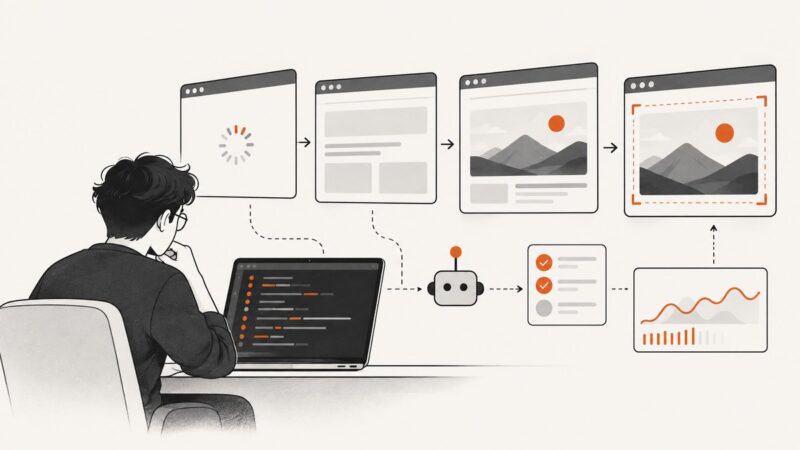
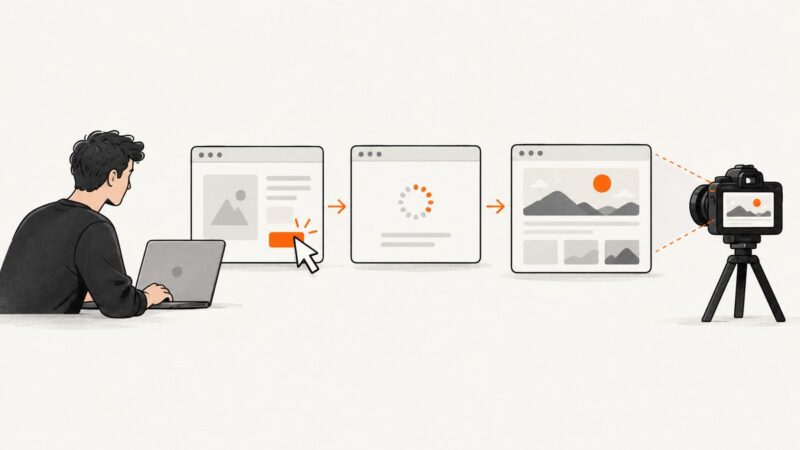
Click, fill, hover, or navigate with Puppeteer, wait for the page state you need, then capture it. Includes runnable examples, troubleshooting, and a no-browser-setup option.
Click, fill, hover, or navigate with Puppeteer, wait for the page state you need, then capture it. Includes runnable examples, troubleshooting, and a no-browser-setup option.
Load local WOFF2 fonts reliably in Puppeteer using a reachable URL or Base64 data URL, then wait for fonts before capturing.
Use jQuery to read an element’s HTML, text, or form values. For selected text or a screenshot, use the browser APIs built for that output.
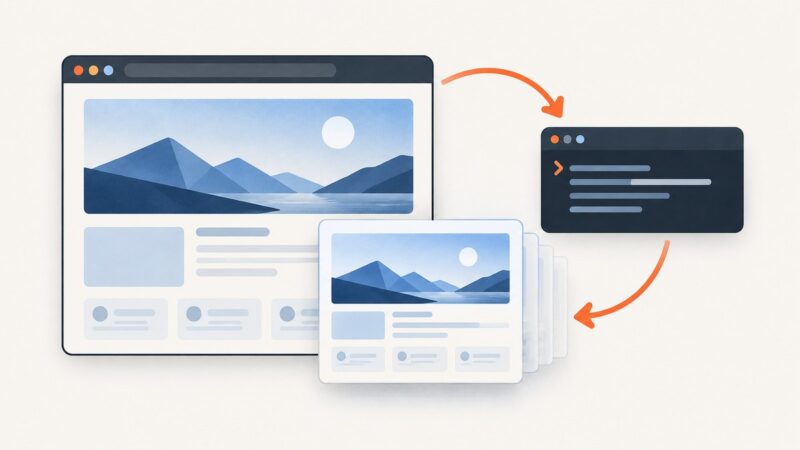
Use Playwright or Puppeteer to wait for rendered content, run page JavaScript, and capture a reliable viewport, full-page, or element screenshot.
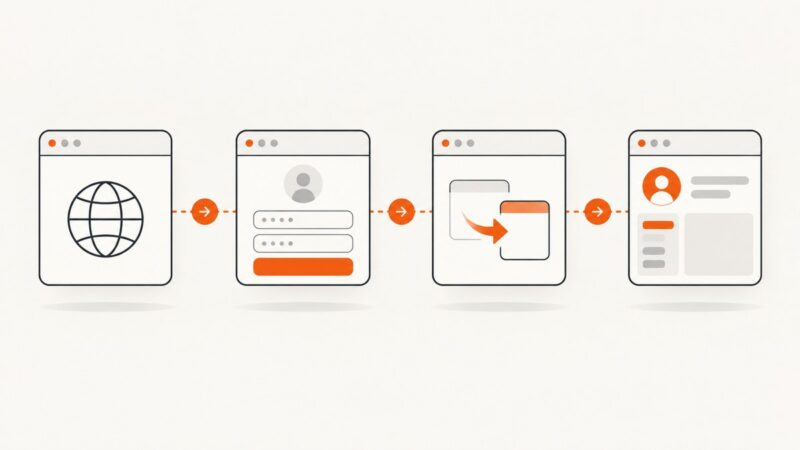
Find which layer is breaking Puppeteer login: browser setup, form interaction, navigation timing, authentication, or session state. Then verify the fix with a real post-login signal.
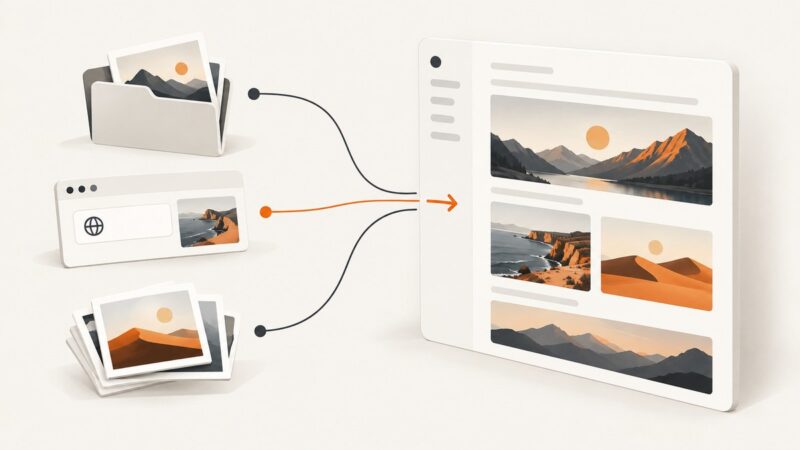
Learn every practical way to add images to Notion pages and databases, resize and describe them, embed URLs, and fix upload problems.
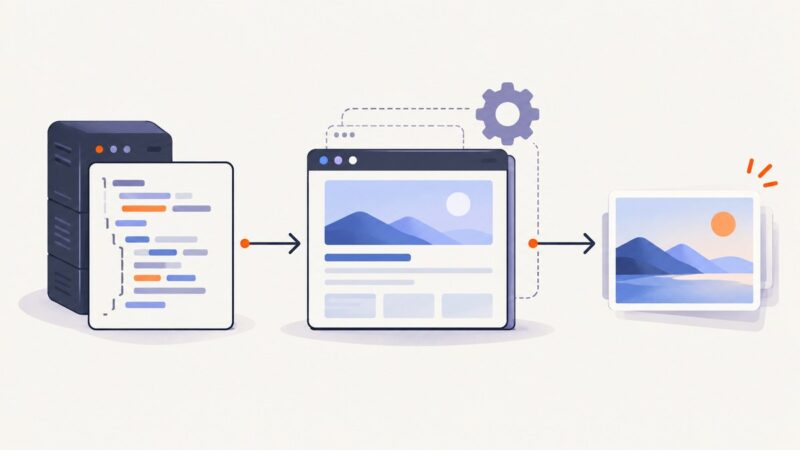
Render an HTML file in a browser and save it as a JPG with Playwright. Choose viewport or full-page capture, set JPEG quality, and troubleshoot local assets.
Click a button with PuppeteerSharp, wait for the page’s real completion signal, then extract the rendered data in C#.
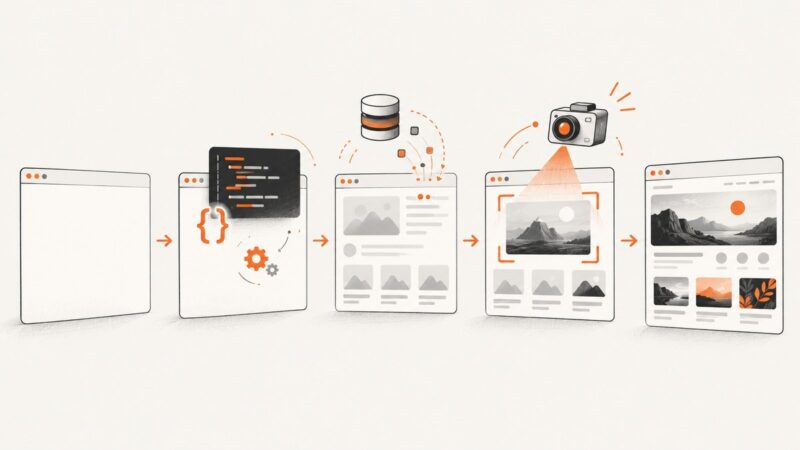
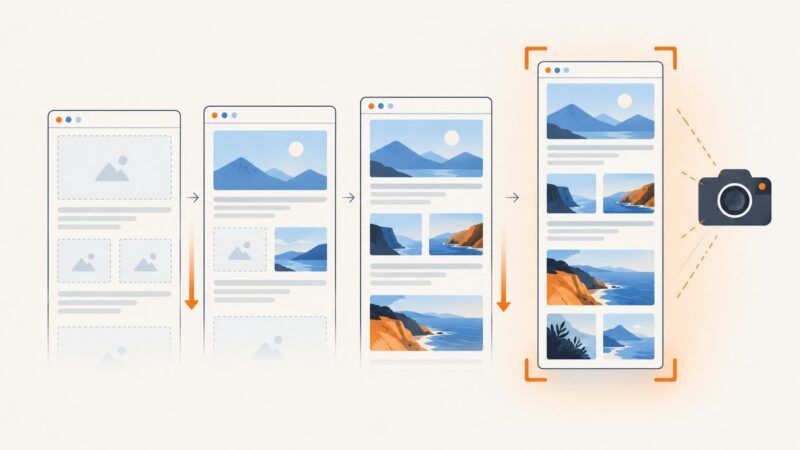
Make Puppeteer screenshots include every intended image by triggering lazy loads, checking image success, waiting for decode, and diagnosing failed requests.
Fix Puppeteer selector errors by checking timing, frames, shadow DOM, selector syntax, and stale handles with practical code and diagnostics.
Capture rendered websites in PHP with Playwright, chrome-php/chrome, Browsershot, or a one-call ScreenshotNeo API workflow.
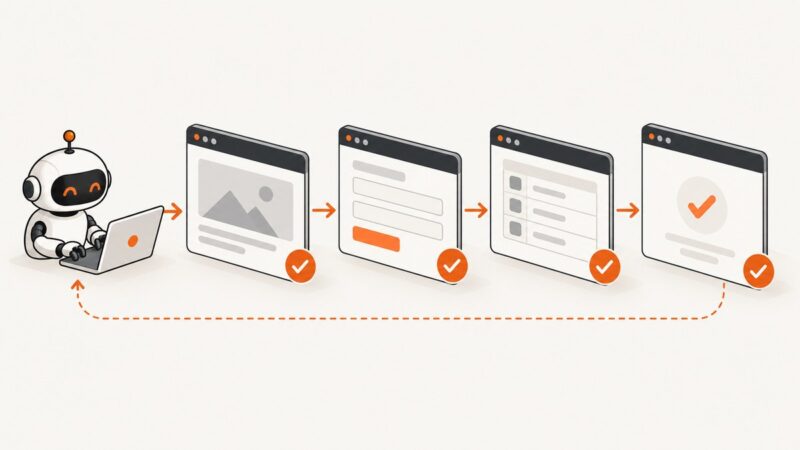
Use await in a serial Puppeteer loop, coordinate navigation safely, and choose Promise.all only when browser actions can overlap.
Fix incorrect Puppeteer screenshots by checking capture area, viewport, emulation, page readiness, elements, and browser versions.
Fix Puppeteer navigation and screenshot failures with practical timeout, readiness, response, browser, PDF, and debugging guidance.
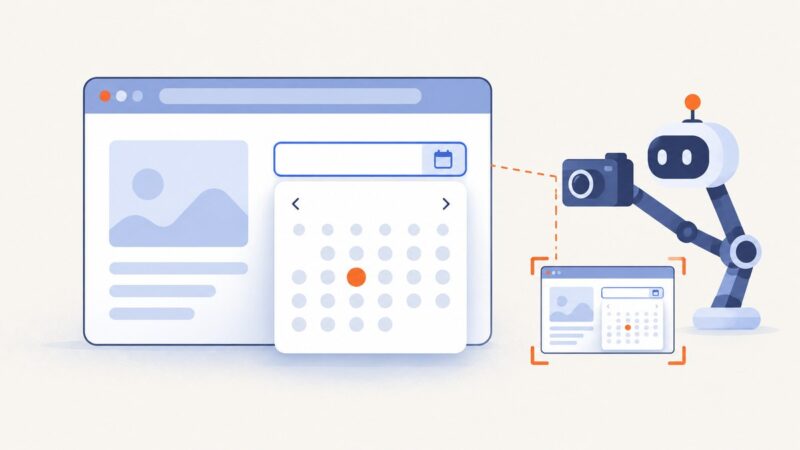
Learn how to open an HTML date picker with showPicker(), capture it with Puppeteer, and handle native popup limits across browsers.
Capture a page in Firefox with its built-in tool or command line, understand what “Firefox Loop” means, and learn when a screenshot API fits better.
Attach Playwright to an open Chromium browser, a Playwright server, or reusable login state with working JavaScript and Python examples.
Use Cloudflare Access to protect a page, folder, subdomain, or private origin with OTP, SSO, Tunnel, or service tokens.