How to Convert HTML to a Color PNG Image
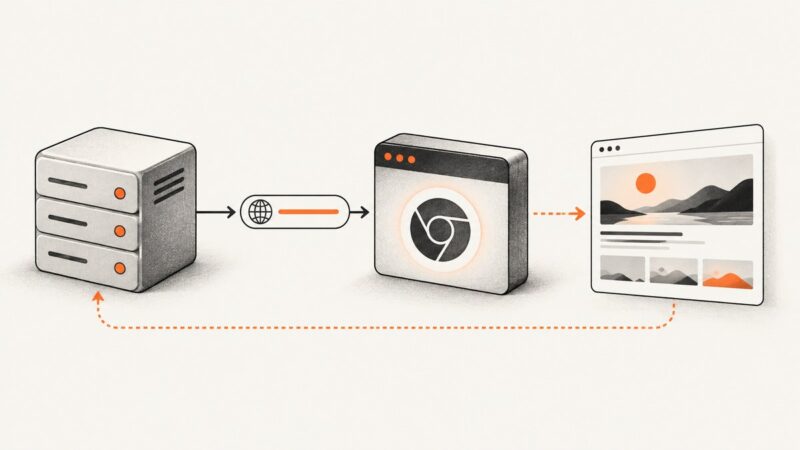
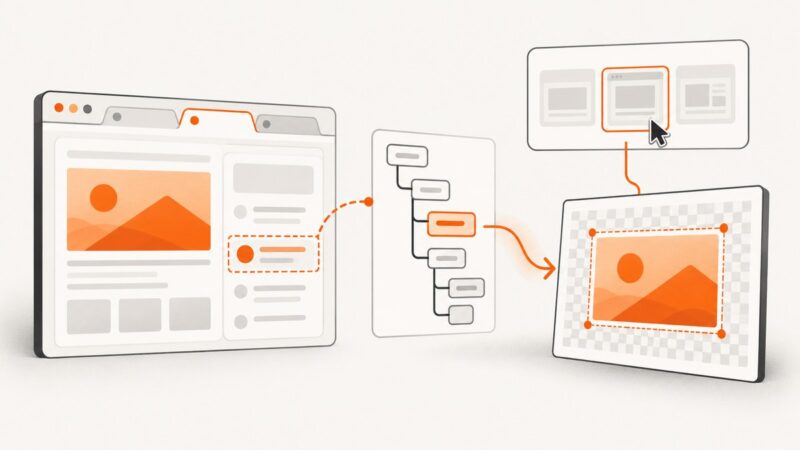
Convert HTML to a color PNG with html2canvas or Playwright, including full-page capture, element screenshots, cross-origin fixes, and automation options.
Convert HTML to a color PNG with html2canvas or Playwright, including full-page capture, element screenshots, cross-origin fixes, and automation options.
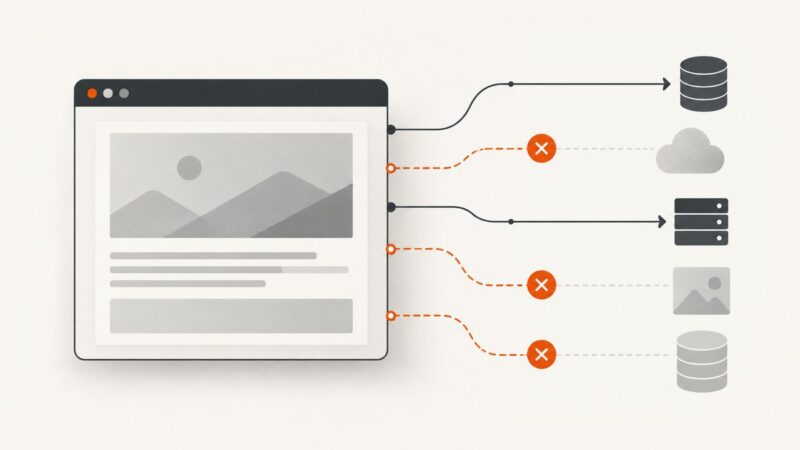
Use Puppeteer request interception to block or allow page requests during a local-file screenshot. Here’s runnable code, filtering options, and fixes for common failures.
Find out whether a broken full-page screenshot comes from capture settings, CSS, missing resources, or browser differences, then make the cause reproducible.
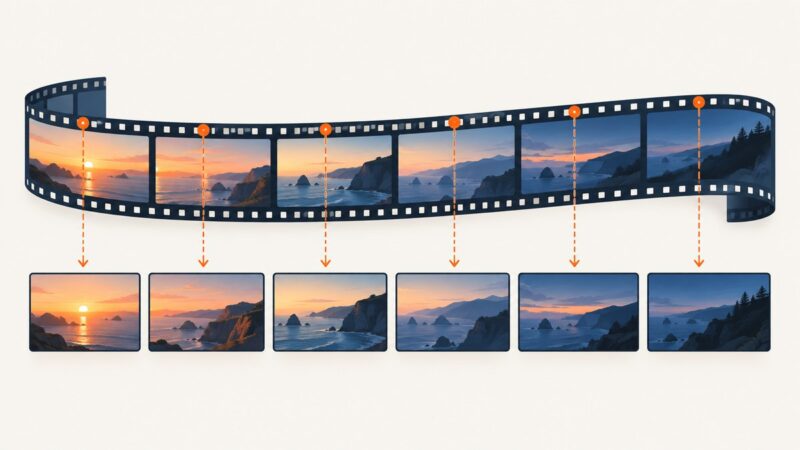
Extract one frame every minute from an FLV with FFmpeg, control timing and quality, troubleshoot failures, and automate thumbnail workflows.
Check an element’s current visibility in JavaScript, wait for it in Puppeteer, or use a locator when the next step is an interaction.
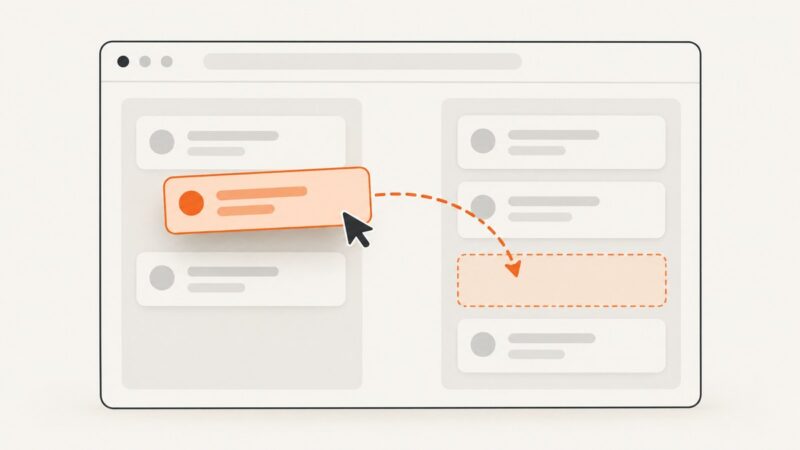
Use Puppeteer’s mouse API to drag between elements, handle coordinates and timing, troubleshoot failures, and verify the resulting application state.
PHP cannot render a URL into a screenshot by itself. Use a hosted browser API to capture pages without running Chrome or manipulating the DOM in your PHP app.
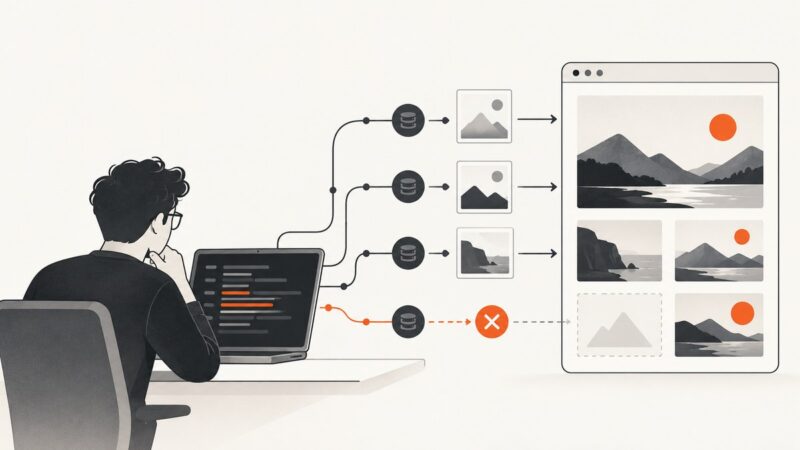
Diagnose broken, lazy, intercepted and blocked images in Puppeteer, then wait for verified pixels before taking reliable screenshots.
Fix Puppeteer launch errors by checking browsers, paths, caches, Node versions, Linux libraries, Windows policies, and sandbox settings.
Capture a rendered AngularJS page in C# with Playwright, reliable waits, full-page options, troubleshooting, and a hosted API alternative.
Await your exposed Puppeteer function, confirm the page has rendered its result, then capture a reliable screenshot with page.screenshot().
Fix Puppeteer clicks that always hit the first link by inspecting matches, using precise selectors or locators, waiting for readiness, and handling navigation safely.
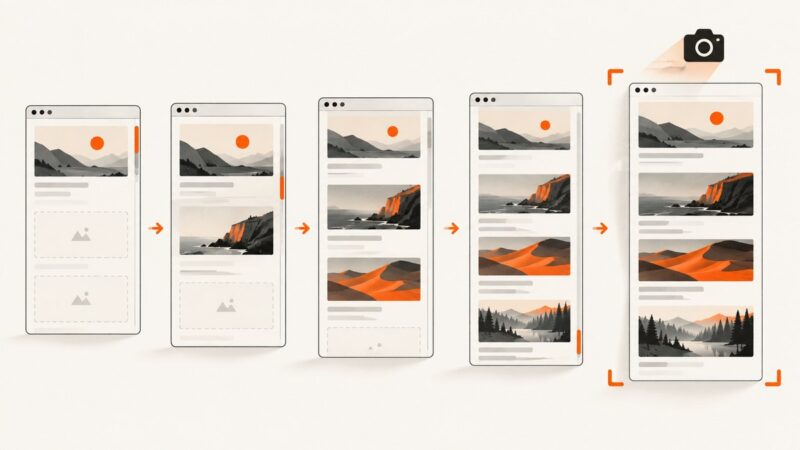
Scroll lazy images into view, wait for them to load, then capture with Puppeteer. Includes full-page and element screenshots, robust checks, and fixes for common failures.
Capture a Puppeteer screenshot in memory, turn it into a data URL, and display it in HTML without writing a local image file.
Capture a visible PDF page on Windows or Mac, use browser tools for longer documents, and automate PDF screenshots with ScreenshotNeo.
Find the rejection behind Puppeteer’s warning, check browser compatibility, and handle intercepted requests without hiding the cause.
Learn when to use html2canvas or getDisplayMedia(), with complete JavaScript code, permissions, cross-origin fixes, troubleshooting, and a server-side option.
Find saved screenshots, recover a copied snip from Clipboard History, and check Recall snapshots in Windows 11.