How to Take a Screenshot on a Mobile Device
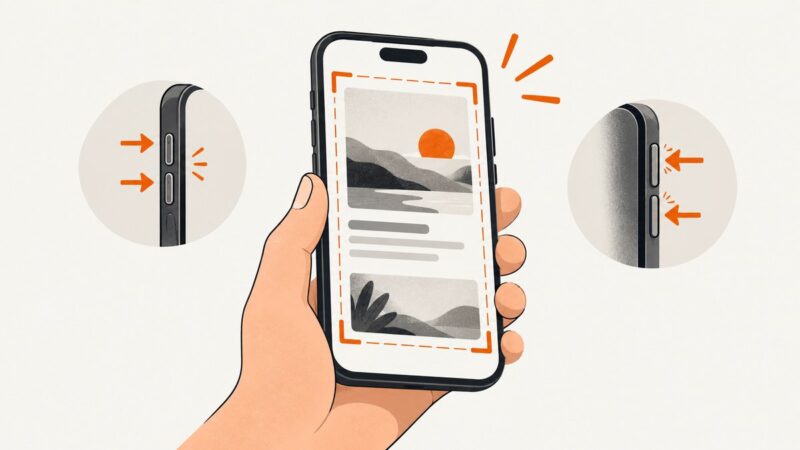
Learn the correct screenshot buttons for iPhone and Android, find and edit captures, take long screenshots, and use accessibility alternatives.
Learn the correct screenshot buttons for iPhone and Android, find and edit captures, take long screenshots, and use accessibility alternatives.
CSS backgrounds need no special screenshot flag. Learn how to capture them reliably in Puppeteer, handle lazy loading, and diagnose missing images.
Puppeteer’s keyboard API sends events to a browser page, not documented Windows hotkeys. Use page.screenshot() for webpage images; use a host capture tool for the desktop.
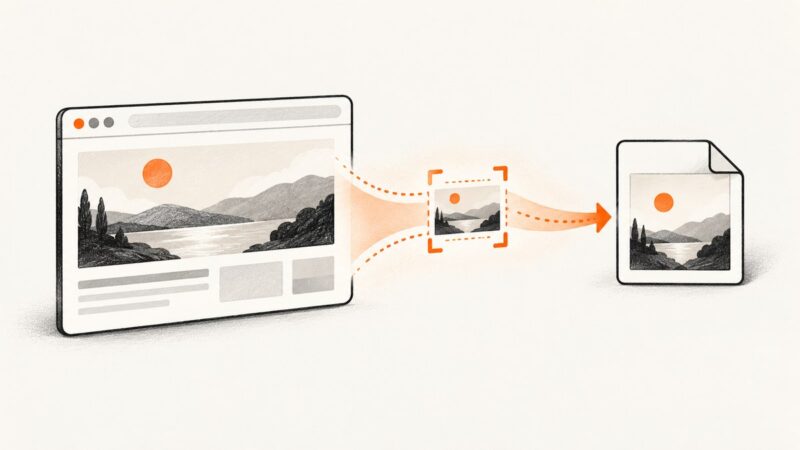
Capture a selected DOM element at its rendered size with Puppeteer. Learn the complete Node.js setup, output options, reliable waits, and fixes for common failures.
Diagnose Puppeteer waitForSelector timeouts, early returns, frames, navigation, visibility and failed clicks with runnable fixes.
Java screenshot tests fail when rendering, page state, image geometry, or comparison rules vary. Learn how to stabilize captures, compare pixels, and diagnose diffs.
Read a request URL with Puppeteer’s request event, filter it safely, and navigate without creating loops or stalling intercepted traffic.
Save images from ordinary HTML, responsive galleries, CSS backgrounds, and canvas pages with browser tools, code, and permission-aware workflows.
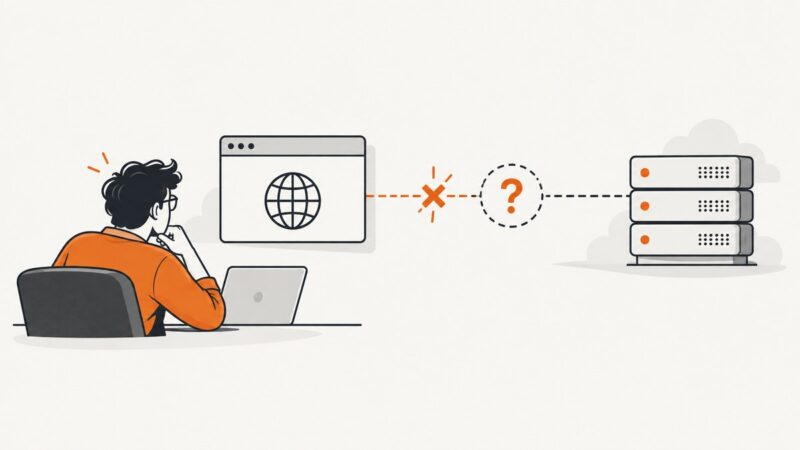
Windows error 11001 means a hostname could not be resolved. Trace whether DNS, a proxy, browser setup, or Robot Framework argument parsing is responsible.
Send Puppeteer screenshots to Discord.js from memory, as files, or inside embeds—with complete code, size limits, errors, and production guidance.
Capture a website with PhantomJS at runtime, set the viewport and crop, wait for dynamic content, and handle common rendering failures.
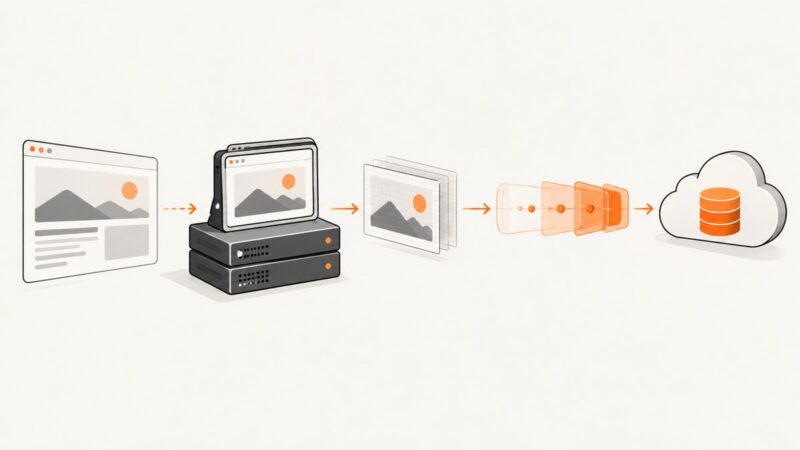
Capture a page with Puppeteer and upload the in-memory image to Cloudinary through Axios, with signed and unsigned flows, fixes, and production guidance.
Fix Puppeteer screenshots on Heroku by checking browser dependencies, Chrome’s path and cache, launch flags, fonts, and dyno limits.
Listen for a specific Puppeteer console message, then capture the page safely. Includes runnable code, matching options, troubleshooting, and an API alternative.
Learn why Puppeteer finds TikTok’s comment box but cannot type, how to inspect the live DOM, choose the right locator, and debug hidden editors.
Seed your app’s localStorage token with LHCI’s Puppeteer hook, preserve it through collection, and troubleshoot origin and browser-context issues.
Save any webpage as a PDF using built-in browser tools or an extension, with layout fixes, privacy checks, troubleshooting, and an API option.
Capture an element in the browser with html2canvas, or take a browser-rendered screenshot of a URL with Puppeteer. Learn the code, tradeoffs, and fixes for common problems.