How to Fix WebGL Alpha Differences Between Puppeteer and Chrome
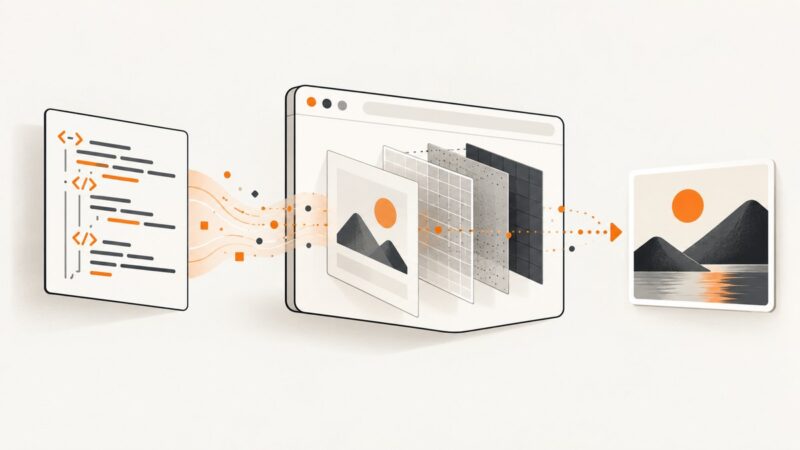
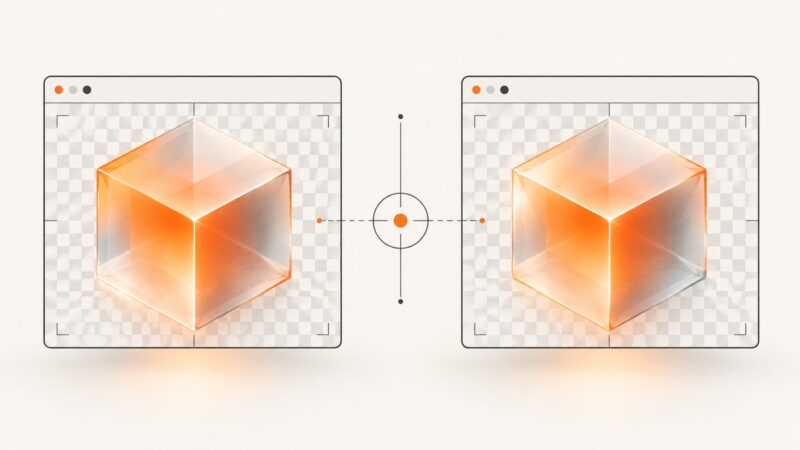
Match WebGL context attributes and browser settings to diagnose alpha differences between Puppeteer screenshots and Chrome.
Match WebGL context attributes and browser settings to diagnose alpha differences between Puppeteer screenshots and Chrome.
Capture a website while the banner you want is actually visible. Choose a browser or automated workflow, keep ad blocking off, and verify the saved image.
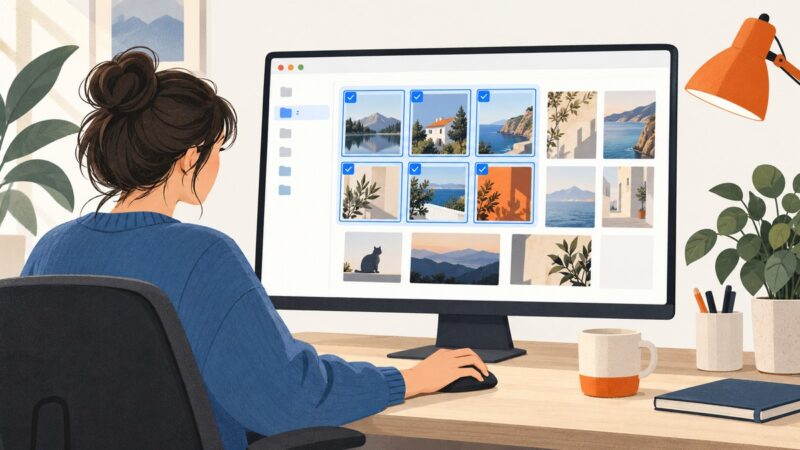
Select a continuous group with Shift-click, separate screenshots with Ctrl-click, or use File Explorer checkboxes. Here’s where to find the files and what to do next.
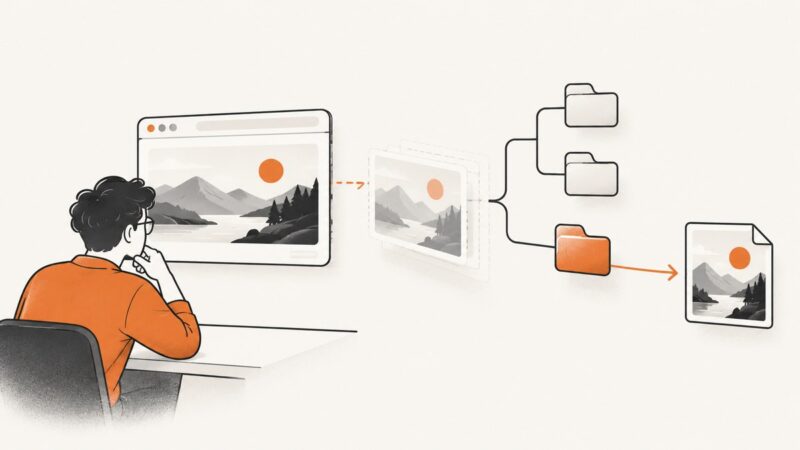
Puppeteer screenshots usually go missing because no save path was supplied, the path resolves somewhere unexpected, or the runtime cannot write there. Trace the full path from screenshot call to file system and fix it step by step.
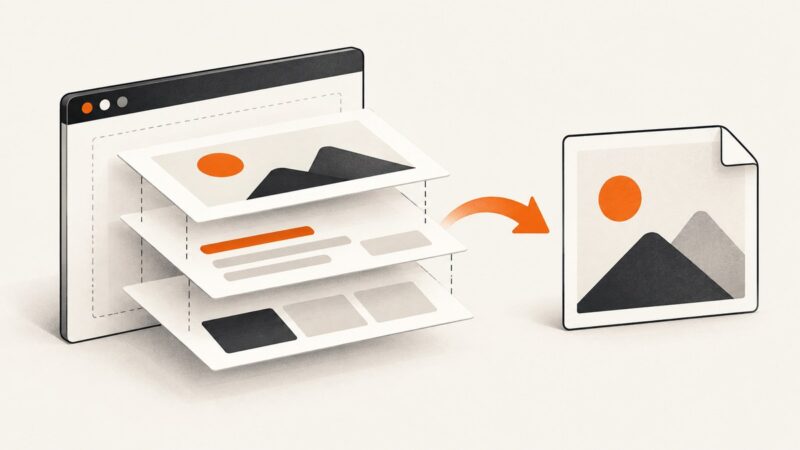
Convert raw HTML, a local file, or a live webpage to PNG. Compare browser-based methods, handle rendering issues, and choose the right workflow.
Convert HTML to PNG with a real browser, html2canvas, or a command-line tool. Choose the right method and handle fonts, images, full pages, and common failures.
Remove banners, popups, ads, and other elements before capturing a page in Node.js with Playwright or Puppeteer. Compare DOM removal with screenshot-only CSS.
Use Puppeteer’s page.evaluate() to call an Angular component method when the app exposes a deliberate test hook. Learn when to use TestBed or UI interactions instead.
Capture every matching child element as its own image with Puppeteer, handle dynamic DOMs, visibility, clipping, failures, and production workloads.
Use Puppeteer to start a YouTube video, focus the player, trigger fullscreen, and verify browser permissions, embeds, headless mode, and failures.
Use Puppeteer readiness checks, lazy-load handling, animation control, screenshots, PDFs and recordings for dynamic websites.
Hide sticky headers, cookie banners, and fixed footers before a Puppeteer capture with reversible page-context code, careful targeting, and reliable timing.
Capture every pixel inside a scrollable iframe with DevTools, same-origin JavaScript, browser automation, exports, and a screenshot API.
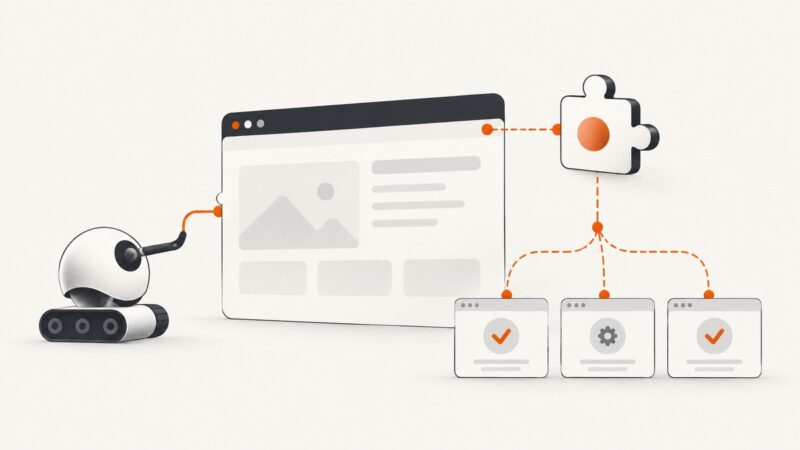
Load unpacked Chrome extensions with puppeteer-core, then test their service workers, popups, and content scripts in the right browser mode.
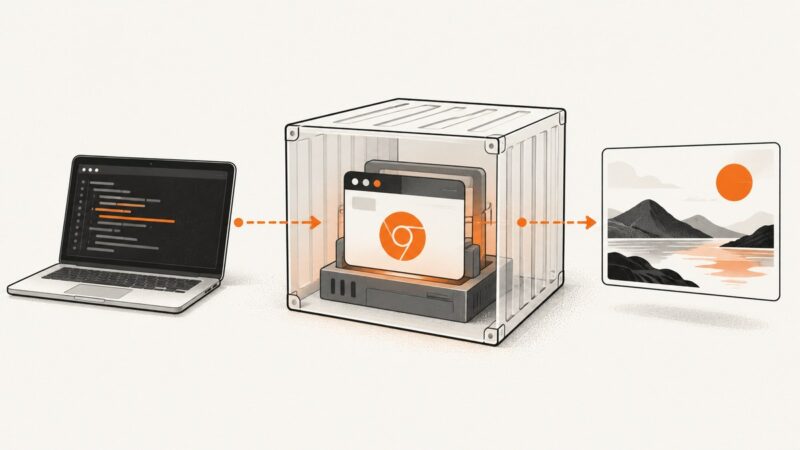
Start Puppeteer’s bundled Chrome in Docker, then learn how to build a custom image, keep Chrome sandboxed, and fix common launch failures.
Find the real bottleneck in slow Puppeteer loads, measure it, fix it safely, and know when a screenshot API is faster to operate.
Capture a whole web page with built-in browser, iPhone, and Android tools. For repeatable developer workflows, use a full-page screenshot API.
Learn the reliable Puppeteer patterns for scrolling to buttons, clicking them, handling navigation, frames, overlays, and failures.