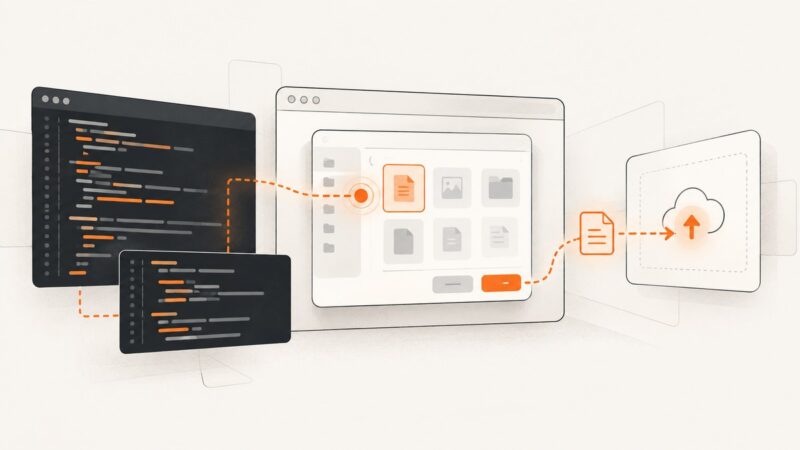
How to Fix Puppeteer File Chooser Events That Do Nothing
Fix Puppeteer file chooser events that do nothing: register the wait before clicking, handle unsupported picker APIs, paths, races, and remote browsers.
Fix Puppeteer file chooser events that do nothing: register the wait before clicking, handle unsupported picker APIs, paths, races, and remote browsers.
Set up Cloudflare DNS, nameservers, proxying, SSL/TLS, email records, and verification without taking your website offline.
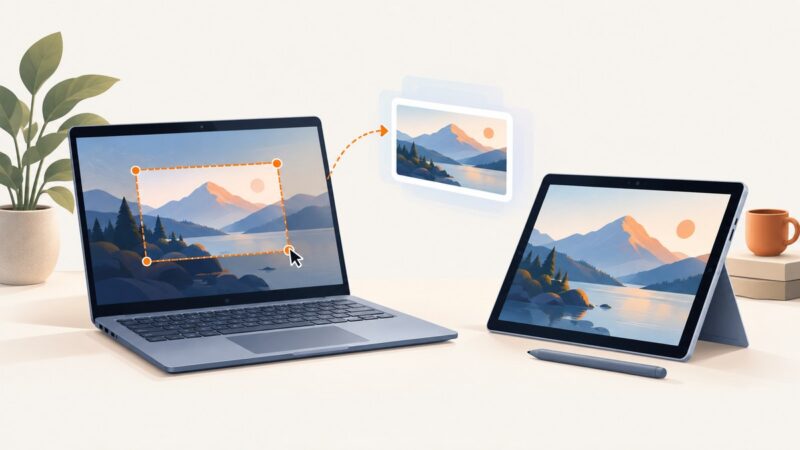
Use Windows + Shift + S to capture a region, or Windows + PrtScn to save the full screen. Here are the Surface shortcuts and when each works.
Resize screenshots without distortion, then choose a format and compression level that fits your file limit while keeping text readable.
Capture a complete, readable screenshot of a Twitter/X thread on iPhone, Android, Windows, or Mac, with tips for long threads and preserving context.
Capture the part of a Google Doc on screen with your device’s screenshot controls, or print the whole document to PDF when you need a complete file.
Learn when and how to lazy load Next.js components, libraries, and images with next/dynamic, React.lazy, Suspense, and next/image.
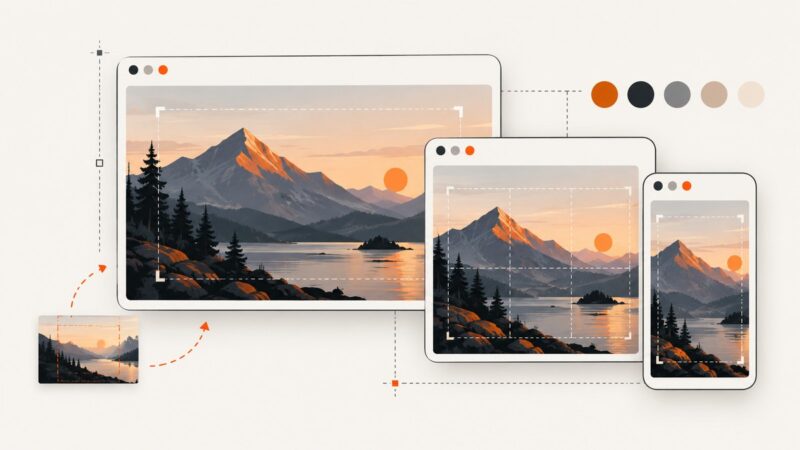
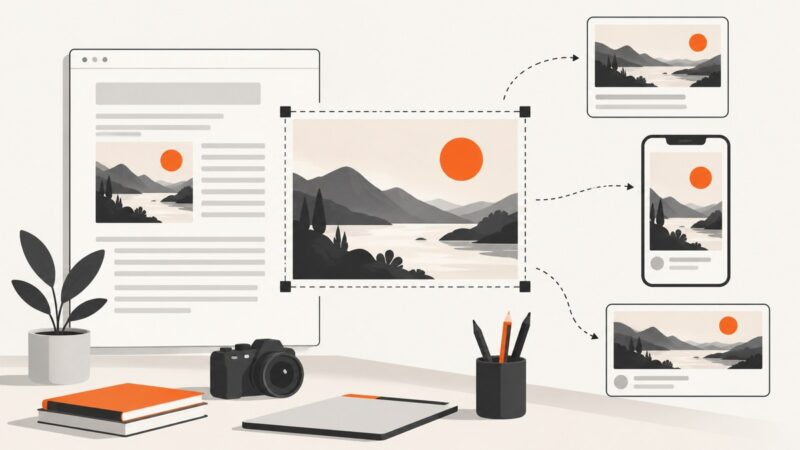
Build responsive website thumbnails with the right crop, contrast, accessibility, metadata, and fallback behavior using practical HTML and CSS.
Load an unpacked Chrome extension in headless Puppeteer with enableExtensions, verify it runs, and troubleshoot launch and browser-mode issues.
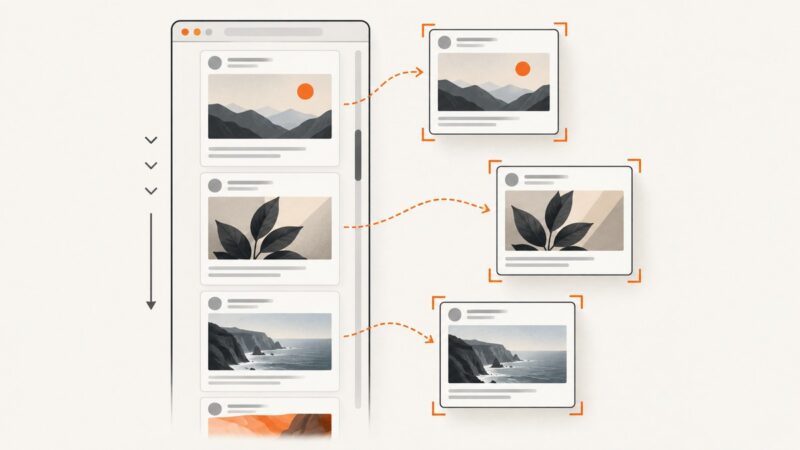
Capture one image per tweet as Puppeteer scrolls an infinite feed. Learn to wait for visual readiness, deduplicate virtualized posts, and stop safely.
Capture an entire webpage in Edge with Ctrl+Shift+S, save or copy it, fix common problems, and automate clean screenshots with ScreenshotNeo.
Learn how to design, crop, name, optimize, and publish blog thumbnails that stay clear, accessible, and reliable across your site.
Resize first, compress second, and verify the result with free tools. This guide covers Squoosh, WebP, AVIF, responsive images, ImageMagick, and testing.
Learn the reliable way to save a complete Google Doc, why image capture can fail, and how to turn a Doc into a clean screenshot or PDF.
A Windows screenshot may be copied to the clipboard without becoming a file. Find it, check Snipping Tool’s save folder, and troubleshoot OneDrive sync.
Learn how screenshot OCR works, which tools preserve layout, and how to extract text privately with Google Vision, Azure, or local workflows.
Save a page to the Wayback Machine with Save Page Now, verify the archived result, and learn what a one-time capture does—and doesn’t—preserve.
Use matchMedia() to detect a dark color preference in JavaScript, respond to changes, and choose when CSS alone is enough.