How to Fix Puppeteer’s Missing X Server or $DISPLAY Error
Fix Puppeteer's Missing X server or $DISPLAY error with headless Chromium, a real display, or Xvfb—plus Docker troubleshooting and reliable alternatives.
Fix Puppeteer's Missing X server or $DISPLAY error with headless Chromium, a real display, or Xvfb—plus Docker troubleshooting and reliable alternatives.
A blank CAPTCHA can come from your browser, an extension, a blocked provider script, or the site’s integration. Use this checklist to find the failing layer and fix it.
Learn to automate HTML login forms, JavaScript dialogs, and HTTP authentication challenges with Puppeteer, with selectors, waits, errors, and secure patterns.
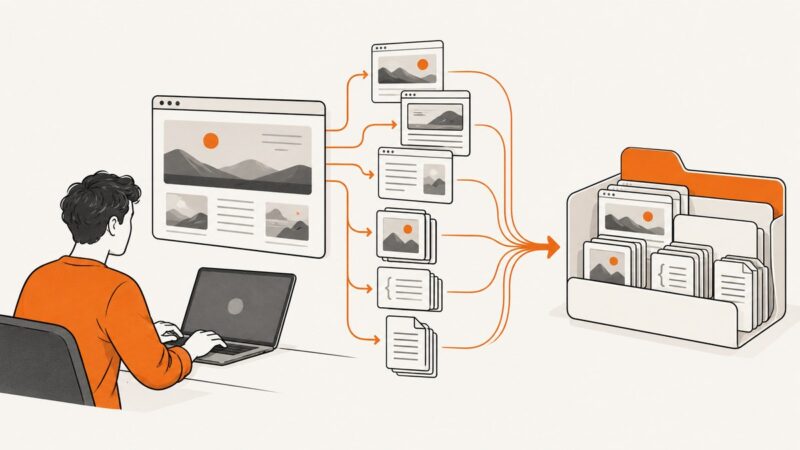
Learn how to mirror a website for offline browsing with Wget or HTTrack, preserve assets and links, scope the crawl, and handle common failures.
Find out why images fail in Chrome, isolate the cause, and fix browser, network, security, and website configuration problems step by step.
Save a full webpage as a PNG with Firefox, use an online URL capture service, or capture a page from code. Choose the method that fits your page and privacy needs.
Save a visible area or full webpage as PNG or JPEG with built-in browser tools, extensions, or an automated ScreenshotNeo API.
Diagnose blank Chart.js canvases separately from blank PDF pages. Wait for chart readiness, then check Puppeteer’s print layout and PDF options.
Learn reliable ways to render HTML as JPG, JPEG, PNG, or WebP with Playwright, Puppeteer, html2canvas, wkhtmltoimage, and ScreenshotNeo.
Use your browser’s Print preview to save a webpage as a PDF, check missing images and background artwork, and choose an image capture when layout matters most.
Puppeteer can emulate a device viewport, but it does not add a decorative bezel. Capture the page, then composite the screenshot into a frame.
Capture a landing page as an image, PDF, or archive with browser steps, automation options, troubleshooting, and ScreenshotNeo code.
Render HTML in VS Code with Playwright, save reliable PNGs, troubleshoot missing assets, and skip browser setup with ScreenshotNeo.
Capture an entire webpage beyond the visible browser window, choose an image or PDF, and learn practical workflows for Edge, Firefox, and automated captures.
Learn how to save any rendered HTML page as a JPG using browser tools, Puppeteer, html2canvas, or ScreenshotNeo—with fixes for common failures.
Convert rendered HTML to PDF with Chrome Headless or Puppeteer. For JPG, capture the page as PNG, then convert the image format.
Find the pending Puppeteer promise, fix intercepted requests and navigation races, and choose a wait condition that matches your page.
Save a webpage from Chrome on Android as a PDF using the built-in print menu. Follow the steps, find the file, and troubleshoot common snags.