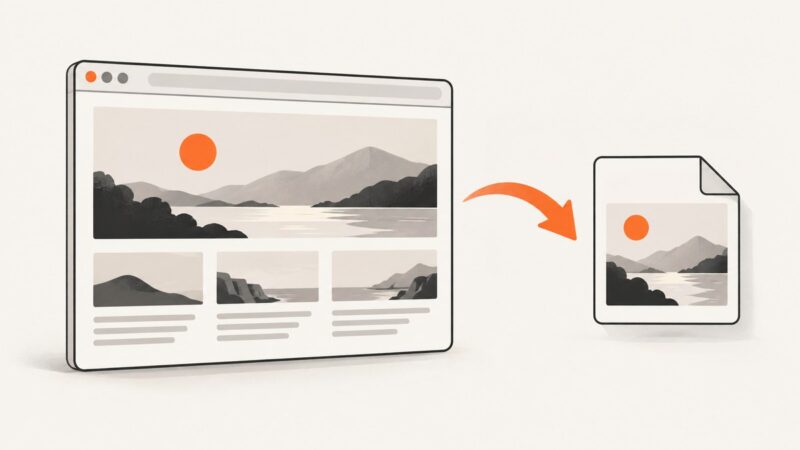
How to Convert HTML to a JPG Under 100 KB
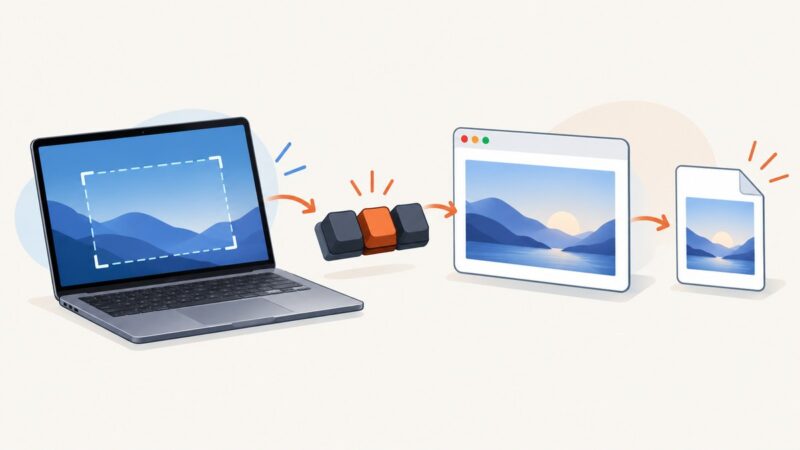
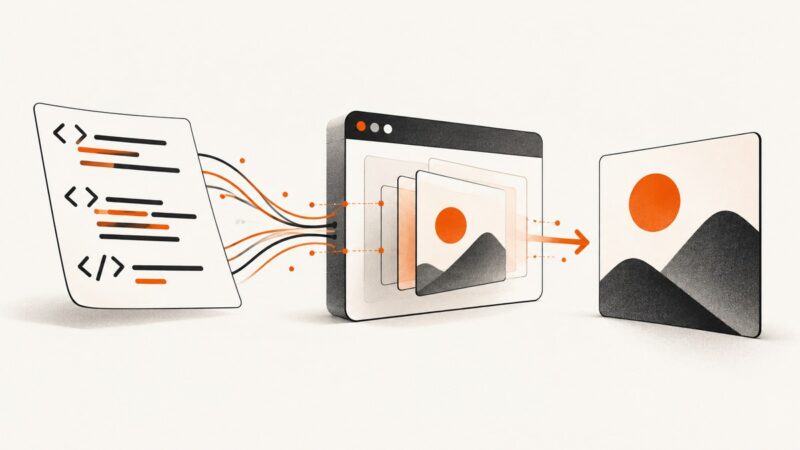
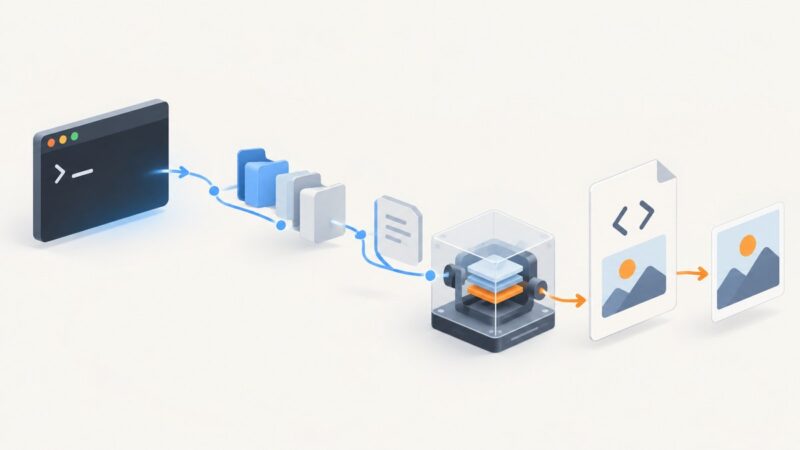
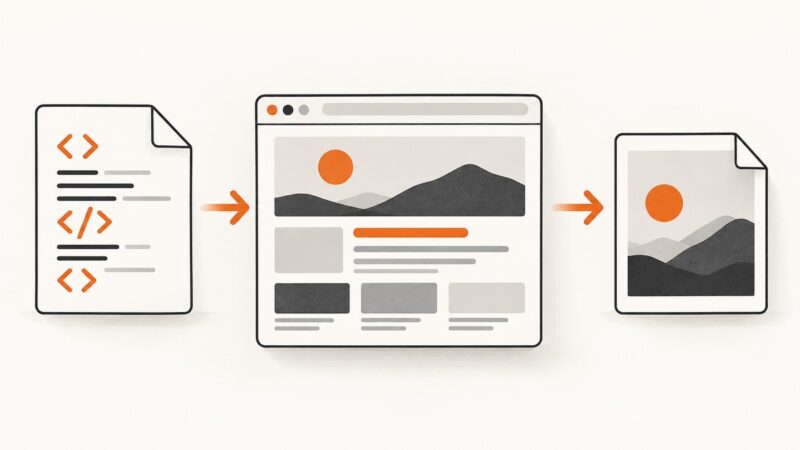
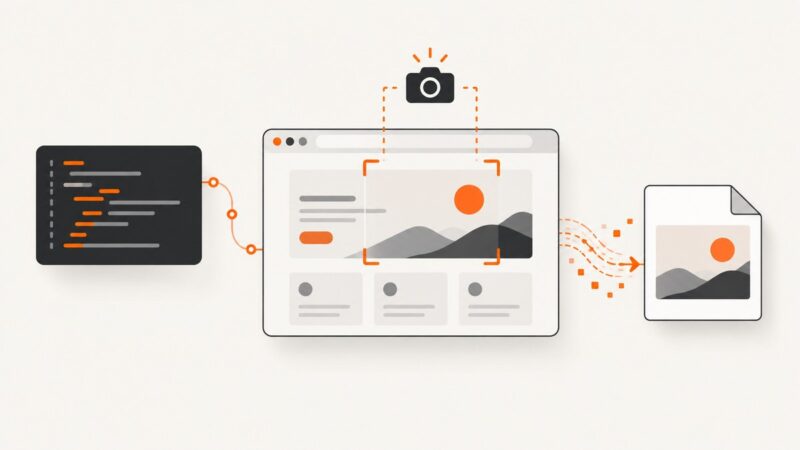
Render HTML in a browser, export a JPEG, then adjust its quality and dimensions until the saved file meets your byte limit.
Render HTML in a browser, export a JPEG, then adjust its quality and dimensions until the saved file meets your byte limit.
Fix Chrome screenshots by checking your device, capture method, save location, extension permissions, and administrator policies—in that order.
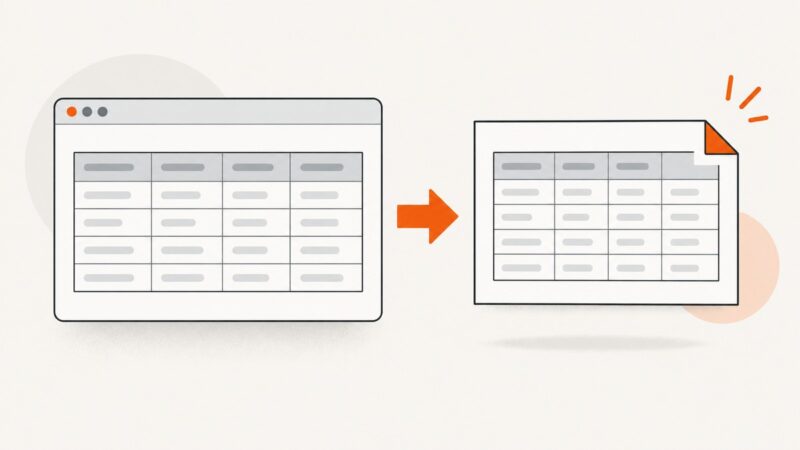
Export an HTML table as PNG with html2canvas, Playwright, Puppeteer, or a screenshot API. Choose the right method and handle sizing, CORS, and capture failures.
Set Cypress’s screenshot output folder, control cleanup and failure captures, organize artifacts in CI, and troubleshoot missing or deleted screenshots.
Convert a URL or local HTML file to PNG in R with webshot2, pagedown, or Chromote. Set the viewport, capture a selector, and fix common browser issues.
Use Cypress blackout selectors, safe capture modes, failure settings, and retention controls to keep secrets and personal data out of test screenshots.
Install an Odoo-compatible wkhtmltox build, render pages with wkhtmltoimage, and diagnose blank images, missing CSS, authentication, and timing problems.
Fix blurry, cropped, or incomplete wkhtmltoimage captures by tuning viewport width, zoom, image quality, and page readiness.
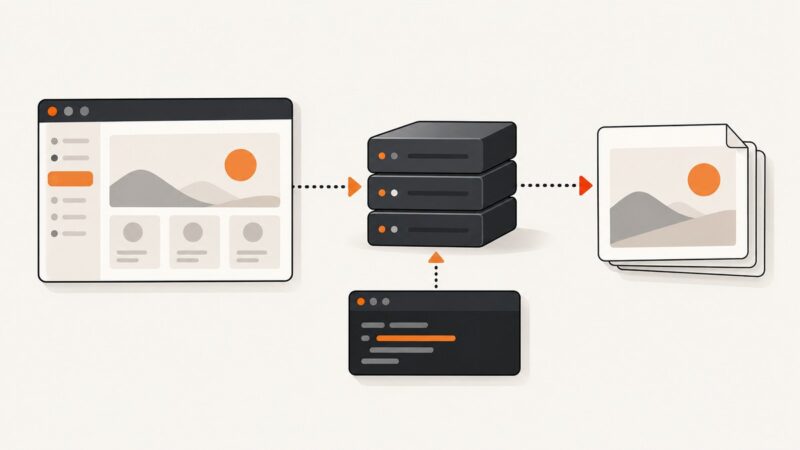
Learn how to render HTML in a real browser and save crisp PNG screenshots with Playwright, Puppeteer, or ScreenshotNeo.
Learn how to render URLs and HTML as PNG or JPG in C# with wkhtmltoimage, including timing, assets, authentication, errors, and deployment.
Render pasted HTML in a real browser and save a reliable PNG with Playwright, or capture an existing element with html2canvas.
Render HTML as a PNG in Node.js with Puppeteer or Playwright. Save it to a file or buffer, capture full pages or elements, and fix common rendering issues.
Choose a Cypress visual snapshot workflow, capture stable UI states, and review diffs without drowning in flaky failures.
Fix wkhtmltoimage PATH errors on Linux, macOS, Windows, Python, CI, and services with verification steps, diagnostics, and secure configuration.
Learn how Cypress time-travel snapshots work, how to pin and inspect them, and how to add named before/after snapshots to custom commands.
Render a local HTML file as a PNG with Playwright or Puppeteer. Choose viewport or full-page capture, handle local assets, and troubleshoot common rendering issues.
Capture reliable screenshots with Chrome CLI, Puppeteer, Playwright, or CDP, then automate clean captures with ScreenshotNeo.
Learn Selenium screenshot syntax in Python: save PNG files, capture elements or full pages, return bytes and base64, and fix common errors.