How to Use HTML-to-PNG Images as Icons
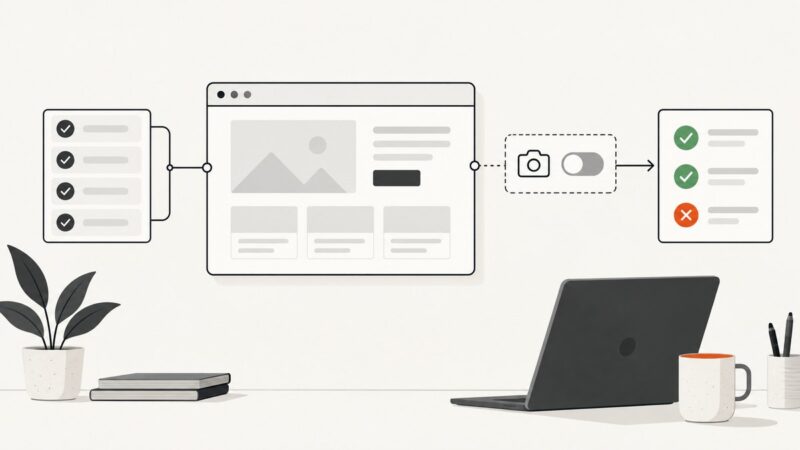
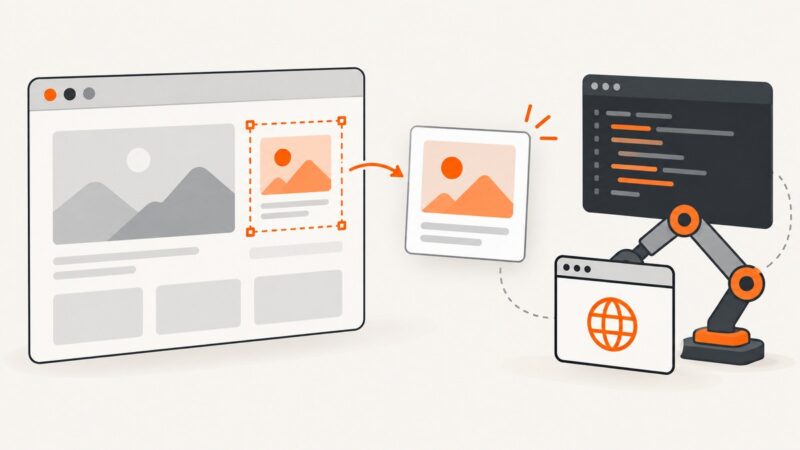
Convert HTML elements into sharp PNG icons with html2canvas, Playwright, or ScreenshotNeo, then wire the exported file into your HTML safely.
Convert HTML elements into sharp PNG icons with html2canvas, Playwright, or ScreenshotNeo, then wire the exported file into your HTML safely.
Set Cypress’s screenshotsFolder in cypress.config.js or cypress.config.ts to choose where manual and failure screenshots are saved.
Stop Cypress failure screenshots with screenshotOnRunFailure, handle manual captures, CI artifacts, privacy, and troubleshooting.
Learn how to save Selenium screenshots to files, bytes, or base64, capture elements, troubleshoot failures, and automate reliable image capture.
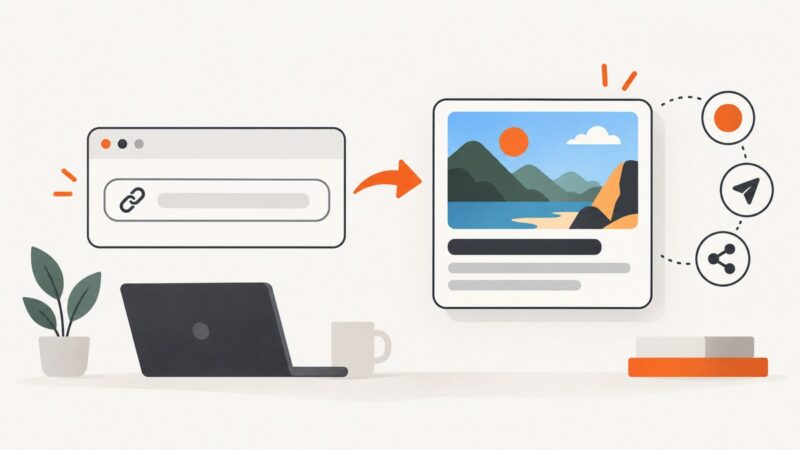
Add Open Graph metadata, prepare a crawler-friendly image, and validate the thumbnail that appears when your URL is shared.
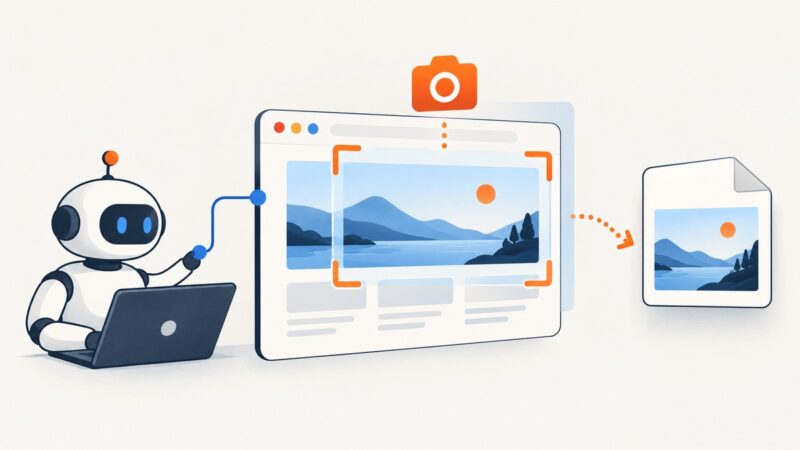
Capture one DOM element with Puppeteer using reliable selectors, waits, output options, troubleshooting, and a hosted ScreenshotNeo alternative.
Capture a single element in Selenium with Java using WebElement.getScreenshotAs. Learn how to save the image, choose an output type, handle timing and errors, and know when you need a full-page capture.
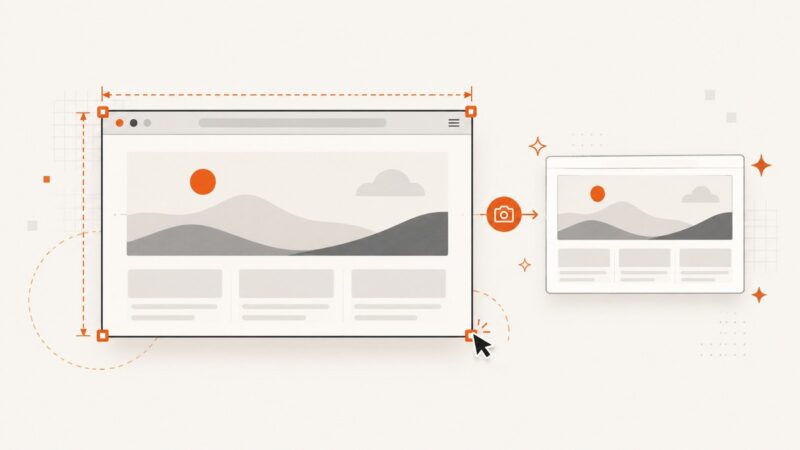
Set Selenium’s browser window size before capture, save the screenshot, and verify the resulting image dimensions when exact pixels matter.
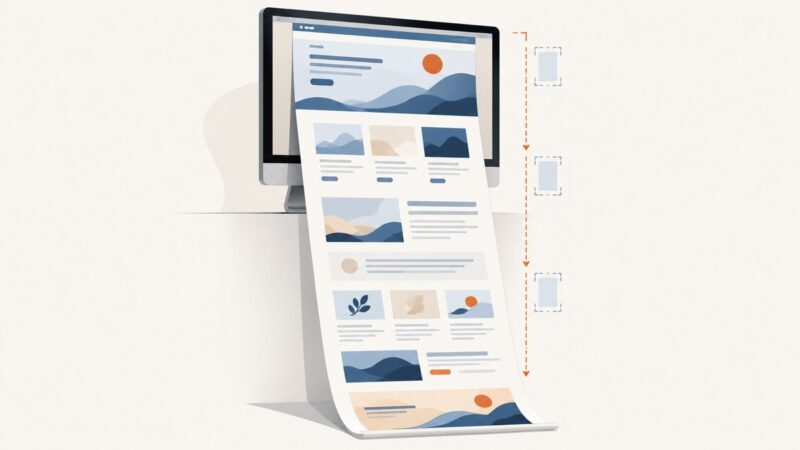
Capture an entire webpage on desktop or mobile. Follow the steps for Firefox, Chrome, iPhone, and Android, or automate full-page captures with an API.
Capture an entire webpage beyond the visible screen using Chrome, Firefox, Edge, iPhone, or Android. Learn when full-page captures fail and how to fix them.
Capture viewport, full-page, clipped, and element screenshots in Playwright with stable output, testing patterns, troubleshooting, and API alternatives.
Capture the current browser view or a single element with Selenium. Get runnable examples, binding differences, troubleshooting tips, and ways to handle full-page capture.
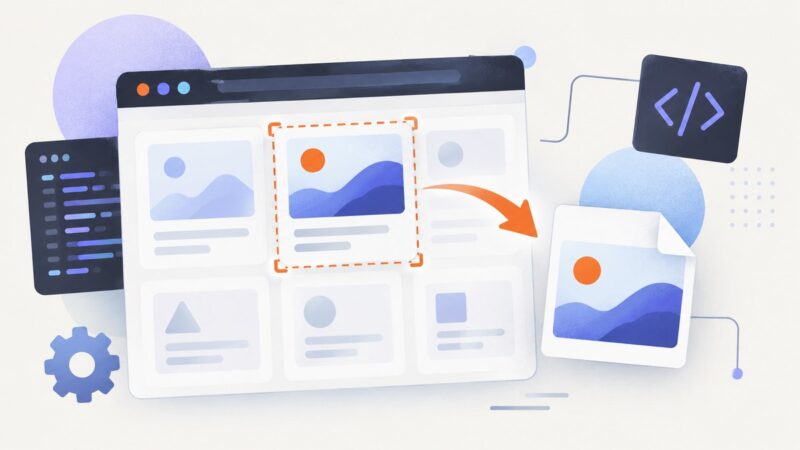
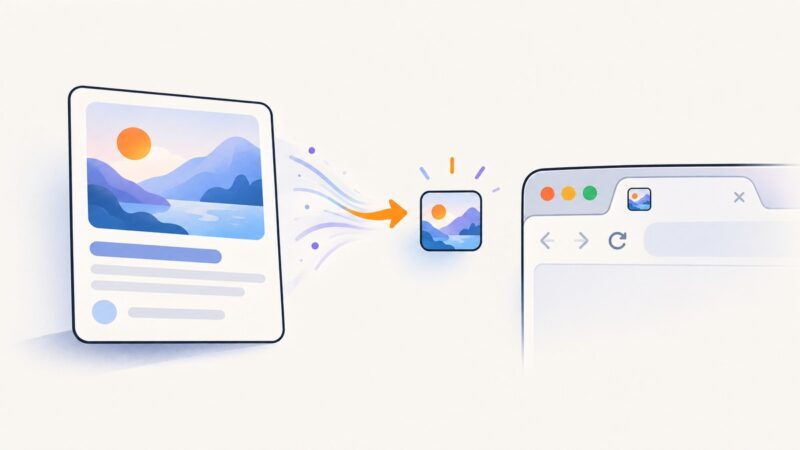
Turn rendered HTML into a PNG favicon, serve it correctly, declare it in your document head, and troubleshoot caching, sizing, and canvas issues.
Make screenshot text easier to read with focused captures, careful cropping, suitable formats and contrast, plus accessible text alternatives.
Check Playwright from the correct project environment, verify browser binaries separately, and fix version, path, dependency, and executable errors.
Add Playwright screenshots for debugging and visual regression with page.screenshot(), toHaveScreenshot(), stable baselines, and failure capture.
Install the native wkhtmltoimage binary, connect it to its npm wrapper, and convert URLs or HTML to images in Node.js.
Add JavaScript to WordPress with the supported enqueue APIs. Learn where scripts run, how to handle inline code safely, and how to troubleshoot loading issues.