How to Capture a Full-Page Screenshot in Chrome Online
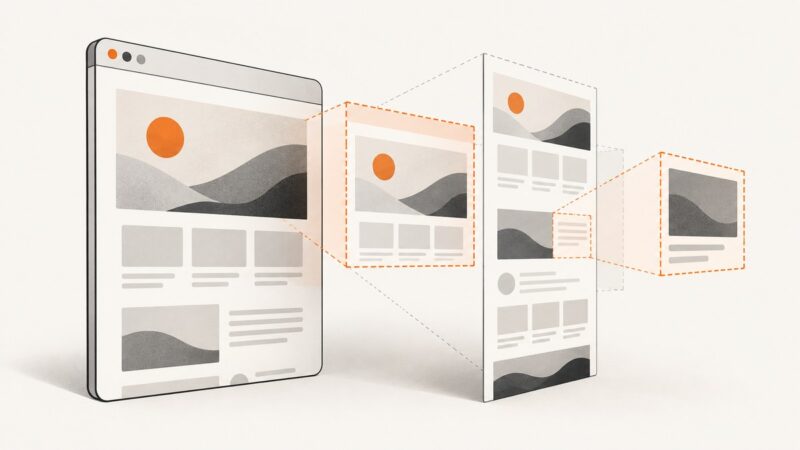
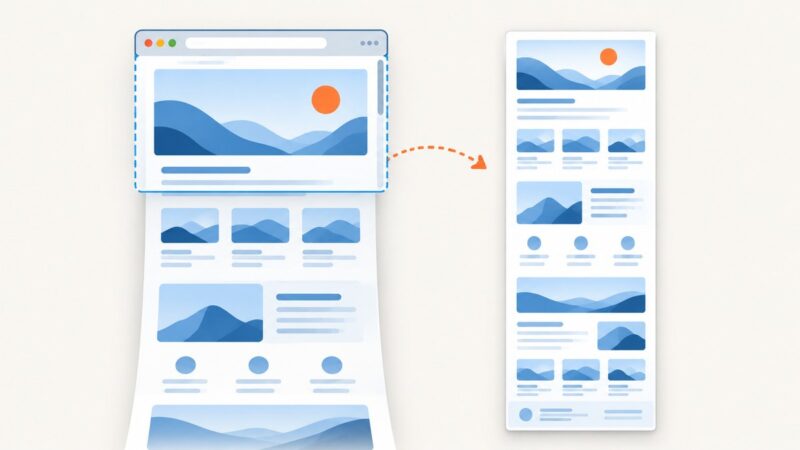
Capture an entire scrolling webpage in Chrome with DevTools, extensions, or one ScreenshotNeo API request. Includes troubleshooting, dynamic-page limits, and code.
Capture an entire scrolling webpage in Chrome with DevTools, extensions, or one ScreenshotNeo API request. Includes troubleshooting, dynamic-page limits, and code.
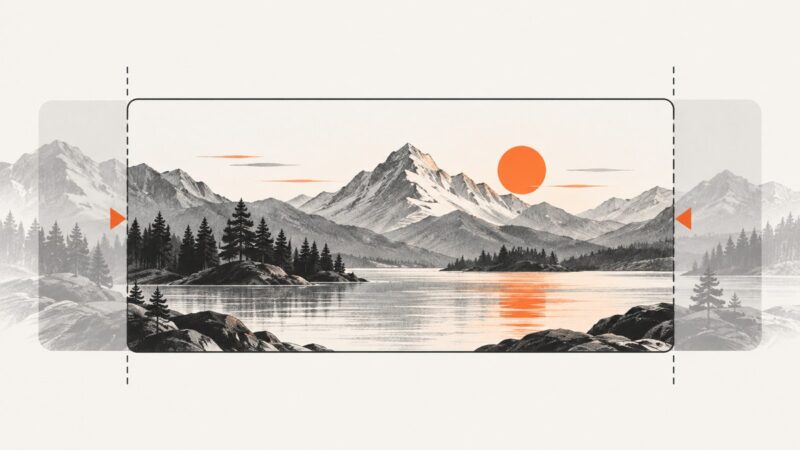
Resize and crop a share image to a practical 1200 × 630 canvas, add the right Open Graph metadata, and check how the preview appears.
Capture a visible browser screen, selected region, page element, or full webpage in Firefox, Edge, Chrome, and code.
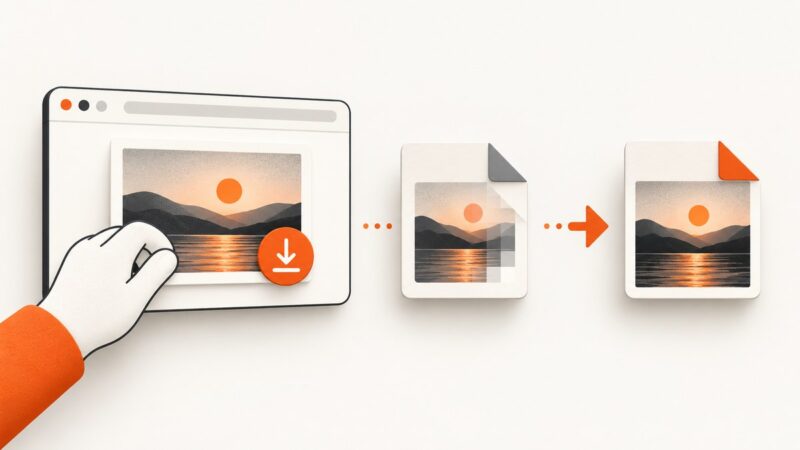
Save an image from a webpage, check what format you got, and convert it to JPG when needed. Renaming a file does not convert it.
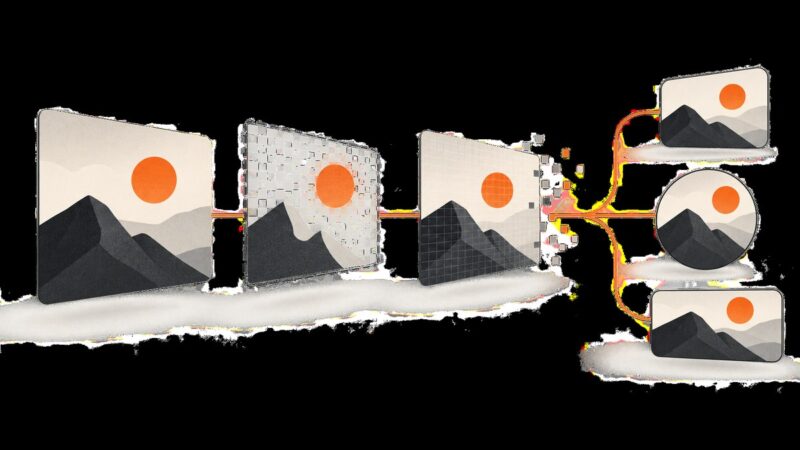
Convert an Open Graph image with ImageMagick or a hosted service, then verify the file, metadata, and social preview before publishing.
Learn how to capture visible, selected, and full webpages in Chrome on desktop, Chromebook, Android, and managed devices.
If screenshots aren’t working, first identify your device and what failed. Follow the matching capture, save-location, and app-restriction checks for Windows, Mac, iPhone, Android, or Chromebook.
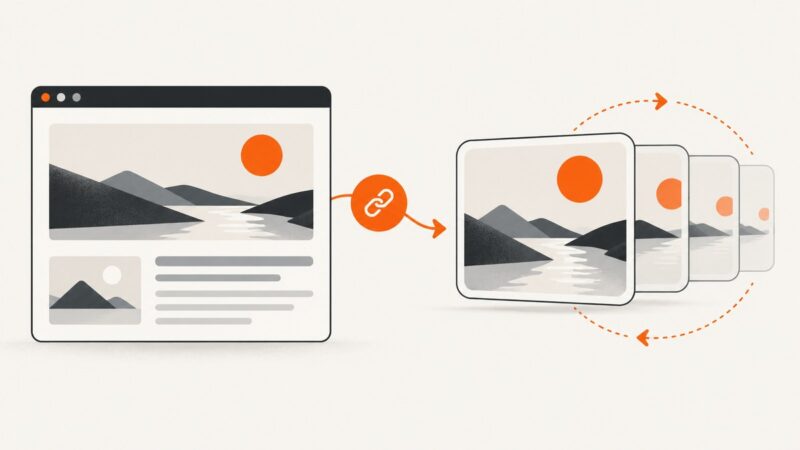
Create an animated Open Graph image, add correct metadata, support static fallbacks, and verify how social platforms render the preview.
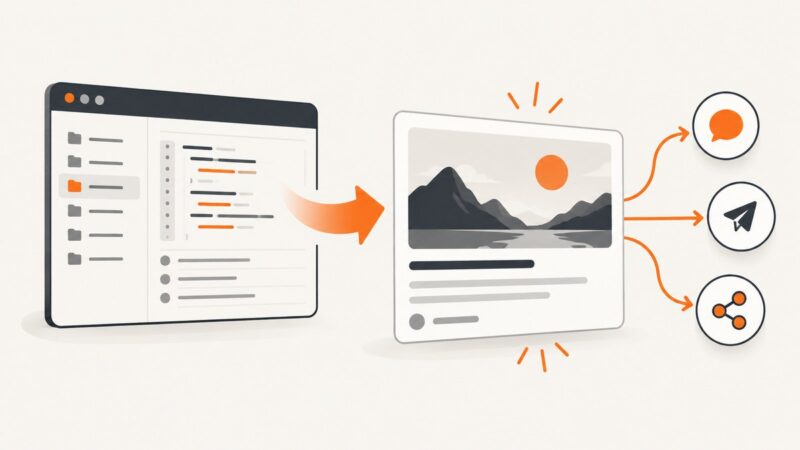
Render HTML in a browser, then save a viewport, full-page, or element screenshot as JPG or PNG with Chrome, Playwright, or ScreenshotNeo.
Capture an entire webpage, including content below the viewport, with Edge, Firefox, or Chrome DevTools. Learn what to try when part of a page is missing.
Learn how to capture a full-page or scrolling screenshot on Xiaomi, Redmi, and POCO phones, plus fixes when Scroll is missing.
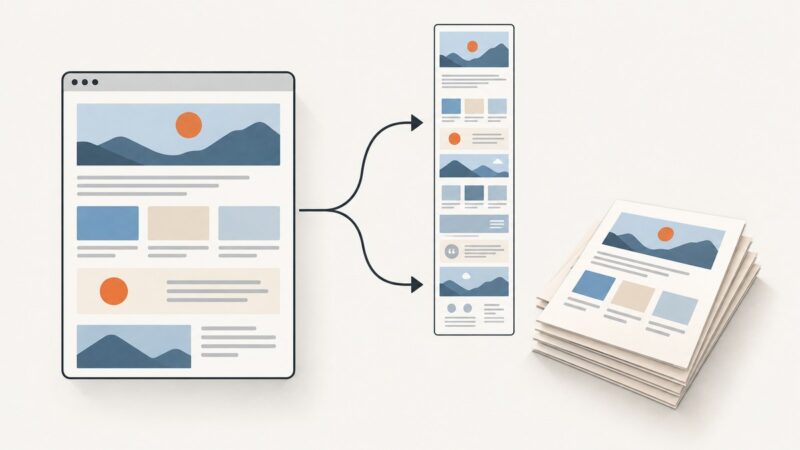
Capture a visible area or an entire webpage, then print it or save it as a PDF. Follow steps for Edge, Firefox, Chrome, iPhone, and developers.
Show a live webcam feed in a browser with getUserMedia(), handle permission and device errors, choose a camera, and stop the stream cleanly.
Learn how to add a GitHub repository social preview, choose the right image size, verify Open Graph fields, and fix common display problems.
Generate accurate mobile website screenshots with Playwright or an API. Learn viewport sizing, full-page capture, waits, formats, troubleshooting, and automation.
Add an Open Graph image to your HTML, validate it across platforms, troubleshoot failures, and generate reliable preview assets.
Change the Open Graph image for a page, check that social platforms can fetch it, and refresh stale previews. Includes LinkedIn-specific requirements and fixes.
Build stable Cypress visual tests with deterministic data, focused snapshots, hosted tool options, troubleshooting, and a clean screenshot API path.