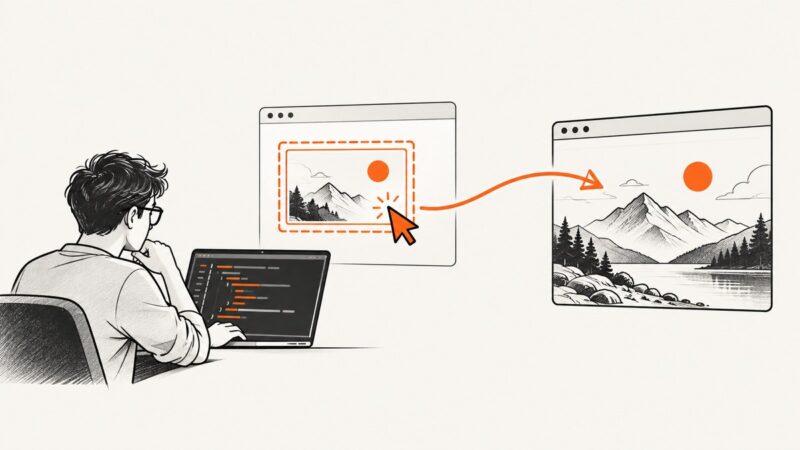
How to Take a Screenshot with Playwright in Python
Learn how to capture viewport, full-page, and element screenshots in Playwright Python, control output formats, stabilize images, and automate reliably.
Learn how to capture viewport, full-page, and element screenshots in Playwright Python, control output formats, stabilize images, and automate reliably.
Learn every WPS Office screenshot method: shortcuts, selected areas, hidden windows, Teams, Slides, troubleshooting, and a browser-free API option.
Capture a viewport, full page, or individual element with Chrome, Firefox, Playwright, and ScreenshotNeo—with repeatable settings and fixes.
Generate a distinct Open Graph image for each page with Next.js ImageResponse, or choose a static file or hosted image service when that fits better.
Design a Canva image, export it correctly, add og:image metadata, and troubleshoot link previews on LinkedIn and other platforms.
Set the WordPress image people see when your link is shared, with Featured Images, Open Graph tags, defaults, troubleshooting, and automation.
Learn how to simulate webpage screen resolutions with browser responsive modes, custom viewports, breakpoint testing, and automated screenshots.
A Node.js screenshot is an image of a webpage rendered in a browser. Capture a viewport, full page, or element with runnable Puppeteer and Playwright examples.
Build reliable Playwright visual regression tests with stable baselines, masking, diff thresholds, and practical CI troubleshooting.
Get a YouTube thumbnail online by finding its image URL in the video’s YouTube Data API metadata, then open or save the image. See how to choose a size and change your own thumbnail.
Build a repeatable Playwright matrix for thumbnail testing across Chromium, Firefox, WebKit, mobile profiles, and real responsive breakpoints.
Find a page’s Open Graph preview image, open its image URL, and save the original file. Includes browser, cURL, Python, and Node.js methods.
Convert HTML to PNG in a browser, with Python, Node.js, or an API. Compare methods, configure output, and troubleshoot common rendering problems.
YouTube thumbnails can disappear because of cache, extensions, DNS filtering, browser bugs, or a temporary outage. Use this step-by-step fix.
Set a WhatsApp link thumbnail with Open Graph tags, meet the documented image requirements, and troubleshoot missing or stale previews.
Create a 1200×630 preview image, add Open Graph tags to your page, and check how platforms fetch and cache the result.
Defer off-screen images with native HTML or JavaScript’s Intersection Observer, while keeping important images fast and avoiding layout shifts.
Fix unclickable or broken HTML image links with correct anchor markup, URL checks, CSS debugging, accessibility guidance, and practical examples.