How to Wait for a Webpage to Fully Load Before Taking a Puppeteer Screenshot
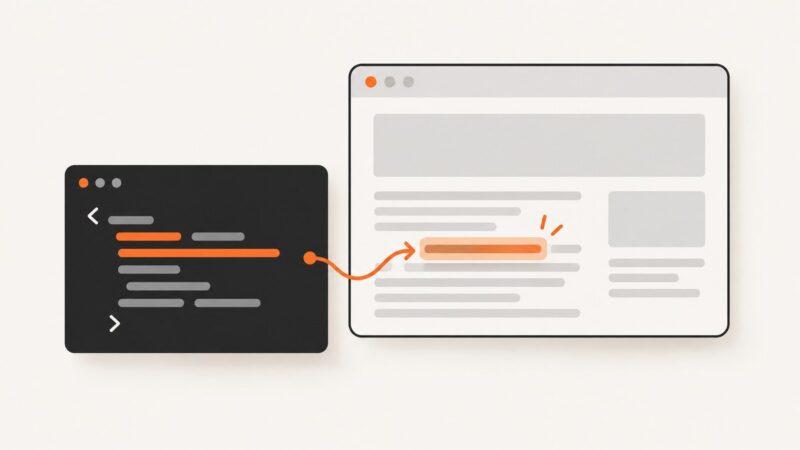
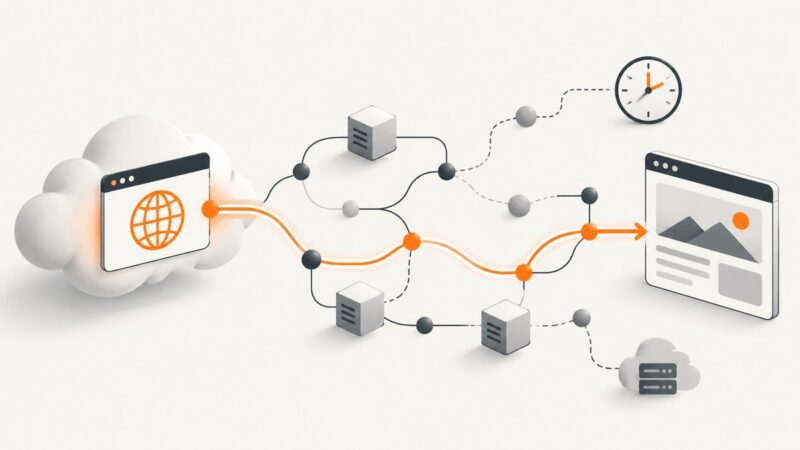
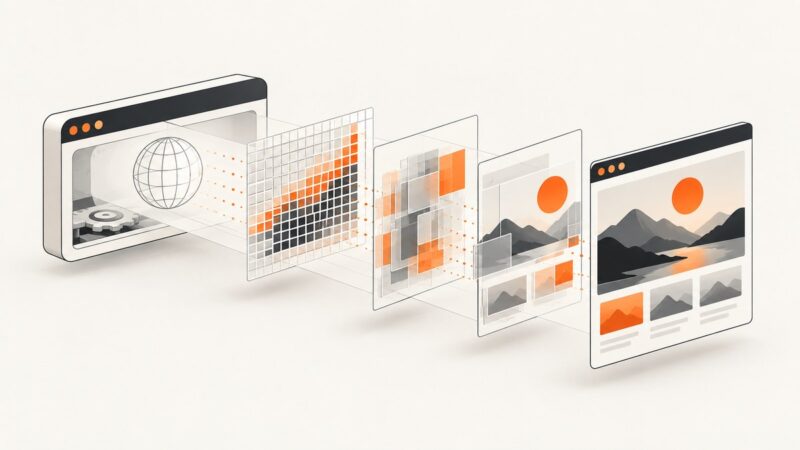
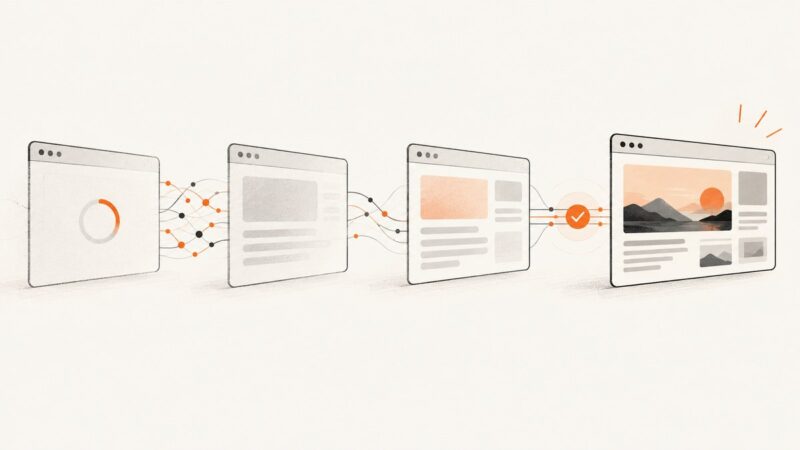
Wait for the page state your screenshot needs: use a navigation milestone for basic pages and an app-specific readiness signal for dynamic content.
Blog
How to take clean screenshots, turn HTML into images and PDFs, run headless browsers, and give AI agents eyes. Written by the team that builds ScreenshotNeo.
Wait for the page state your screenshot needs: use a navigation milestone for basic pages and an app-specific readiness signal for dynamic content.
Check page text reliably with Puppeteer using evaluate, text selectors, and waits, with complete code, edge cases, troubleshooting, and a ScreenshotNeo shortcut.
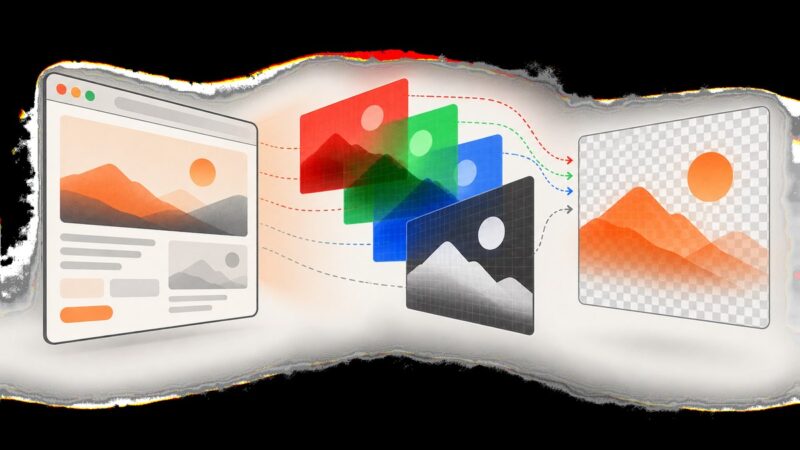
Create transparent PNG screenshots with Puppeteer using omitBackground, handle CSS backgrounds, capture elements, and troubleshoot alpha-channel issues.
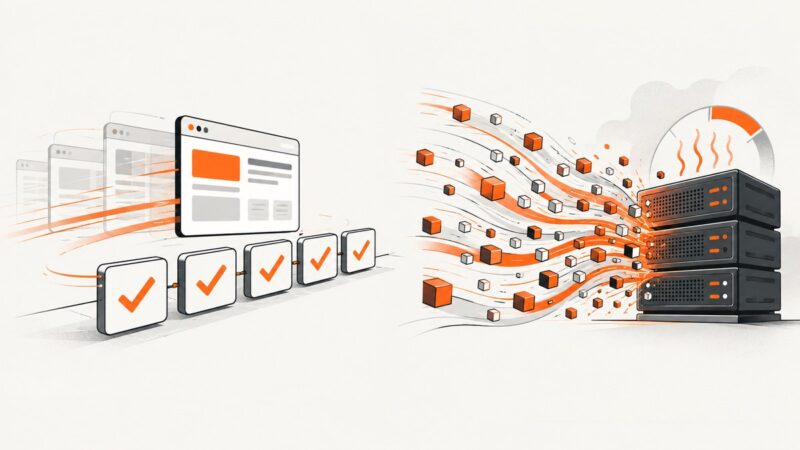
Regression testing finds change-related defects; stress testing reveals behavior at extreme load. Learn how to plan, run, and combine both.
Diagnose Puppeteer blocks by separating browser compatibility from Google’s rules on automated queries, then choose a supported, reliable path forward.
Make Chrome headless screenshots show styled scrollbars with CSS, correct scroll targets, and reliable Puppeteer capture settings.
Set up Loki with Storybook, create reviewable baselines, run visual tests in CI, fix failures, and compare Loki with ScreenshotNeo.
Capture a ReactPlayer element reliably with Puppeteer in Next.js. Set a fixed viewport, wait for the right player state, and troubleshoot provider-specific timing.
Record an existing HTML animation to MP4 with Puppeteer, or use Playwright’s context recording. Learn how to control timing, save files, and choose a frame renderer.
Find out whether Puppeteer, Lambda, or VPC networking caused the timeout, then apply the right fix with runnable Node.js examples.
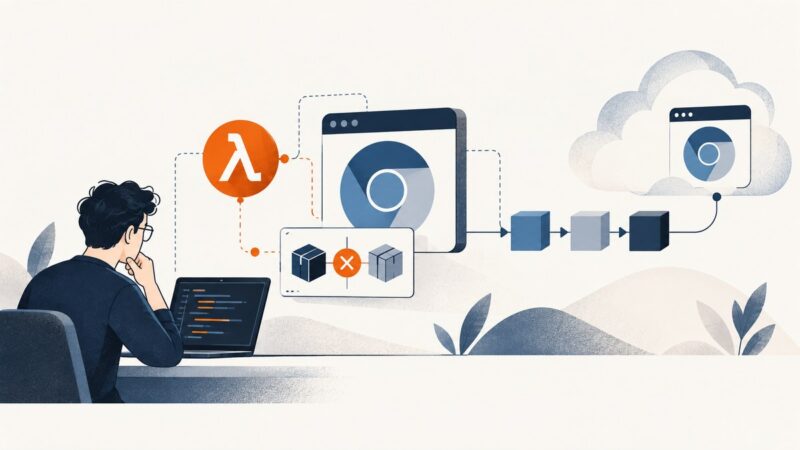
Fix @sparticuz/chromium executablePath errors in AWS CDK by matching the package API, bundling correctly, and using the right Lambda architecture.
Combine multiple HTML canvases into one Puppeteer PDF. Learn how to wait for drawing, choose print settings, and troubleshoot missing or altered canvas output.
Improve headless Chrome screenshots with the right scale, format, quality, capture area, and page readiness settings.
Learn how to connect Figma designs to Storybook visual tests, establish pixel baselines, review diffs, and automate regression checks in CI.
Learn how to catch unintended Angular UI changes with Storybook and Chromatic or Playwright, keep screenshot tests stable, and review baselines safely.
Learn how Argos compares screenshots in CI, how to set it up with Playwright, what integrations and plans to consider, and where visual tests fit.
Trace Puppeteer launch failures on Render by stage: build, browser path, Linux libraries, sandbox, or service readiness. Use the first specific log error to choose a fix.
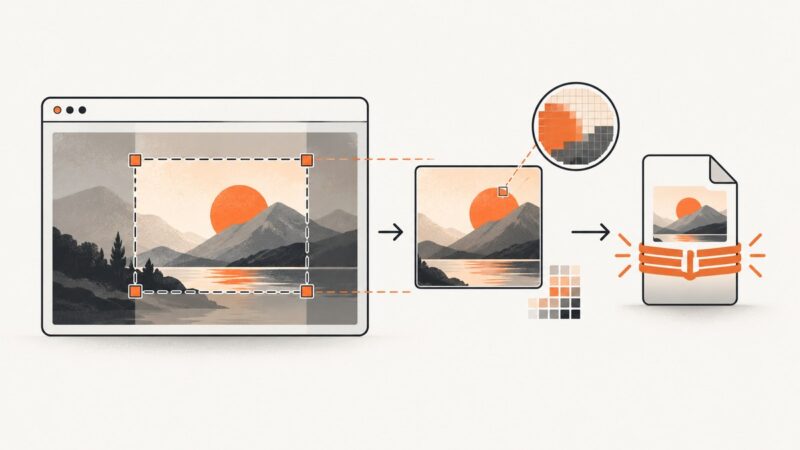
Make Puppeteer screenshots smaller by capturing fewer pixels and choosing an appropriate image format. Learn how to measure file size and check visual quality.