How to Switch to a New Tab With browser.pages() in Puppeteer
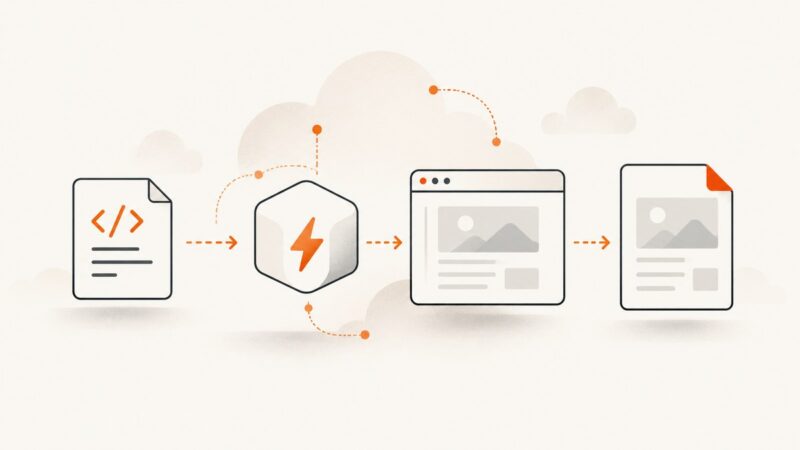
Find an existing Puppeteer tab by URL or another property, bring it to the front, and handle popups, contexts, errors, and production edge cases.
Blog
How to take clean screenshots, turn HTML into images and PDFs, run headless browsers, and give AI agents eyes. Written by the team that builds ScreenshotNeo.
Find an existing Puppeteer tab by URL or another property, bring it to the front, and handle popups, contexts, errors, and production edge cases.
Learn the race-safe way to wait for API responses after Puppeteer page.select(), plus request, network-idle, UI-state, timeout, and debugging patterns.
Use Puppeteer’s page.pdf() to save the rendered page, return PDF bytes, control print CSS, fonts, paper size, backgrounds, and downloads.
Puppeteer can generate valid PDF bytes without creating a browser download. Learn to diagnose generation, HTTP headers, response completion, and client errors.
Use Puppeteer with Chrome already installed on your Mac using channel or executablePath, with setup, troubleshooting, compatibility, and automation guidance.
Fix Puppeteer’s “Runtime.callFunctionOn: Target closed” by tracing teardown, unfinished promises, large transfers, and remote browser failures.
Use Search Console, PageSpeed Insights, audits and uptime alerts together to monitor SEO without paying. This guide explains what each free tool measures.
Translate page content in a controlled Headless Chrome workflow, wait for layout stability, and capture a reliable screenshot with Puppeteer or Chrome CLI.
Capture a finished Chart.js chart with Puppeteer. Set predictable dimensions, wait for rendering, and choose between a page screenshot and canvas export.
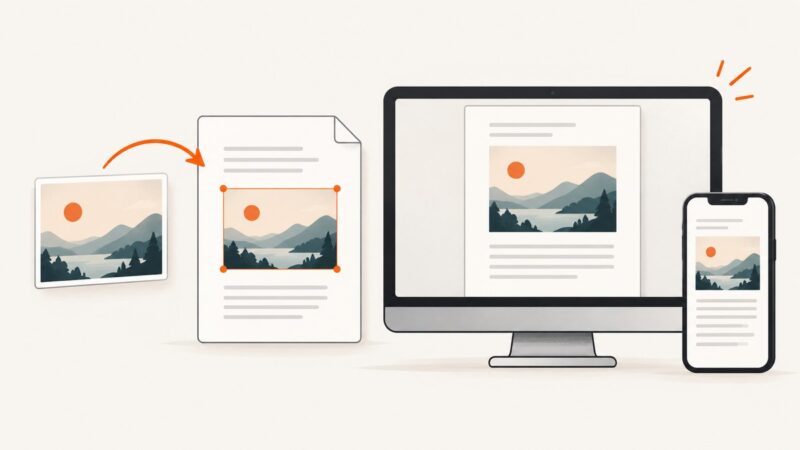
Make HTML images fit every screen without distortion using max-width, srcset, sizes, picture, and practical responsive-image patterns.
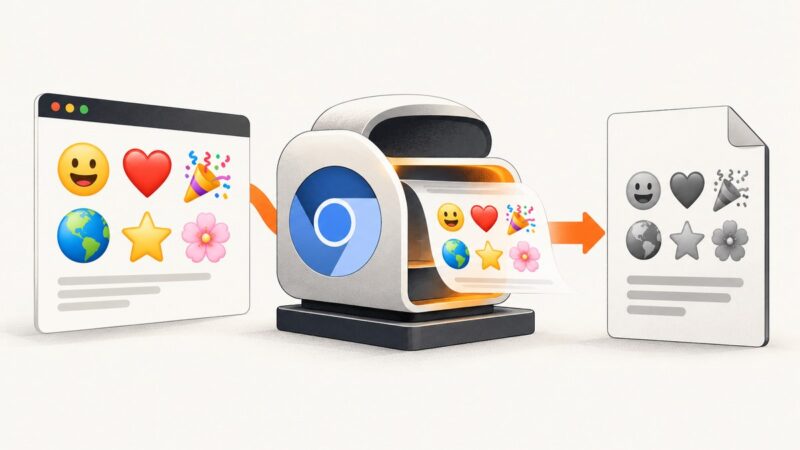
Gray emojis in Puppeteer PDFs usually come from print media colors or missing Linux color fonts. Use this checklist and runnable fixes.
Use Puppeteer’s userDataDir to persist browser data across launches, or BrowserContexts to isolate sessions. Includes runnable examples, troubleshooting, and lifecycle guidance.
Build a Chromium PDF renderer on Lambda, choose ZIP or container deployment, size resources, and avoid Node.js 18 lifecycle surprises.
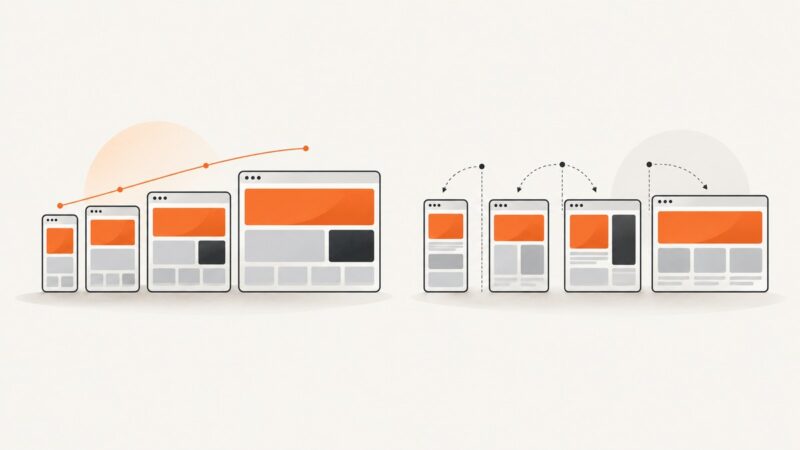
Responsive layouts flex as space changes; adaptive layouts switch among planned arrangements. Learn how to choose, build, and test both accessibly.
Stop flashing in Puppeteer screenshots by waiting for the page state you need, then suppressing motion only when it causes the problem.
Convert a screenshot image to PDF on Windows, Mac, iPhone, or Android, or capture a full webpage as a PDF where supported.
Set Cypress’s app viewport with configuration or cy.viewport(), then choose separately whether a screenshot captures the viewport, full page, or runner.
Run a Rust .rs file with rustc, Cargo, rust-script, or cargo-script. Learn commands, dependencies, arguments, troubleshooting, and repeatable workflows.