What Size Should a LinkedIn Website Thumbnail Be?
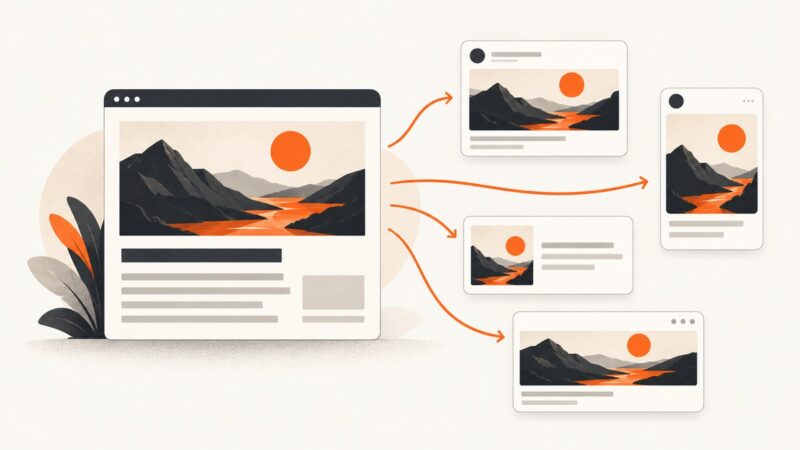
Use a 1200 × 627 pixel image for a LinkedIn website link preview. Set Open Graph metadata, keep the image under 5 MB, and make it publicly retrievable.
Blog
How to take clean screenshots, turn HTML into images and PDFs, run headless browsers, and give AI agents eyes. Written by the team that builds ScreenshotNeo.
Use a 1200 × 627 pixel image for a LinkedIn website link preview. Set Open Graph metadata, keep the image under 5 MB, and make it publicly retrievable.
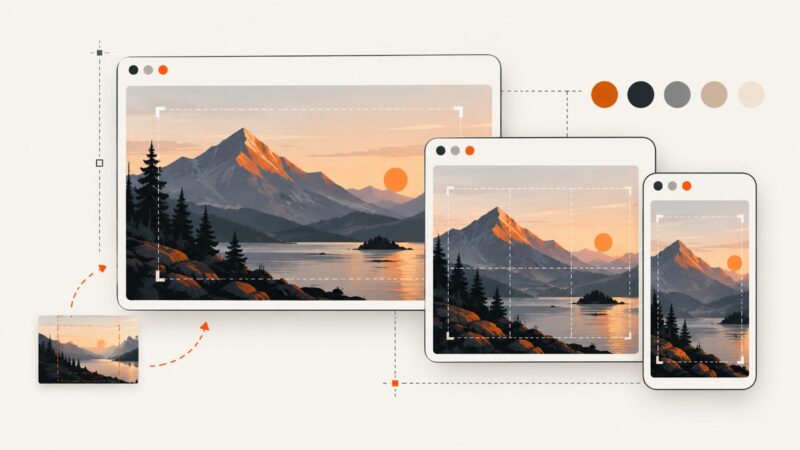
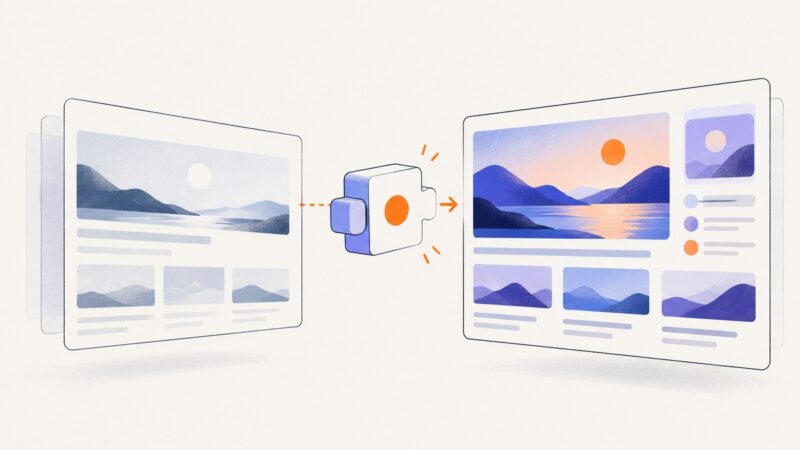
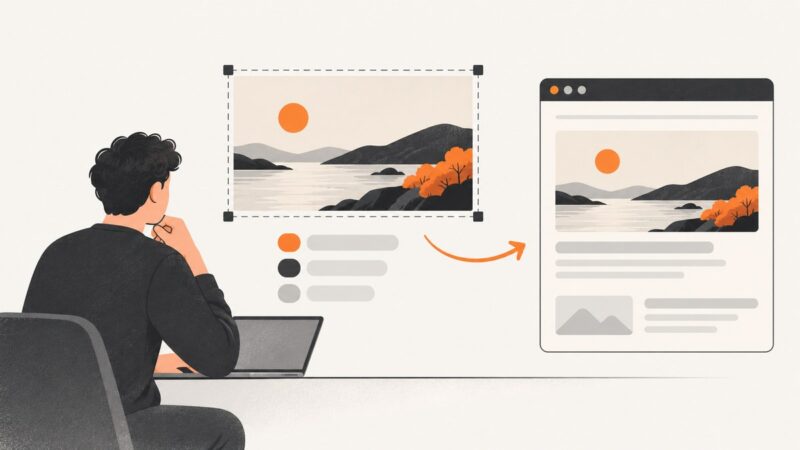
Build a clear website thumbnail mockup from a real page capture. Choose the right canvas, frame the design, preview small, and export for your destination.
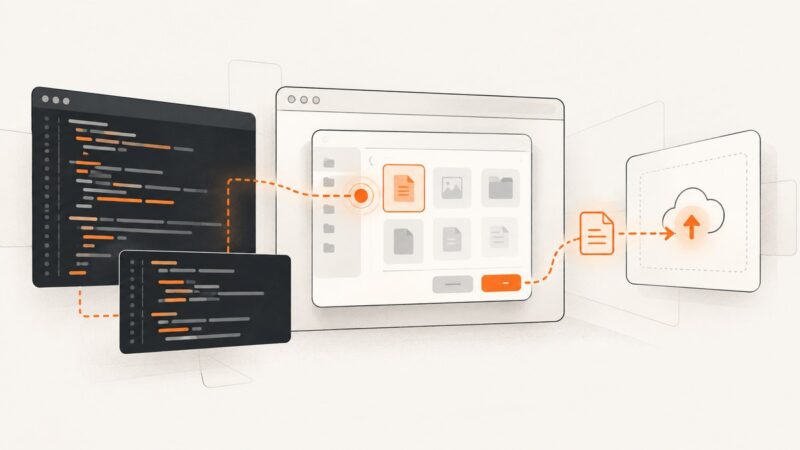
Fix Puppeteer file chooser events that do nothing: register the wait before clicking, handle unsupported picker APIs, paths, races, and remote browsers.
Set up Cloudflare DNS, nameservers, proxying, SSL/TLS, email records, and verification without taking your website offline.
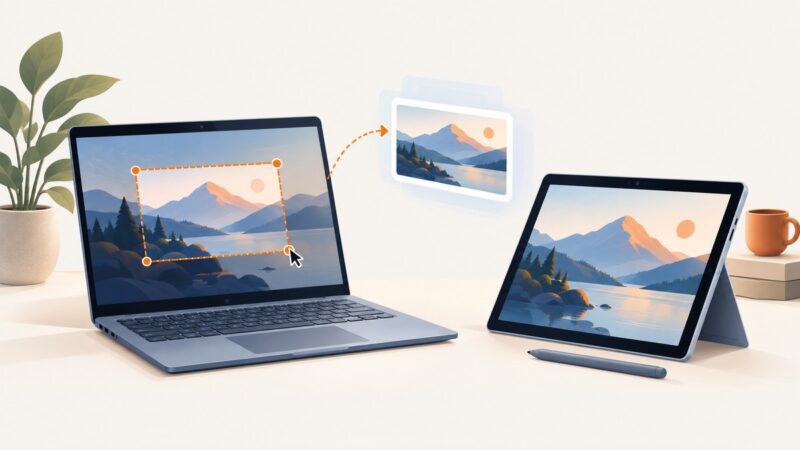
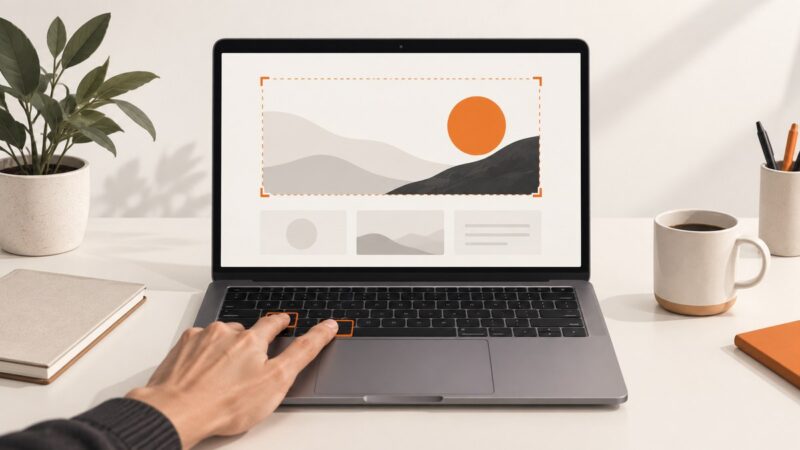
Use Windows + Shift + S to capture a region, or Windows + PrtScn to save the full screen. Here are the Surface shortcuts and when each works.
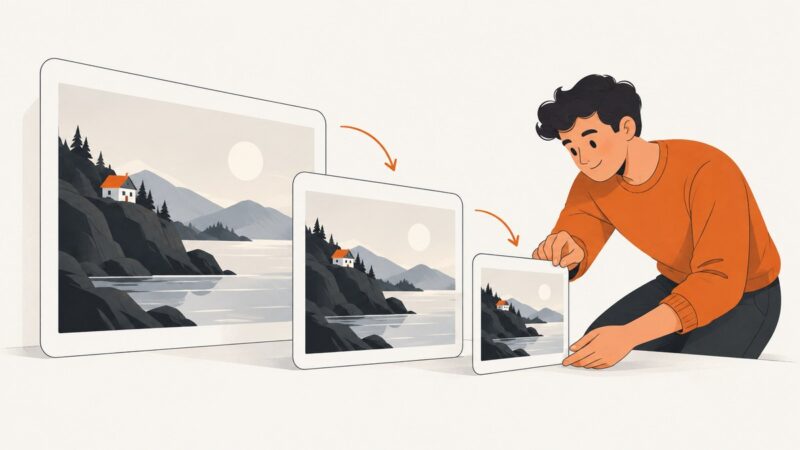
Resize screenshots without distortion, then choose a format and compression level that fits your file limit while keeping text readable.
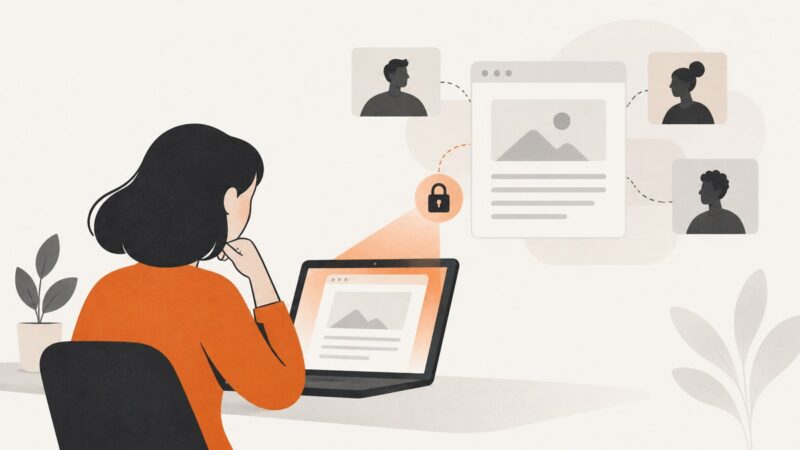
Google Docs does not normally notify collaborators when you take a screenshot. Learn what viewers can see, privacy caveats, and safer capture options.
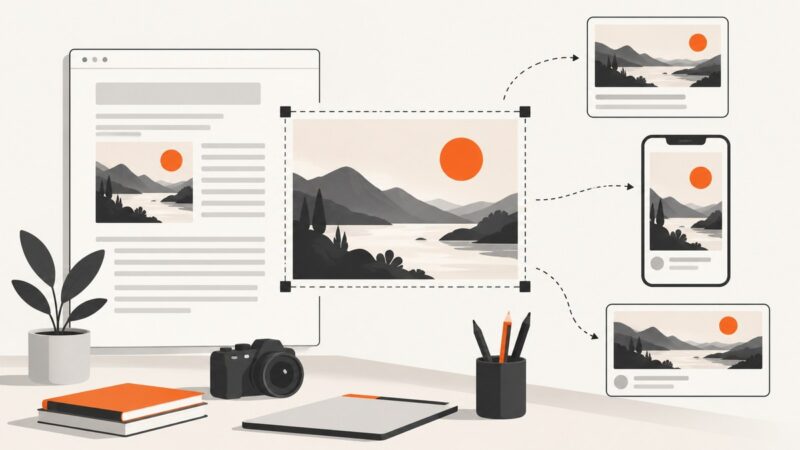
Create clear, platform-ready website thumbnails with practical design ideas, Open Graph metadata, sizing guidance, and a reliable screenshot workflow.
Capture a complete, readable screenshot of a Twitter/X thread on iPhone, Android, Windows, or Mac, with tips for long threads and preserving context.
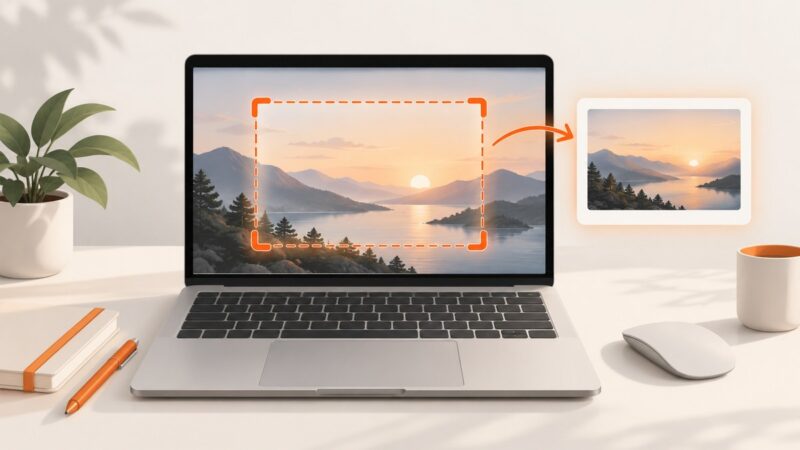
Capture the part of a Google Doc on screen with your device’s screenshot controls, or print the whole document to PDF when you need a complete file.
Learn when and how to lazy load Next.js components, libraries, and images with next/dynamic, React.lazy, Suspense, and next/image.
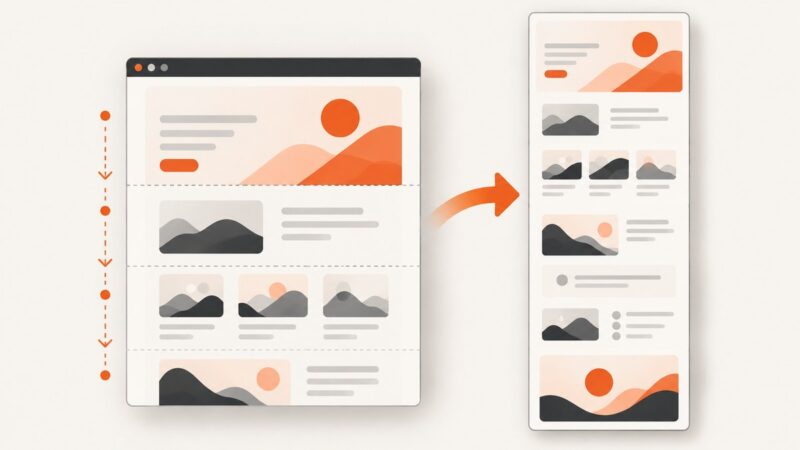
Build responsive website thumbnails with the right crop, contrast, accessibility, metadata, and fallback behavior using practical HTML and CSS.
Load an unpacked Chrome extension in headless Puppeteer with enableExtensions, verify it runs, and troubleshoot launch and browser-mode issues.
Learn every MacBook screenshot shortcut, how to save or copy captures, fix common problems, and automate website screenshots with ScreenshotNeo.
Use built-in shortcuts on Windows, Mac, or Chromebook to capture your screen without a Print Screen key.
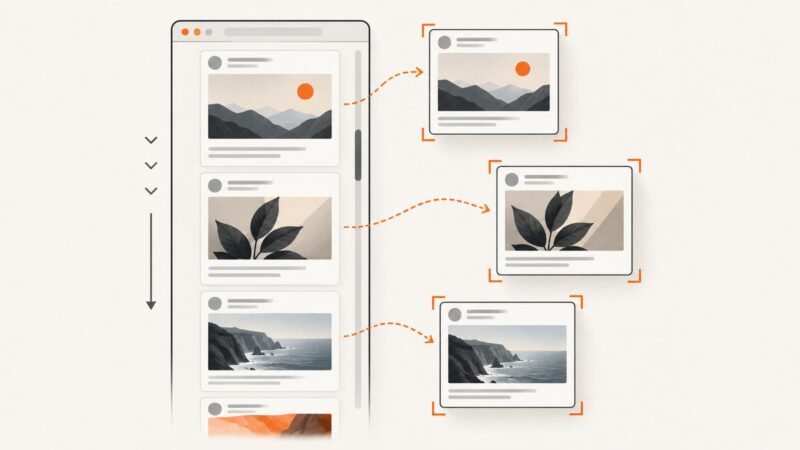
Capture one image per tweet as Puppeteer scrolls an infinite feed. Learn to wait for visual readiness, deduplicate virtualized posts, and stop safely.
Capture an entire webpage in Edge with Ctrl+Shift+S, save or copy it, fix common problems, and automate clean screenshots with ScreenshotNeo.
Learn how to design, crop, name, optimize, and publish blog thumbnails that stay clear, accessible, and reliable across your site.