How to Convert HTML to PNG in JavaScript
Convert a rendered HTML element to PNG with html2canvas, download it safely, handle CORS and rendering issues, and choose when browser automation fits better.
Blog
How to take clean screenshots, turn HTML into images and PDFs, run headless browsers, and give AI agents eyes. Written by the team that builds ScreenshotNeo.
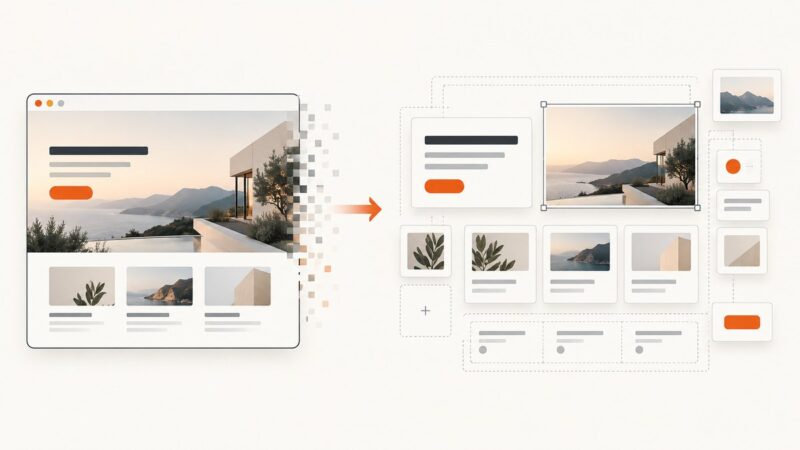
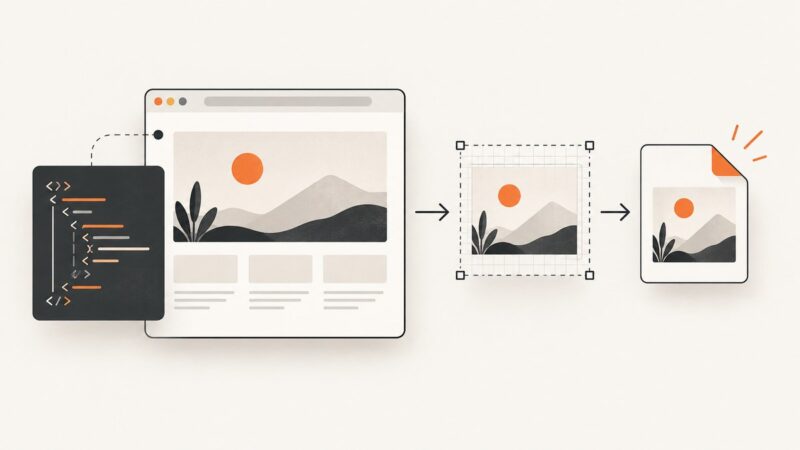
Convert a rendered HTML element to PNG with html2canvas, download it safely, handle CORS and rendering issues, and choose when browser automation fits better.
Use 1200 × 630 pixels for most website link previews, then protect the safe area and validate each platform’s crop before publishing.
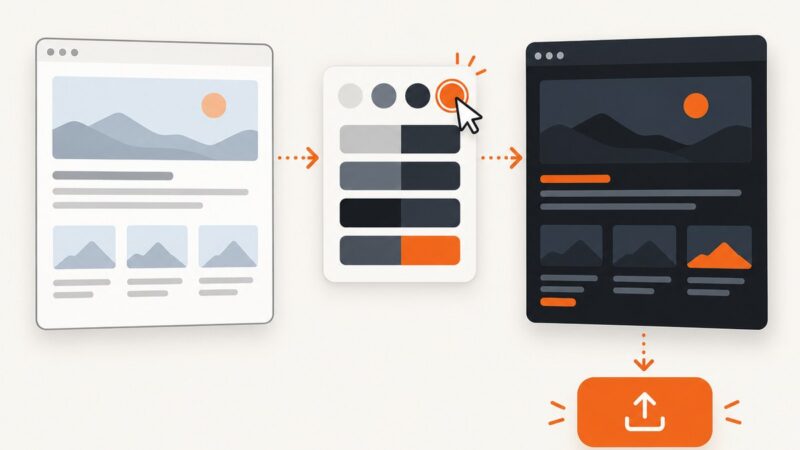
Build a system-aware dark theme in CSS, then add an accessible switch that remembers a user's choice and avoids a flash on page load.
Compare Edge’s built-in screenshot, extensions, and a developer API for full-page captures, annotation, recording, privacy, and automation.
Turn a screenshot into editable UI layers, refine the result, or capture a live interface when you have access to the website.
Fix Puppeteer screenshots with missing, substituted, or late-loading fonts by checking the browser host, font coverage, and page readiness.
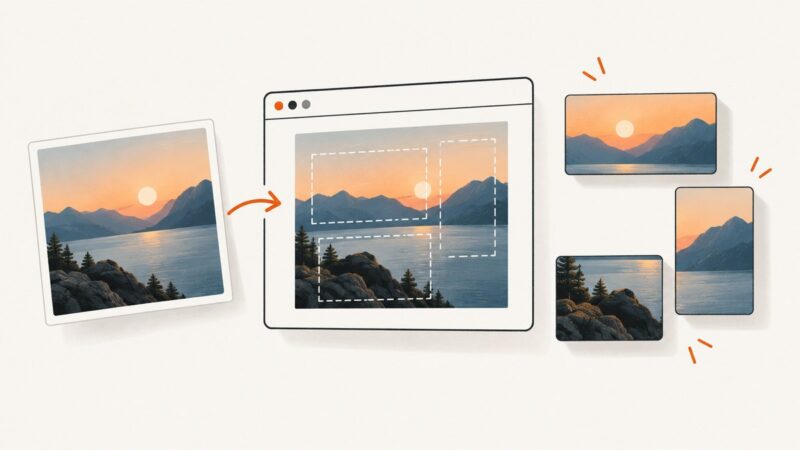
Build a browser thumbnail maker with canvas cropping, text overlays, and PNG, JPEG, or WebP export, then add reliable screenshot capture when you need it.
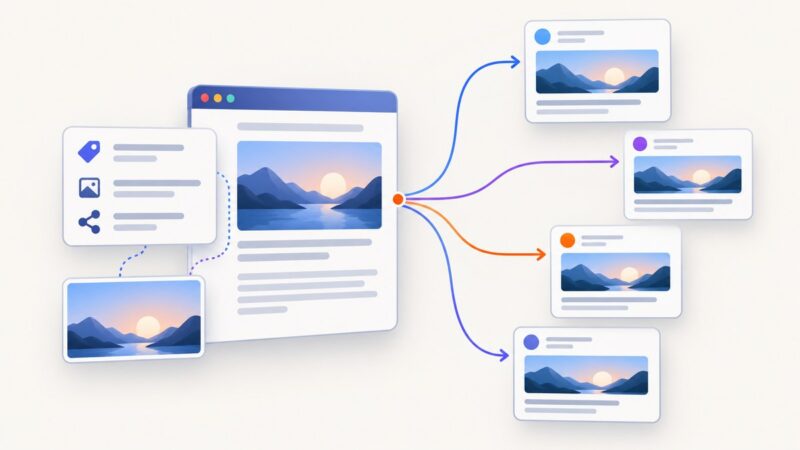
Set the right link preview image with Open Graph tags, validate it on each platform, and fix stale or incorrect thumbnails.
Register waitForNavigation() before clicking, then await both together. Learn how to interpret the result, choose a timeout, and handle SPA changes and clicks that do not navigate.
Compare WordPress screenshot plugins by workflow, capture method, storage, privacy, collaboration, and reliability before installing one.
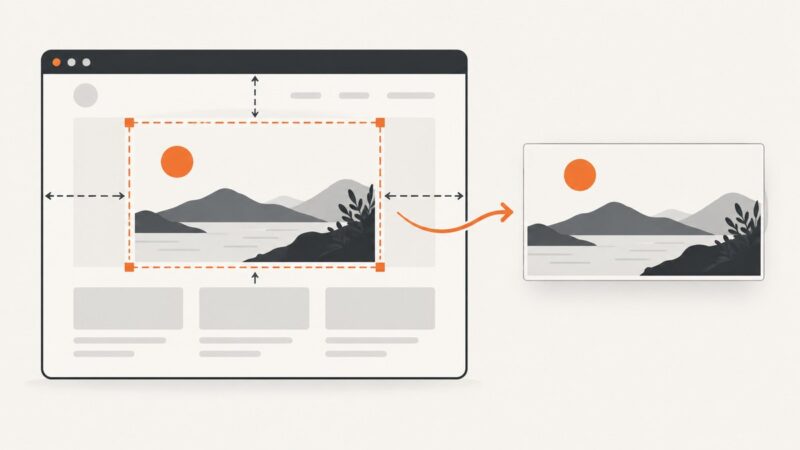
Capture a precise page region with Playwright or Puppeteer, choose element screenshots when possible, and avoid browser setup with ScreenshotNeo.
Capture a Selenium screenshot in Python, save it or keep it in memory, handle failures, and understand the limits of full-page capture.
Expose a Node.js callback to injected page scripts with Puppeteer, handle timing and frames, and troubleshoot common bridge failures.
Learn how to reach reCAPTCHA with a screen reader, use the audio challenge, and request an accessible fallback when the widget fails.
Google Sites has no documented visitor dark-mode switch. Use a custom dark theme, publish it, and understand what editor extensions can—and cannot—change.
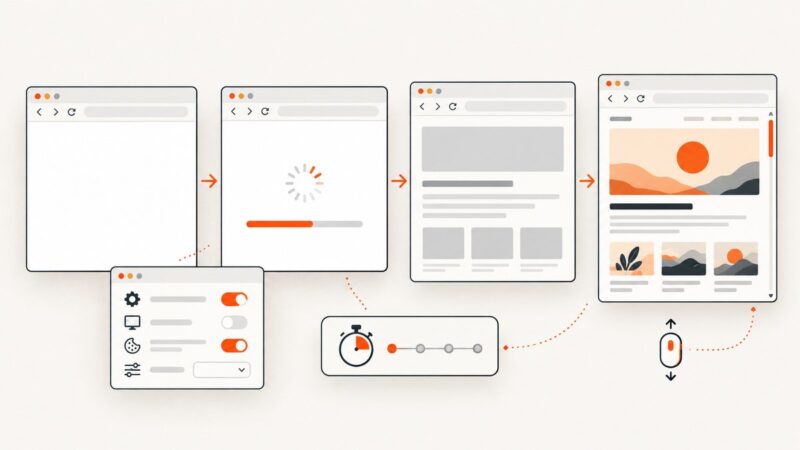
Find out why screenshots are blank, separate page failures from capture timing, and fix lazy loading, browser state, canvas, and automation issues.
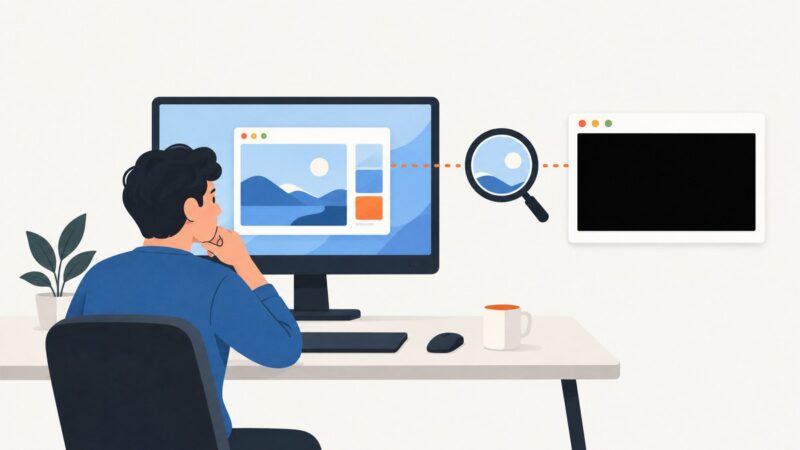
Find out whether the black screen is in the saved image, one app, or Windows itself, then follow the right troubleshooting steps.
Run Puppeteer without stealing focus: use headless mode, avoid tab activation, and handle visible-browser limits across operating systems.