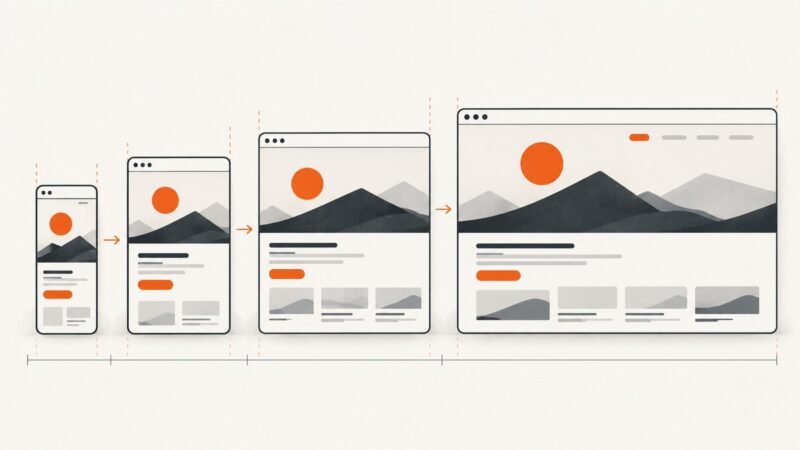
How to Increase Viewport Width in Percy Visual Testing
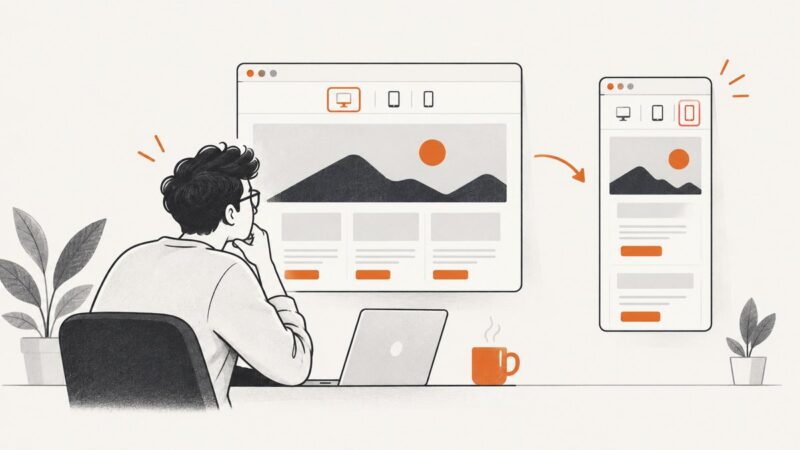
Set wider Percy viewports with snapshot.widths, keep responsive baselines stable, and troubleshoot configuration issues step by step.
Blog
How to take clean screenshots, turn HTML into images and PDFs, run headless browsers, and give AI agents eyes. Written by the team that builds ScreenshotNeo.
Set wider Percy viewports with snapshot.widths, keep responsive baselines stable, and troubleshoot configuration issues step by step.
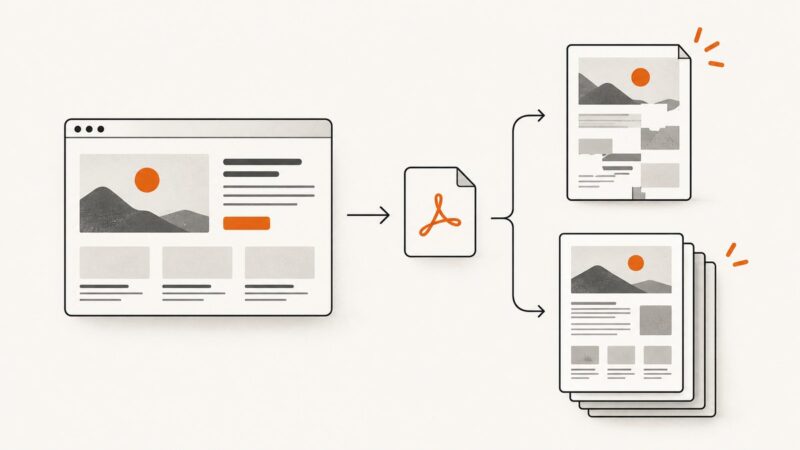
Fix blank previews, missing content, clipped layouts, and failed webpage-to-PDF conversions with a symptom-led browser checklist.
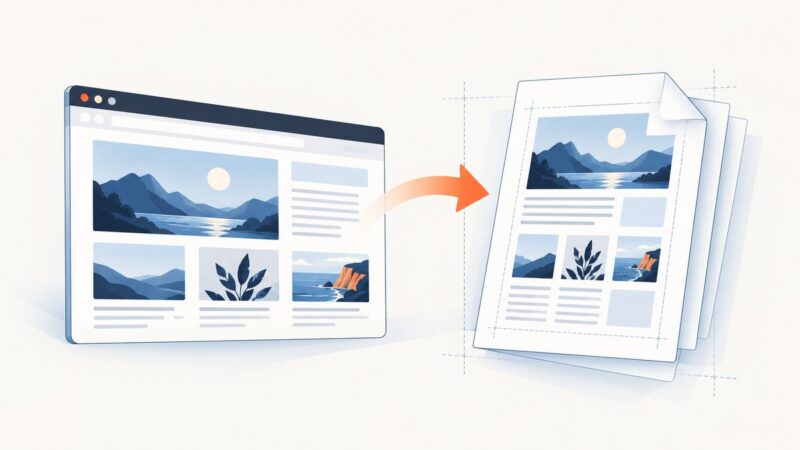
Convert any public HTML page to PDF with browser print, Adobe, CloudConvert, or an API. Fix missing images, layout shifts, dynamic content, and access errors.
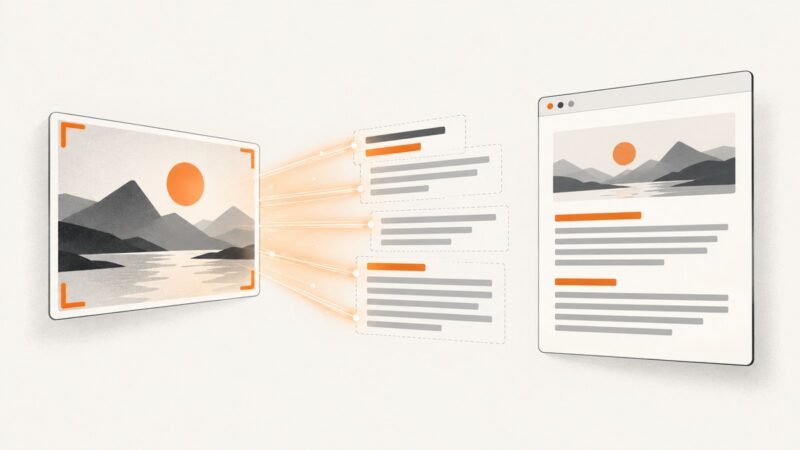
Use OCR to turn screenshot pixels into editable text, with complete OneNote, Acrobat, Lens, quality-control, and ScreenshotNeo workflows.
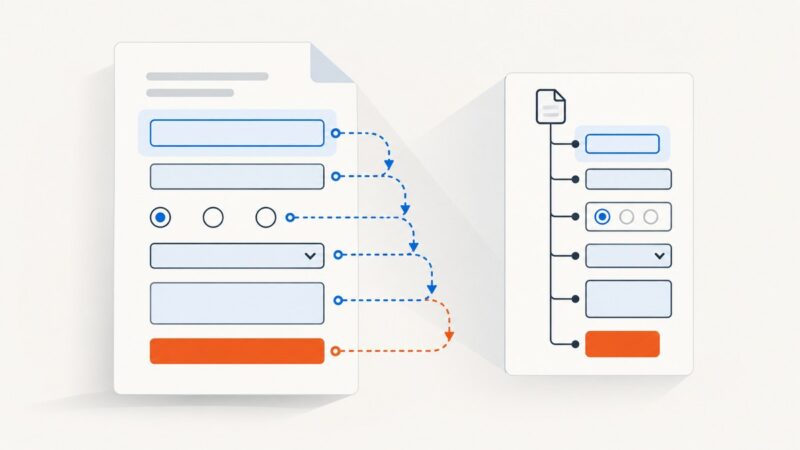
Learn how PDF tab order works, set structure, row, or column navigation, preserve tags, and verify keyboard and screen-reader behavior.
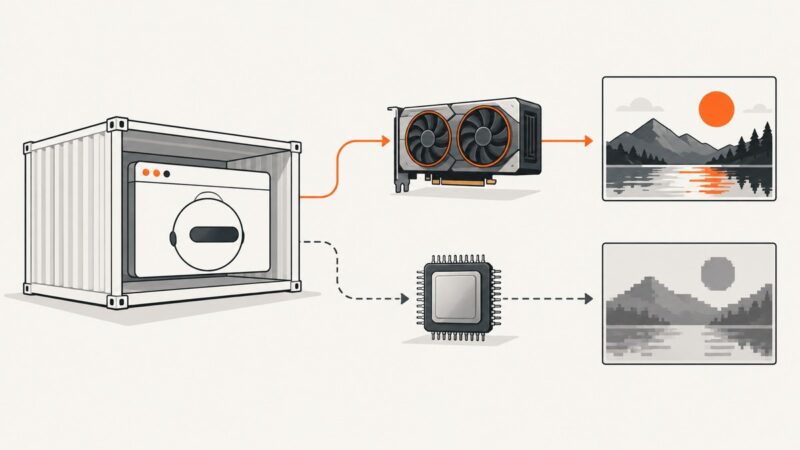
Diagnose WebGL failures in Docker by checking GPU exposure, NVIDIA graphics capabilities, and Chromium’s renderer—then choose hardware or SwiftShader deliberately.
Puppeteer usually captures a mobile layout because of viewport or device emulation settings. Find the exact setting and fix it with runnable examples.
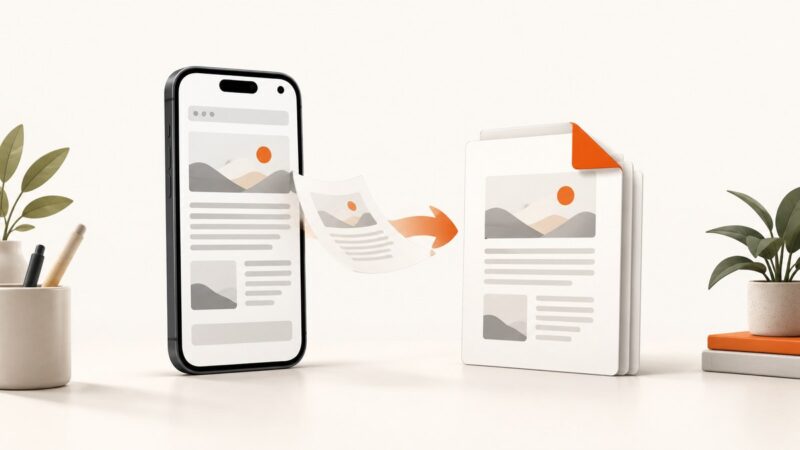
Save any webpage as a PDF on iPhone or Android with clear steps, file checks, troubleshooting, and an API option for developers.
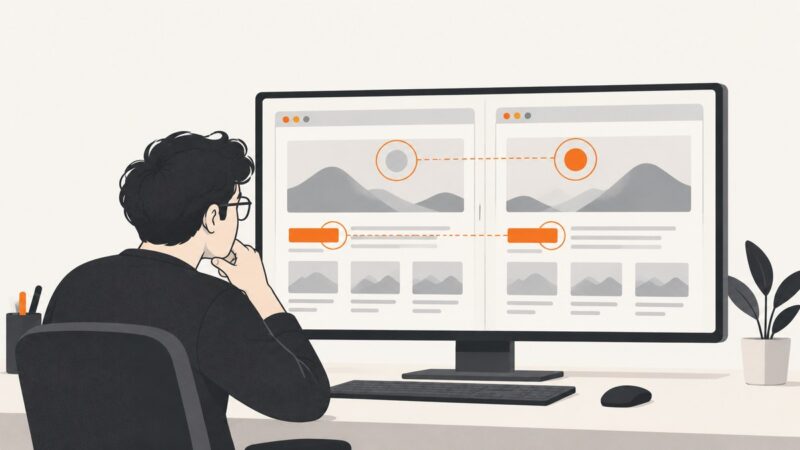
Fix screenshot differences between headful Chrome, headless runs, and CI by checking the browser, geometry, page readiness, and capture settings.
Fix unclickable HTML image maps by checking usemap, map names, area geometry, responsive scaling, accessibility, and browser behavior.
Render HTML in a browser and save it as a sharp, well-sized JPG. Control viewport, capture area, pixel scale and JPEG quality with Playwright.
Choose the right way to turn HTML into PDF, from browser printing to Puppeteer and hosted APIs, with runnable code and layout troubleshooting.
Render the HTML in a browser, then save the visible page or full scrollable page as JPG. Here are the built-in Windows 10 methods, browser options, and fixes.
Capture a region, window, or full screen on Windows with the right shortcut. Learn where screenshots go, how to save and annotate them, and how to capture menus.
Convert HTML to PNG on macOS with Chrome, Safari, Headless Chrome, Playwright, wkhtmltoimage, or ScreenshotNeo—with runnable commands and fixes.
Save a webpage as a PDF, an offline HTML copy, or plain text. Choose the right format, check the result, and automate captures when needed.
Learn the fastest way to capture a selected area on Windows, Mac, Chromebook and iPhone, plus browser, troubleshooting and automation options.
Capture a scrolling webpage on Android, find the saved image, and troubleshoot when Capture more or Scroll Capture is missing.