How to Capture a Full PDF Page as a Screenshot
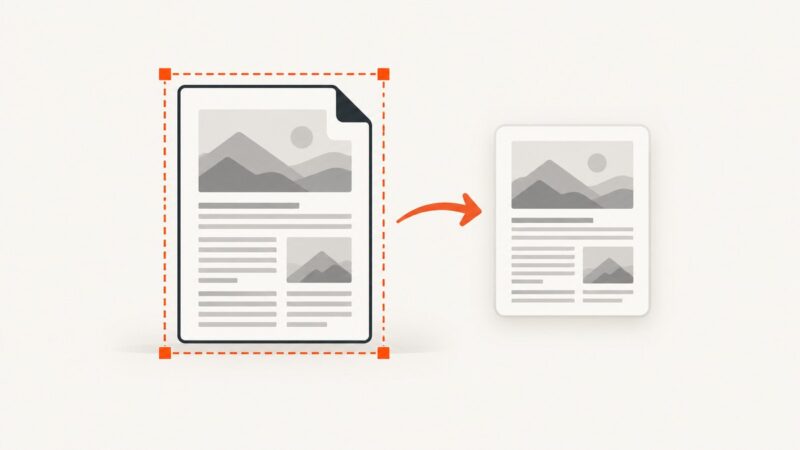
Capture a PDF area in Acrobat Reader, understand what “full page” means, and choose the right method when you need an image of the entire document page.
Blog
How to take clean screenshots, turn HTML into images and PDFs, run headless browsers, and give AI agents eyes. Written by the team that builds ScreenshotNeo.
Capture a PDF area in Acrobat Reader, understand what “full page” means, and choose the right method when you need an image of the entire document page.
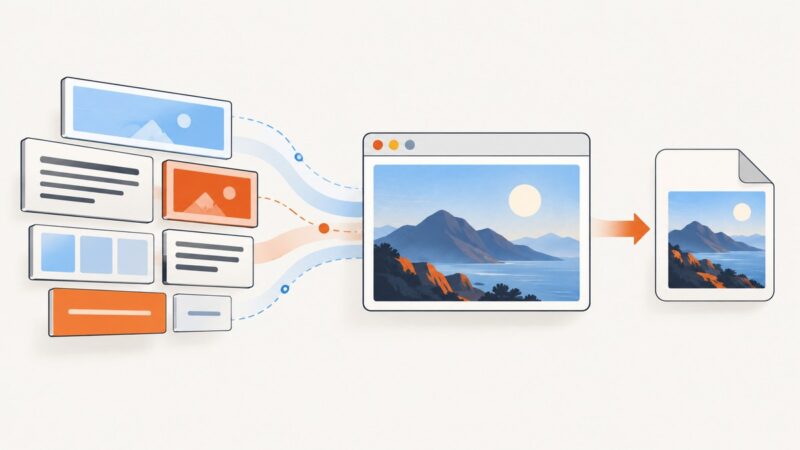
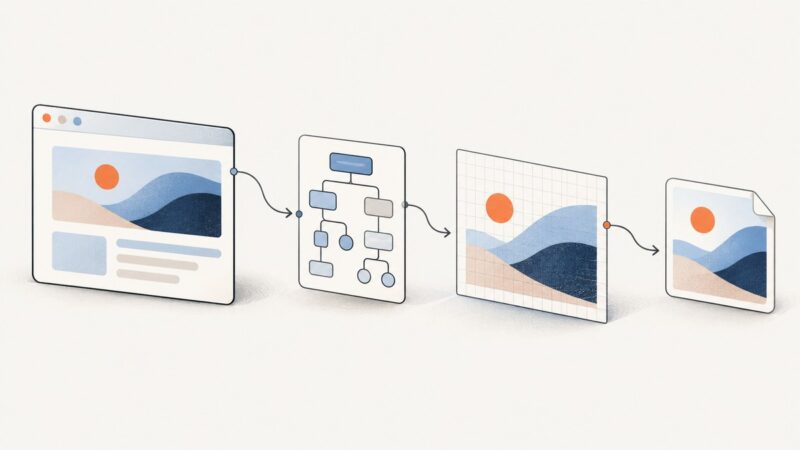
Convert any HTML element to a JPEG in your browser with html2canvas, Canvas APIs, quality controls, fixes for CORS, and an automated ScreenshotNeo option.
A Puppeteer selector timeout means the expected DOM state was not observed in time. Trace the page, selector scope, browser startup, and Kubernetes probes to find the cause.
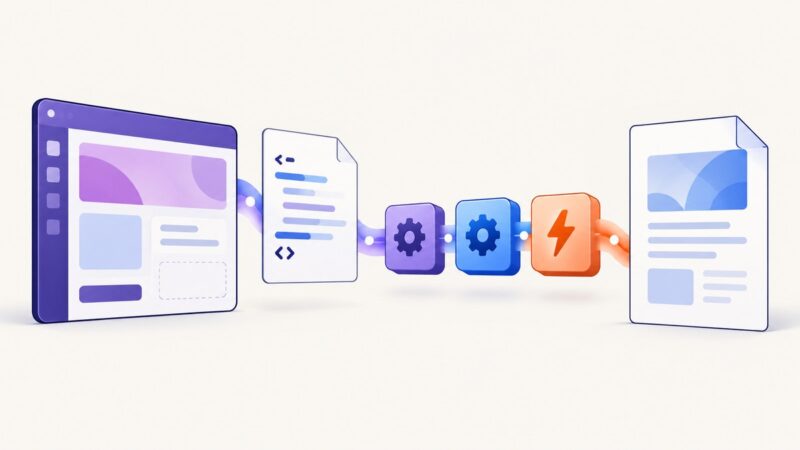
Learn the three reliable ways to convert HTML to PDF in Power Apps, including native PDF(), Word templates, connectors, troubleshooting, and alternatives.
Capture a full webpage for free with Edge, Firefox, or an extension. Learn the steps, handle tricky pages, and choose the right tool for your workflow.
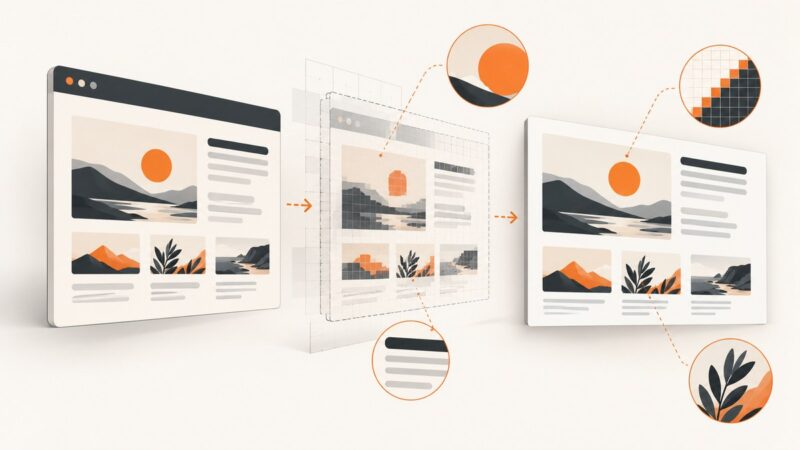
Make HTML-to-PNG captures sharper and more consistent with deliberate scale, stable layout, loaded fonts and assets, and the right capture boundaries.
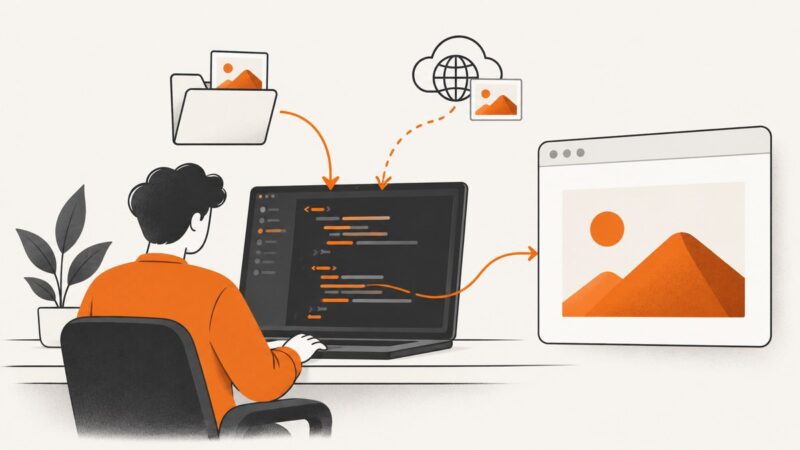
Add local or remote images to HTML in VS Code with correct paths, alt text, previews, responsive markup, troubleshooting, and a faster API option.
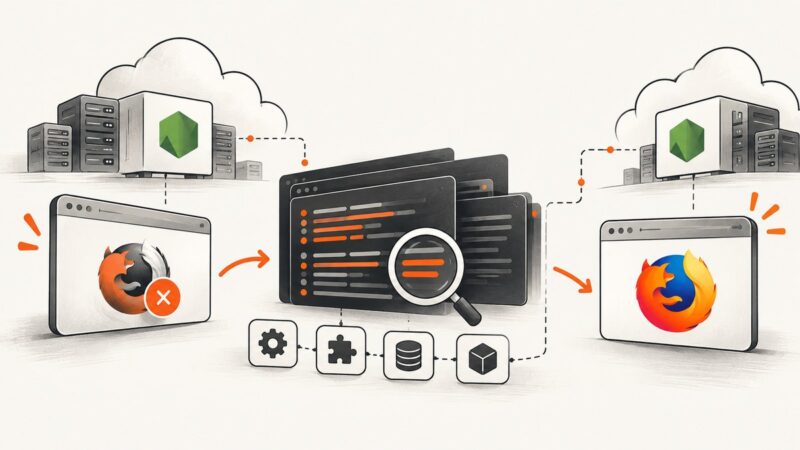
Diagnose Puppeteer Firefox launch failures on Heroku by checking versions, executable paths, dependencies, buildpacks, caches, and browser stderr.
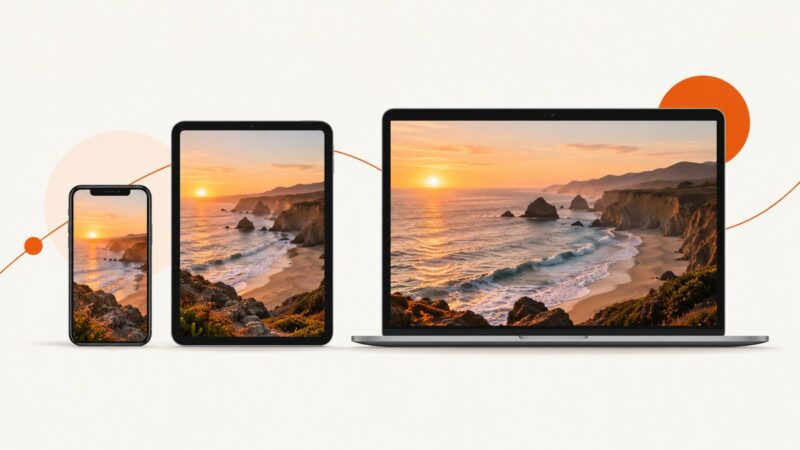
Capture a visible area, browser window, or an entire scrolling webpage with Edge, Firefox, macOS shortcuts, or one API request.
Tweet screenshots rarely trigger a documented alert, but visible clues and X records can still identify the post, account, or person behind it.
Keep Puppeteer PDF margin backgrounds visible with printBackground, print-color-adjust, correct page geometry, and practical debugging steps.
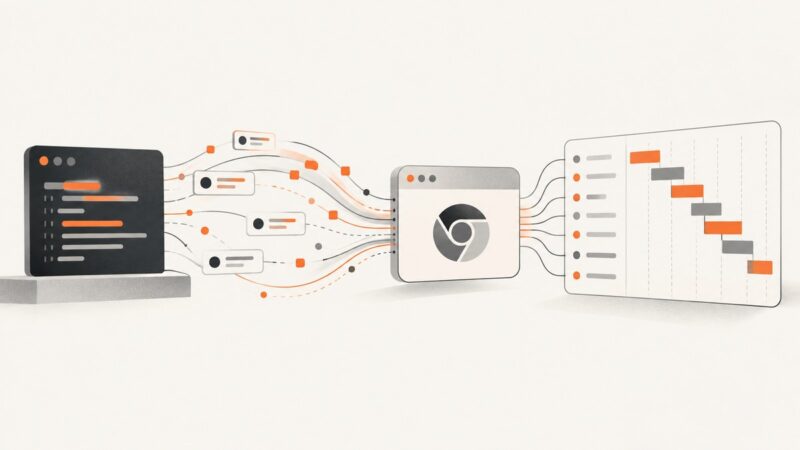
Capture DNS, TLS, TTFB, download, and total request timings in Puppeteer with CDP, requestId correlation, and robust failure handling.
Create a Facebook-style post mockup, or check how a real URL appears when shared. Learn which method fits, what to verify, and how to capture a clean screenshot.
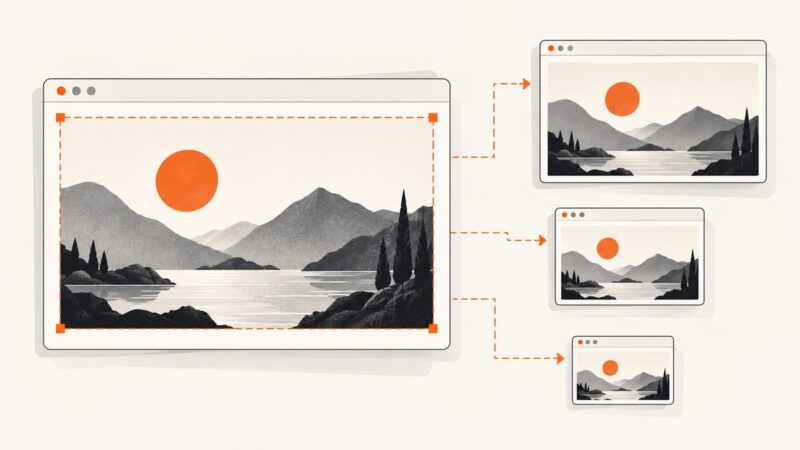
Resize screenshots cleanly: choose the right pixels, resampling method, format and workflow for sharp text on screens and in print.
Make images fit every screen with max-width, object-fit, srcset, and practical CSS patterns that preserve proportions and prevent layout problems.
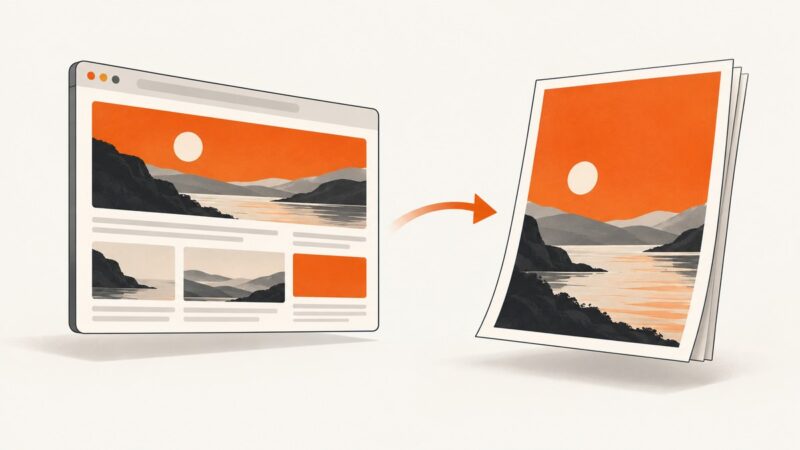
Learn how to save webpages as PDFs while keeping links clickable, structure readable, and long pages complete.
Set Puppeteer’s viewport to an explicit height, make page elements fill it with CSS, and troubleshoot percentage heights, mobile viewport units, and browser window sizing.
Learn what the bubkoo/html-to-image GitHub project does, how to install it, and how to export a DOM element as PNG, JPEG, SVG, or other image output.