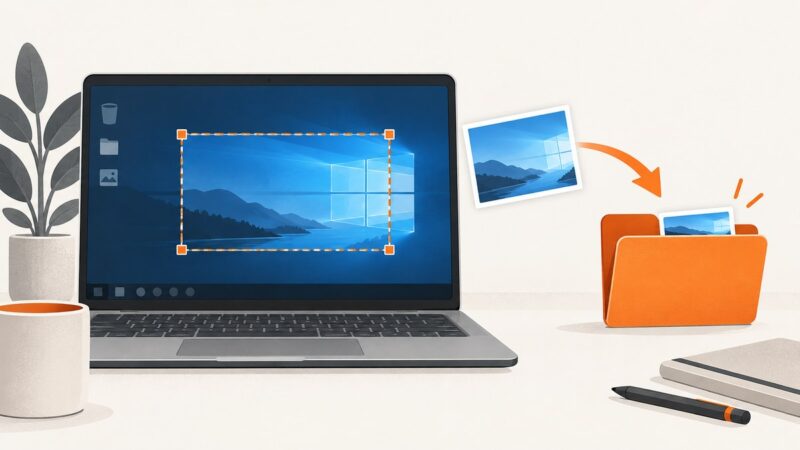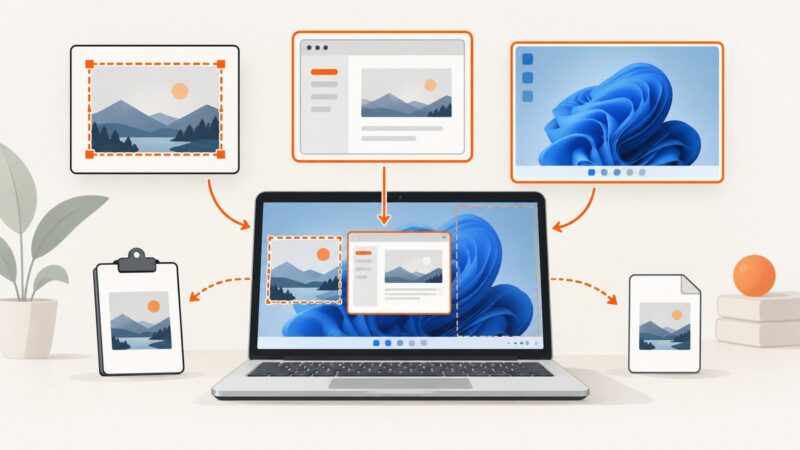
How to Take a Screenshot on a Dell Laptop
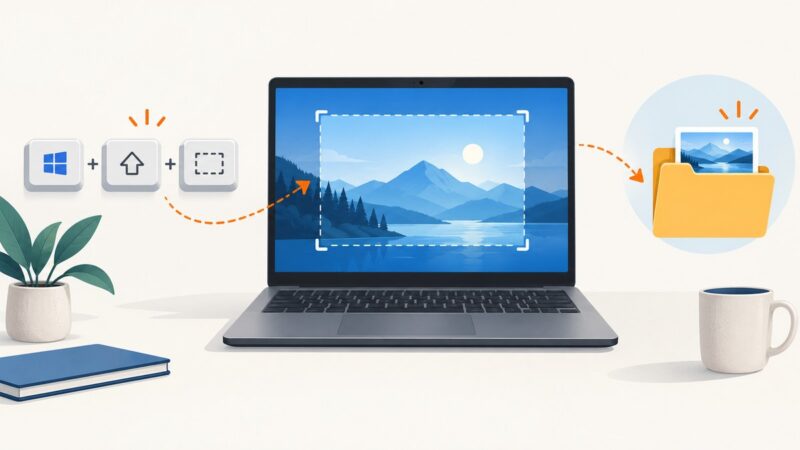
Use Windows keyboard shortcuts or Snipping Tool to capture your Dell laptop screen, save images, select regions, record video, and fix common problems.
Taking screenshots on Windows, Mac, iPhone, Android and in the browser.
Use Windows keyboard shortcuts or Snipping Tool to capture your Dell laptop screen, save images, select regions, record video, and fix common problems.
Find Ubuntu’s Snipping Tool equivalent: built-in GNOME Screenshot, Flameshot annotations, Wayland fixes, Spectacle, and automated web captures.
Learn how to capture an Outlook email as an image, clip part of it, or save a printable PDF in Windows, Outlook desktop, new Outlook, and Outlook on the web.
Use Windows 11 keyboard shortcuts to save the whole screen, copy a region, capture a window, or record a game frame without Snipping Tool.
Find the right shortcut for screen, window, region, or full webpage captures in Windows, macOS, Edge, Firefox, Chrome, and Safari.
Capture your entire PC screen, save it automatically, copy it to the clipboard, or edit it with Snipping Tool.
Capture an entire webpage on Mac with Safari, Chrome, or Firefox, fix lazy-loading issues, and automate screenshots with ScreenshotNeo.
Capture an entire webpage on Windows with Firefox or Chrome, understand Snipping Tool limits, and automate clean full-page images with ScreenshotNeo.
Use Snipping Tool in Windows 10 to capture, edit, save and share screenshots, with shortcuts, save locations, fixes and alternatives.
Learn every Snipping Tool shortcut, capture mode, editing feature, recording option, save location, and fix for common Windows screenshot problems.
Capture the whole screen, a selected area, or a window in Linux Mint, copy screenshots to the clipboard, add annotations, and record video.
Capture a full scrolling webpage in Mac Chrome with DevTools, headless Chrome, extensions, or ScreenshotNeo.
Capture a region, window, or full screen in Windows 11. Learn where screenshots go, how to save clipboard captures, and what to do when PrtSc is missing.
Save one webpage section as an image on desktop, iPhone, or Android with exact steps, cropping advice, troubleshooting, and an API option.
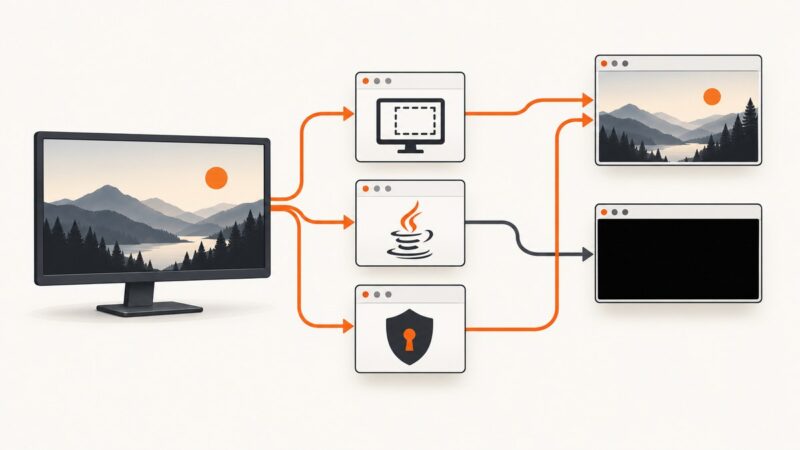
Fix black xwd and Java Robot screenshots on Linux by checking X11, Wayland portals, permissions, XWayland, and HiDPI coordinates.
Use Java Robot for visible pixels, and choose X11 or Wayland native paths when you need a window’s original transparency.
Capture the visible VMware VM display in Java with Robot, handle coordinates and DPI scaling, troubleshoot failures, and compare VMware’s native command.
Capture one Windows application in Java with Robot, understand HWND targeting, high-DPI behavior, permissions, and a simpler API alternative.