How to Use Website Images Legally and Avoid Copyright Problems
Learn how to check image rights, handle Creative Commons and fair use, document permission, and avoid common website copyright mistakes.
Step-by-step guides to capturing the web: screenshots, full pages, elements, devices and more.
Learn how to check image rights, handle Creative Commons and fair use, document permission, and avoid common website copyright mistakes.
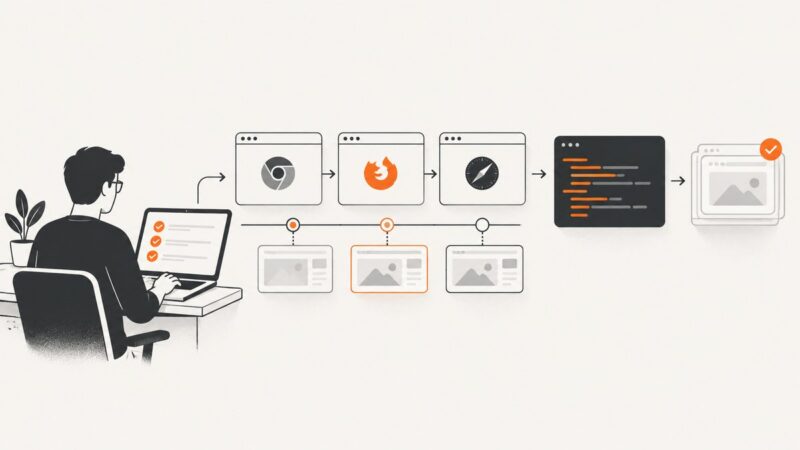
Set up Playwright with Java, write reliable browser tests, run them in JUnit or TestNG, and troubleshoot CI failures.
Learn how to inspect a URL, verify its security, scan it safely, and preview a webpage before you open it.
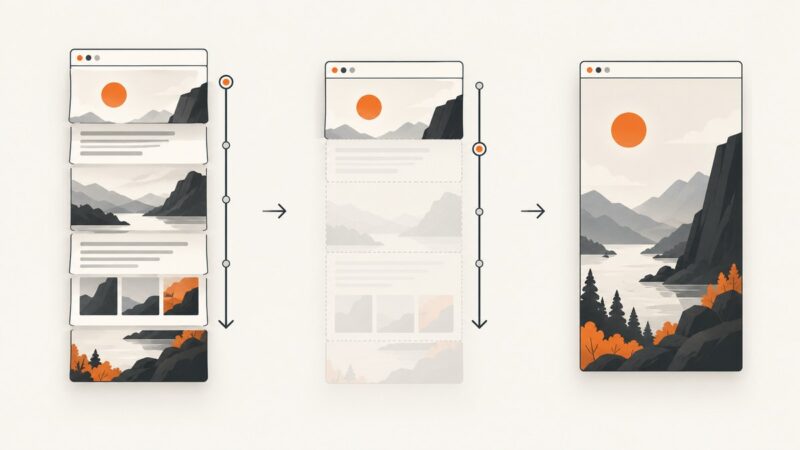
Learn how full-page screenshot APIs work, handle lazy-loaded content, and choose between Playwright, hosted APIs, and ScreenshotNeo.
A meta image usually means Open Graph’s og:image. Learn how previews fetch it, how to implement it, and how to fix missing or stale images.
Websites cannot reliably detect OS screenshots. Learn what browsers, Android and iOS can detect—and what screenshot prevention can and cannot do.
Run, debug, organize, and inspect Playwright tests with practical commands, projects, UI Mode, traces, reports, and reliable troubleshooting.
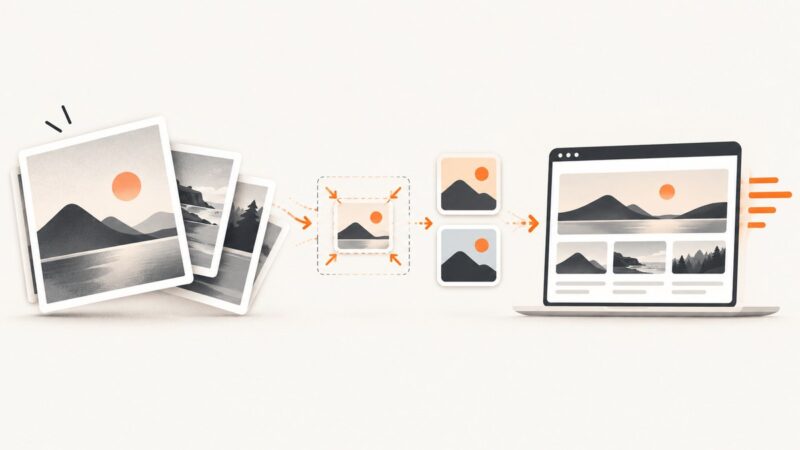
Resize first, compare AVIF and WebP, and verify Core Web Vitals with this complete website image compression workflow.
Use 3840×2160 px for long-form YouTube thumbnails, with a 16:9 canvas. Learn how Home resizes thumbnails, Shorts rules, formats and file limits.
A computer snapshot preserves data or system state at one point in time. Learn how snapshots work, how they differ from backups, and when to use them.
Learn how snapshot testing stores expected output, how Jest and Vitest compare it, and when to use visual screenshot regression tests.
Find out why website thumbnails, favicons, and link previews disappear, then fix crawl access, HTML markup, metadata, and recrawl issues.
Use 1200 × 627 pixels for a LinkedIn Page post with a custom URL image. Other post types, ads and article covers use different specifications.
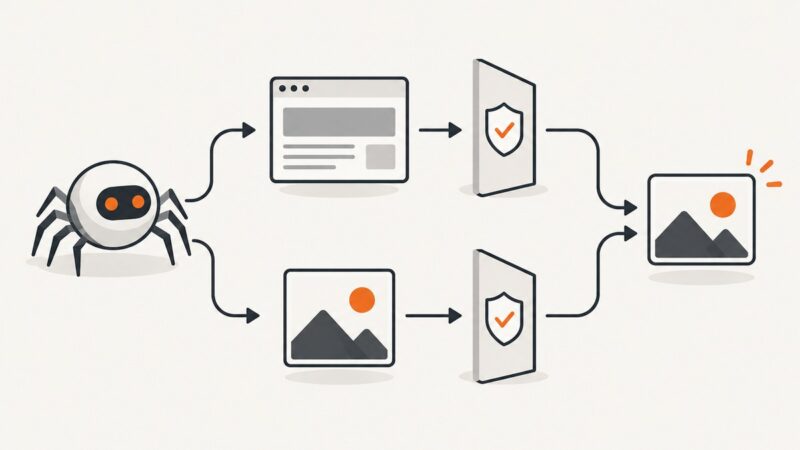
Google Images is a search tool, not a license. Learn how to verify image rights, attribution, commercial use, and safer alternatives before publishing.
Compare web monitoring approaches, choose the right signals, and build reliable checks for uptime, user journeys, performance, and incidents.
A hero image is the prominent visual in a page’s opening section. Learn how to choose, crop, code, optimize, and make it accessible.
Choose a hero image that supports your message, survives responsive crops, loads quickly, remains accessible, and is licensed for commercial use.
Install Playwright for Python, write reliable browser automation and pytest tests, debug failures, manage browsers, and capture pages in CI.