How to Fix Blank Puppeteer PDFs on Heroku
Diagnose blank Puppeteer PDFs on Heroku by checking Chromium, cache, page readiness, fonts, print CSS, and PDF options step by step.
Diagnose blank Puppeteer PDFs on Heroku by checking Chromium, cache, page readiness, fonts, print CSS, and PDF options step by step.
Write a Playwright script that visits a website, interacts with its controls, and checks the result. Learn setup, locators, recording, debugging, and screenshot options.
When a popup form is missing from Puppeteer’s HTML, first check whether it opened a new page, an in-page modal, or a frame. Here’s how to capture and diagnose each case.
Use wget -P to download files into a chosen directory, or -O to set a filename. Learn recursive downloads, directory layout, troubleshooting, and safe usage.
Convert WebP images to JPG correctly with editor, command-line, quality, transparency, batch, troubleshooting, and ScreenshotNeo workflows.
Capture an entire webpage in Edge on Mac with Screenshot, DevTools, keyboard shortcuts, fixes for missing tools, and an API alternative.
Learn the quickest iPad screenshot shortcut, how to capture a full webpage, edit and find shots, and use hands-free alternatives.
Diagnose Puppeteer’s input.on error by tracing Chrome launch, versions, Linux dependencies, executable paths, and sandbox configuration.
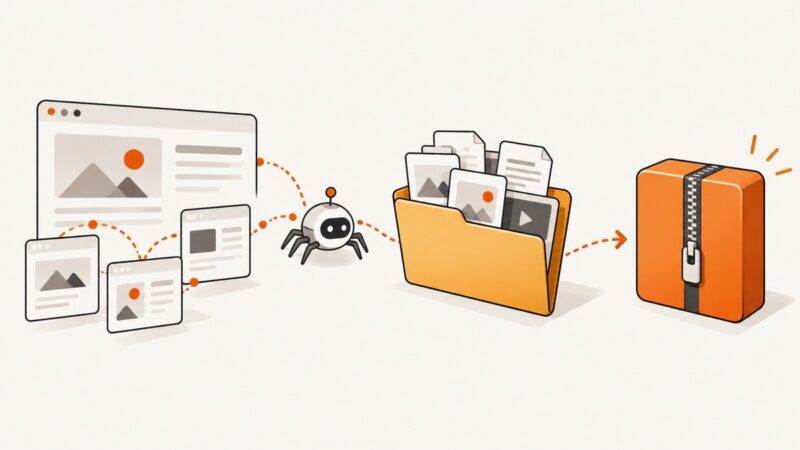
Mirror a website with HTTrack, review the offline copy, and package the result as a ZIP while understanding crawl limits and dynamic content.
Save any webpage from Chrome as an HTML file, open it offline, understand file formats, fix common errors, and automate clean captures when needed.
Trace Browsershot failures through PHP, Node, Puppeteer, and Chrome. Fix missing executables, modules, browser downloads, and Windows permissions based on the exact error.
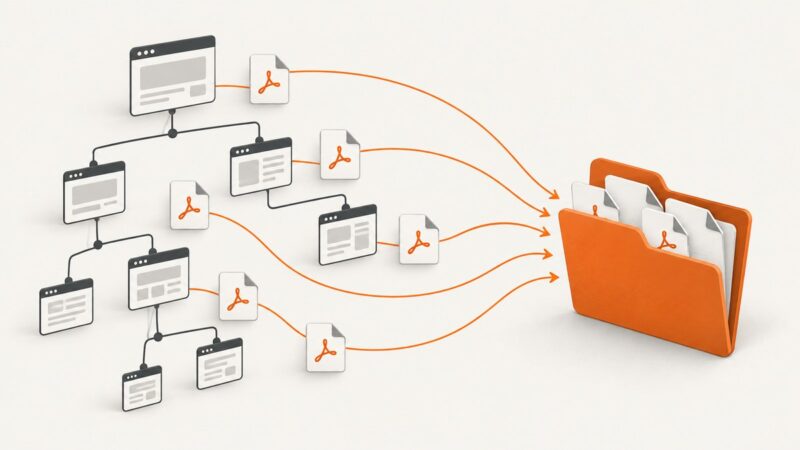
Use GNU Wget to find and download linked PDFs across a site, or use Scrapy when you need custom URL discovery and storage.
On most Samsung Galaxy phones, press Power or Side and Volume Down together, then release. Here are the easiest alternatives and fixes.
Learn how to mirror a website with HTTrack, capture JavaScript assets, handle dynamic pages, and verify an offline copy.
Learn how to turn a PDF mockup into clean, responsive HTML with Acrobat, OCR, semantic rebuilding, validation, and an API workflow.
Download a PDF from a URL in C# with HttpClient, stream it safely to disk, validate the response, and return it from ASP.NET Core.
Turn a data URL into a usable HTMLImageElement, handle errors, Blob URLs, CSP, large files, and display or process the image safely.
Configure Cypress screenshots for failures, manual captures, artifact retention, visual checks, CI, and reliable debugging with practical examples.