How to Fix Playwright Driver Creation Errors
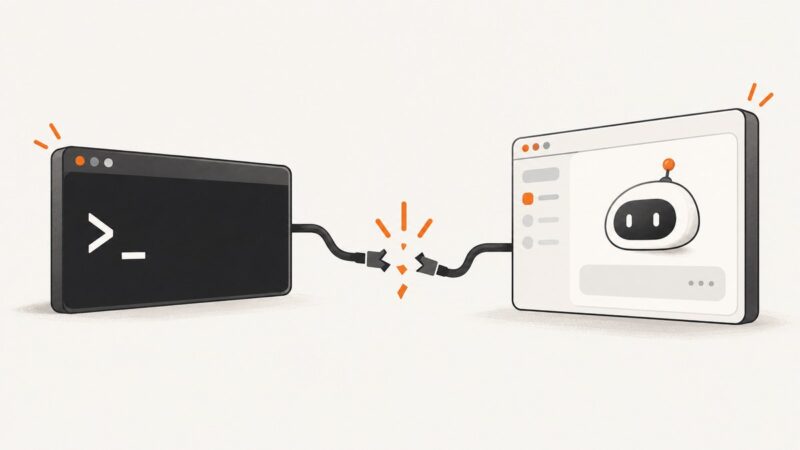
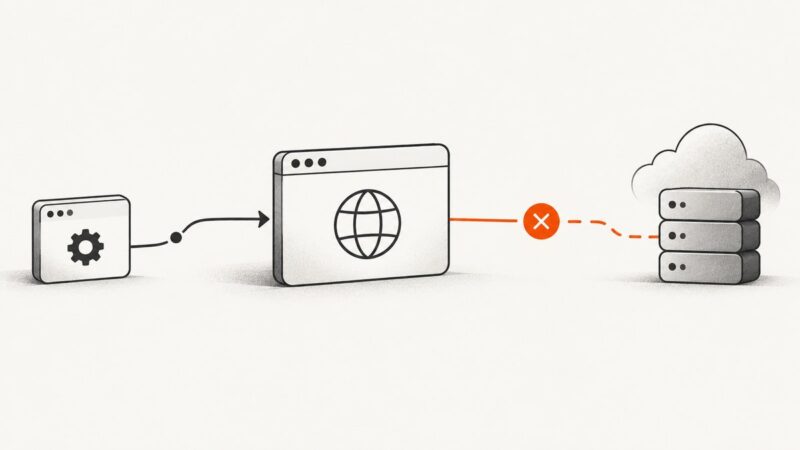
Playwright driver creation errors can happen before a browser launches, while it looks up or starts a browser, or when connecting remotely. Find the failing stage and follow the matching fix.
Playwright driver creation errors can happen before a browser launches, while it looks up or starts a browser, or when connecting remotely. Find the failing stage and follow the matching fix.
Diagnose Puppeteer launch failures in Docker by checking the browser binary, Linux libraries, sandbox, writable paths, and version compatibility.
Save a screenshot as PNG on Windows, Mac, or Chromebook. Find the right capture shortcut, choose a folder, and check that the file is really PNG.
Configure Playwright retries correctly, keep flaky tests visible, and use traces and CI settings to find the real cause of failures.
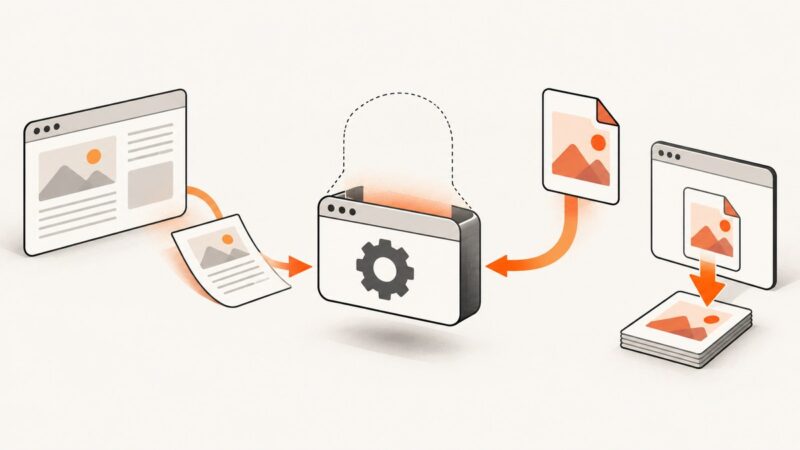
Save a webpage as a PDF from your browser, phone, or code. Learn which method fits, how to check the result, and what to do when a page prints badly.
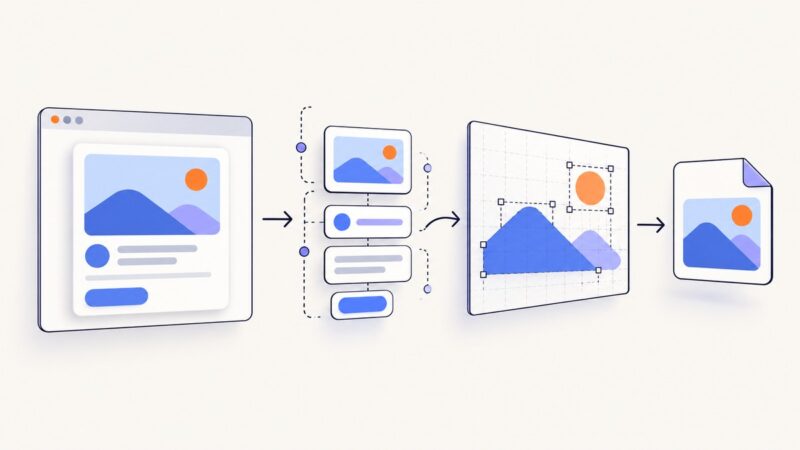
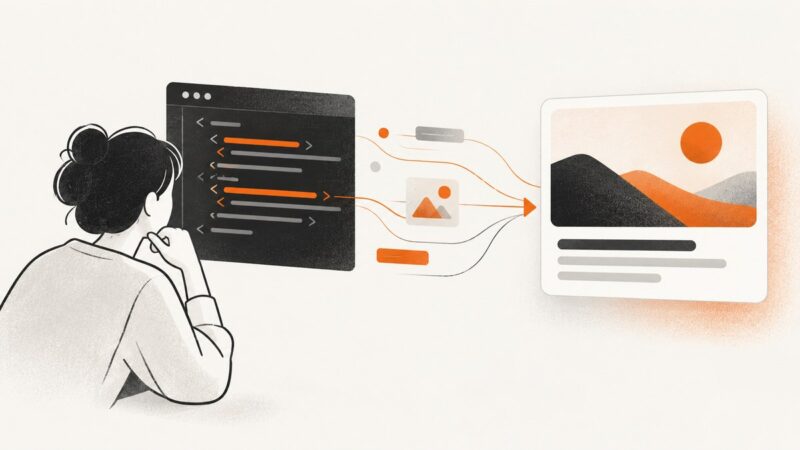
Render any URL into a reliable thumbnail with Playwright, Puppeteer, or a screenshot API. Covers sizing, waits, errors, performance, and cost.
Capture an entire webpage with your browser’s built-in tools. Follow the steps for Firefox, Chrome, or Edge, and learn what to try when a capture is incomplete.
A Chromium launch error in Lambda often points to an architecture mismatch. Check the function, deployed binary, and package version before changing configuration.
Puppeteer works locally but fails in deployed Docker? Diagnose browser, libraries, sandbox, filesystem, and process issues with a reliable repair checklist.
Build responsive website thumbnails with HTML and CSS using aspect ratios, object-fit, intrinsic dimensions, srcset, and practical performance fixes.
Capture a React element as a PNG with html2canvas, handle fonts, CORS, sizing and CSS limits, or use ScreenshotNeo for browser-rendered shots.
Use Puppeteer’s Page.pdf() to create a PDF from a page, or configure browser downloads to save an existing PDF opened in a new tab.
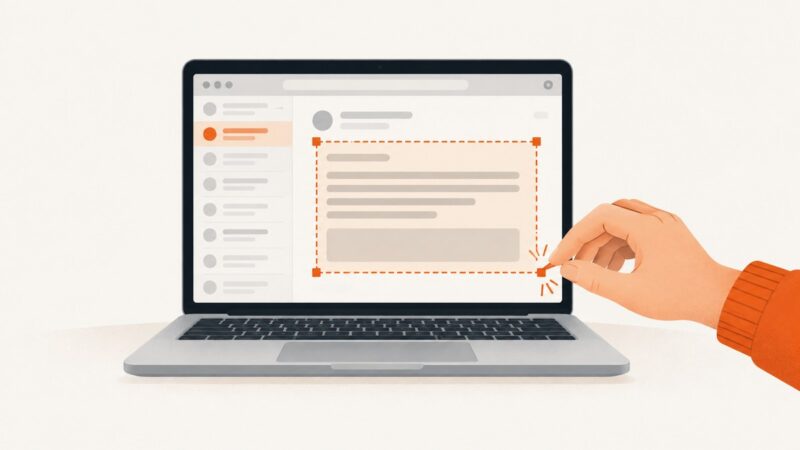
Capture an email on Windows, Mac, or Chromebook, save or share the image, protect private details, and choose PDF when it fits better.
Inspect Open Graph tags, simulate link cards, fix stale previews, and verify changes with practical checks and code.
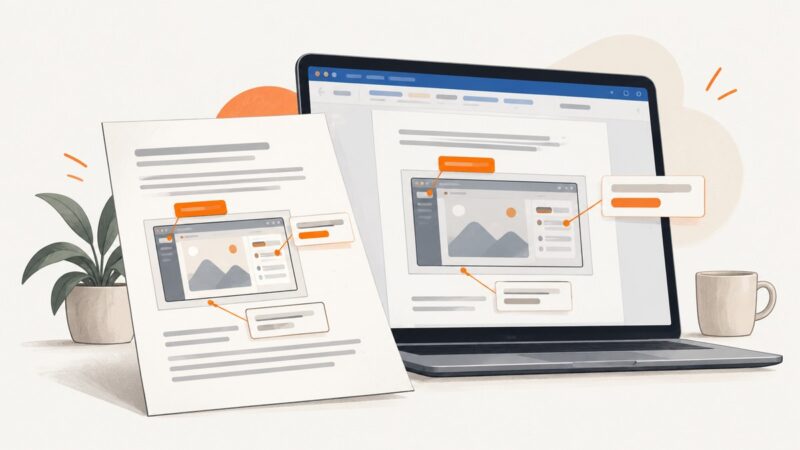
Add editable labels to screenshots in Word with text boxes or WordArt, fix positioning and formatting issues, and keep annotations attached.
Fix spawn uvx ENOENT in Claude Desktop and other MCP clients by finding uvx, correcting PATH, or using its absolute executable path.
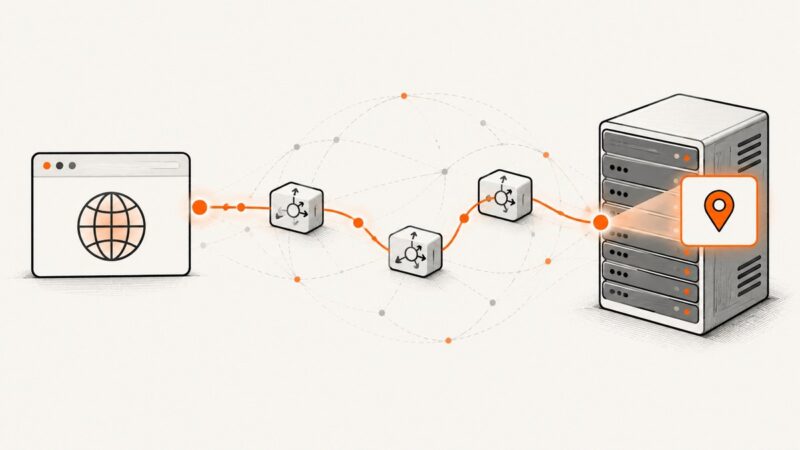
Learn why browser JavaScript cannot directly read a public IP, how to return the server-observed address safely, and when WebRTC or geolocation applies.
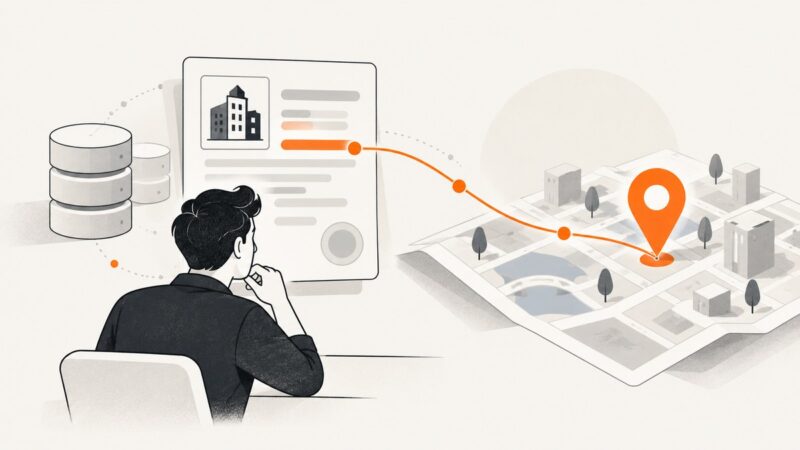
Find company addresses reliably by resolving the legal entity first, choosing the right address type, and validating or geocoding only when the workflow requires it.