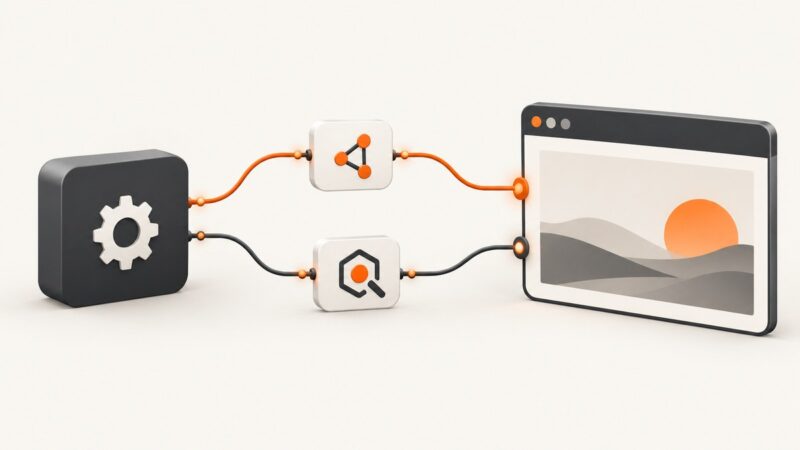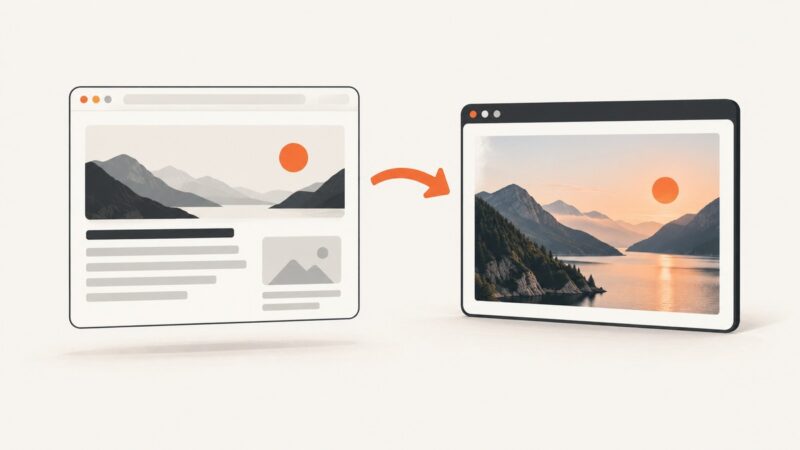
How to View HTML-to-JPG Conversion Results
Open the downloaded JPG in your device’s image viewer, then check the rendered page separately if you need to verify what the browser captured.
Open the downloaded JPG in your device’s image viewer, then check the rendered page separately if you need to verify what the browser captured.
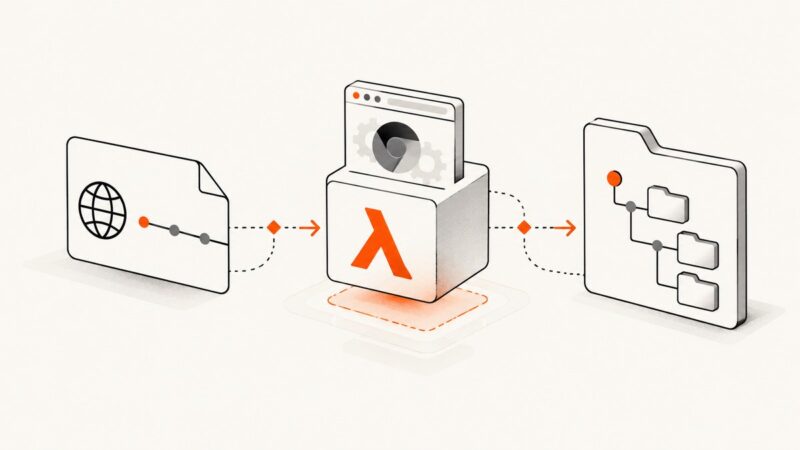
Fix the `__dirname` ReferenceError in AWS Lambda Puppeteer by matching your Node module system, then verify handlers, layers, browser binaries and packaging.
Fix PDF backgrounds that stop at page breaks by checking print CSS, printBackground, fragmentation, and page geometry in Puppeteer.
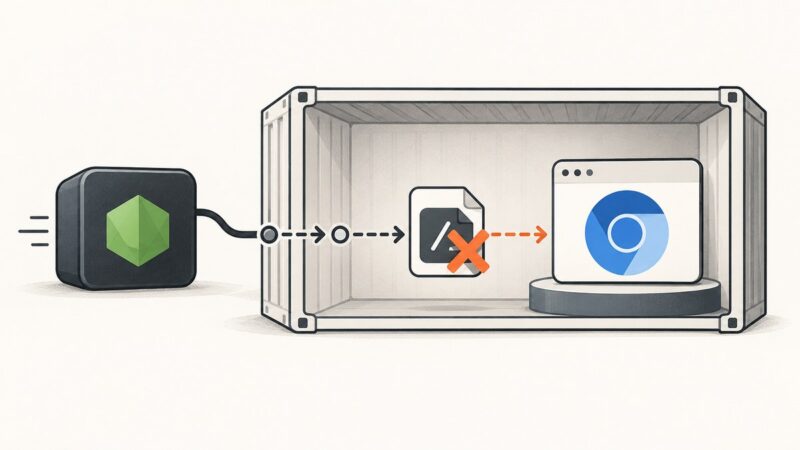
Fix Puppeteer’s Chromium ENOENT launch error by checking the runtime path, browser install, libraries, containers, CI, and sandbox separately.
Puppeteer PDFs can miss images when they have not loaded or print settings hide them. Check image state, compare a screenshot, and inspect print CSS.
Learn what Puppeteer’s net::ERR_ABORTED really means, trace the cancellation, and fix interception, navigation races, timeouts, and browser mismatches.
Render HTML at an explicit A4 size, wait for fonts and images, then export a sharp JPEG with predictable dimensions.
Render HTML in a browser, then encode its JPG screenshot as Base64. Use canvas serialization only when the pixels already exist in a canvas.
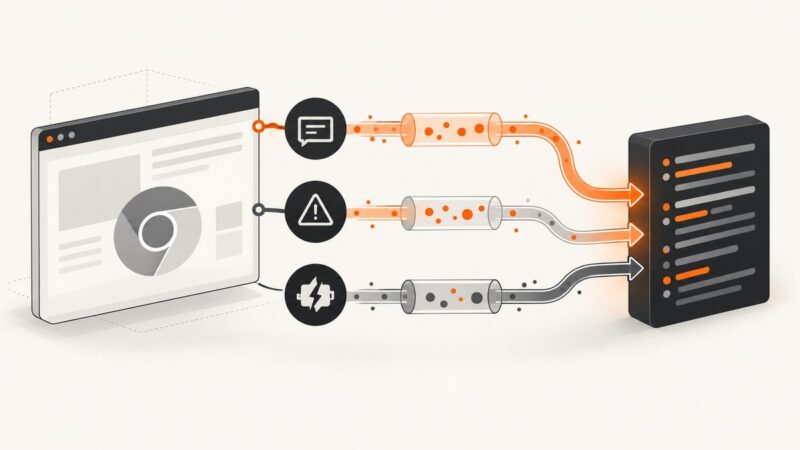
Capture console messages, uncaught exceptions, and page crashes in Puppeteer-Sharp with event handlers, diagnostics, and fixes.
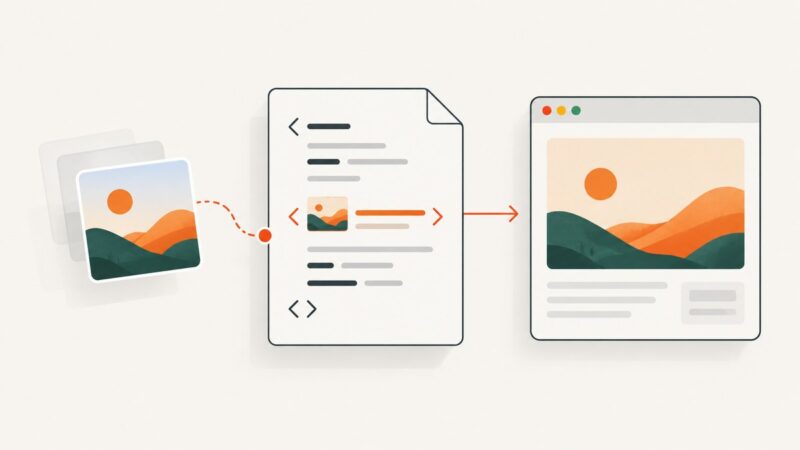
Learn the correct HTML img syntax, paths, alt text, responsive sizing, troubleshooting, and screenshot verification for PNG images.
Learn how to capture HTML as a full-page image in Firefox, convert PNG to JPG, use extensions, automate captures, and avoid common errors.
Convert JavaScript-rendered HTML to PDF with Playwright Java, or use a JVM renderer for controlled static documents. Includes runnable code and troubleshooting.
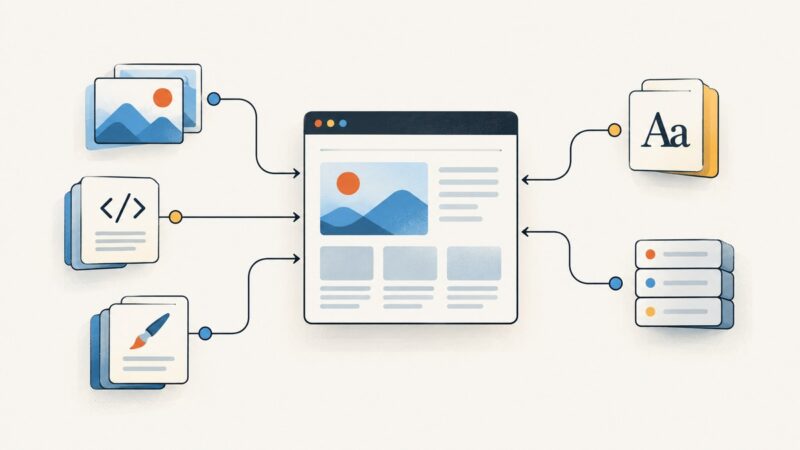
Capture network requests and discover declared page assets with Puppeteer. This guide covers frames, workers, lazy loading, redirects, response metadata, and common gaps.
Diagnose Puppeteer newPage() hangs by isolating the stalled operation, checking Chromium health, and fixing sandbox, dependencies, and filesystem issues.
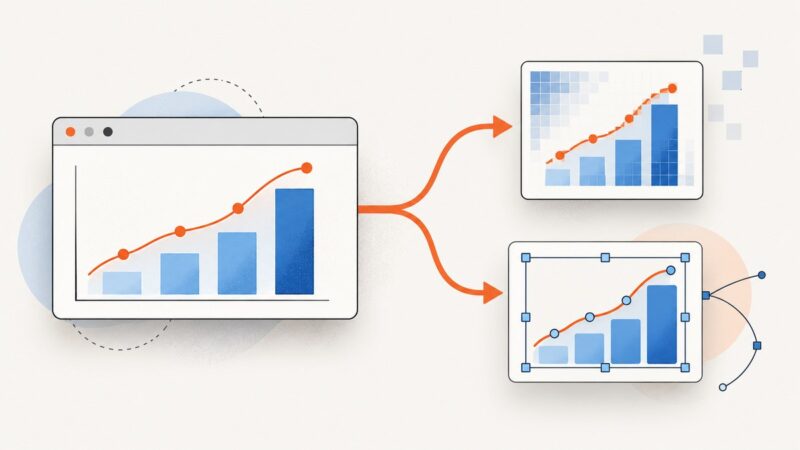
Export Plotly.js charts to PNG, JPEG, WebP, or SVG in the browser, or render them in automated server-side jobs with Kaleido.
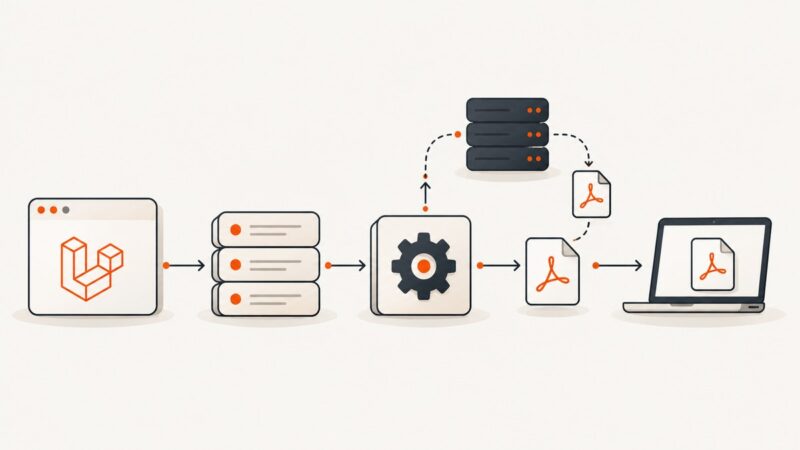
Learn how to fetch remote PDFs in Laravel queues, store them safely, track completion, and return authorized downloads with retries and cleanup.
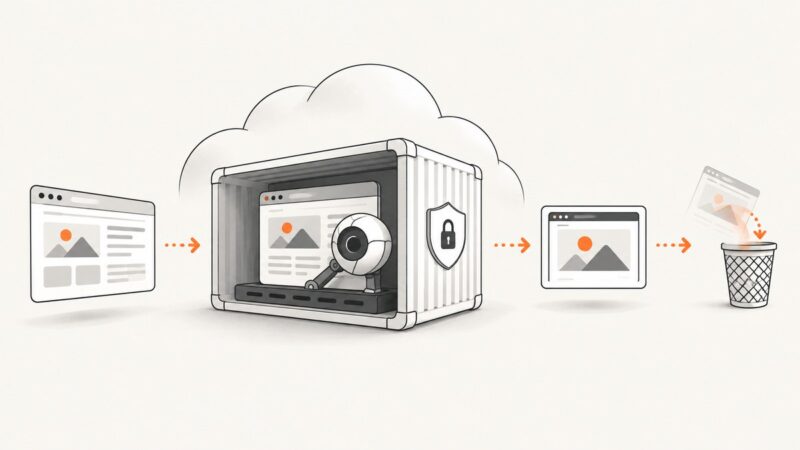
Deploy Puppeteer on Cloud Run with the right execution model, timeouts, memory, concurrency, cleanup, logging and load tests.
Attach Playwright .NET to an existing Chrome, Chromium, Edge, Playwright Server, or WebView2 session with ConnectAsync or ConnectOverCDPAsync.