How to Download a Website From the Wayback Machine
Learn what the Wayback Machine can save, how to inventory captures, and how to build a local offline copy with HTTrack.
Learn what the Wayback Machine can save, how to inventory captures, and how to build a local offline copy with HTTrack.
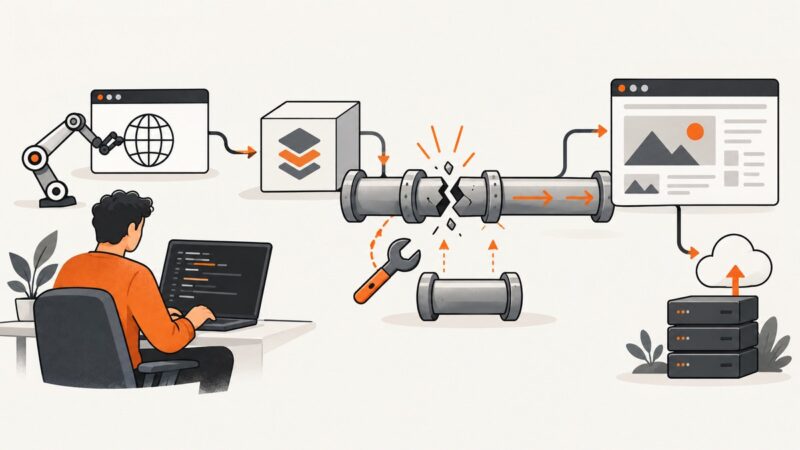
Fix Puppeteer’s “Readable is not a constructor” error by correcting bundler externals, module interop, browser installation, and deployment packaging.
Show a print date in a PuppeteerSharp PDF footer, or generate a date string in .NET when you need a specific format or timezone.
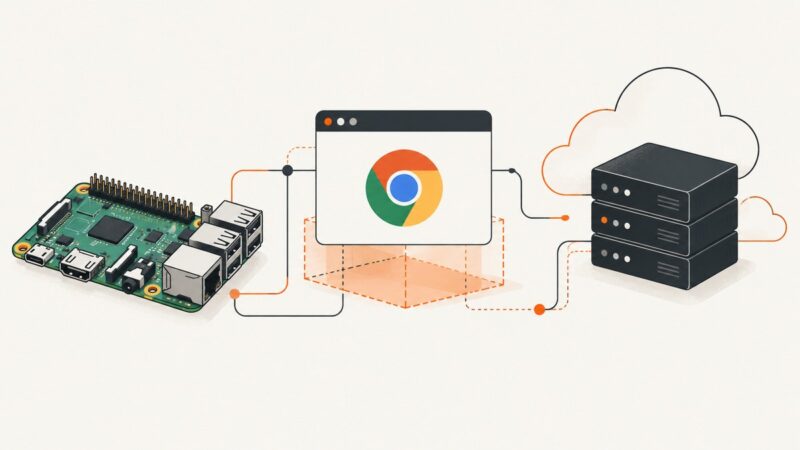
Learn what works on ARM, why Linux ARM64 differs, and how to run, build, troubleshoot, and operate Puppeteer containers reliably.
Capture Puppeteer’s popup event, bring the new Page to the front, and avoid confusing tab activation with focusing an element.
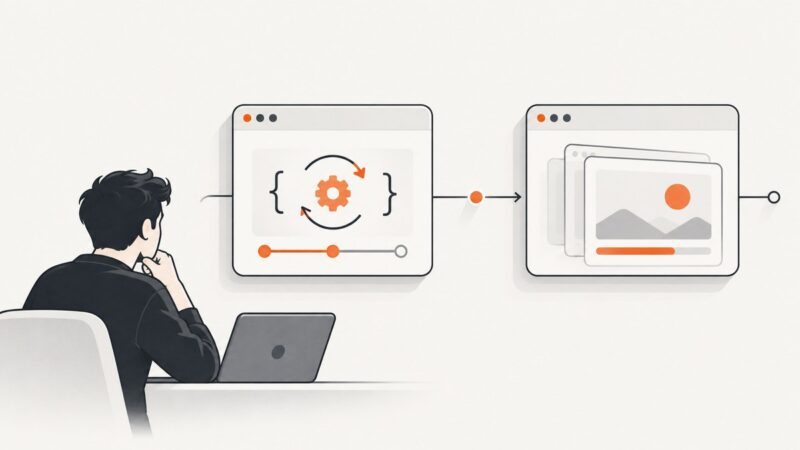
Find out whether `page.evaluate()` is stuck or a later navigation wait timed out, then choose the right Puppeteer wait and avoid click-navigation races.
Enter a known URL in the Wayback Machine, choose a capture date, and open the snapshot. Here’s how to handle missing pages and preserve an accessible page.
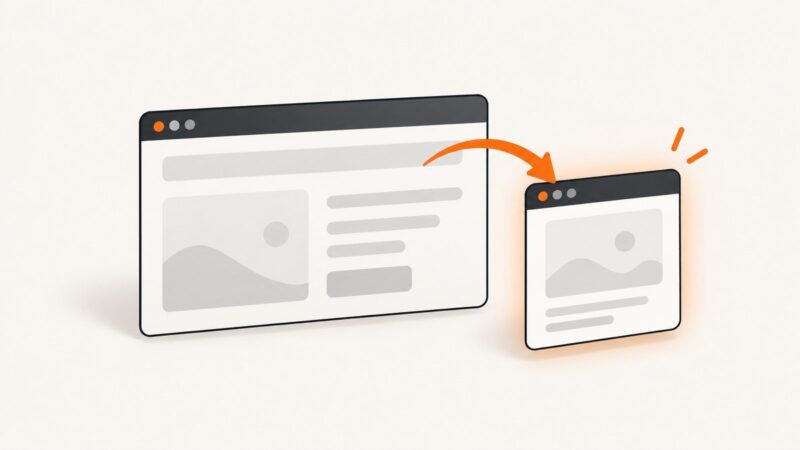
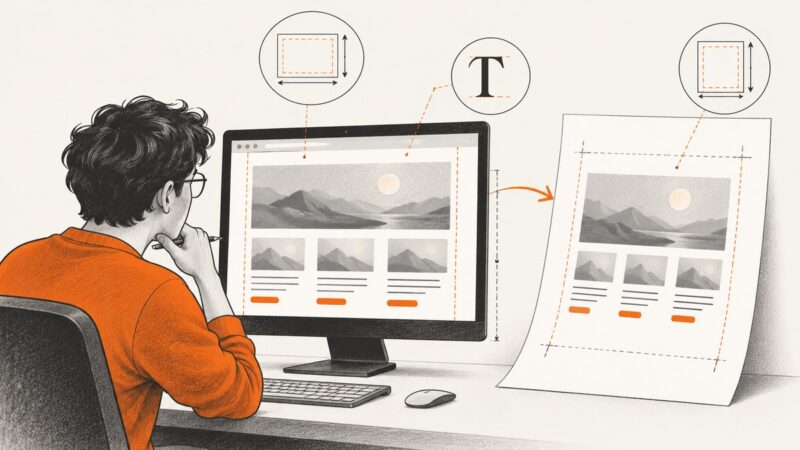
Puppeteer PDFs can look smaller than the browser when print CSS, font loading, or page-fit scaling changes the output. Diagnose those causes in order before changing font sizes.
Learn the right way to save one webpage or mirror many pages with images, using a browser, HTTrack, Wget, or ScreenshotNeo.
Save any webpage as a PDF in Firefox on desktop, Android, or iOS, with print settings, troubleshooting, and an automated ScreenshotNeo option.
Build a screenshot request URL, encode the target page correctly, choose capture options, and handle the response in cURL, Python, or Node.js.
Get a YouTube thumbnail at the highest available resolution, find its video ID, and handle missing maxresdefault images with reliable fallbacks.
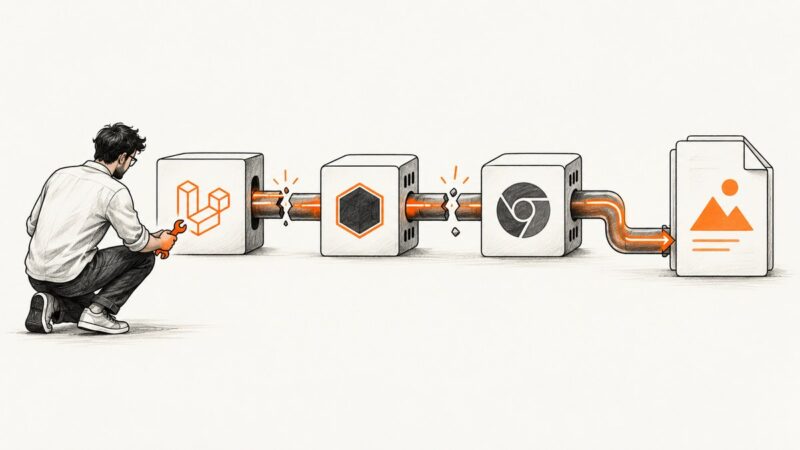
Trace Laravel Browsershot PDF failures from missing dependencies and bad paths to inaccessible assets, then fix the cause in your runtime.
Use Pyppeteer to fill login fields, click controls, wait for navigation safely, and verify login and logout with signals from your target site.
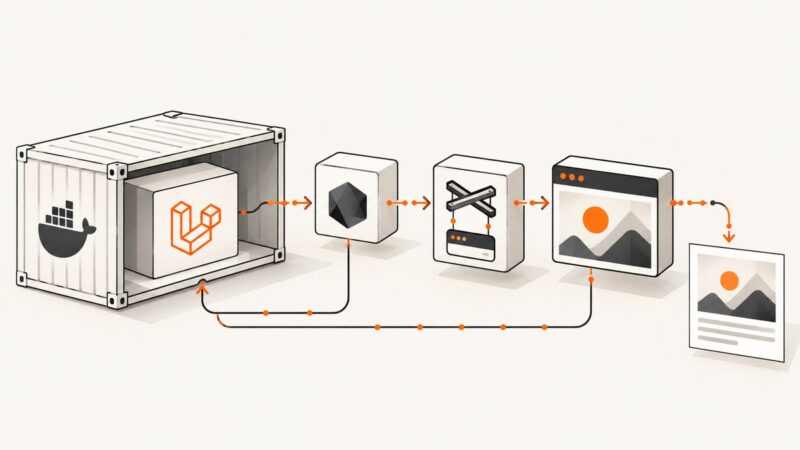
Run Spatie Browsershot in Vapor Docker by packaging a compatible Node.js, Puppeteer, and Chrome runtime, then verify paths and browser launch in deployment.
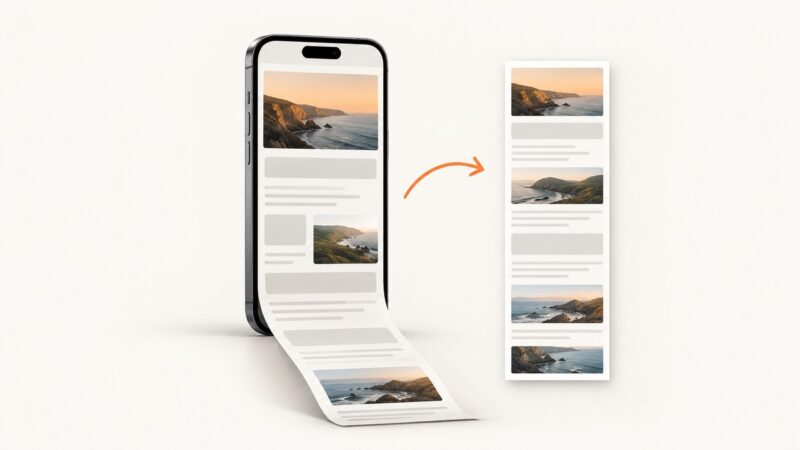
Capture an entire Safari webpage on iPhone and save it as an image in Photos, with PDF alternatives, troubleshooting, and an API workflow.
Puppeteer PDF headers and footers are off by default. Enable them, add the right template classes, and check spacing, page size, and print CSS.
Fix Puppeteer’s “Could not find Chrome” error in Firebase Functions by repairing browser installation, cache paths, package choice, and executablePath.