How to Match Puppeteer PDF Header and Footer Scaling to Page Content
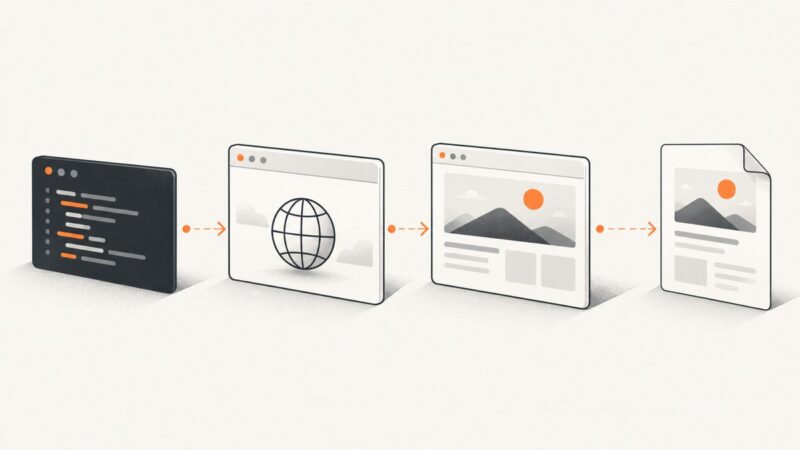
Match Puppeteer PDF headers and footers to page content by coordinating templates, margins, paper size, CSS @page, print styles, and scale.
Match Puppeteer PDF headers and footers to page content by coordinating templates, margins, paper size, CSS @page, print styles, and scale.
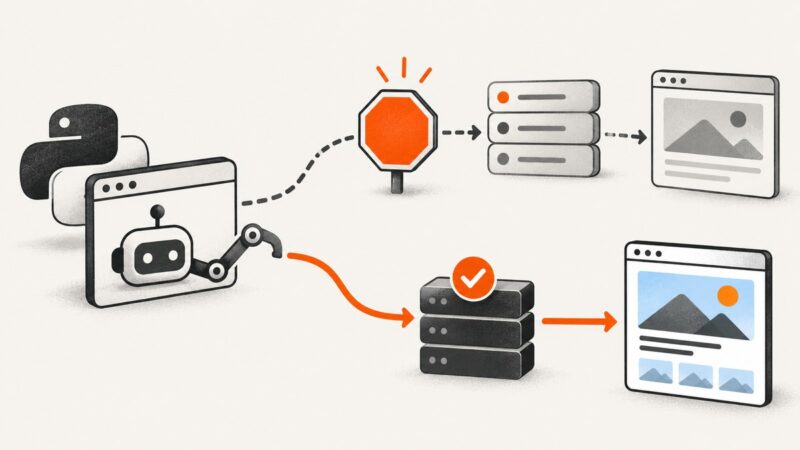
Diagnose Pyppeteer denials safely, respect site rules, fix navigation failures, and decide when to migrate to Playwright or ScreenshotNeo.
Read the current browser URL with Selenium or Playwright in Python, synchronize navigation correctly, handle tabs, and troubleshoot common errors.
Fix Puppeteer’s Page.printToPDF error by checking the browser binary, version, and headless mode, then verify PDF generation with a minimal script.
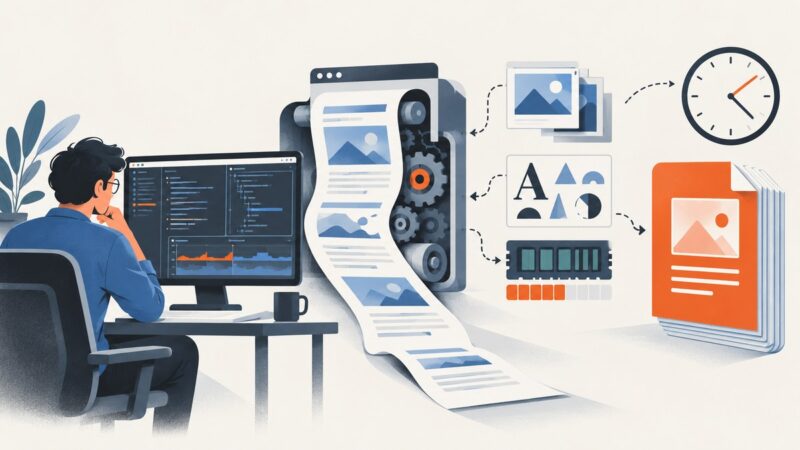
Find what slows Puppeteer PDF generation, then benchmark browser startup, page readiness, font loading, printing, and output I/O before tuning.
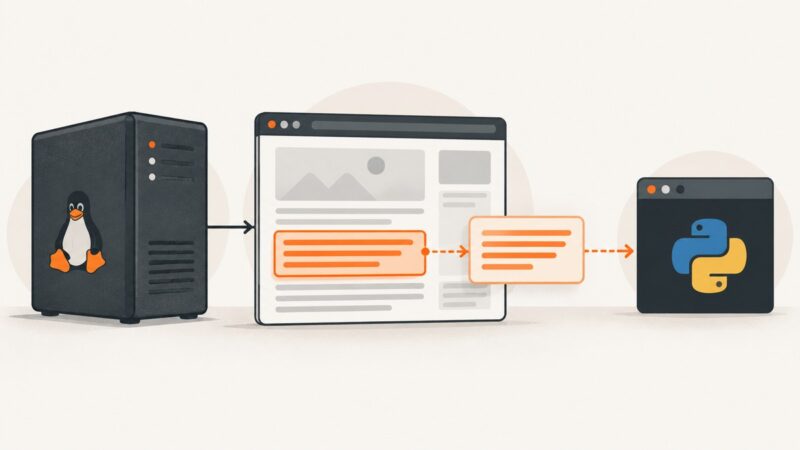
Use Pyppeteer on Linux to read a div’s text with Python, handle missing or late-loading elements, and troubleshoot Chromium setup.
Load an unpacked Chrome extension in Pyppeteer by removing its conflicting default flag, passing Chromium’s extension flags, and checking its background target.
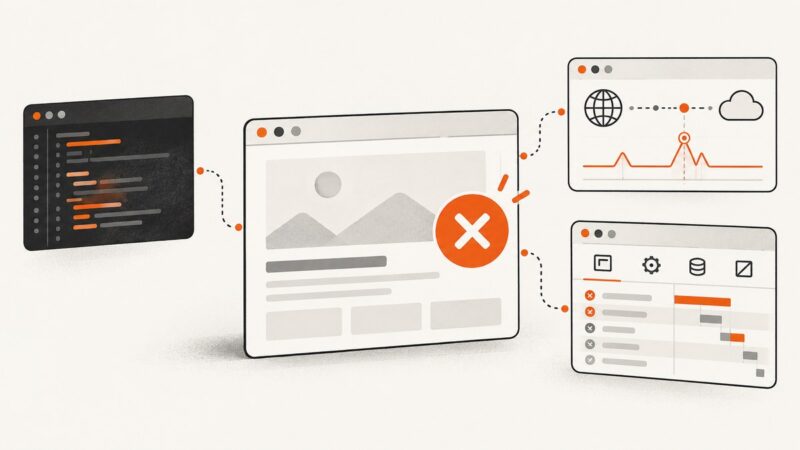
Find where Puppeteer stalls, reduce the document, verify PDF options, and fix browser, font, memory, and runtime problems systematically.
Capture more than fits on screen with the built-in full-page screenshot tools for iPhone, Android, Chrome, Edge, and Firefox.
Diagnose Puppeteer events that fail on one site by checking timing, frames, shadow roots, navigation, and request interception—with runnable fixes.
Use Chrome DevTools to find page-load failures, determine whether they break the page, and separate website, browser, and network causes.
Learn how to create tabs, capture popups, switch Puppeteer pages, handle navigation races, debug failures, and automate screenshots reliably.
Puppeteer’s PDF orientation setting applies to the whole document. Use CSS named pages for content-driven mixed orientation, or render and merge PDFs for exact page numbers.
Fix Puppeteer’s “ReadableStream is not defined” PDF error on AWS by checking runtime, package, and Chromium versions, then applying a safe fallback.
Use html2canvas to turn a lichess.org DOM element into a downloadable image, with selectors, options, security limits, fixes, and an API alternative.
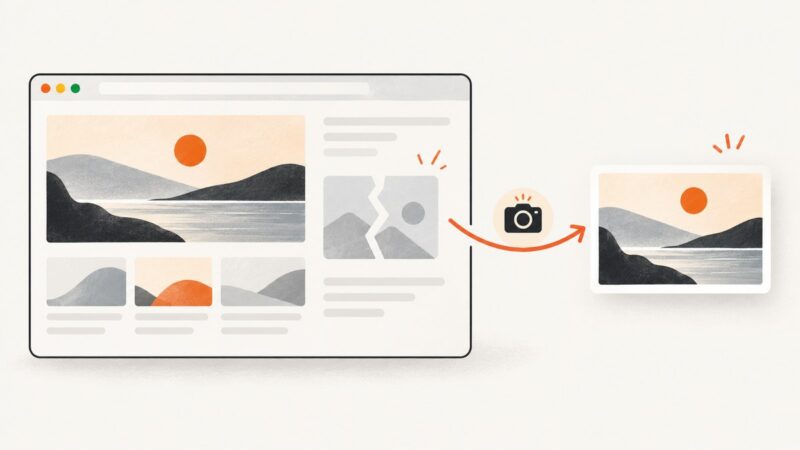
Show a reliable fallback when a screenshot image or capture fails. Learn how to handle browser errors and wait for page images before capturing.
Puppeteer’s waitForSelector resolves when a selector matches. Learn how to wait for presence or visibility, set a timeout, cancel a pending wait, and choose a locator instead.
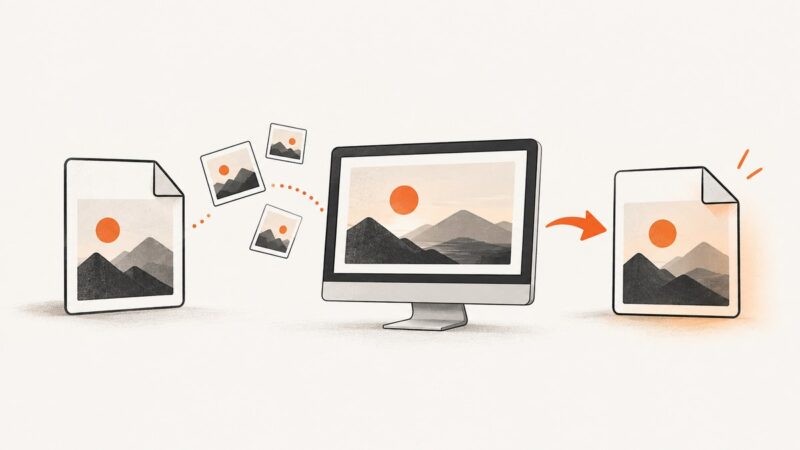
A browser’s Save Image command may download WebP without converting it. Here’s how to make a real JPEG, preserve the original, and choose the right format.