How to Extract an Embedded PDF from a Web Page with Puppeteer
Find the PDF URL in a page’s frames or network requests, then retrieve and verify the original bytes with Puppeteer and Node.js.
Find the PDF URL in a page’s frames or network requests, then retrieve and verify the original bytes with Puppeteer and Node.js.
Record a website to MP4 with Puppeteer’s current Page.record() API, then use FFmpeg when you need conversion, stream remapping, or filters.
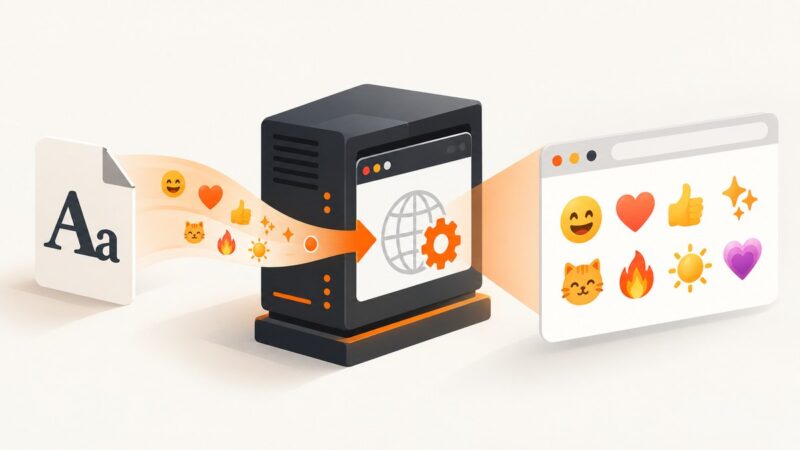
Fix missing emoji in Puppeteer by installing Noto Color Emoji in the runtime, checking font access, and waiting for fonts before capture.
Puppeteer’s “Invalid parameters” message is a protocol symptom, not a diagnosis. Find the failing command, inspect its arguments, and match the fix to the field and protocol involved.
Pause the video, hide controls, and capture a clean frame on Windows, Mac, iPhone, Android, or Chromebook—with fixes for blur, black screens, and overlays.
Install, configure, compare, update, and troubleshoot Cypress image snapshots with reproducible baselines and CI workflows.
Open the X post link and capture the post with your device’s screenshot tools. Follow the steps for iPhone, Mac, or Windows, and keep the URL with the image.
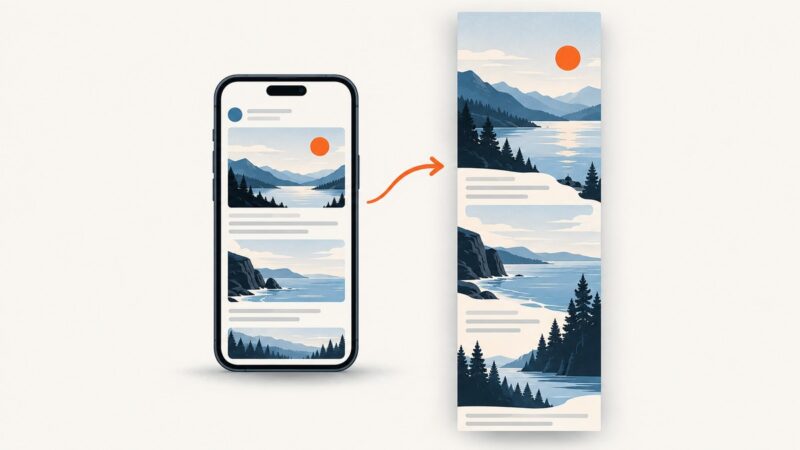
Expand the complete thread on X, capture the full page in Firefox or Chrome, verify every post, and automate clean captures with ScreenshotNeo.
Capture a complete tweet or thread on iPhone, Android, or desktop. Choose the right method, prevent cutoffs, and save a shareable image or PDF.
Listen for Puppeteer’s `dialog` event, inspect the dialog type and message, then explicitly accept or dismiss it. Here’s how to handle prompts, confirms, and DOM modals.
Capture Puppeteer screenshots, stream them safely into FFmpeg, and produce reliable MP4 video with correct timing, codecs, backpressure, and troubleshooting.
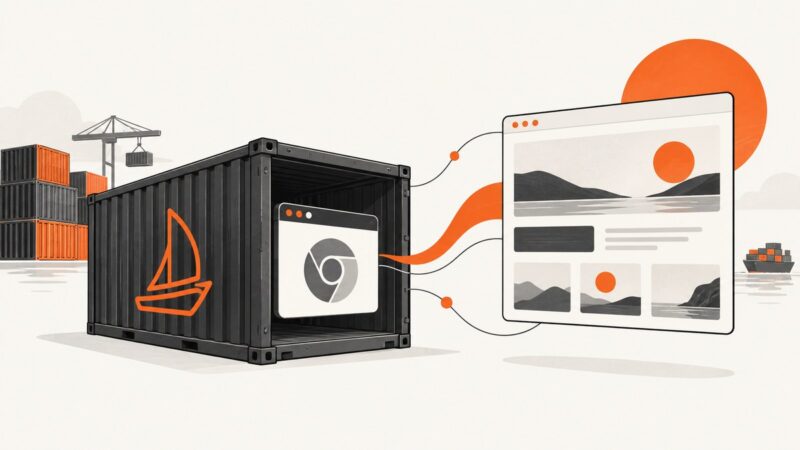
Install Puppeteer in Laravel Sail, choose its bundled Chrome or system Chromium, and fix Docker cache, library, permissions, and launch errors.
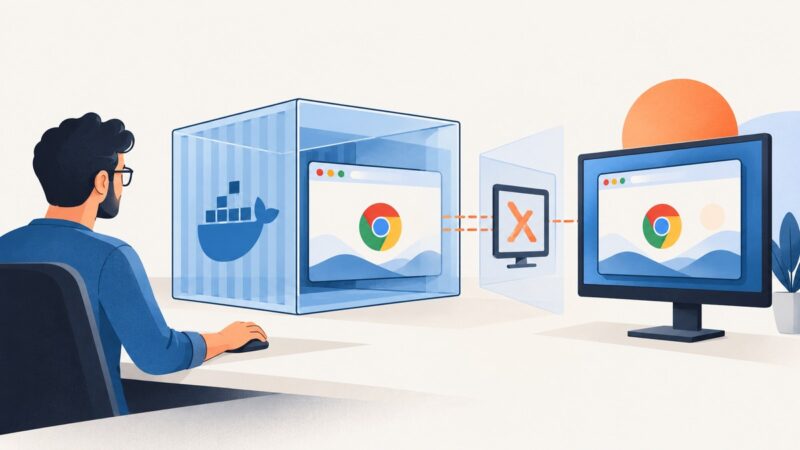
Run visible Chrome in Docker with Puppeteer, Xvfb, compatible browser dependencies, and a secure container setup.
Install wkhtmltoimage on macOS from the official 64-bit package, verify it, troubleshoot compatibility, and learn when a hosted screenshot API is simpler.
Learn how to save Puppeteer screenshots to files, Uint8Arrays, buffers, or Base64, with complete options, examples, troubleshooting, and API alternatives.
Install IMGKit and wkhtmltoimage separately, then render a URL, file, or HTML string with Python. Includes options, headless setup, and fixes for common errors.
Learn how to capture a complete Twitter/X thread as one tall image, avoid missing tweets, and automate clean screenshots with ScreenshotNeo.
Build reliable Puppeteer flows for cookie prompts with resilient selectors, navigation waits, shadow DOM support, debugging, and production safeguards.