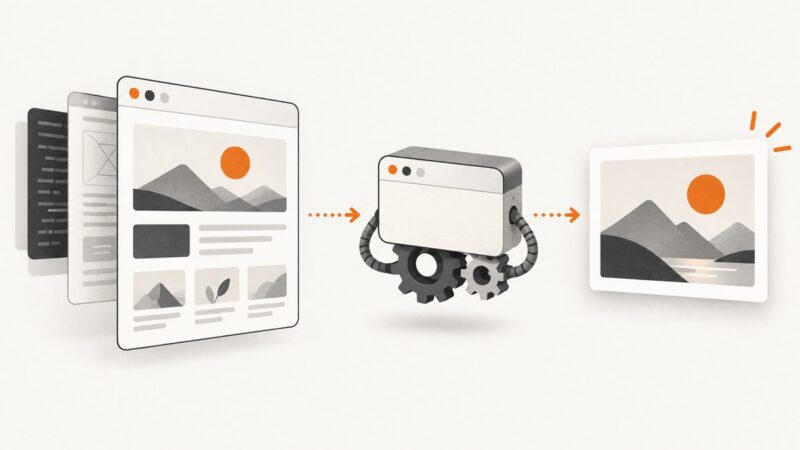
How to Capture a Website Screenshot with Puppeteer
Capture viewport, full-page, clipped, and element screenshots with Puppeteer, then automate reliable rendering and skip browser setup with ScreenshotNeo.
Capture viewport, full-page, clipped, and element screenshots with Puppeteer, then automate reliable rendering and skip browser setup with ScreenshotNeo.
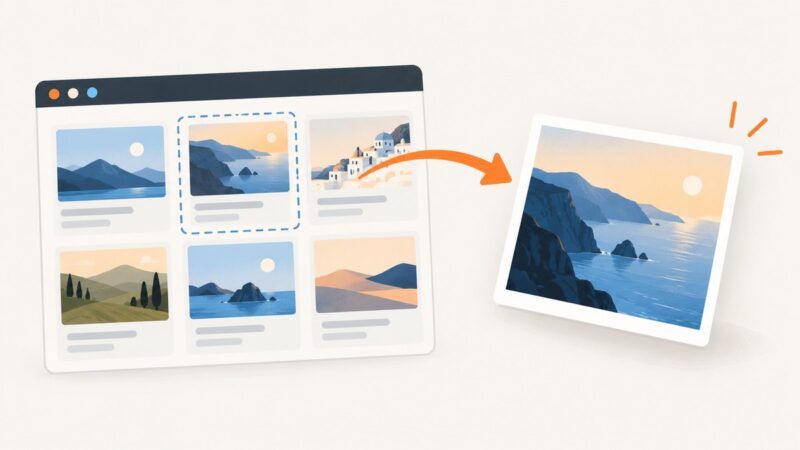
Render a selected DOM element as a JPEG in the browser with html2canvas, then export it safely with canvas.toBlob().
Remove an icon’s background, preserve alpha transparency, and export a clean PNG using Canva, GIMP, Photoshop, or code.
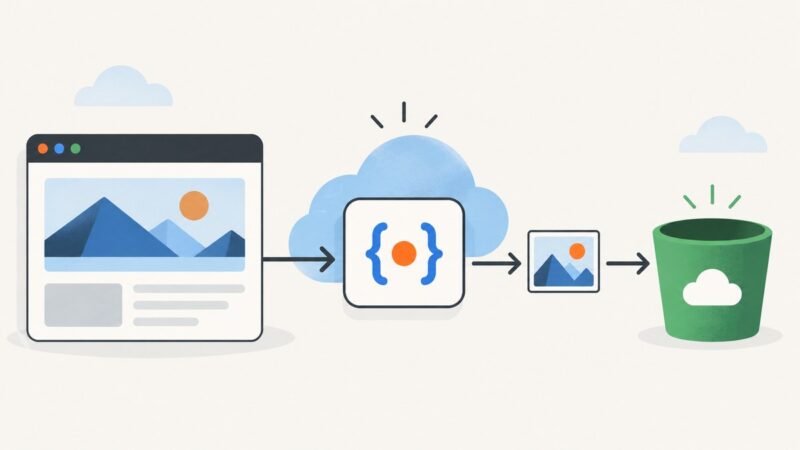
Capture a webpage with Puppeteer in a Node.js Cloud Run function and upload the image to Google Cloud Storage with the runtime service account.
Render HTML in a browser, wait for fonts and images, then encode the pixels as JPEG with html2canvas, Puppeteer, wkhtmltoimage, or an API.
Build repeatable visual snapshots with Puppeteer, control page state, and compare captures against a baseline without confusing screenshots with accessibility snapshots.
Capture any URL, upload the image in a discord.js interaction, and display it inside an embed with reliable deferred replies and troubleshooting.
Render local HTML in a headless browser and capture its pixels as PNG with Chrome, Playwright, or Puppeteer—without an internet connection.
Learn why HTML screenshots turn transparent areas white, how to fix them in Playwright, Puppeteer and html2canvas, and how to verify the PNG alpha channel.
Learn how to retain the Page from browser.newPage(), access the main Frame, find iframe handles, and avoid timing and selector errors.
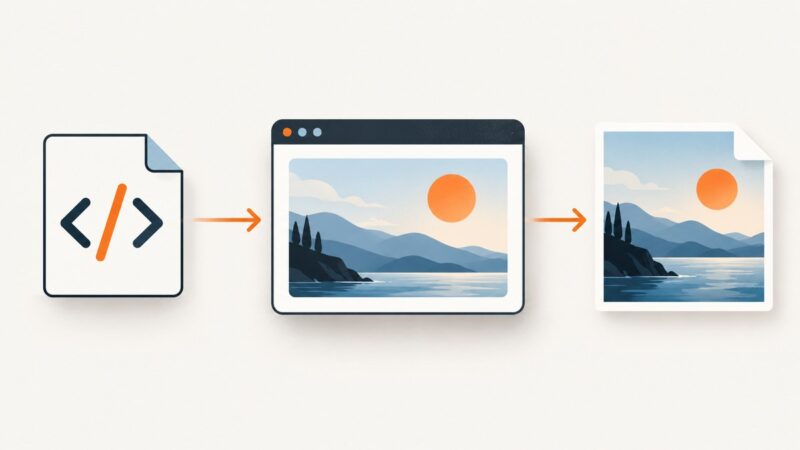
Render a local HTML file in a browser and save it as a PNG. Choose a quick command or a repeatable Playwright workflow, with fixes for common problems.
Convert HTML to PNG on Linux with Chromium, Playwright, wkhtmltoimage, and a hosted API. Includes runnable code, options, troubleshooting, and cost notes.
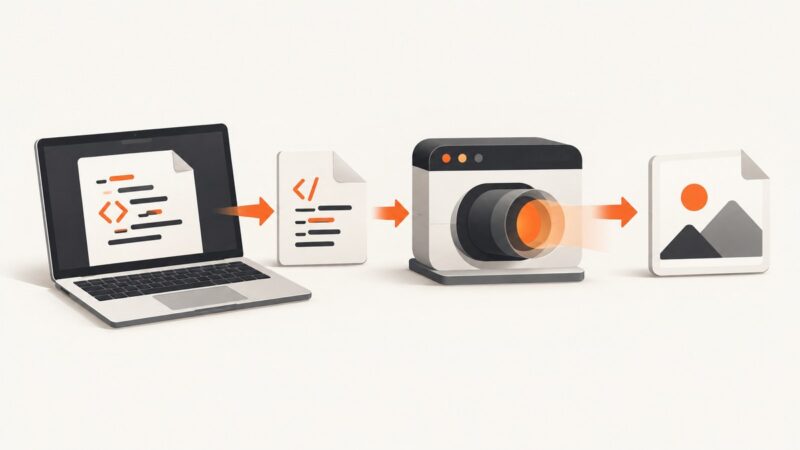
Render HTML in a browser, then save the result as a PNG with Puppeteer, Playwright, Python, cURL, or ScreenshotNeo.
Save a webpage as a JPG in Microsoft Edge with full-page capture, conversion steps, troubleshooting, and an automated ScreenshotNeo option.
Capture an entire web page with Puppeteer using fullPage, reliable waits, viewport controls, troubleshooting, and a ScreenshotNeo alternative.
Learn how to convert a JPG to a Base64 data URL, embed it in HTML, automate it with Python or Node.js, and avoid common size and MIME-type errors.
Render HTML in a browser, wait for its content, then capture the viewport, full page, or an element as PNG or JPEG with Playwright.
Learn when to use locator.filter(), $$, $$eval(), and evaluateHandle() in Puppeteer, with lifecycle, scoping, debugging, and complete examples.