How to Add a Screenshot to Microsoft Word
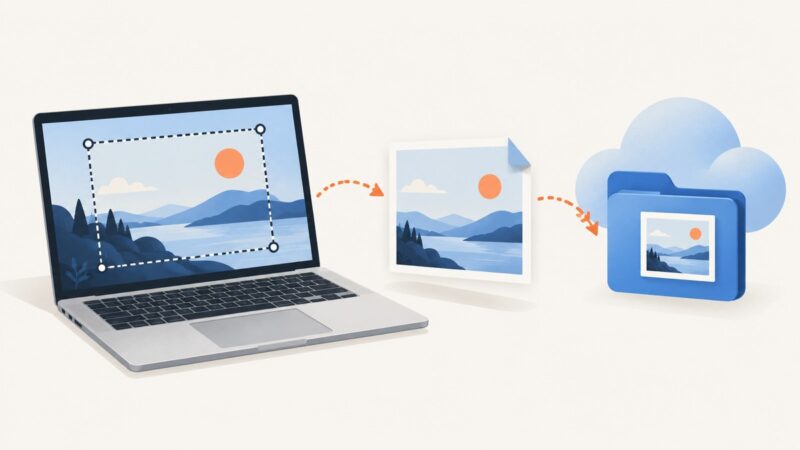
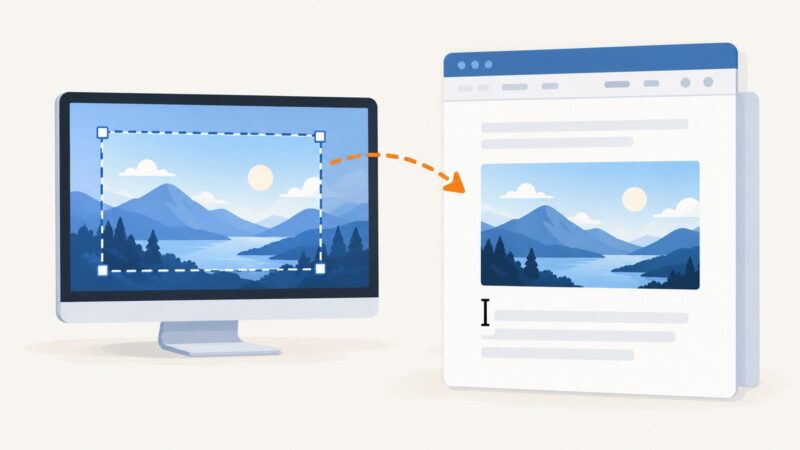
Learn how to insert full-window or partial screenshots in Word on Windows and Mac, fix common problems, and automate captures with ScreenshotNeo.
Learn how to insert full-window or partial screenshots in Word on Windows and Mac, fix common problems, and automate captures with ScreenshotNeo.
Learn when to embed an image and when to rebuild a screenshot as HTML, with runnable JavaScript for file previews, canvas exports, and common errors.
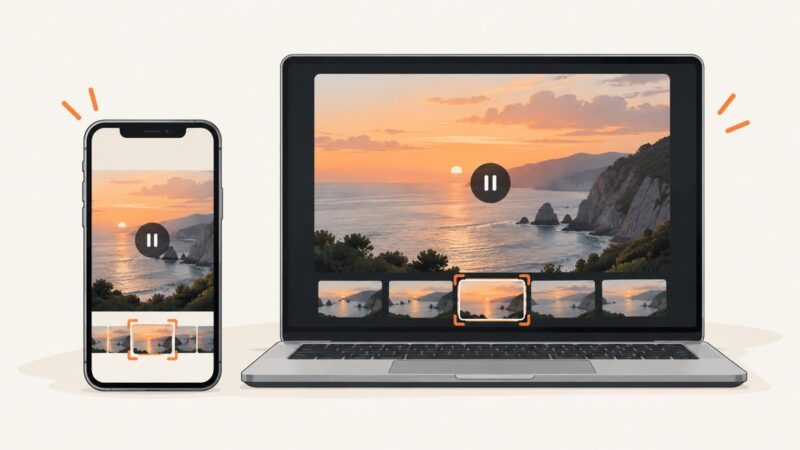
Pause the video on X, use your device’s built-in screenshot tool, and crop the frame cleanly on Windows, iPhone, or Android.
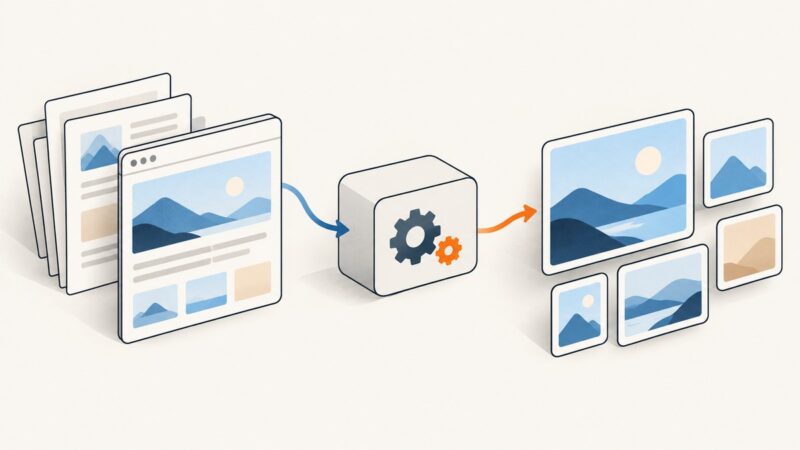
Convert HTML to PNG with headless Chrome, or render PDF pages with Poppler and Python. Choose the right dimensions, DPI, and workflow for reliable output.
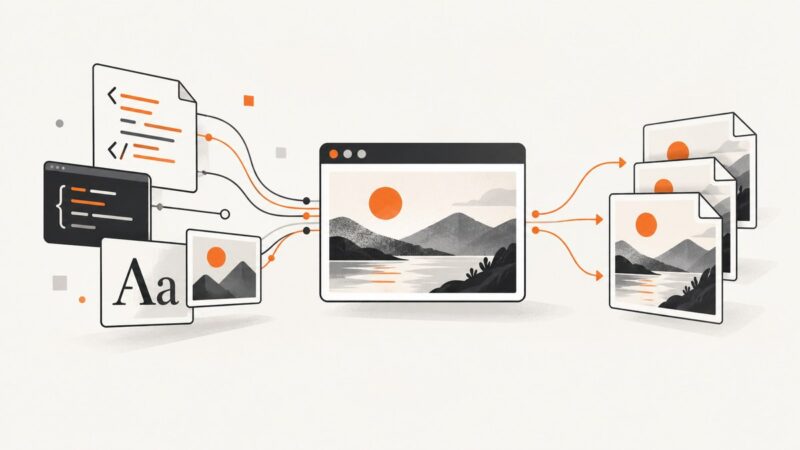
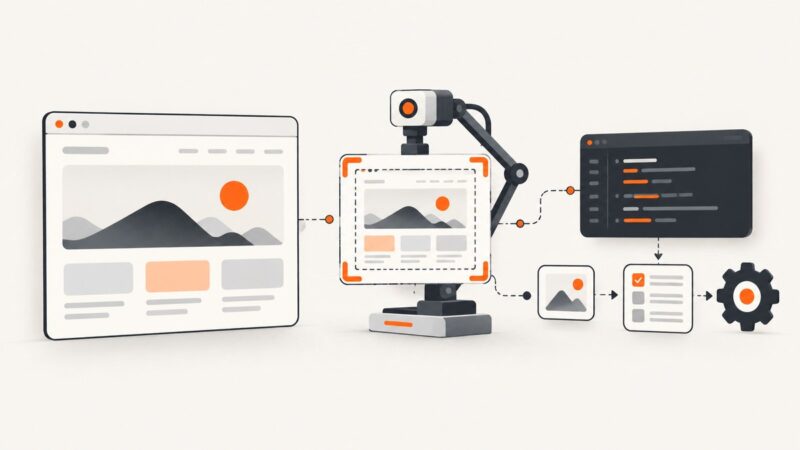
Render an HTML file in a real browser and capture a viewport, full page, or element with Playwright, Puppeteer, Python, cURL, or ScreenshotNeo.
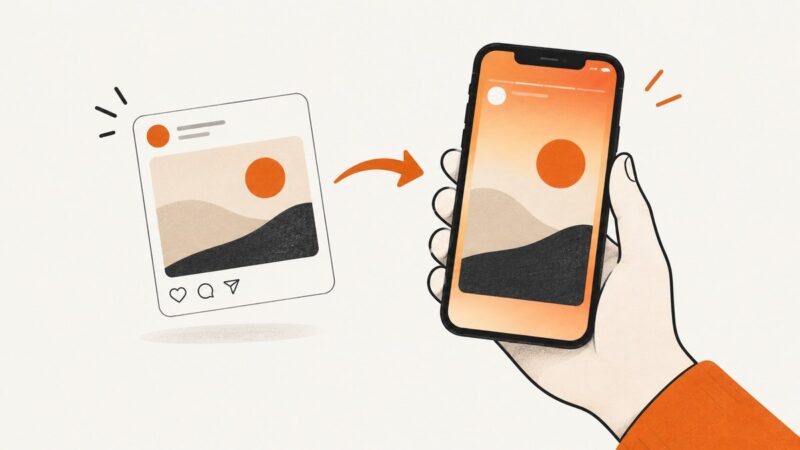
Capture an X post as an image for Instagram, or share a public post straight to an Instagram Story with X’s iOS sticker option.
Google Drive stores screenshots; your device captures them first. Learn how to capture a Chromebook screenshot and upload it to Drive on desktop or Android.
Capture the active Selenium tab, window, or element with runnable Python, JavaScript, and Java examples, plus troubleshooting and an API alternative.
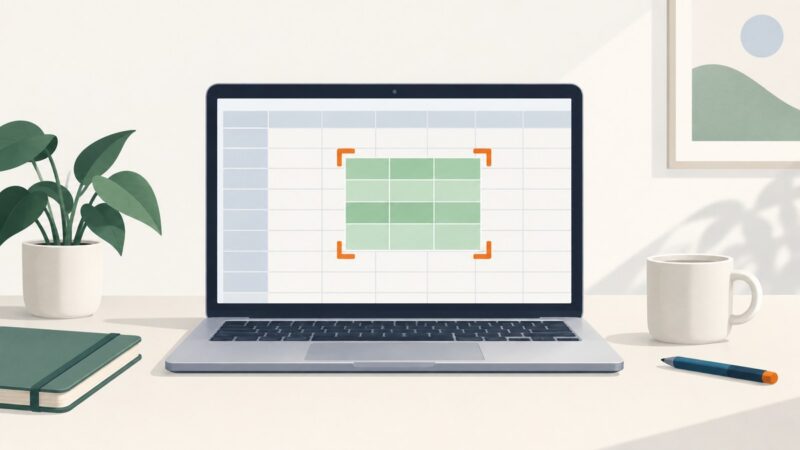
Capture a visible Google Sheets view, save selected cells as an image, or create a clean PDF. Choose the right workflow for your device and goal.
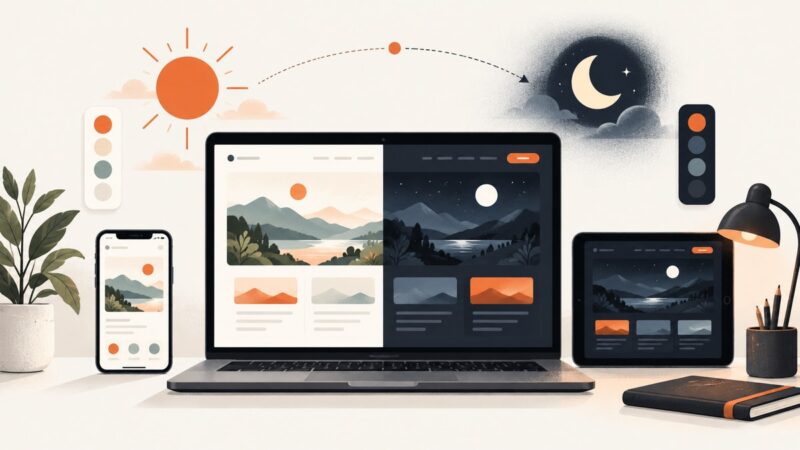
Learn how to add system-aware dark mode, a persistent toggle, accessible colors, testing, and screenshot automation to any website.
Save an individual image or an entire webpage as a real PNG, preserve transparency, convert WebP correctly, and automate captures with an API.
Install Puppeteer and its matching browser on a DigitalOcean VPS, keep Chrome sandboxed, and diagnose common launch failures with a repeatable Node.js setup.
Find Screen Options in WordPress, show hidden fields and columns, fix missing tabs, and automate admin screenshots when needed.
Display a screenshot in HTML with accessible, responsive markup—or capture one automatically with Playwright or ScreenshotNeo.
Puppeteer can control screenshot viewport, scale factor and device emulation. Learn what that does—and does not—guarantee, with runnable code and practical troubleshooting.
In Selenium Python, use driver.save_screenshot("screenshot.png") to save the current browser window as a PNG. Here are runnable Python and Java examples, output options, full-page capture, and fixes for common errors.
Save any Safari webpage as a PDF on your iPhone using Apple's built-in Markup workflow, with fixes for missing options and long pages.
Turn on dark mode in Windows, macOS, Chrome, Edge, Firefox, and individual websites, with fixes when pages remain bright.