Can You Disable WebSockets With Puppeteer?
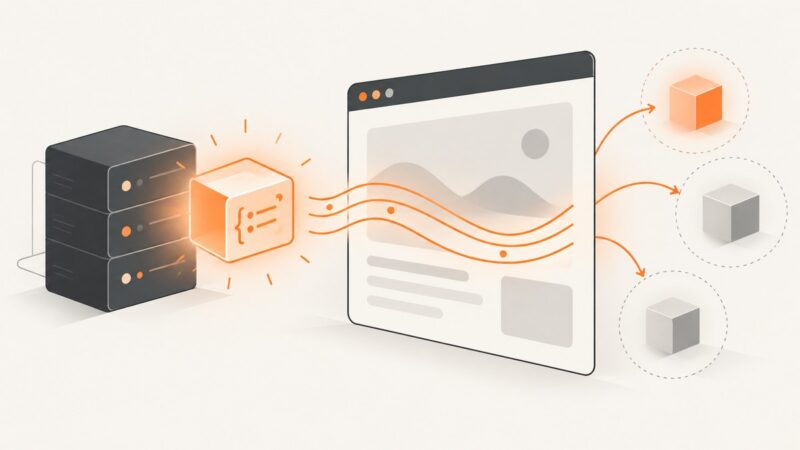
Puppeteer has no guaranteed WebSocket switch. Learn what request interception, Chrome blocklists, offline mode and network emulation actually do.
Puppeteer has no guaranteed WebSocket switch. Learn what request interception, Chrome blocklists, offline mode and network emulation actually do.
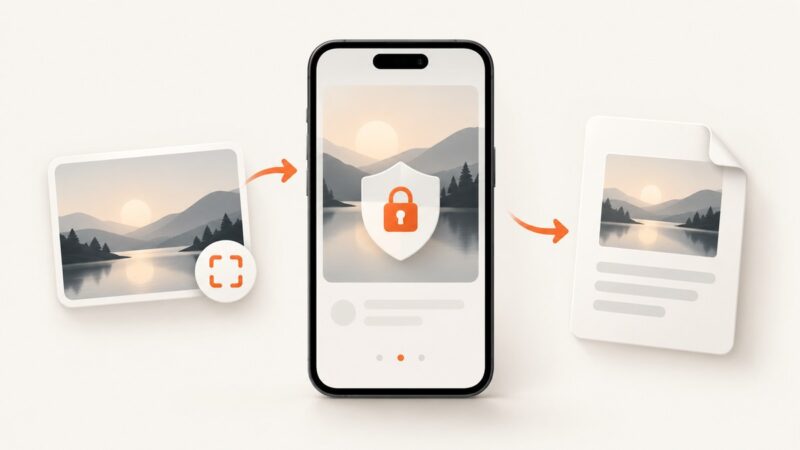
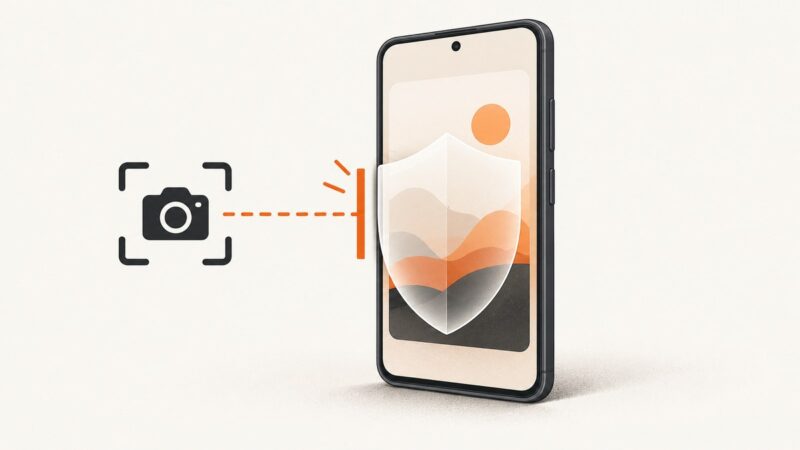
Learn why restricted apps show black or blocked screenshots, what Android and iPhone allow, and the safest ways to save content you are authorized to keep.
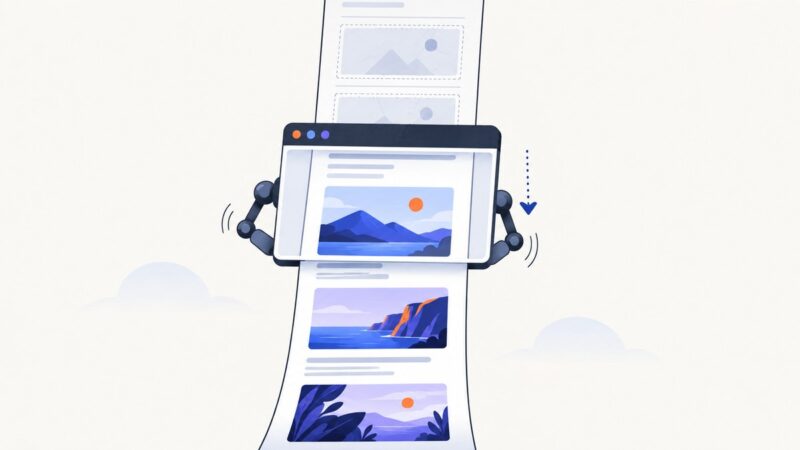
Make below-the-fold images appear reliably in Puppeteer screenshots by scrolling, checking image readiness, and handling common lazy-loading failures.
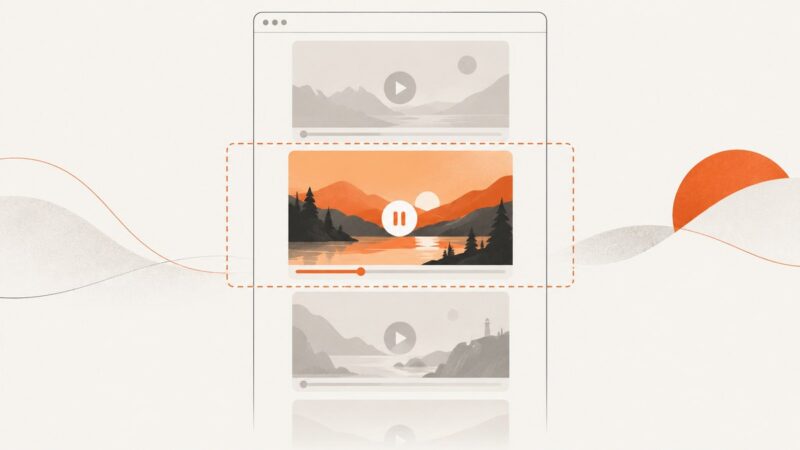
Learn the native HTML, preload, poster, and IntersectionObserver patterns that stop off-screen video downloads without layout shifts.
Capture a full webpage in Safari and save it to Photos. Learn when to choose PDF and how developers can capture pages with ScreenshotNeo.
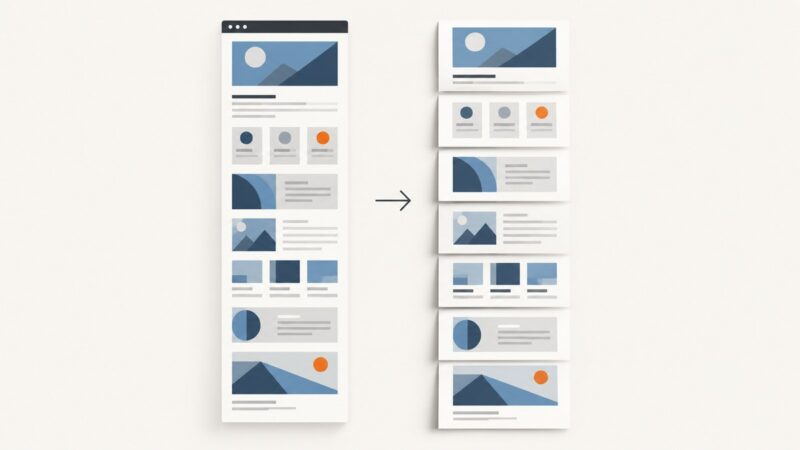
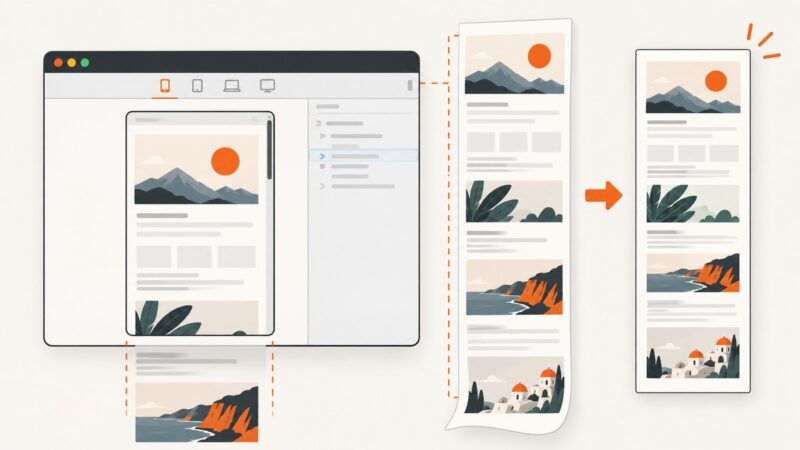
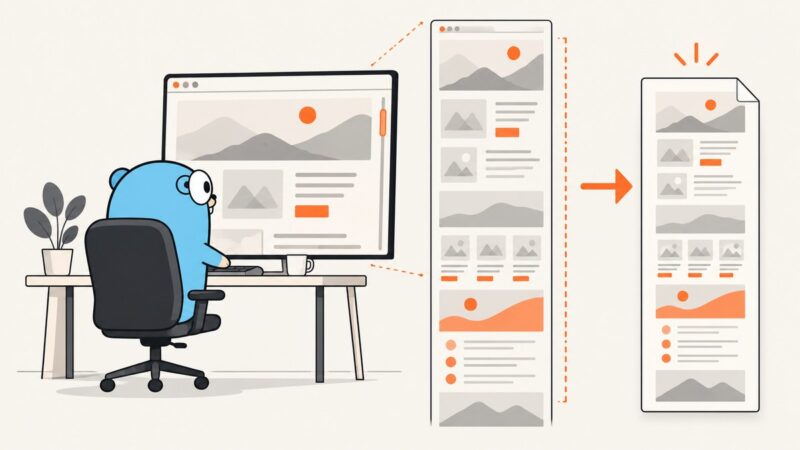
Turn a tall screenshot into a readable multipage PDF with Adobe Acrobat Poster tiling. Learn how scale, overlap, and print settings affect the result.
Learn when to use evaluate, evaluateOnNewDocument, or exposeFunction to pass values between Node.js and browser JavaScript in Puppeteer.
Learn how to capture viewport and full-page website screenshots with Apify Actors, the API, Puppeteer, Playwright, storage, and reliable production workflows.
Move DNS authority for a SiteGround-hosted site to Cloudflare without losing your website, email, or verification records. Follow the checklist before changing nameservers.
Check that a screenshot API captured the intended page, then compare a reproducible render with an approved baseline in CI.
Select real file inputs or handle chooser dialogs in Puppeteer tests, resolve fixture paths safely, and verify that uploads actually reach your app.
Extract, normalize, wait for, and capture every link on a page with Puppeteer, including retries, safe filenames, filtering, and troubleshooting.
Android usually blocks screenshots because the app marks its window as secure. Learn what the warning means and the approved ways to save content.
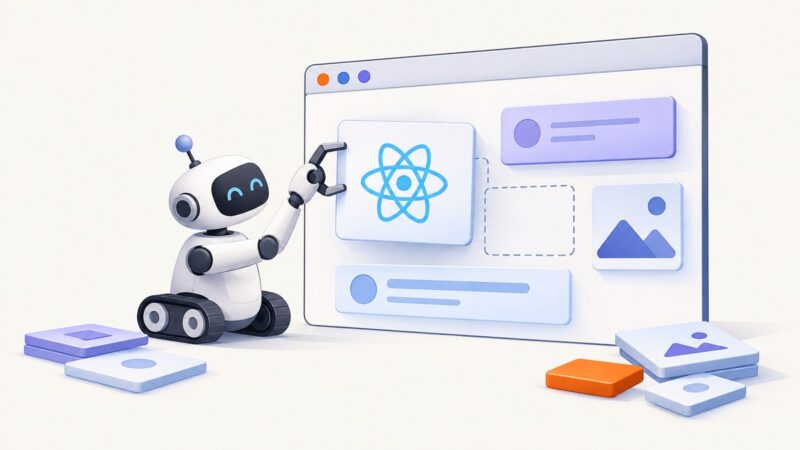
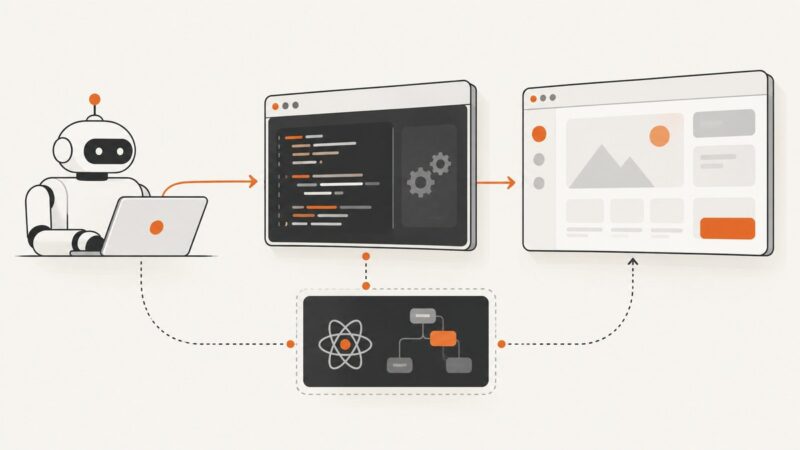
Load a React app in Puppeteer, wait for the component to render, then inspect its DOM or capture a reliable screenshot.
Learn what Puppeteer can read from a React page, why Hook state is private, and how to build stable tests without relying on React internals.
Save the visible viewport or an entire webpage as an image with Chrome DevTools, extensions, or ScreenshotNeo’s screenshot API.
Capture complete, scrollable web pages in Go with chromedp or Rod, wait for dynamic content, troubleshoot Chrome, and save reliable PNG screenshots.
Convert HTML to a sharp PNG with html2canvas, Playwright, or Puppeteer. Choose the right pixel scale, capture full pages, and fix common rendering issues.