How to Fix PIL ImportError: No Module Named _grabscreen
Fix the legacy _grabscreen import error by using current Pillow, the correct Python environment, and the right display prerequisites.
Fix the legacy _grabscreen import error by using current Pillow, the correct Python environment, and the right display prerequisites.
Capture VSTS (Azure DevOps) pages in C# with Selenium, including full-page images, authentication, CI attachments, troubleshooting, and an API alternative.
Capture Selenium’s current browser viewport in C#, switch tabs safely, avoid full-page shots, and troubleshoot driver and DevTools edge cases.
Fix Python’s websockets.legacy import error by checking the active interpreter, package version, dependency constraints, and legacy API migration path.
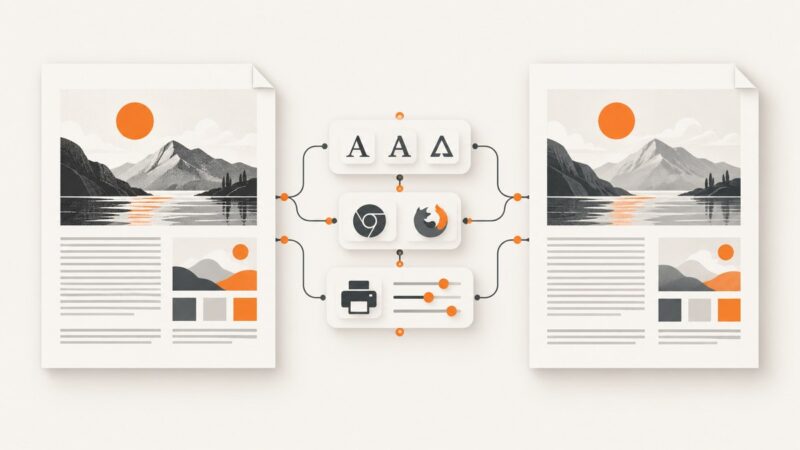
Find the renderer, align fonts and print settings, and make HTML-to-PDF output match on Windows and Ubuntu.
Diagnose empty Capybara HTML, blank Poltergeist screenshots, missing failure artifacts, async rendering, and broken asset paths.
Create collision-resistant screenshot filenames in Python with UTC timestamps, UUIDs, counters, and complete Playwright and desktop examples.
Capture rendered web pages from URLs in PHP with Playwright or Browsershot, handle full-page and element shots, and avoid common failures.
Find out whether missing slides are lost in R Markdown, Pandoc, or browser printing, then fix the route with practical checks and code.
A missing failure screenshot usually comes down to the wrong framework option, inactive configuration, a dead browser session, or an unexpected artifact location.
Fix missing cross-origin images, tainted canvases, and CORS errors in Playwright, Puppeteer, and browser screenshot workflows.
Capture the active Selenium URL and page screenshot together in Robot Framework, save reliable CI artifacts, and troubleshoot common failures.
Use PhantomJS’s page.open callback for initial loading, then wait for the exact AJAX condition your page needs before capturing or reading it.
Speed up headless browser screenshots by capturing only what you need, choosing efficient output settings, and waiting for the right page state.
Capture Leaflet polygons and tiles as a PNG with html2canvas, fix CORS and blank exports, or automate map screenshots with ScreenshotNeo.
Insert one screen capture into several Kendo UI Editors with reliable HTML, cleanup, persistence, troubleshooting, and a browser-free API option.
Capture an image, copy it to your clipboard, click a paste-enabled browser field, and press Ctrl+V. Fix clipboard and upload problems when it fails.
Create timestamped, collision-resistant PyAutoGUI screenshot filenames, save them safely, and troubleshoot common capture errors.