How to Save a Table Screenshot as an HTML Background
Place a table screenshot behind real HTML data with CSS, control sizing and layers, and avoid accessibility and contrast problems.
Place a table screenshot behind real HTML data with CSS, control sizing and layers, and avoid accessibility and contrast problems.
Capture React routes reliably with PhantomJS, R webshot, or node-webshot—waiting for rendering, selecting elements, and handling CI failures.
PhantomJS and Chrome render pages with different engines. Align capture settings and readiness checks to make screenshots more consistent.
Fix CSS-filtered canvas print failures by separating print CSS from image export, preserving color, and resolving CORS-tainted canvases.
Load a page, click a link in PhantomJS, detect navigation, handle child windows, and wait for the next page to become ready.
Fix missing, black, or wrong Python screenshots by checking capture scope, dependencies, display backends, and app-specific restrictions.
Capture Selenium screenshots before teardown, associate them with each test, and render linked or embedded images in HTMLTestRunner reports.
Enable JavaScript in wkhtmltoimage, wait for asynchronous rendering, and troubleshoot IMGKit captures that finish before the page is ready.
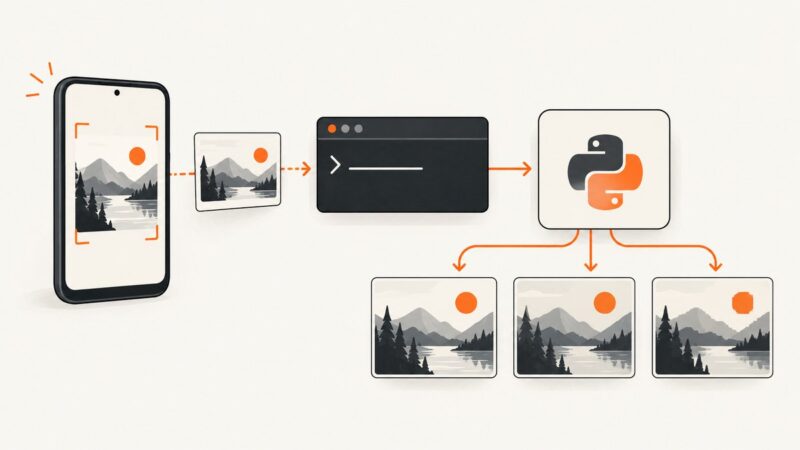
Capture Android screenshots with ADB, then compress them in Python using Pillow while preserving the quality your workflow needs.
HTTP status 0 is a symptom, not a diagnosis. Capture CasperJS resource events to separate timeouts, network failures, server responses, and script aborts.
Select a div, render it with html2canvas, export a Blob, and download a reliable PNG while handling fonts, CORS, sizing, and browser limits.
Scroll to trigger lazy content, wait for page-specific readiness, then capture reliable full-page screenshots with Node.js.
Render an R plot to an image, display it in plain HTML, and capture it with JavaScript Playwright—without running Shiny.
Fix “ImageGrab permission denied” errors with an OS-specific guide for macOS, Linux, and Windows screen or clipboard capture.
Learn when to use innerText, textContent, geometry, or a real screenshot to capture what a div contains.
PhantomJS exit code 1 is usually a caller-selected failure status. Find the layer that emitted it, then fix the script, page, npm install, or CI launcher.
Fix missing imports, Tcl/Tk files, bundled resources and screenshot backends when a Tkinter pyscreenshot app fails after PyInstaller.
Capture screenshots from PhantomJS tests, save failure images with Mocha hooks, control viewport and output, and troubleshoot common errors.