How to Send Cypress Test Reports, Screenshots, and Videos to MongoDB
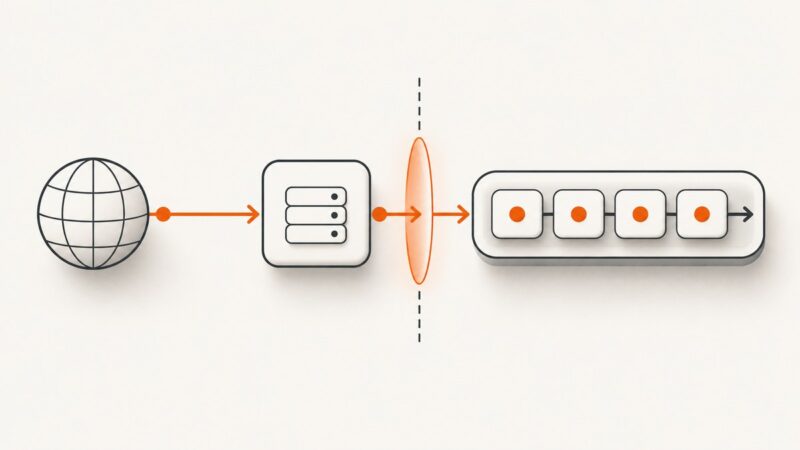
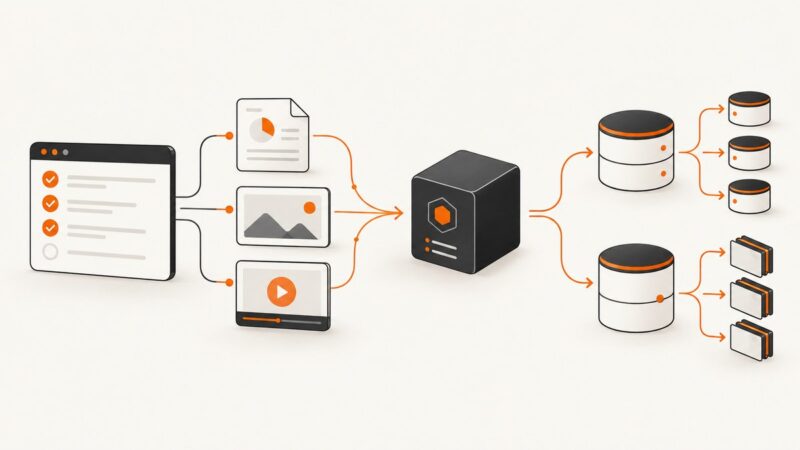
Use Cypress Node events to collect reports and resolved artifact paths, then store metadata in MongoDB and large files in GridFS.
Use Cypress Node events to collect reports and resolved artifact paths, then store metadata in MongoDB and large files in GridFS.
Debug w2ui overlays that disappear in cypress run by separating DOM timing, visibility, geometry, dismissal, and browser parity issues.
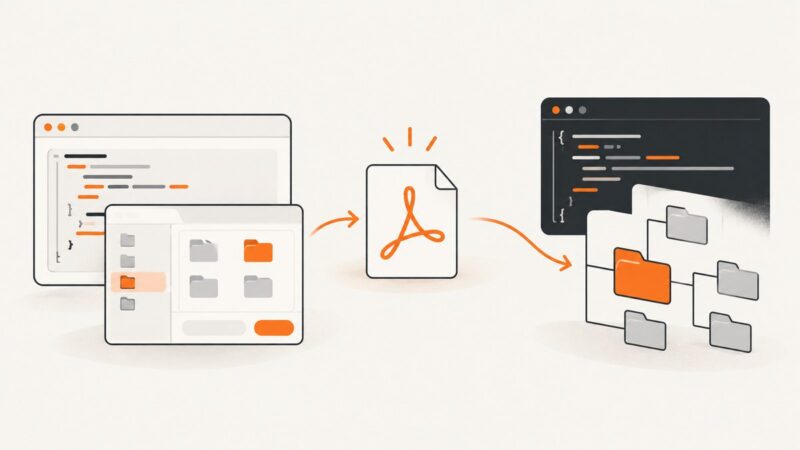
Create a PDF in an Angular component with jsPDF, download it with doc.save(), or handle the generated bytes as a Blob.
Stop flaky Cypress screenshots by synchronizing on application state, network requests, and stable UI signals before calling cy.screenshot().
Cypress callbacks run outside the command queue. Learn why cy.* fails in onRequest handlers and how to move work into a reliable test chain.
Save Cypress reporter output to a file, keep one report per spec, and separate test reports from debug and CI logs.
Create or modify DOCX files with JavaScript using templates, the docx library, or Word add-ins. Includes code, options, troubleshooting, and selection advice.
Learn where Java screenshot headers go, how to authenticate target pages, and how to debug restricted or missing headers safely.
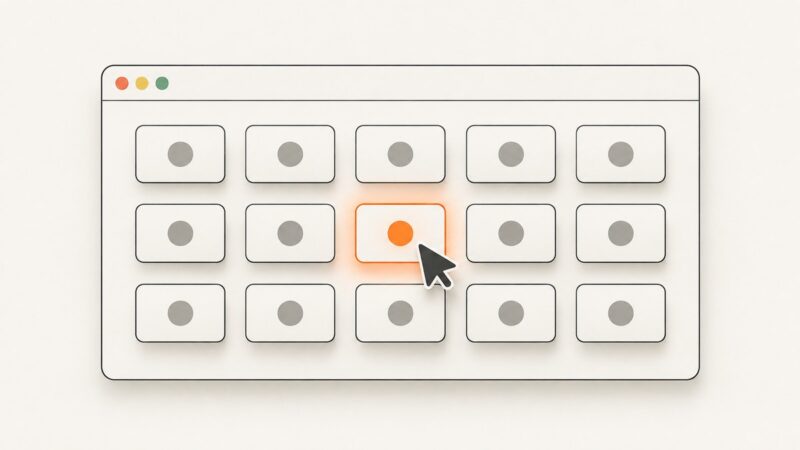
Select a random Cypress element reliably, make failures reproducible, handle re-renders, and know when deterministic coverage is the better choice.
Resolve Rotativa failures in ASP.NET Core 1.0 by checking package compatibility, wkhtmltopdf paths, Startup setup, permissions, and deployment.
Run Cypress screenshots from the CLI, capture failures automatically, configure output and CI artifacts, and troubleshoot common screenshot issues.
Fix Cypress Chrome rendering differences by controlling headless mode, viewport, DPR, origins, browser binaries, and CI environments.
Fix missing images in Rotativa and wkhtmltopdf by checking URLs, base paths, local-file access, permissions, networking, and render timing.
Capture an entire page in Cypress 5.0 with fullPage, stable test setup, output paths, troubleshooting, and a no-browser ScreenshotNeo option.
Use Cypress’s built-in selectFile() with force:true for hidden inputs, plus patterns for fixtures, memory buffers, multiple files, and drag-and-drop.
Learn how to save jsPDF files to a chosen folder in browsers and Node.js, with file-picker, download, filesystem, and troubleshooting examples.
Diagnose Cypress failures in GitHub Actions headless mode with reproducible browsers, reliable server readiness, artifacts, and targeted fixes.
Diagnose authentication loss in Cypress Cucumber tests and fix isolation, sessions, hooks, API cookies, and dashboard action failures.