How to Save a PDF File in Puppeteer Headless Mode
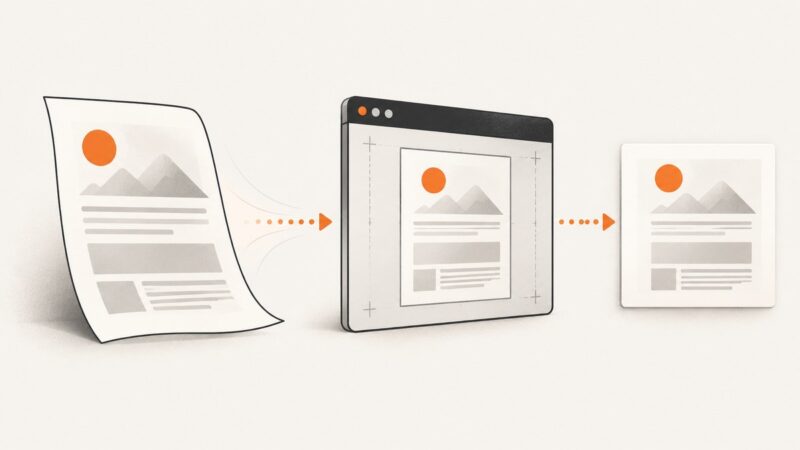
Use Puppeteer’s `page.pdf()` to save a page as a PDF in headless mode, control print layout, and fix common file, font, and CSS issues.
Use Puppeteer’s `page.pdf()` to save a page as a PDF in headless mode, control print layout, and fix common file, font, and CSS issues.
Puppeteer normally uses print CSS for PDFs. Learn why @media print appears broken, how to verify media state, and how to fix layout, colors, fonts, and timing.
Build a reliable Puppeteer PDF endpoint in NestJS, preserve React styling, stream downloads, and handle authentication, errors, and large files.
Save any webpage as one PDF file with Chrome, Firefox, Edge, Android, or code. Check print settings, fix layout issues, and automate captures with ScreenshotNeo.
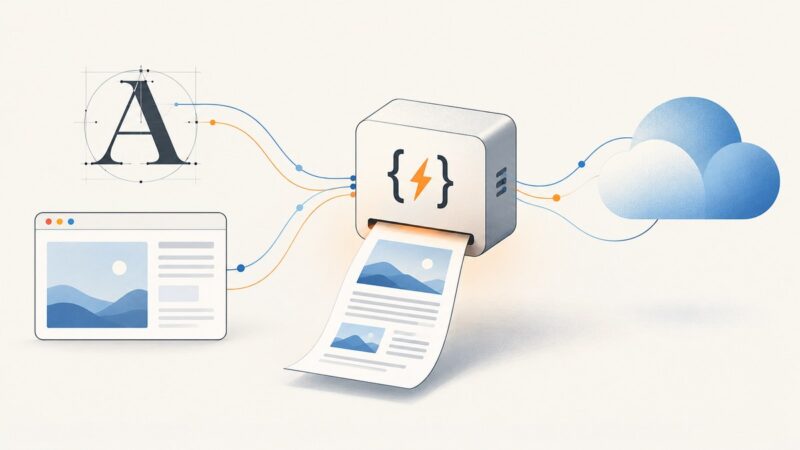
Load Google Fonts reliably in Puppeteer PDFs on AWS Lambda, style header and footer templates explicitly, and diagnose missing fonts in production.
Find out why Font Awesome icons disappear from Puppeteer PDFs, then fix the version, asset, print CSS, or loading issue behind it.
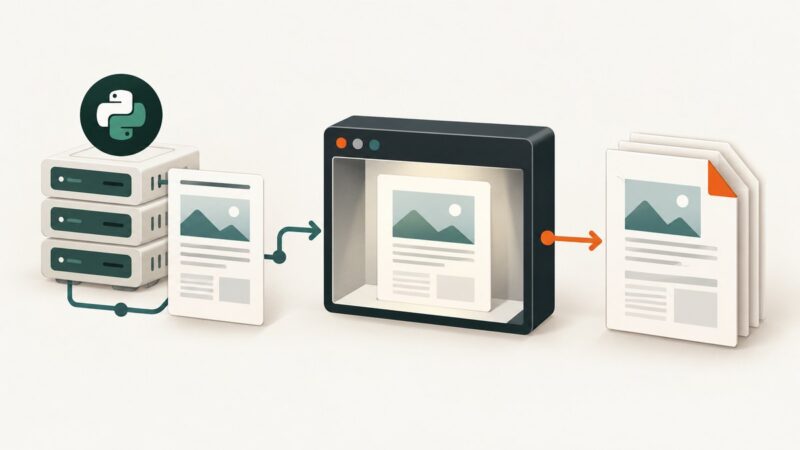
Build a Django REST Framework endpoint that renders a template with Pyppeteer, returns a downloadable PDF, and handles browser setup and print options.
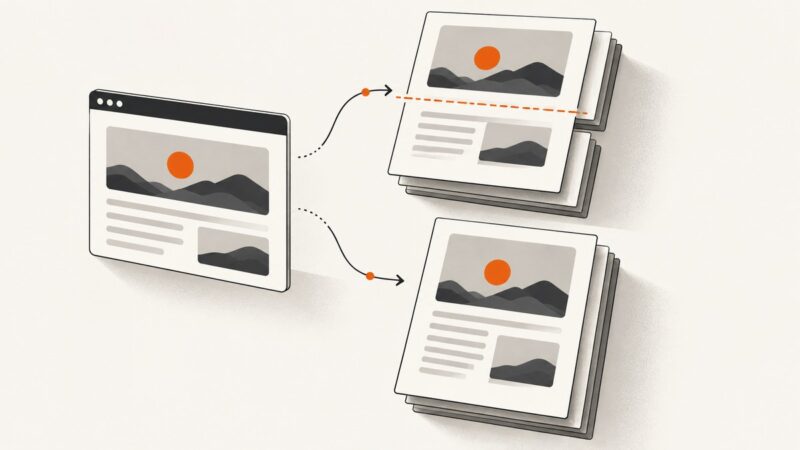
Learn why Chromium splits elements despite break-inside: avoid, how to diagnose print CSS, and reliable Puppeteer fixes for PDFs.
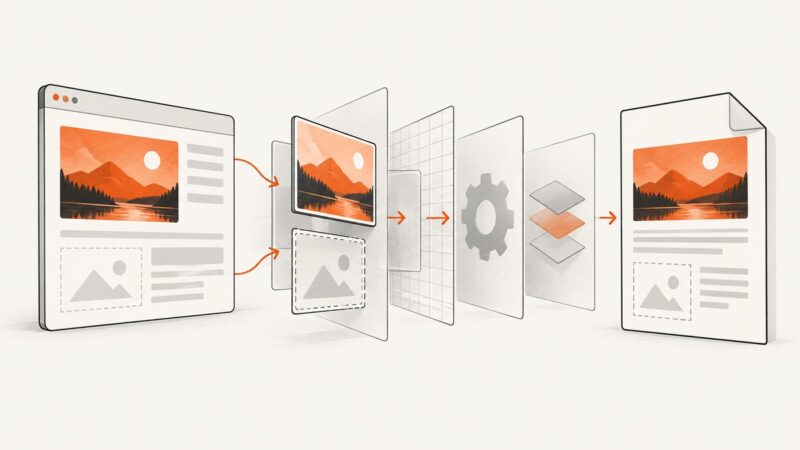
Fix missing, blank, or distorted images in Puppeteer PDFs by checking print CSS, backgrounds, lazy loading, readiness, and image diagnostics.
Generate a Puppeteer PDF in memory by omitting `path`. Get runnable code, streaming options, PDF settings, troubleshooting tips, and an HTTP example.
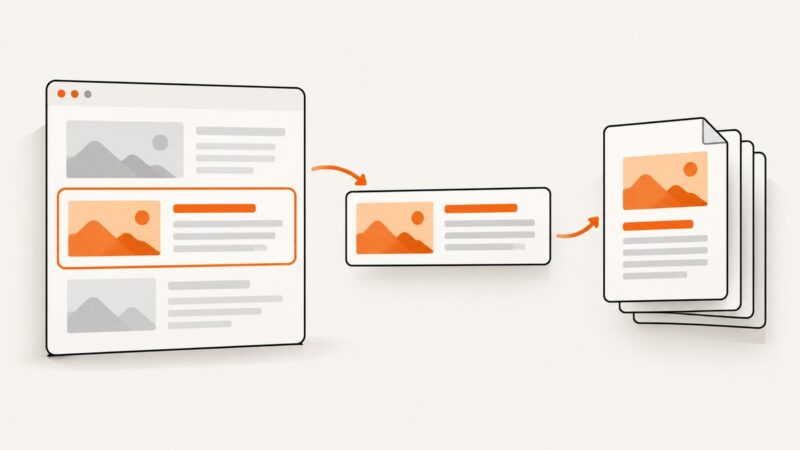
Puppeteer’s PDF API prints a page, not a selector. Learn how to isolate selected content, preserve its styles and assets, and configure reliable PDF output.
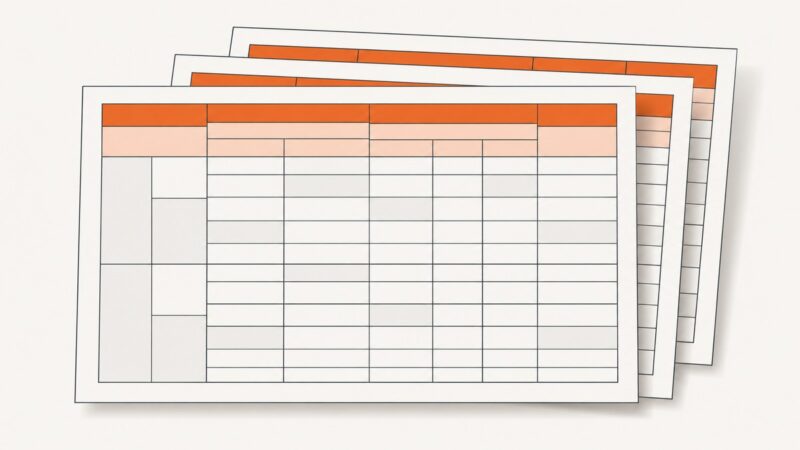
Keep complex rowspan table headers together in printed HTML and PDFs with semantic markup, modern break rules, renderer checks, and practical fallbacks.
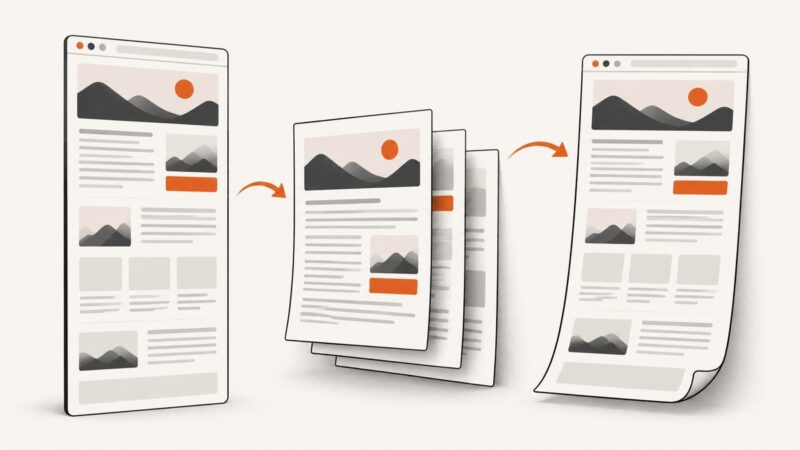
Learn when to print a webpage to PDF, when to capture the full page as an image, and how to automate clean PDF captures with ScreenshotNeo.
Save a webpage as a searchable PDF, capture its full visual layout, or automate either workflow with Chrome Headless.
Save any webpage as a readable PDF with browser tools, online converters, or an API. Compare privacy, layout, automation, and troubleshooting options.
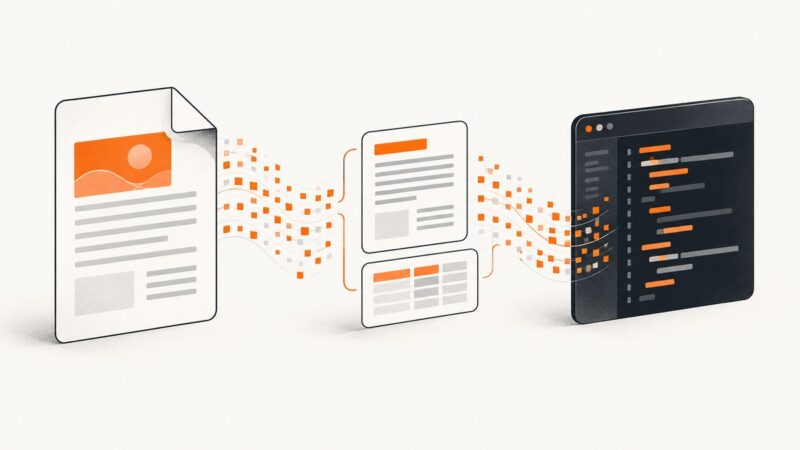
Decode a base64 PDF, extract text in Node.js or the browser, and shape the results into JSON. Includes runnable examples and fixes for common edge cases.
Use block elements in Puppeteer’s footerTemplate and reserve enough bottom margin to keep footer text and PDF content apart. Here’s a complete setup and troubleshooting guide.
Puppeteer screenshots rendered pages, not PDF bytes. Learn how to render an existing PDF page for capture, use screenshot options, and avoid headless-mode pitfalls.