How to Include Form Inputs in Node.js Puppeteer PDFs
Set form values before page.pdf(), preserve them with print CSS, and avoid common Puppeteer PDF input and fillability problems.
Set form values before page.pdf(), preserve them with print CSS, and avoid common Puppeteer PDF input and fillability problems.
Fix Chrome headless PDF rendering by checking print CSS, page geometry, colors, fonts, readiness, headers, and runtime versions in order.
Make camera photos render upright in Puppeteer PDFs by applying EXIF orientation before Chromium prints the page.
Render reliable PDFs from HTML with Puppeteer or Playwright, serve them from Express, fix CSS differences, and improve performance and security.
Fix missing table headings and overlapping page headers in Puppeteer PDFs. Diagnose print CSS, table markup, margins, breaks, and rowspans.
Learn how to generate reliable Puppeteer PDFs with the right readiness checks, print settings, fonts, colors, page ranges, and troubleshooting steps.
Render a Rails view to HTML, pass it to Puppeteer, and return the PDF from Rails. Includes a Node service, Rails code, print options, and troubleshooting.
Set A4, custom paper sizes, margins, CSS page rules and rendering scale in Puppeteer, and understand why scale is not a DPI setting.
Find why Puppeteer PDFs lose text, images, backgrounds, or pages with a practical diagnostic workflow and fixes for CSS, fonts, timing, and layout.
Learn how to add reliable headers, footers, page numbers, print styles, margins, and custom metadata to PDFs generated with Puppeteer.
Use Puppeteer’s PDF sizing and print controls to fit a long webpage on one sheet, then check for clipping and readable text.
Puppeteer has no documented last-page-only footer switch. Learn when to use document flow, how to reserve footer space, and how to handle a footer fixed to the final page.
Use Puppeteer’s pageRanges option to print every page except the last. Here’s how to choose the right range and handle changing page counts.
Remove Puppeteer PDF dates, times, and blank-page URLs with displayHeaderFooter, custom templates, diagnostics, and a managed API option.
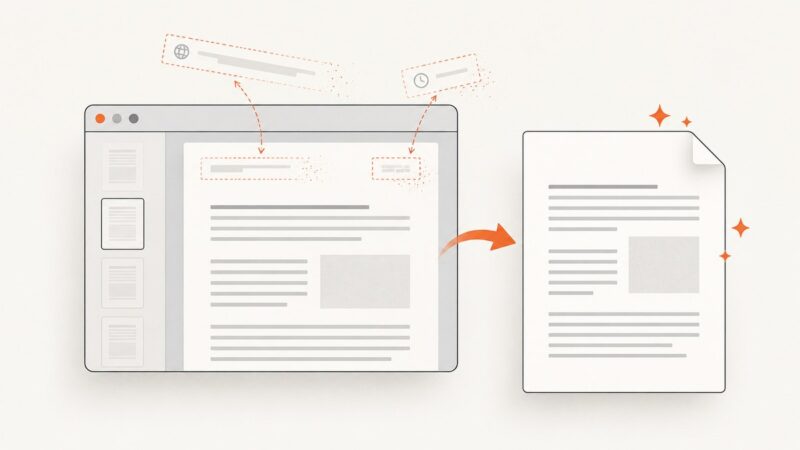
Use Puppeteer’s page.pdf() to create a PDF from a page’s print layout, save it to disk, or handle the returned bytes in your app.
Control Puppeteer PDF page breaks with print CSS, fixed page geometry, and stable assets. Learn what you can make repeatable—and what CSS leaves to Chromium.
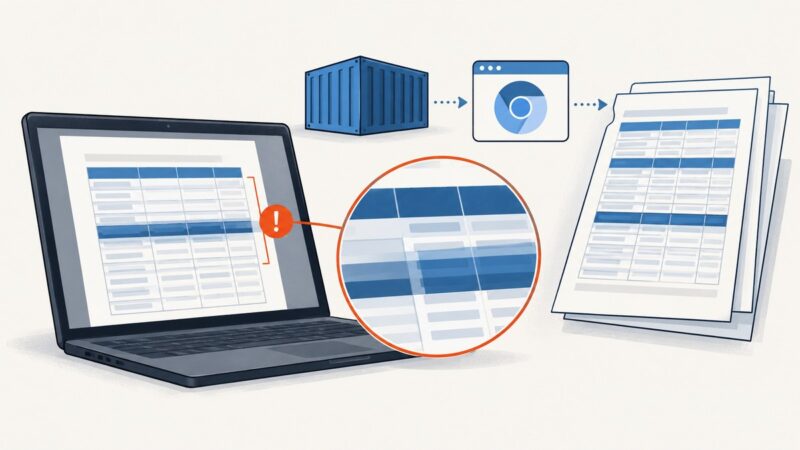
Diagnose overlapping or repeated table headers in Puppeteer PDFs by matching Docker’s Chromium, fonts, print CSS, and page geometry.
Fix Puppeteer PDF page breaks by checking print CSS, fragmentation rules, page geometry, scale, and font readiness in a repeatable sequence.