How to Convert PDF Pages to Images Online
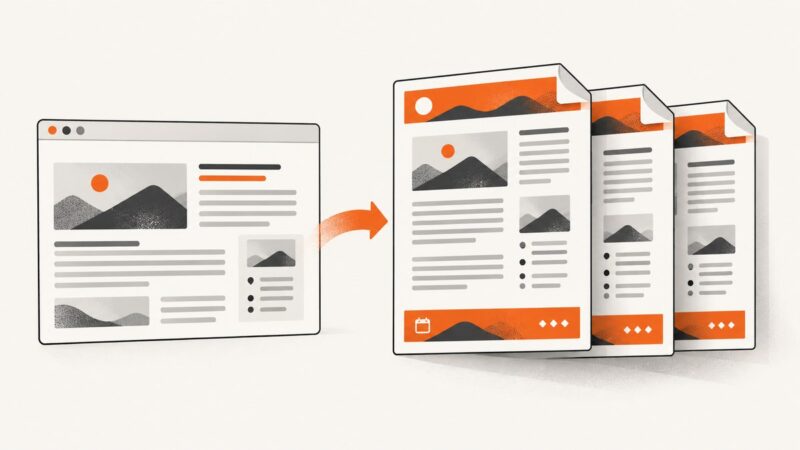
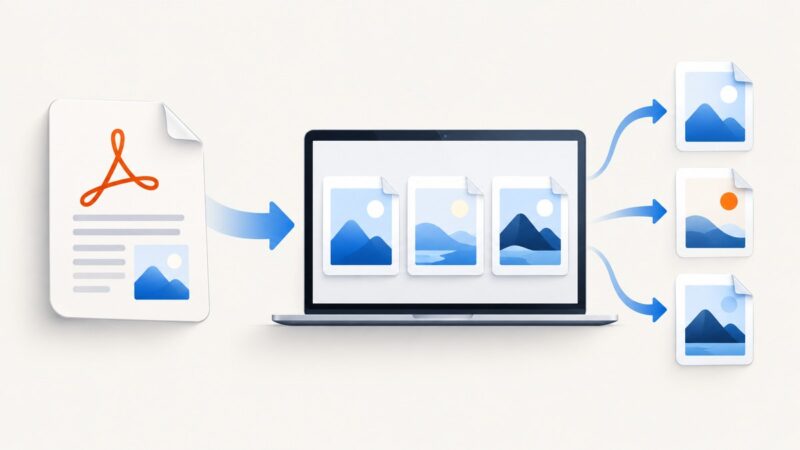
Convert every PDF page to JPG, PNG, or TIFF online, choose the right format, protect sensitive files, and troubleshoot quality and download problems.
Convert every PDF page to JPG, PNG, or TIFF online, choose the right format, protect sensitive files, and troubleshoot quality and download problems.
Save any web page as a clean PDF with Chrome, Firefox, or Edge, fix layout problems, automate captures, and avoid browser setup with ScreenshotNeo.
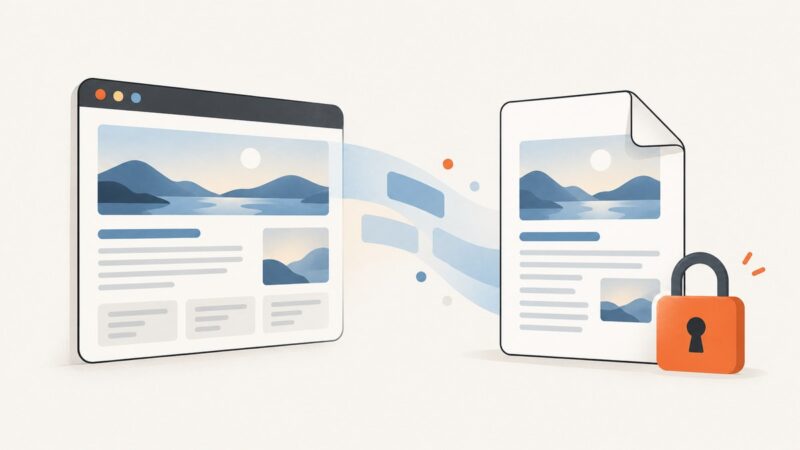
Save an accessible webpage as a PDF with your browser’s print dialog. Learn what “protected” can mean, what to do when printing is disabled, and how to capture a page you’re authorized to access.
Add repeating headers, footers, page numbers, dates and URLs to Puppeteer PDFs with templates, margins, print CSS and troubleshooting.
Puppeteer has no documented first-page header/footer switch. Learn reliable options, CSS caveats, PDF merging, and a ScreenshotNeo alternative.
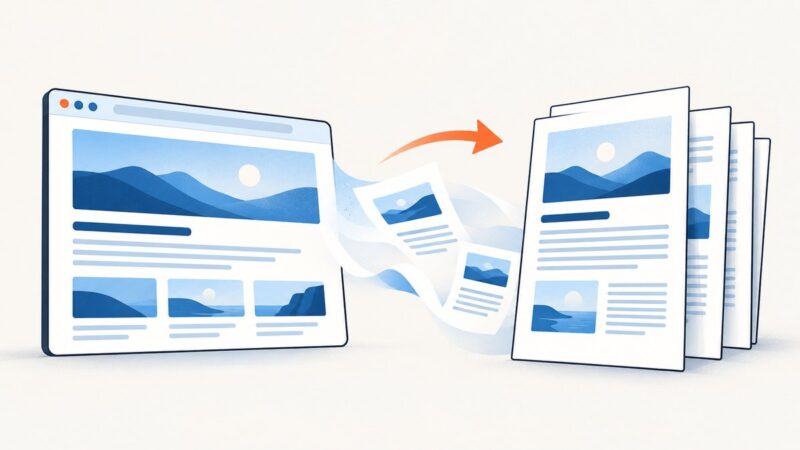
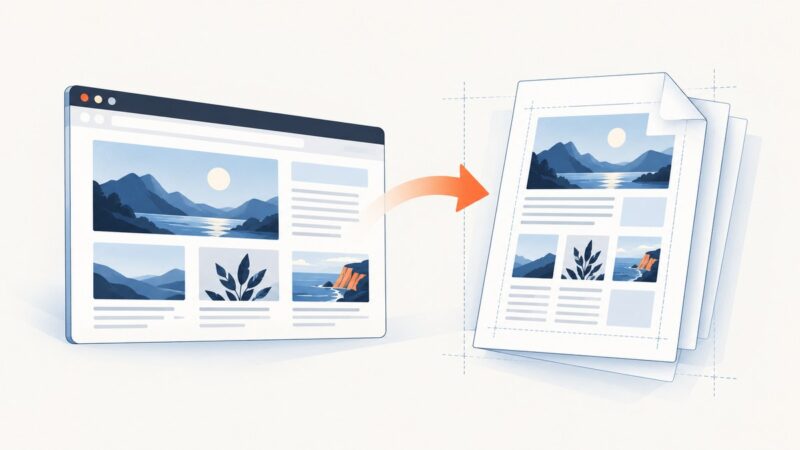
Convert any web page link to a PDF with Chrome, Firefox, Edge, Acrobat, scripts, or ScreenshotNeo—and fix common layout problems.
Choose browser printing for user-controlled PDFs or Puppeteer for automated generation. This guide covers React code, print styling, server setup, troubleshooting, and a hosted screenshot option.
Set `printBackground: true` to include CSS backgrounds in Puppeteer PDFs. Learn how print and screen media, exact color adjustment, and page readiness affect the result.
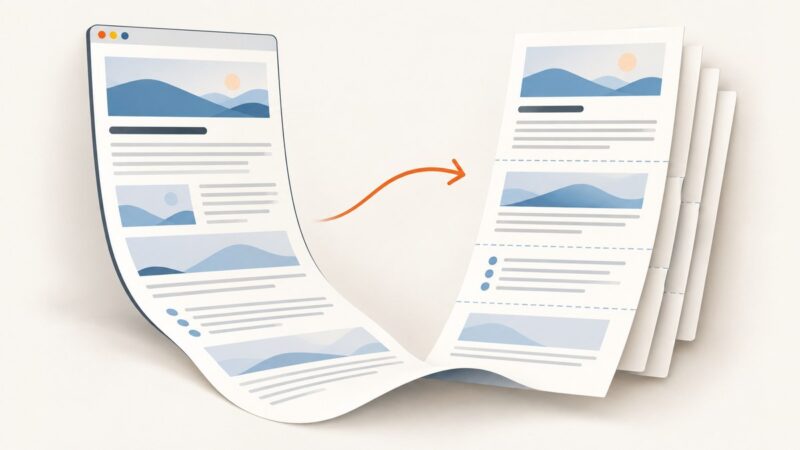
Save a long webpage as a readable PDF using browser print preview, then check for missing content, awkward page breaks, and tiny text.
Save any webpage as a readable PDF on desktop, Android, or iPhone, then automate clean PDF captures with code.
Convert one PDF page to PNG, JPG, or another image format with Python, Poppler, or Acrobat. Choose DPI, crop pages, troubleshoot errors, and automate conversion.
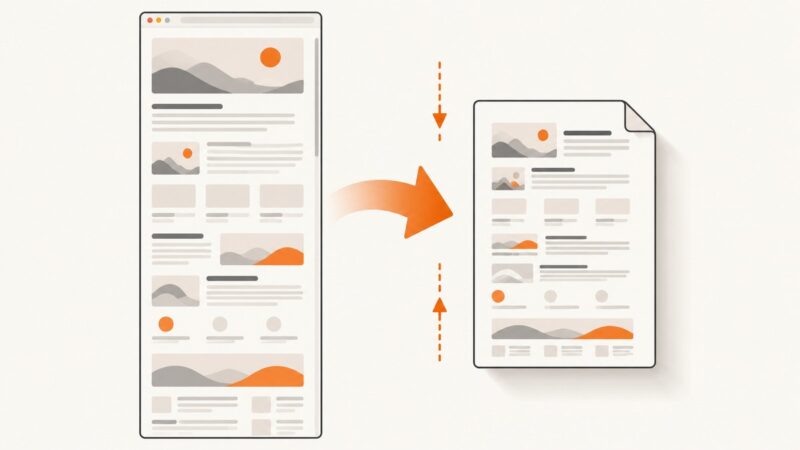
Learn how to fit a webpage onto one readable PDF page using print preview, browser settings, CSS, automation, and ScreenshotNeo.
Use Chrome’s Share sheet to print a webpage, then save the preview to Files as a PDF. Here’s the full iPhone workflow, plus fixes and alternatives.
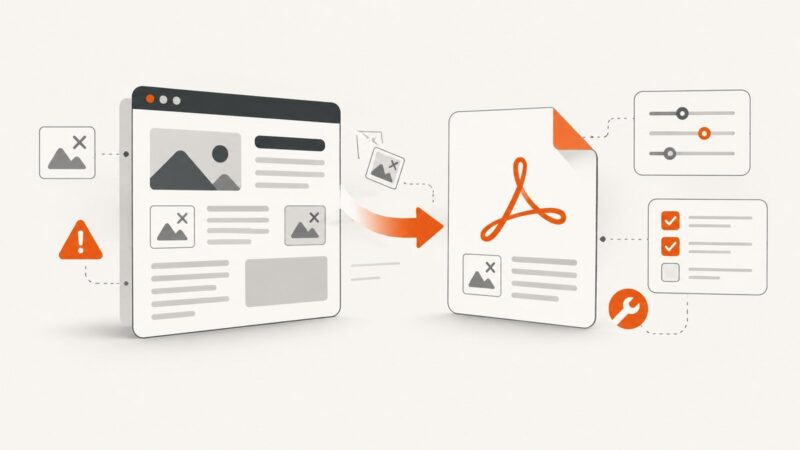
Fix Adobe webpage-to-PDF failures caused by browser settings, extensions, network limits, complex pages, and missing assets.
Fix blank previews, missing content, clipped layouts, and failed webpage-to-PDF conversions with a symptom-led browser checklist.
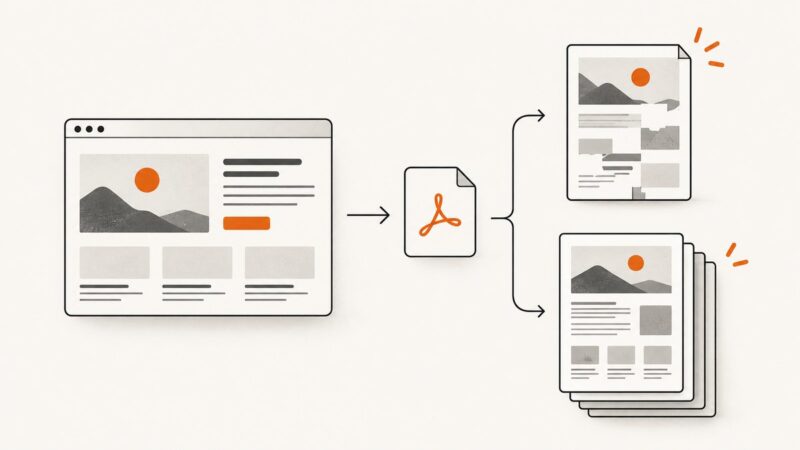
Convert any public HTML page to PDF with browser print, Adobe, CloudConvert, or an API. Fix missing images, layout shifts, dynamic content, and access errors.
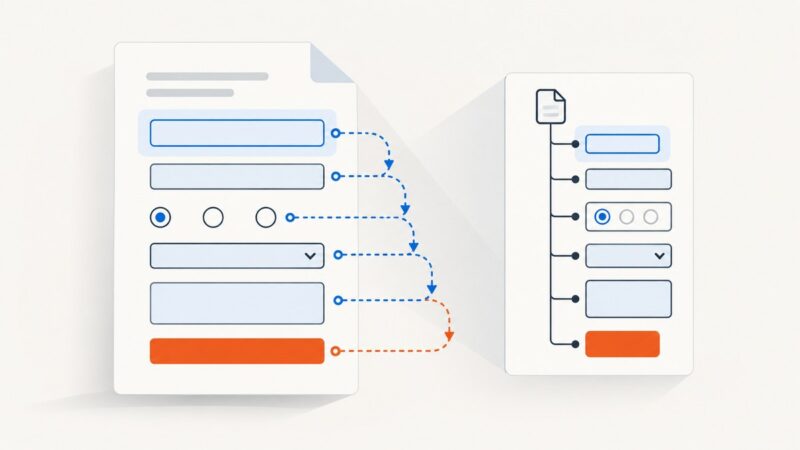
Learn how PDF tab order works, set structure, row, or column navigation, preserve tags, and verify keyboard and screen-reader behavior.
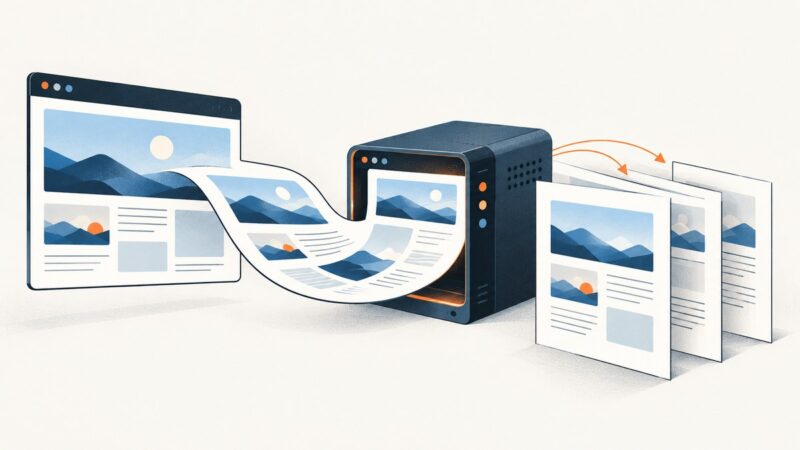
Choose the right way to turn HTML into PDF, from browser printing to Puppeteer and hosted APIs, with runnable code and layout troubleshooting.