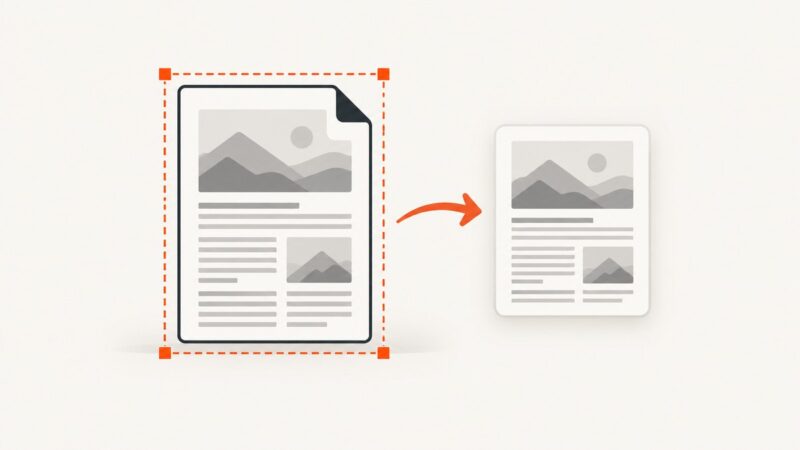
How to Capture a Full PDF Page as a Screenshot
Capture a PDF area in Acrobat Reader, understand what “full page” means, and choose the right method when you need an image of the entire document page.
Capture a PDF area in Acrobat Reader, understand what “full page” means, and choose the right method when you need an image of the entire document page.
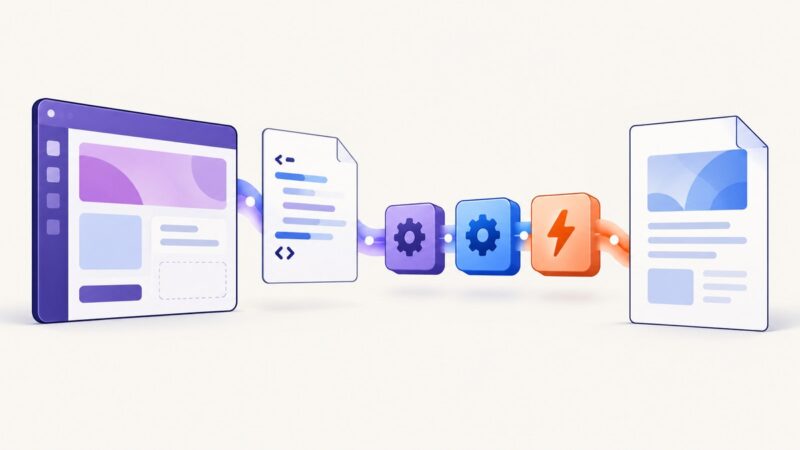
Learn the three reliable ways to convert HTML to PDF in Power Apps, including native PDF(), Word templates, connectors, troubleshooting, and alternatives.
Keep Puppeteer PDF margin backgrounds visible with printBackground, print-color-adjust, correct page geometry, and practical debugging steps.
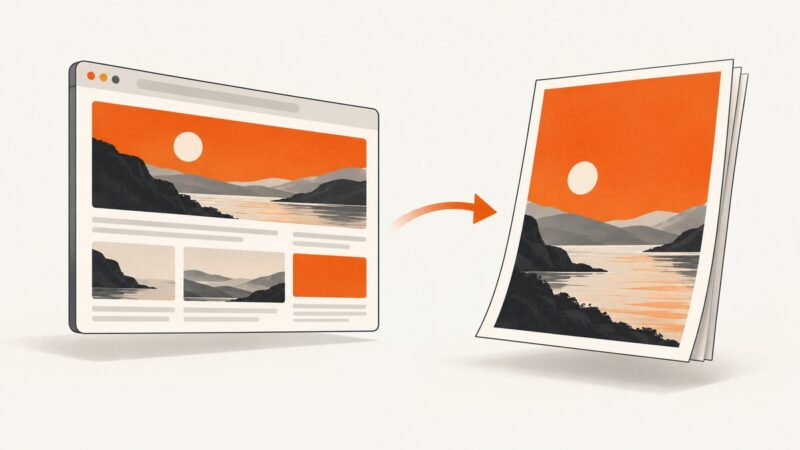
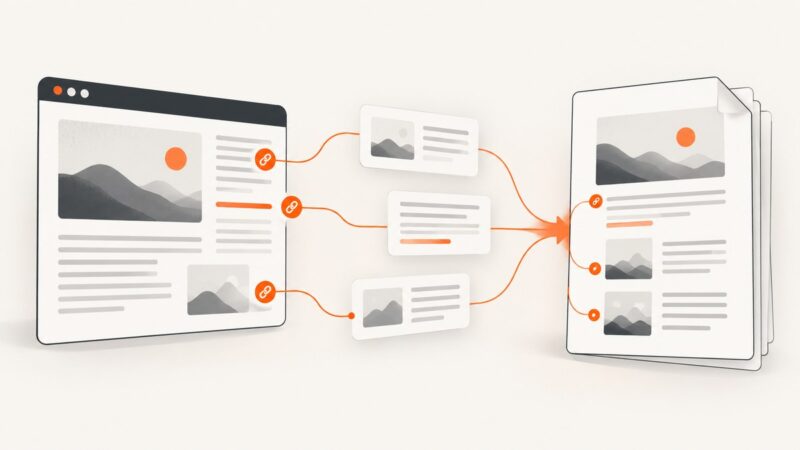
Learn how to save webpages as PDFs while keeping links clickable, structure readable, and long pages complete.
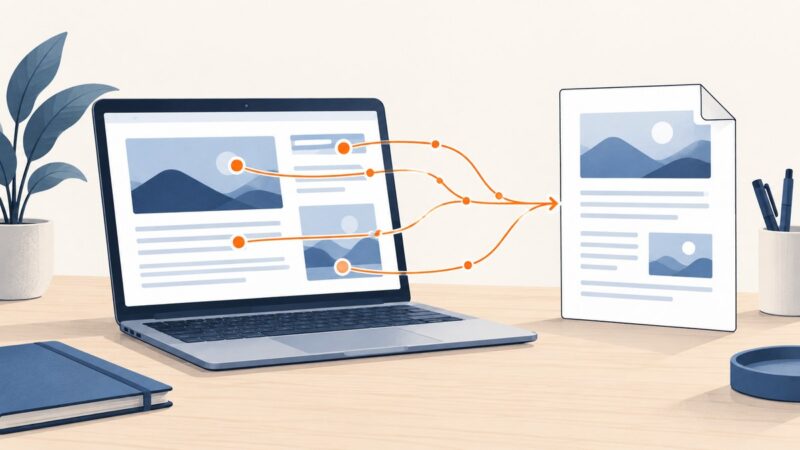
Convert an open webpage with Acrobat’s browser extension, or use Acrobat desktop to capture a URL, local HTML file, or linked pages with more control.
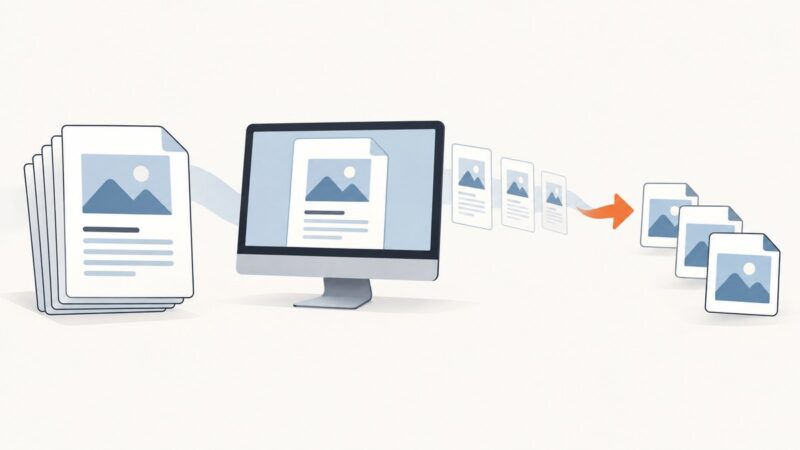
Learn what “screenshot an entire PDF” means, how to capture a page or screen, and when to export every page as images or a new PDF.
Embed a screenshot in HTML, size it for print, and generate a PDF with Puppeteer. Learn how to prevent clipping and preserve colors.
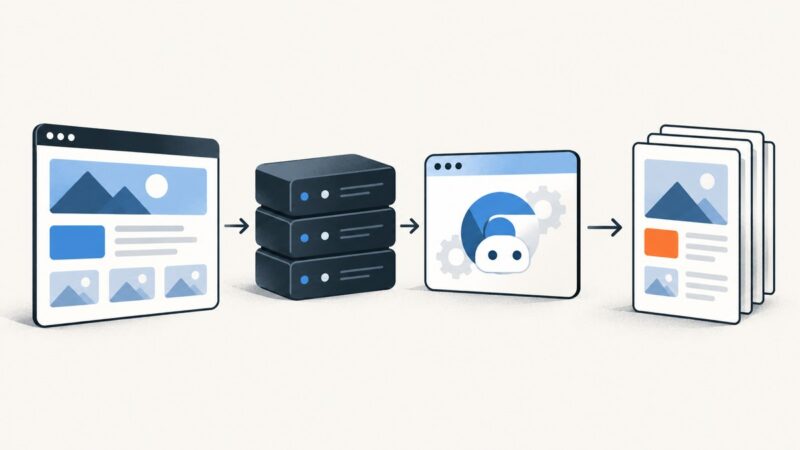
Render an Angular route with SSR, then use Playwright or Puppeteer to create and return a PDF. Includes runnable code, print CSS, security, and troubleshooting.
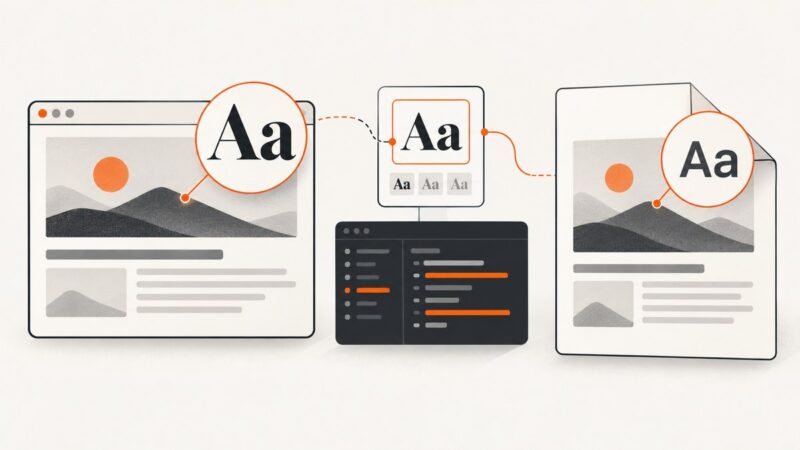
Puppeteer screenshots can show the right font while PDFs use a fallback. Diagnose print CSS, font loading, media mode, and deployment access.
Generate PDFs from HTML in Pega with the built-in HTMLToPDF workflow. Learn how to prepare printable content, handle output, troubleshoot rendering, and choose a browser-based alternative.
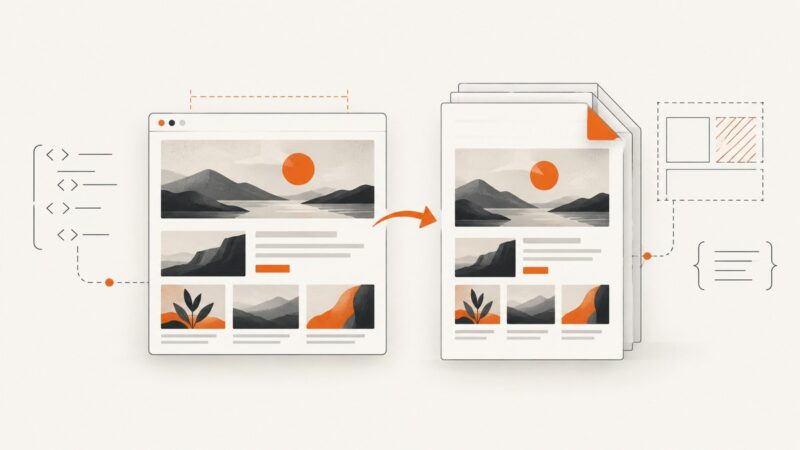
Save a webpage as a readable PDF with your browser’s Print dialog. Learn how to print selected text, clean up clutter, and capture a page as a PDF with an API.
Convert any webpage into a readable PDF with browser reading modes, print settings, automation tips, troubleshooting, and a clean API option.
Diagnose wkhtmltopdf failures by checking the exact build, dependencies, fonts, resources, and JavaScript timing—then decide when to migrate.
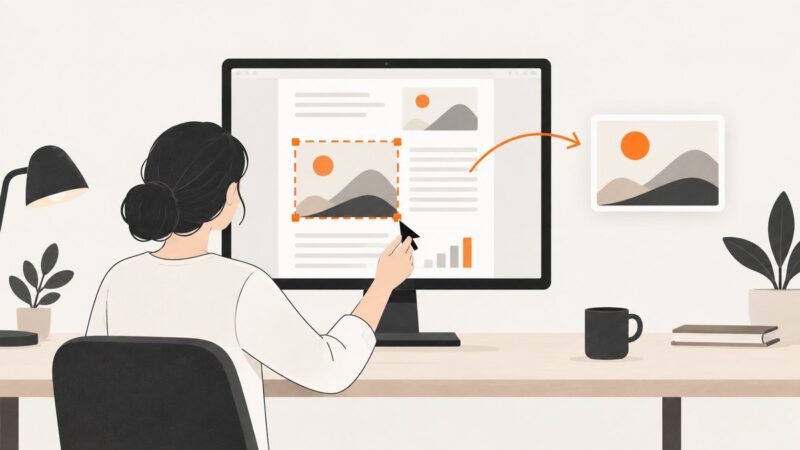
Capture a visible section of a PDF on Windows or Mac with a rectangular selection, Preview, or Acrobat Snapshot, then save or paste it as an image.
Save a webpage as a searchable PDF, check that links work, and automate reliable PDF capture when browser printing is not enough.
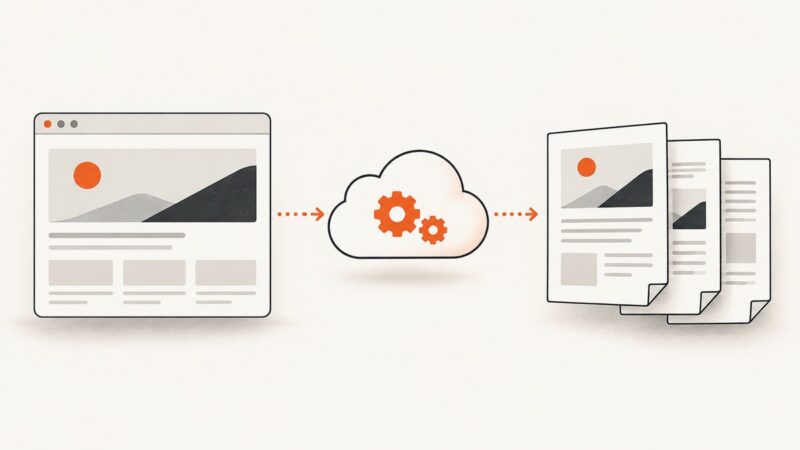
Compare free HTML-to-PDF APIs, understand quotas and rendering limits, and generate PDFs from a URL or HTML with runnable examples.
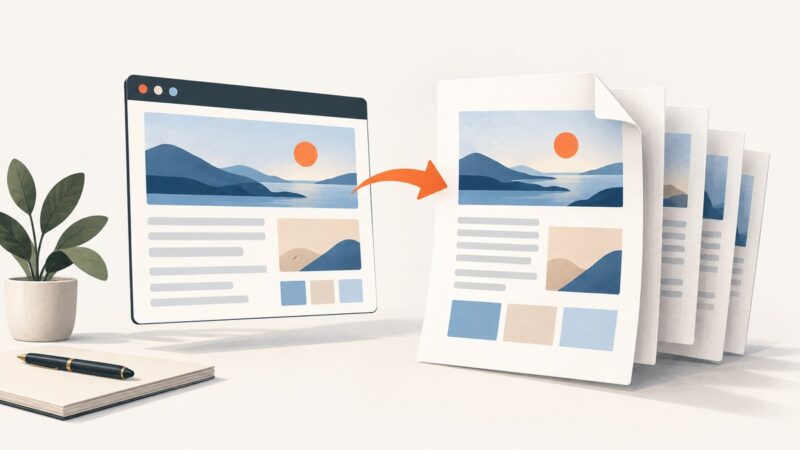
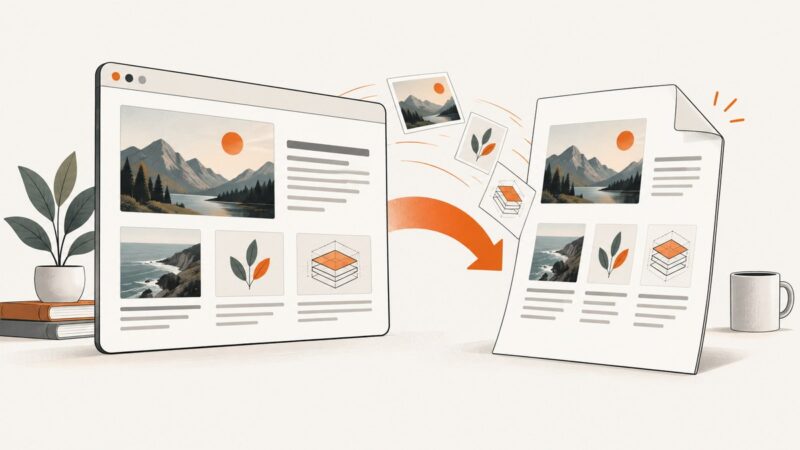
Save a web page as a PDF and keep its images with your browser’s print settings. Learn what to check when images or backgrounds are missing.
Choose HTML for online reading and PDF for a fixed, downloadable or archival document. Here’s how accessibility, maintenance, and browser rendering affect the choice.