Taking a Screenshot from the Surface with Puppeteer and Chrome DevTools Protocol
Capture reliable browser screenshots with Puppeteer or Chrome DevTools Protocol, including surface, full-page, clipping, encoding, and troubleshooting.
Blog
How to take clean screenshots, turn HTML into images and PDFs, run headless browsers, and give AI agents eyes. Written by the team that builds ScreenshotNeo.
Capture reliable browser screenshots with Puppeteer or Chrome DevTools Protocol, including surface, full-page, clipping, encoding, and troubleshooting.
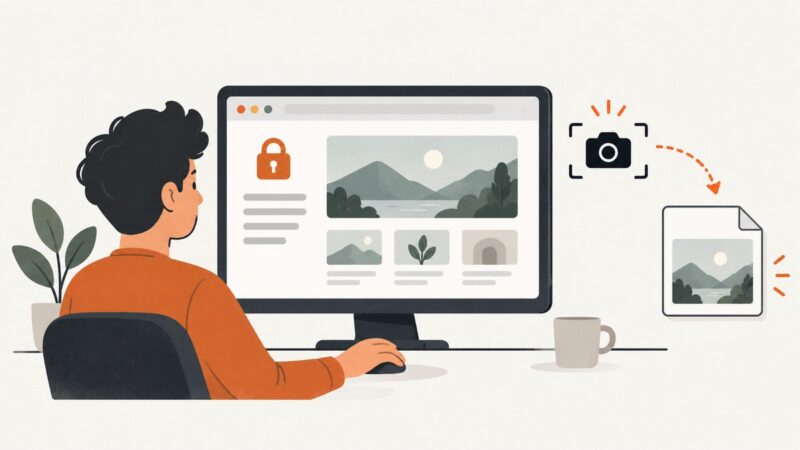
Learn safe, authorized ways to capture logged-in pages with Firefox, Playwright, and ScreenshotNeo, including full-page, element, masking, and troubleshooting.
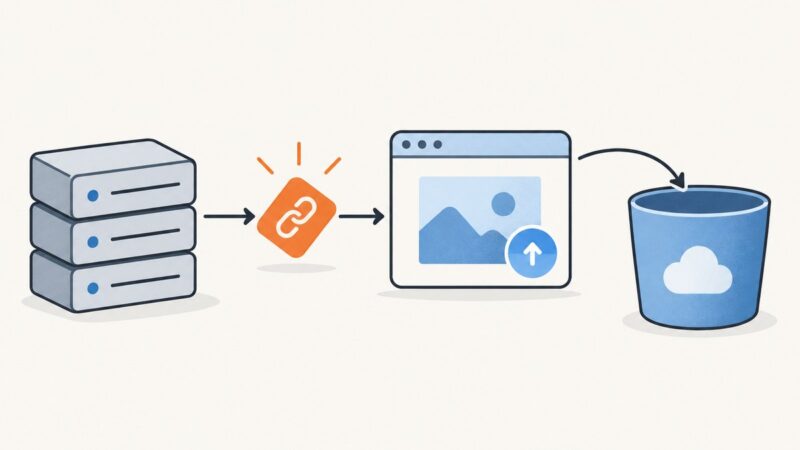
Upload screenshots safely to Cloudflare R2 with presigned URLs, browser code, S3 SDKs, CORS, multipart guidance, and a ScreenshotNeo shortcut.
Capture an entire webpage in Chrome with DevTools or a full-page extension, then automate reliable screenshots with ScreenshotNeo.
Design and ship a reliable SaaS screenshot export: capture scope, formats, rendering consistency, Playwright code, operations, and API options.
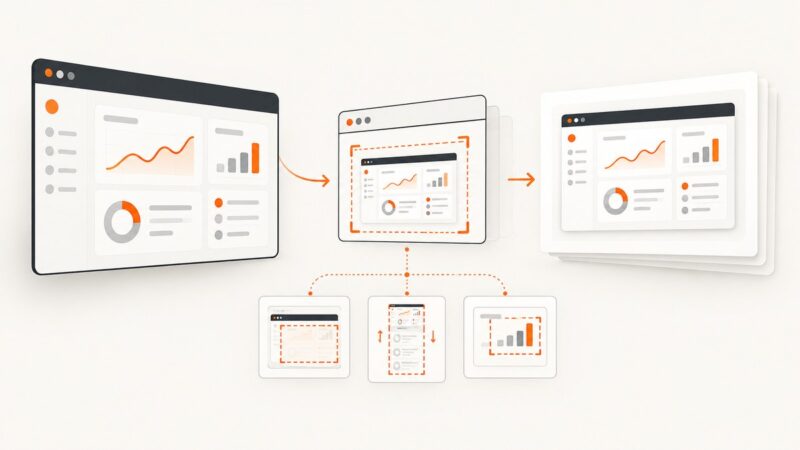
Capture an entire page with Puppeteer’s `fullPage` option or Chrome DevTools Protocol. Learn how to wait for content, choose formats, handle tall pages, and troubleshoot failures.
Compare ScreenshotAPI.com and ScreenshotOne pricing, limits, billing and features, then see why ScreenshotNeo is the first alternative to try.
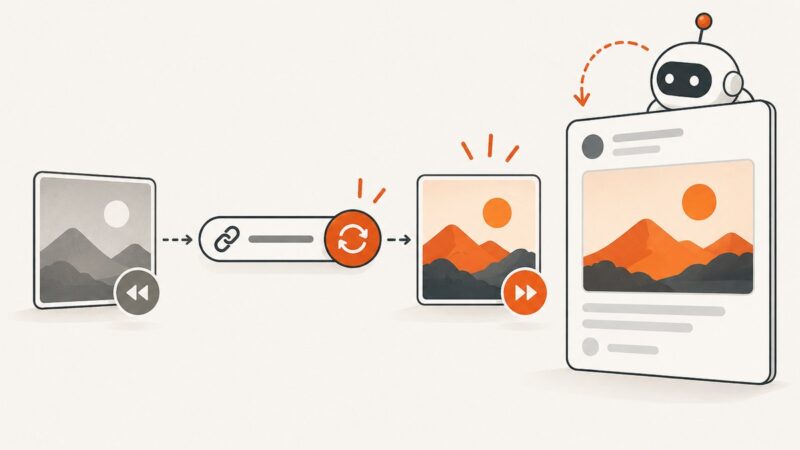
Fix stale Open Graph previews with a cache-layer workflow, versioned URLs, platform inspectors, and reliable refresh tactics.
Capture a social media post or page on your phone or computer, save its context, and choose a full-page capture or platform download when needed.
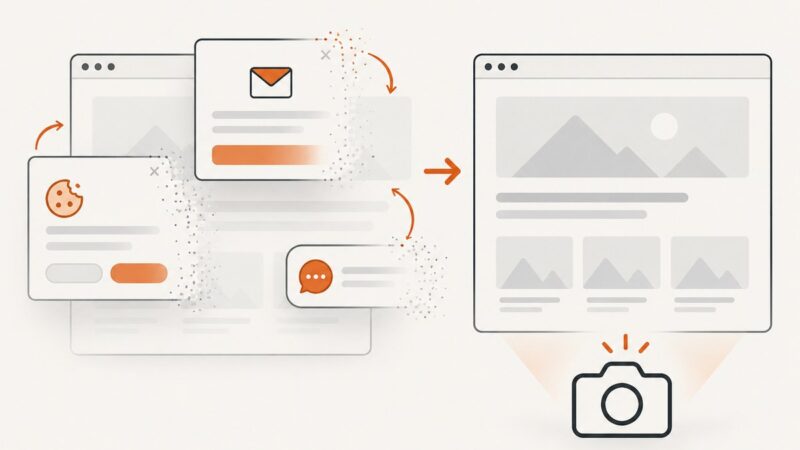
Hide a floating chat widget before capturing a page with Puppeteer. Choose a site-specific selector, handle late loading, and avoid common screenshot timing issues.
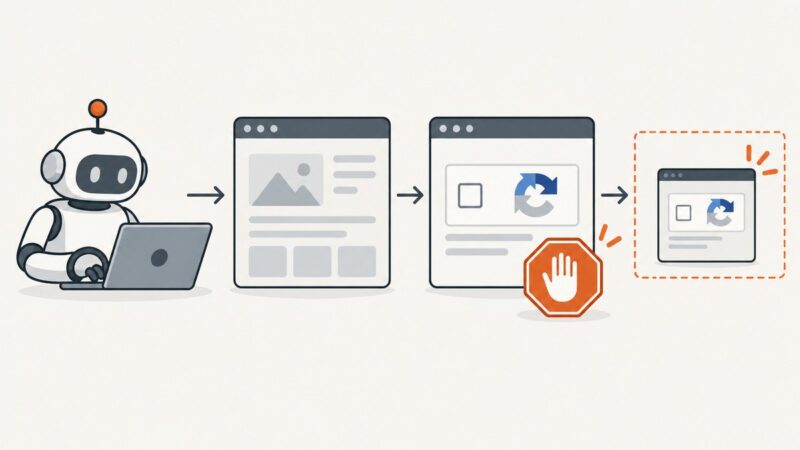
When screenshot automation hits a CAPTCHA, stop at the access gate. Learn how to document the blocked state safely and choose an authorized route to the page.
Upload screenshots to Backblaze B2 manually, from a server, or directly from a browser using a short-lived upload capability.
Deploy Puppeteer on Heroku with the right buildpack, cache, launch flags, and troubleshooting steps, plus a browser-free ScreenshotNeo option.
Build a Cloudflare Worker endpoint that captures website screenshots through Browser Rendering, with runnable code, safe URL handling, options and troubleshooting.
Capture your screen or a selected region in Python with Pillow, then handle image modes, Retina displays, multiple monitors, and Linux dependencies.
Choose the right automation layer for screenshot workflows: Zapier, Make, or n8n, with cost, scale, setup, API, and reliability guidance.
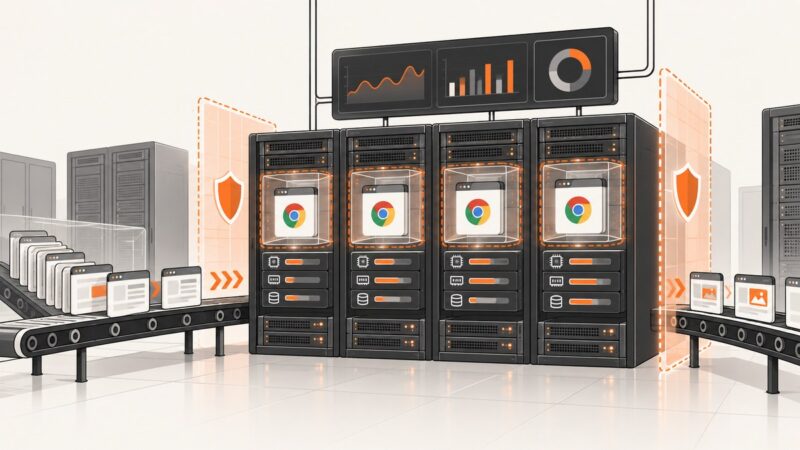
A practical guide to running Headless Chrome safely in production: sandboxing, queues, capacity planning, failure isolation, and hosted alternatives.
Screenshots preserve the visual state of financial systems. Learn what makes a capture defensible, how to archive it, and where automation fits.