How to Scrape Yellow Pages in 2026
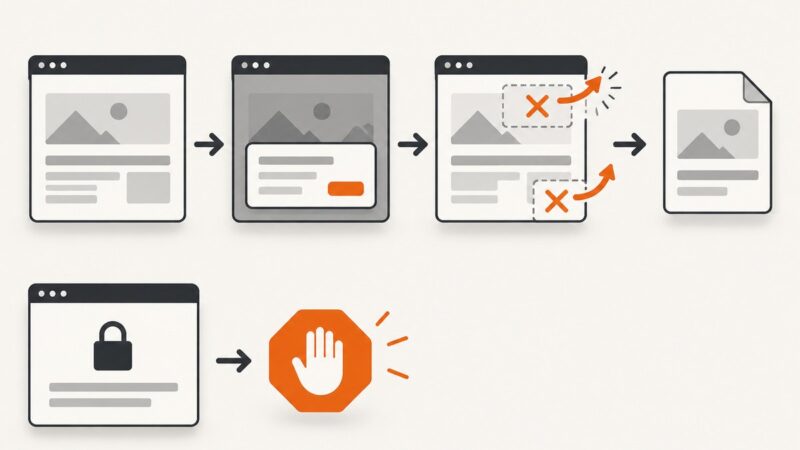
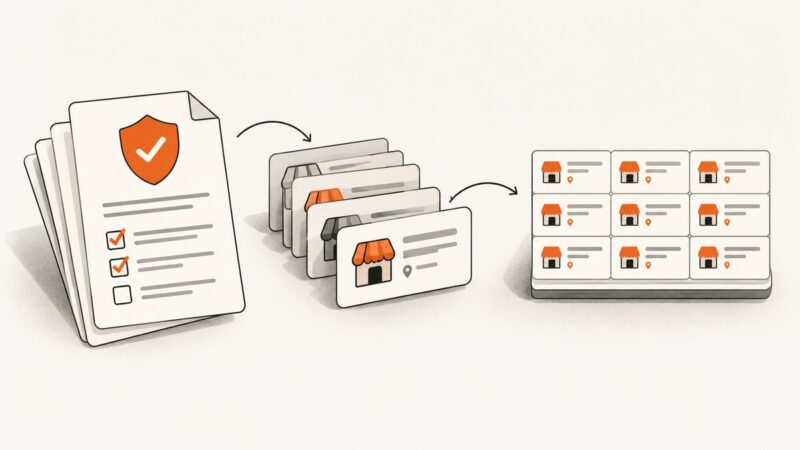
Yellow Pages’ terms prohibit automated extraction without Thryv’s prior express consent. Learn how to establish permission and process authorized business data.
Blog
How to take clean screenshots, turn HTML into images and PDFs, run headless browsers, and give AI agents eyes. Written by the team that builds ScreenshotNeo.
Yellow Pages’ terms prohibit automated extraction without Thryv’s prior express consent. Learn how to establish permission and process authorized business data.
Patreon says not to scrape its platform without checking first. Here are the official options, what gallery-dl documents, and how to choose a safer approach.
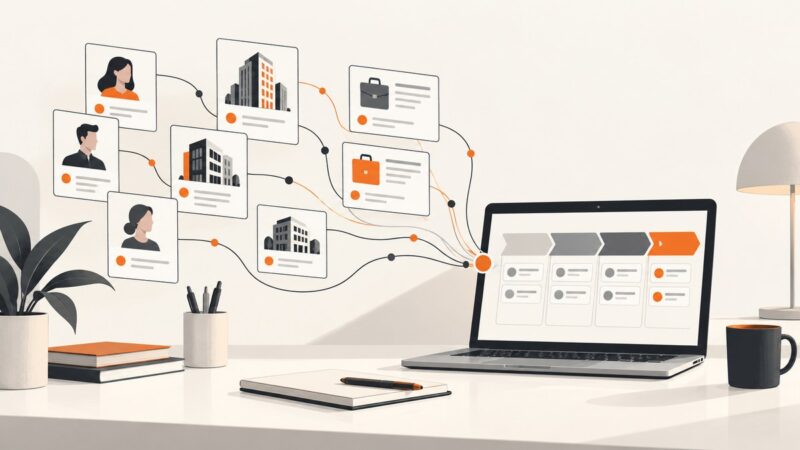
Compare LinkedIn scraping tools for sales and marketing by data coverage, login requirements, pricing, and account risk. Find the right fit for your workflow.
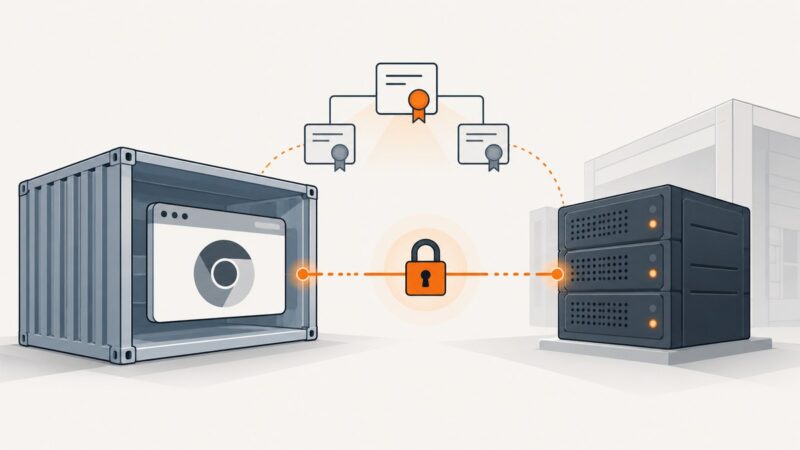
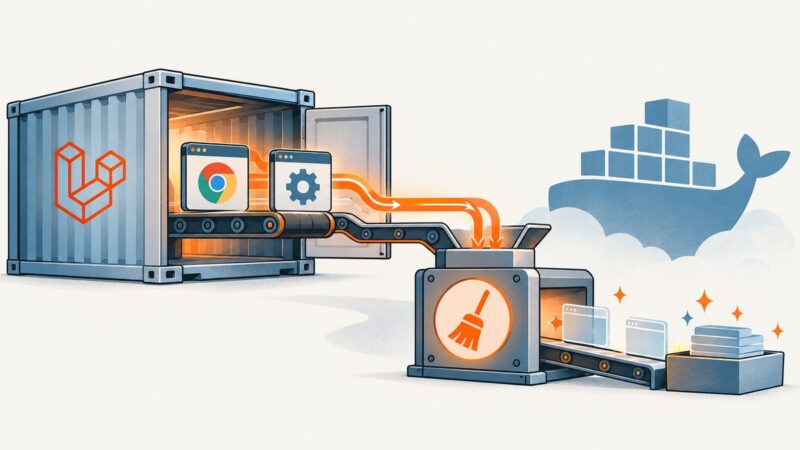
Make headless Chrome trust an internal HTTPS service in Selenium Docker. Choose the right NSS database, install the CA at build time, and troubleshoot common errors.
Build a reliable Puppeteer scraper in Node.js: install Chrome, wait for dynamic content, extract data, troubleshoot failures, and deploy it safely.
Use runner-relative artifact paths for portable Selenium IDE screenshots, and learn what works in the legacy IDE, browser extension, and exported WebDriver code.
Find which layer owns Chrome, close every WebDriver session, stop ChromeDriver once, and use Docker init correctly without masking lifecycle bugs.
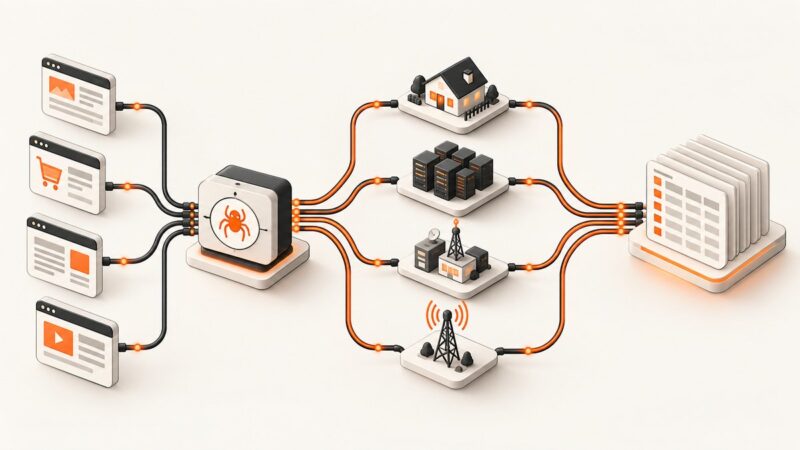
Learn how scraping proxies work, what residential, datacenter, ISP and mobile access really costs, and when a managed scraping API is cheaper.
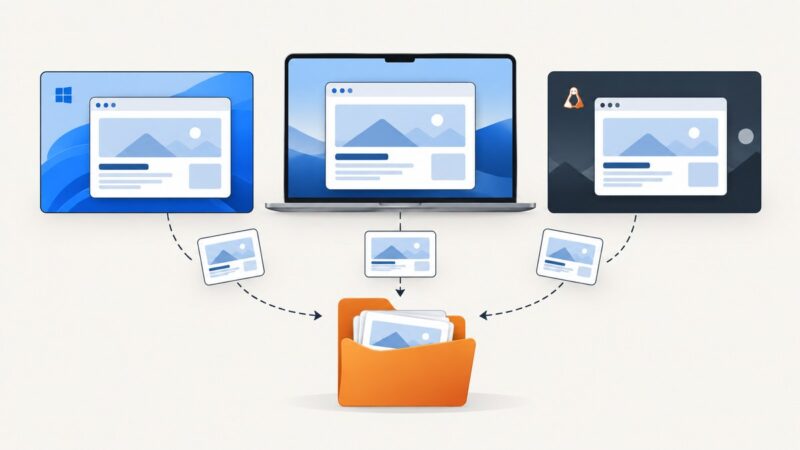
Capture a screenshot with Selenium 3, save it to disk, and check whether your browser driver included the whole page. Full-page capture depends on the driver.
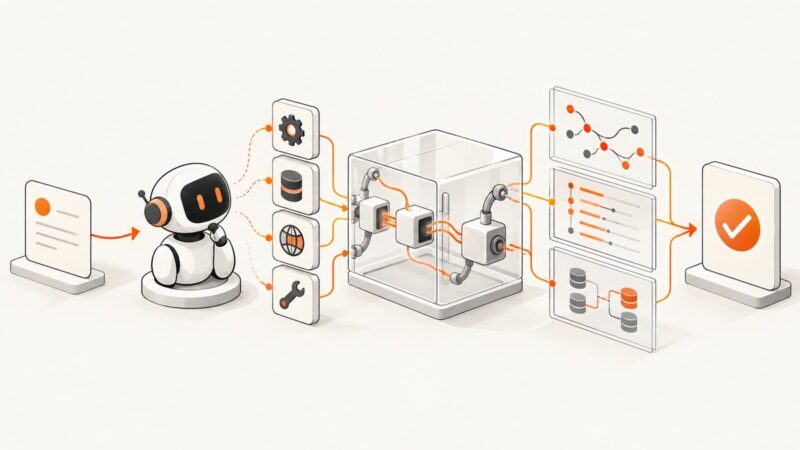
Build repeatable AI agent evaluations that check tool use, outcomes, conversation state, and safety—and interpret scores in context.
Learn which scraping metrics, data checks, alerts, and collection patterns keep large web scraping jobs reliable as they grow.
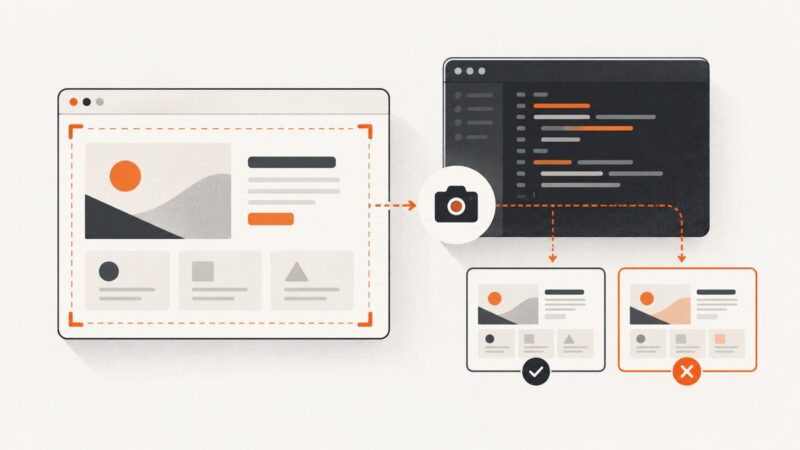
Capture pages, elements, and full pages with Playwright, save screenshots on test failures, and compare visual baselines reliably.
Run Puppeteer from Jupyter with a JavaScript kernel or Node subprocess. Install Chrome correctly, debug Linux failures, and capture screenshots reliably.
Design a crawler that can resume, scale across workers, respect per-host policies, and keep data reliable from discovery through storage.
Build reliable website-monitoring webhooks: event design, secure receivers, payloads, retries, testing, and integrations with incident tools.
Build secure PDF reports with Vercel, Lambda, S3, Puppeteer, queues, retries, and signed downloads.
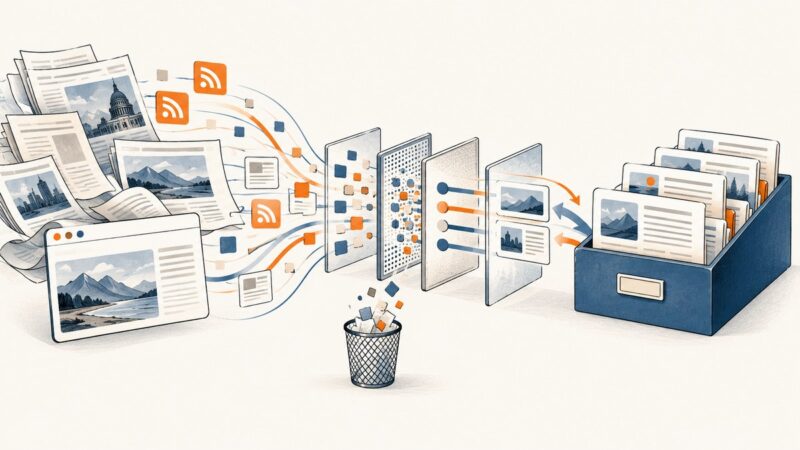
Build a news scraper that discovers, fetches, extracts, deduplicates, and stores articles while respecting publisher controls and access policies.
Use Muse with Playwright for interactive screenshots, or render public URLs with an MCP screenshot service. This guide covers setup, full-page captures, private pages, and fixes.