How to Diagnose and Fix a White Screen in Cypress
Find whether Cypress, your app, or a component is blank, then fix the errors, browser setup, dev server, CSS, and CI differences causing it.
Blog
How to take clean screenshots, turn HTML into images and PDFs, run headless browsers, and give AI agents eyes. Written by the team that builds ScreenshotNeo.
Find whether Cypress, your app, or a component is blank, then fix the errors, browser setup, dev server, CSS, and CI differences causing it.
Learn exactly how Puppeteer’s setViewport, --window-size, and page.resize differ, and choose the right setting for reliable screenshots and tests.
Separate missing emoji fonts from browser launch and font-loading failures, then diagnose Puppeteer in the Firebase runtime that produces your screenshot or PDF.
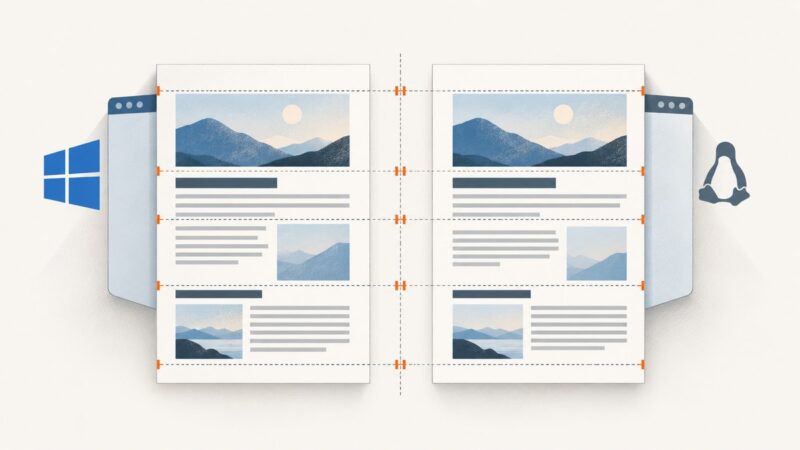
Fix Puppeteer PDF differences between Windows and CentOS by aligning Chromium, fonts, print settings, and document inputs. Use this step-by-step checklist to track down layout changes.
Run Puppeteer from Node.js to test a Vue app through its browser, choose reliable selectors, and troubleshoot common setup issues.
Learn how to place a screenshot inside Gmail or Outlook, fix attachment and size problems, and automate clean screenshots for email.
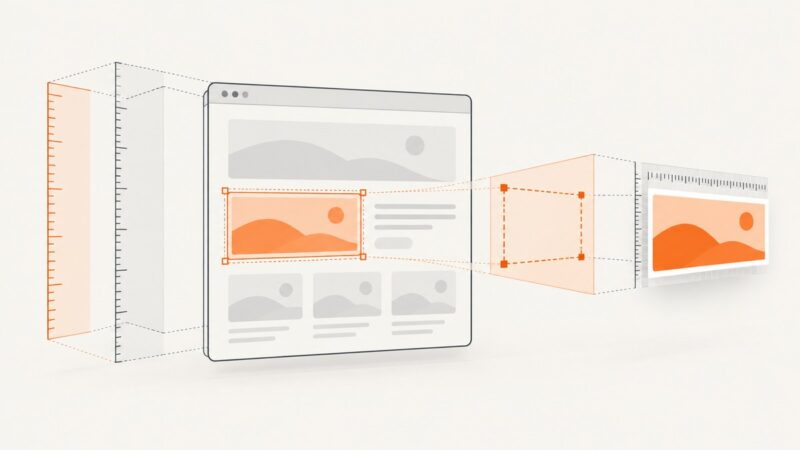
Learn when Puppeteer uses an element’s natural bounds, when to use clip, and how viewport and device scale affect screenshot pixels.
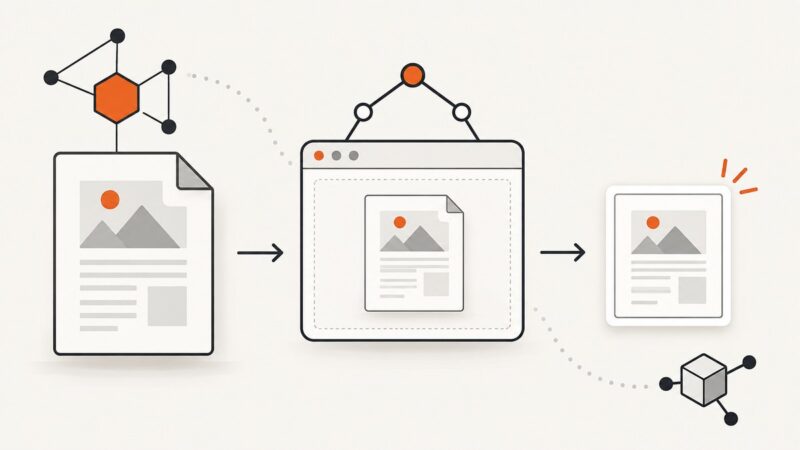
Find the PDF URL in a page’s frames or network requests, then retrieve and verify the original bytes with Puppeteer and Node.js.
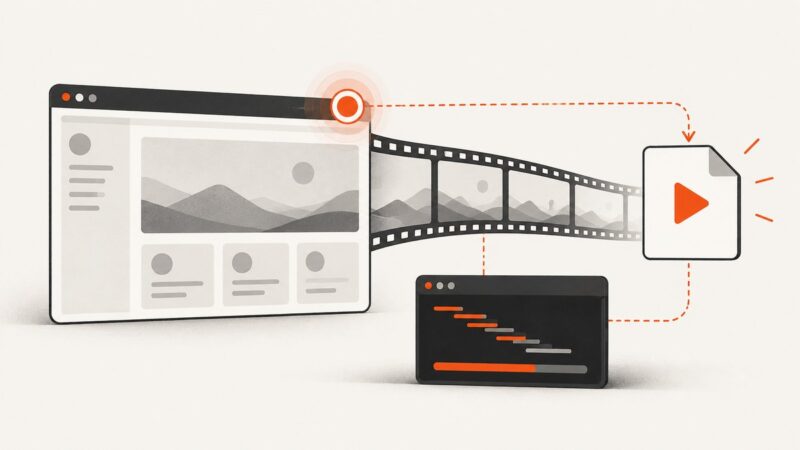
Record a website to MP4 with Puppeteer’s current Page.record() API, then use FFmpeg when you need conversion, stream remapping, or filters.
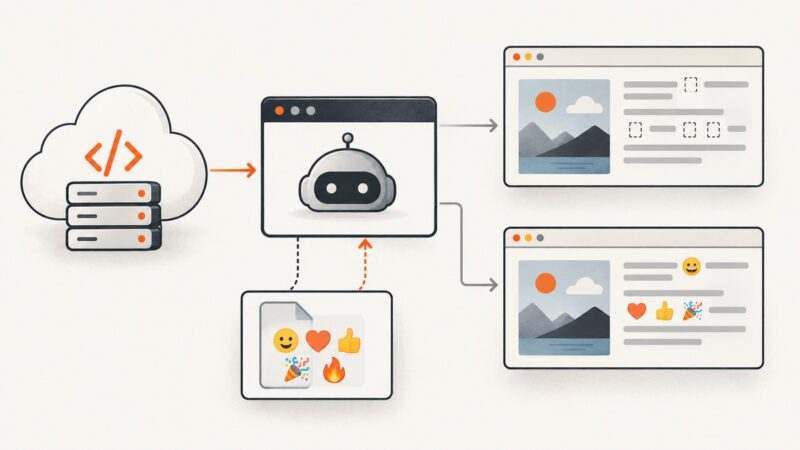
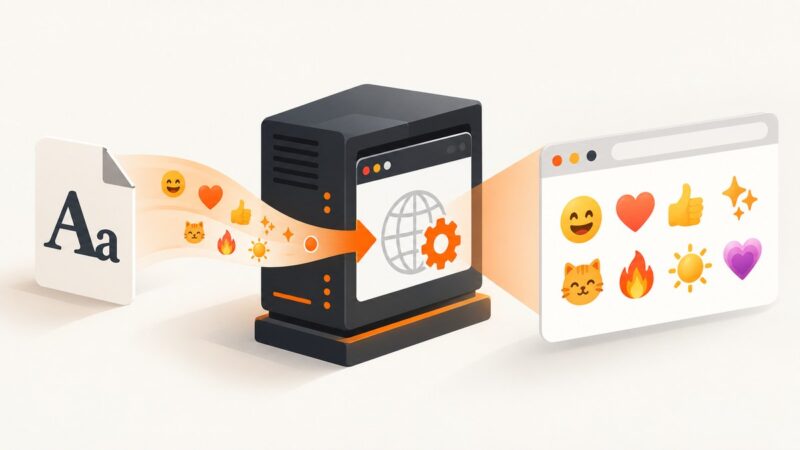
Fix missing emoji in Puppeteer by installing Noto Color Emoji in the runtime, checking font access, and waiting for fonts before capture.
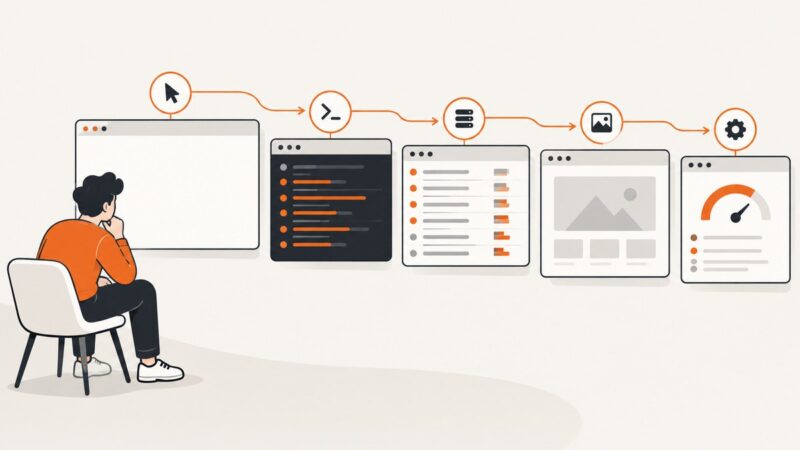
Diagnose blank Puppeteer screenshots with logs, network evidence, render checks, headful runs, and DevTools protocol tracing—without breakpoints.
Puppeteer’s “Invalid parameters” message is a protocol symptom, not a diagnosis. Find the failing command, inspect its arguments, and match the fix to the field and protocol involved.
Render a PDF page with PDF.js, wait for completion, and capture it reliably with Puppeteer in Node.js.
Pause the video, hide controls, and capture a clean frame on Windows, Mac, iPhone, Android, or Chromebook—with fixes for blur, black screens, and overlays.
Install, configure, compare, update, and troubleshoot Cypress image snapshots with reproducible baselines and CI workflows.
Open the X post link and capture the post with your device’s screenshot tools. Follow the steps for iPhone, Mac, or Windows, and keep the URL with the image.
Expand the complete thread on X, capture the full page in Firefox or Chrome, verify every post, and automate clean captures with ScreenshotNeo.
Capture a complete tweet or thread on iPhone, Android, or desktop. Choose the right method, prevent cutoffs, and save a shareable image or PDF.